A free-to-use, locally running, privacy-aware chatbot. No GPU or internet required
GPT4All is an ecosystem to run powerful and customised large language models that work locally on consumer grade CPUs and any GPU.

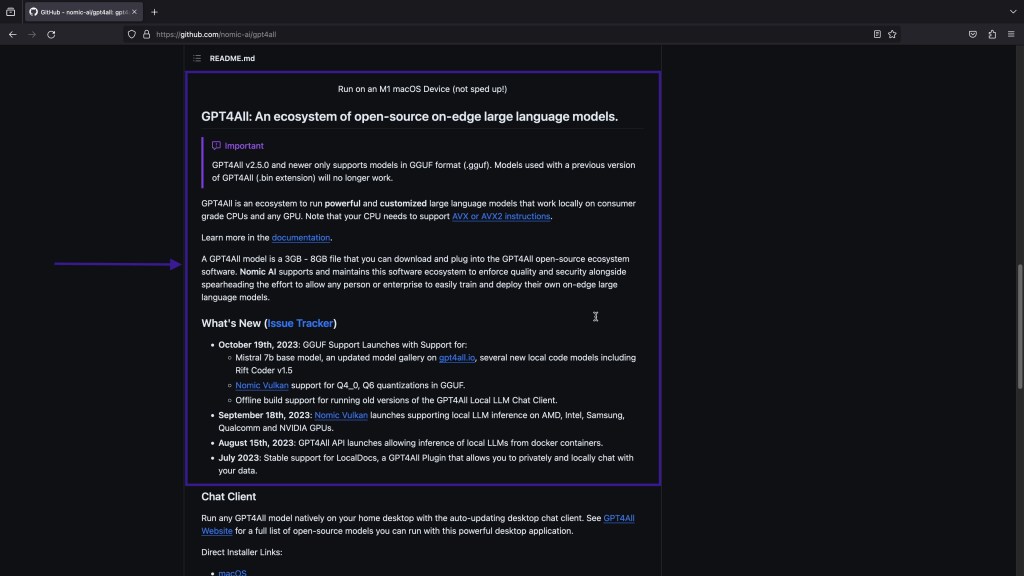
Where is Github Repository?
https://github.com/nomic-ai/gpt4all
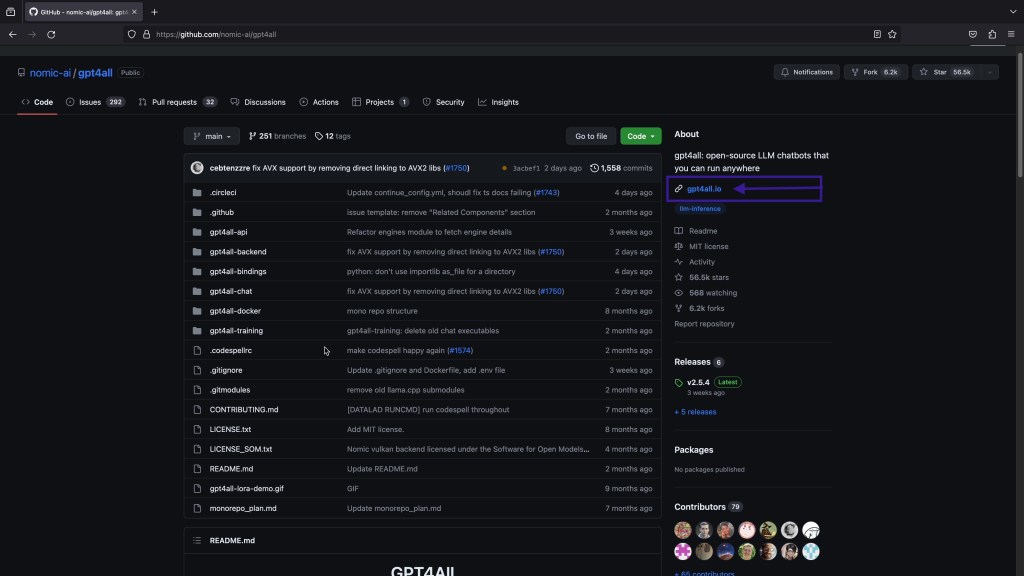
Where is Official Website?
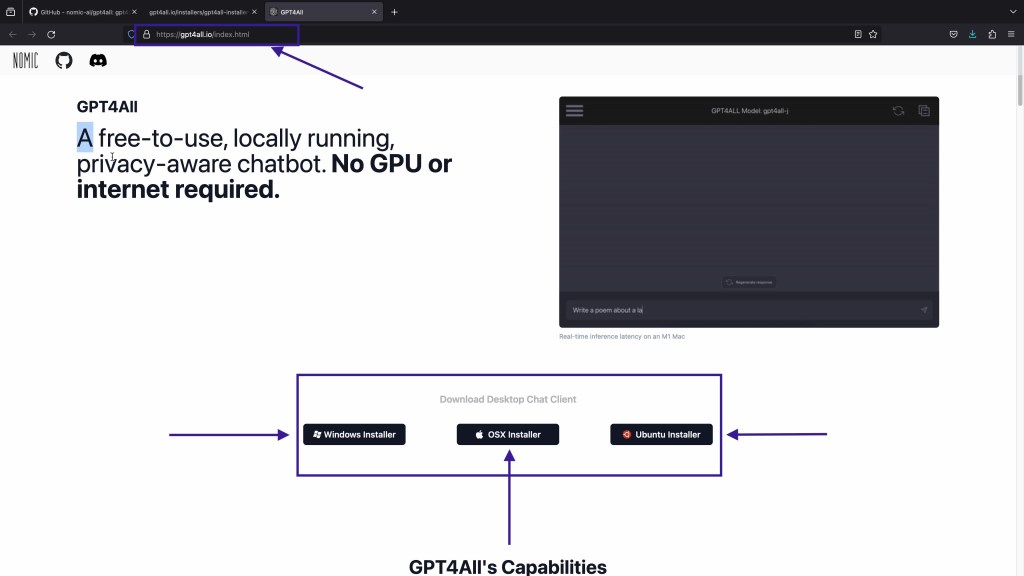
How Can I use GPT4All?

How GPT4All Works?
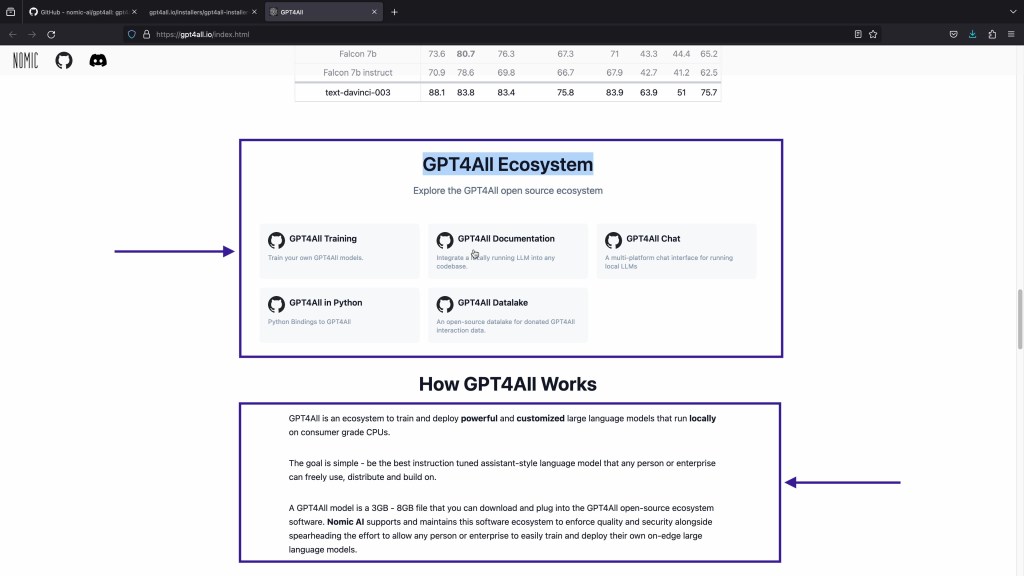
What are the different models available for GPT4All?
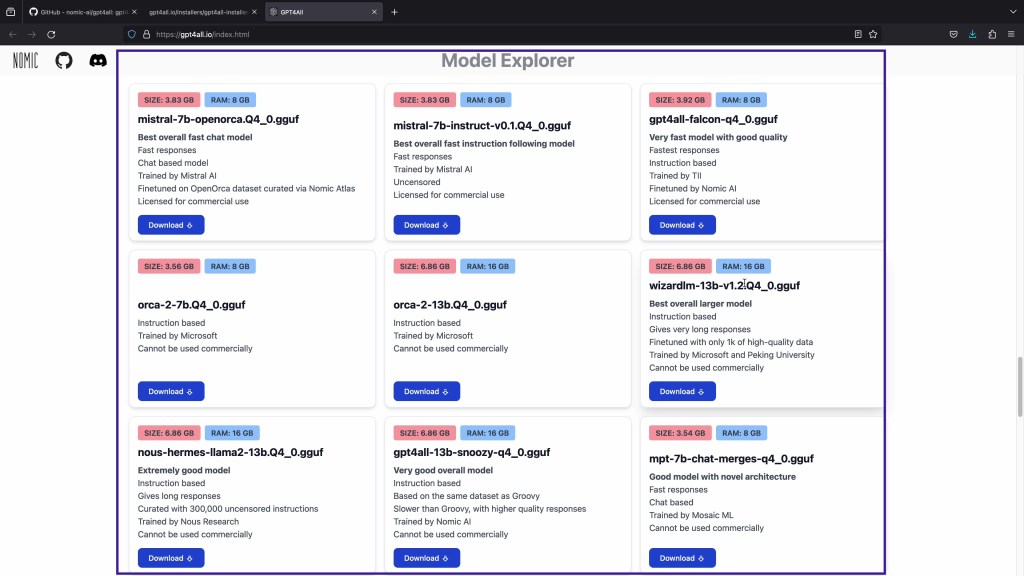
How Can I install locally?
Always Download the Installer from Github/Official Website.
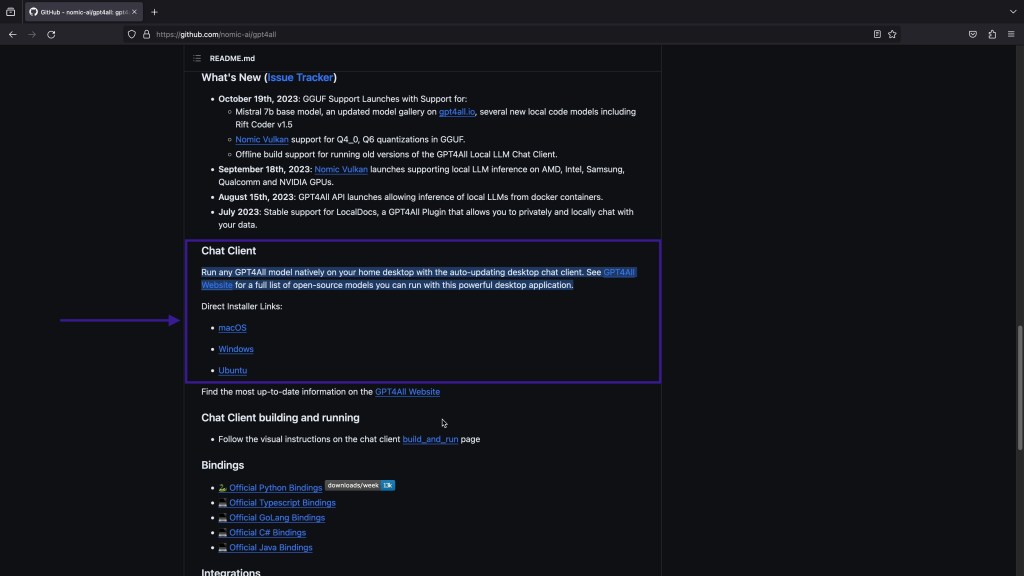
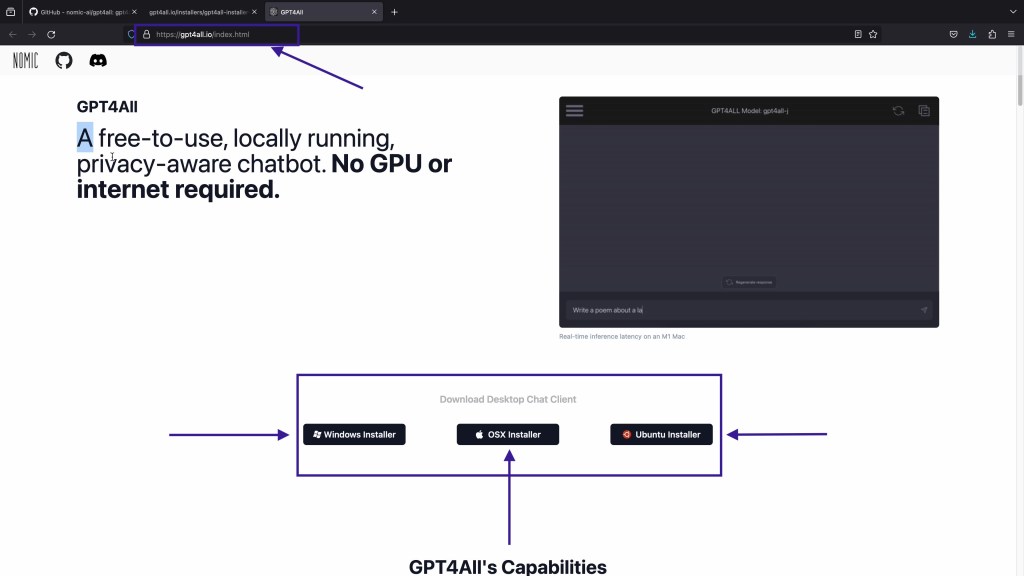
https://gpt4all.io/installers/gpt4all-installer-darwin.dmg
https://gpt4all.io/installers/gpt4all-installer-win64.exe
https://gpt4all.io/installers/gpt4all-installer-linux.run
Install on Mac OS
Double Click on Installer downloaded from Website.

It will ask for admin authorisation to install software

Double click the installer again.
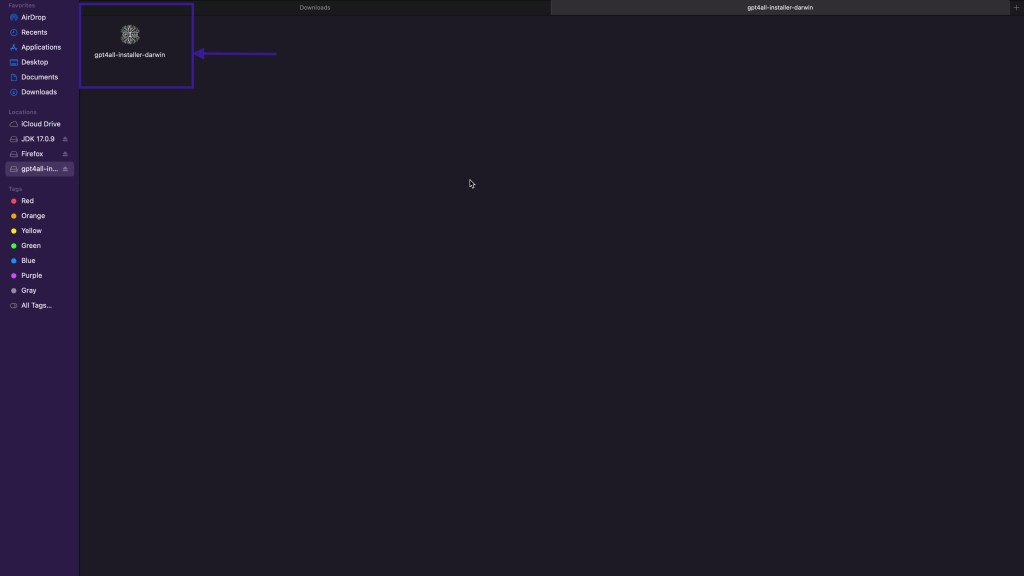
Click on Install
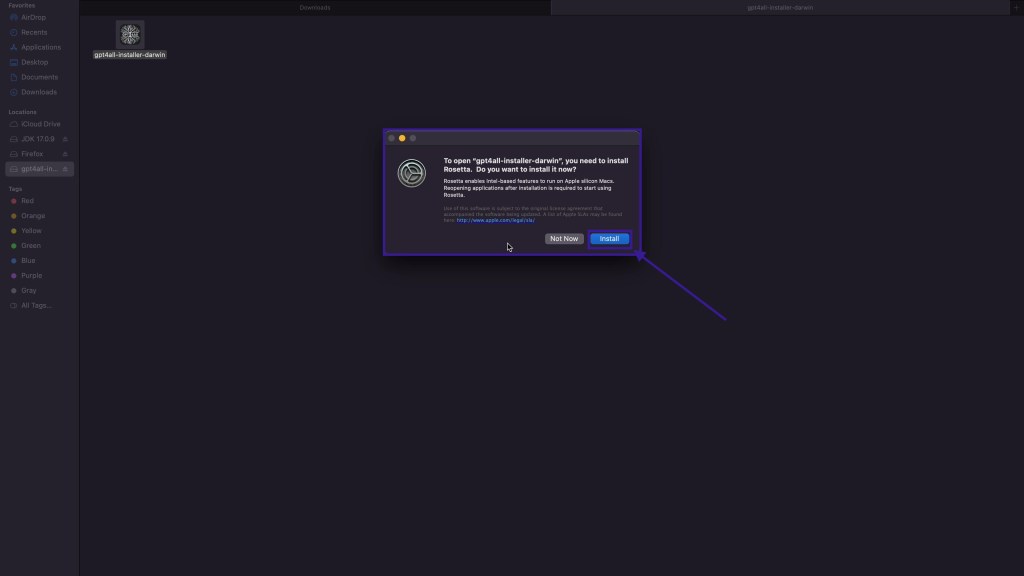
It will take 2 to 3 minutes to Install
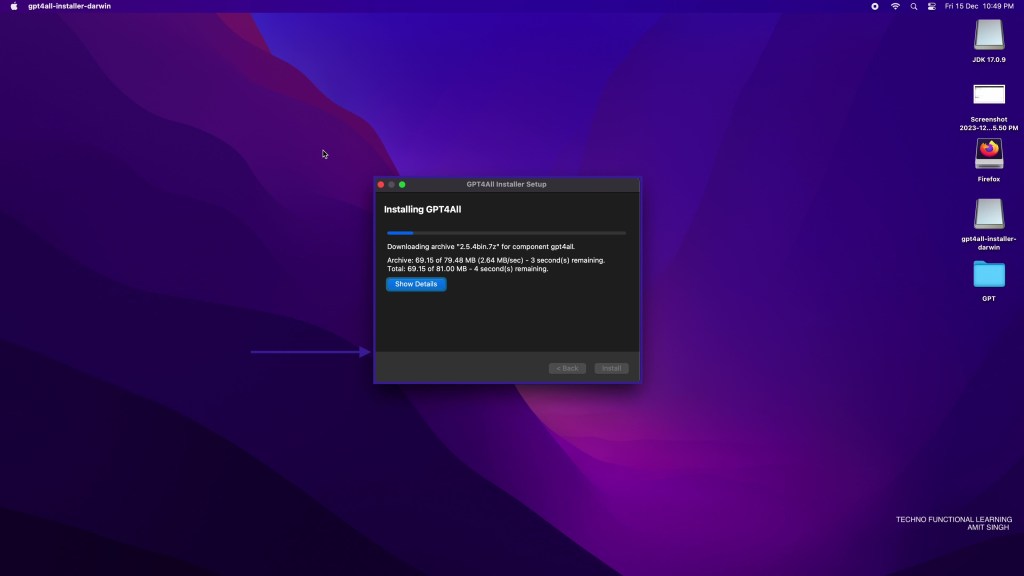
After Installation is complete, there will be GPT4All shortcut on Desktop, To start double click on Installer.

Install on Windows
The process for downloading the installer is same as above, Once you have installer downloaded then double click to start the installation process.

Click on Next

Choose the Installation Directory and click on Next

Click on Next
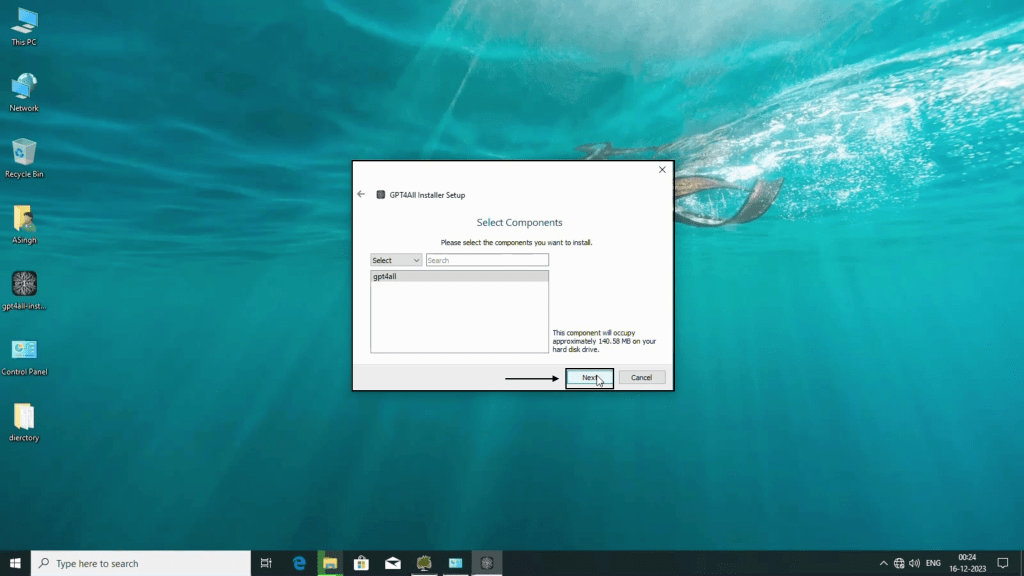
Accept the Terms and Conditions of the software and click next

click next

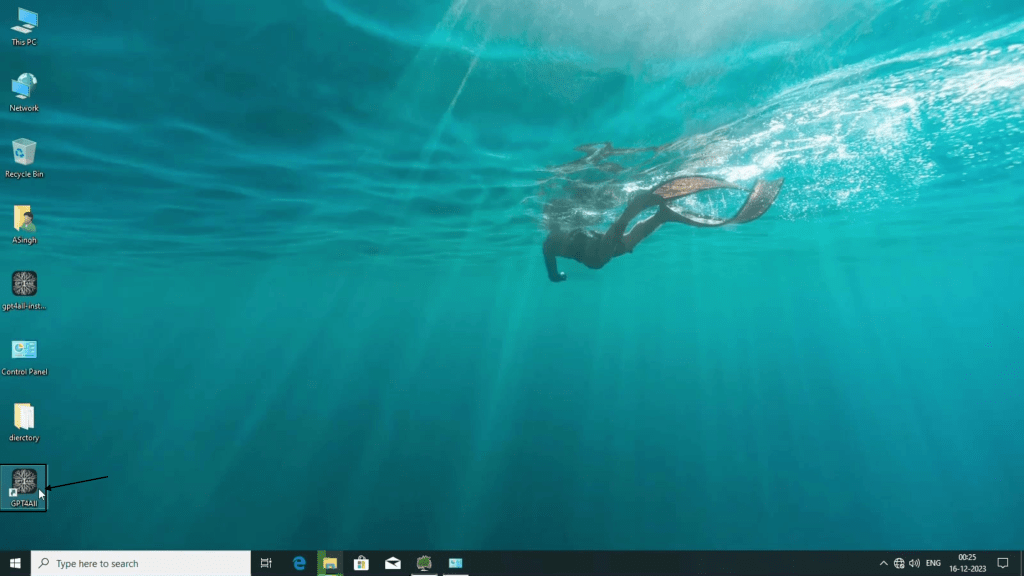
click finish to complete the installation and there will be desktop shortcut after installation is complete.
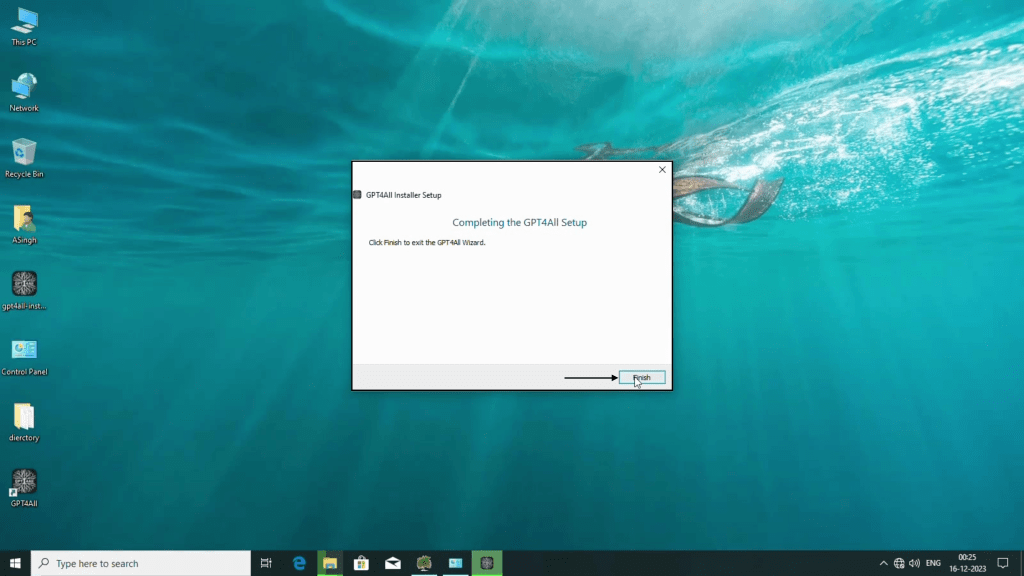
Double click the GPT4All shortcut to start GUI.
Install on Ubuntu
First download the installer from Website or Github, then double click the installer to start installation process.

Click next to proceed further.
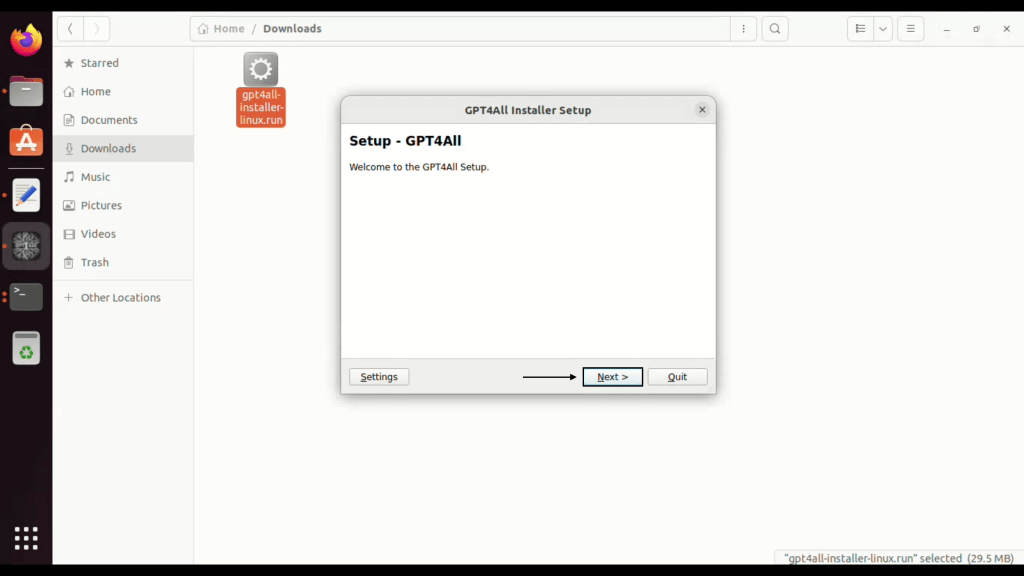
Choose the installation Directory (make sure it is empty) and then click next

click next

Accept the terms and condition of software and click on next.

Click on Install

It will take few minutes to complete the installation, Once installation is done click on Finish.

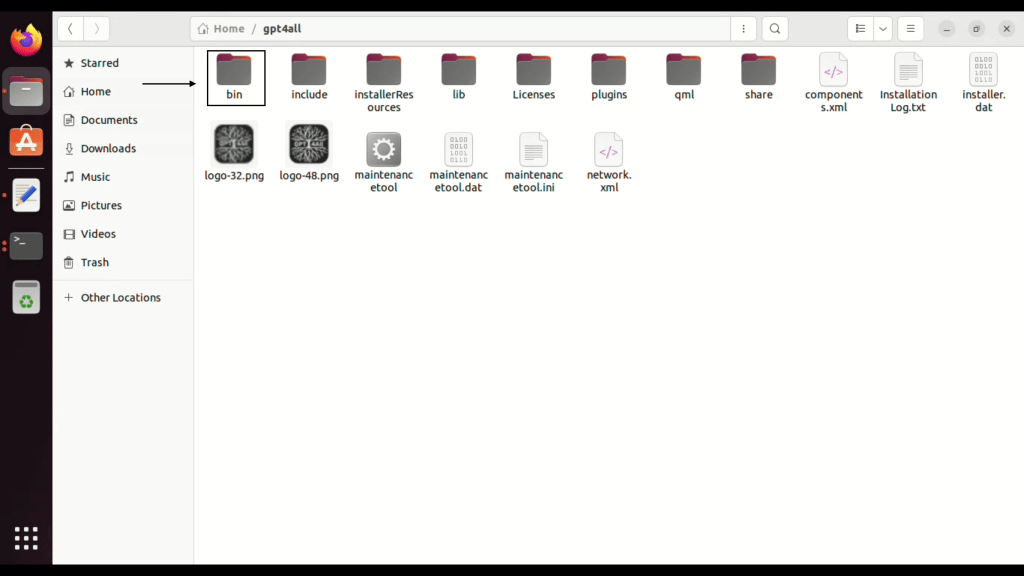
Now you can start GPT4All from Desktop shortcut or from bin folder.
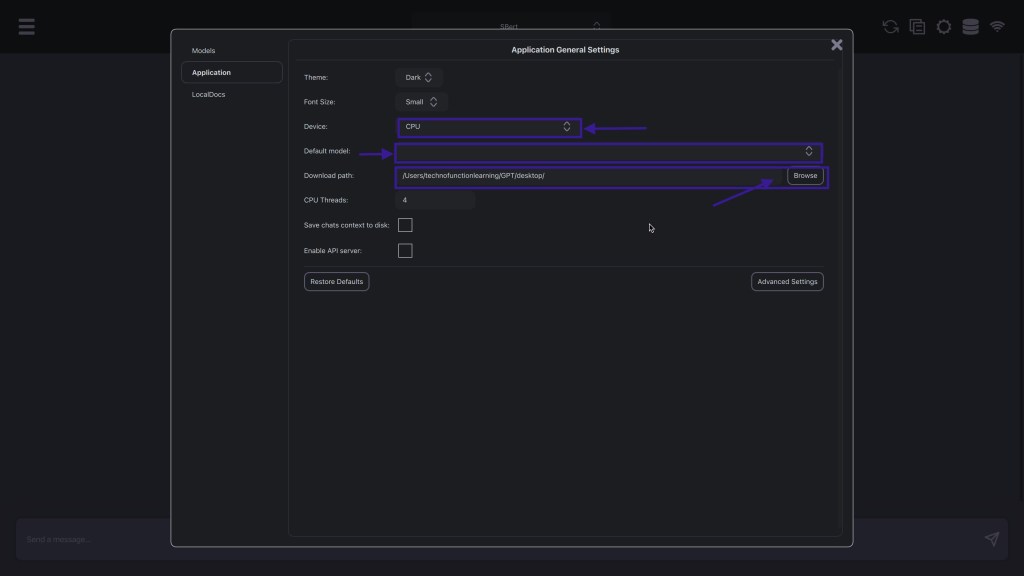
Once Installation is Complete in All systems, Click on setting to have basic adjustments.

Choose Default Model

If you have downloaded models manually then you can change the path for models directory
click on Localdocs to assign documents collections

Create collection name and choose documents folder by clicking on browse and then add.

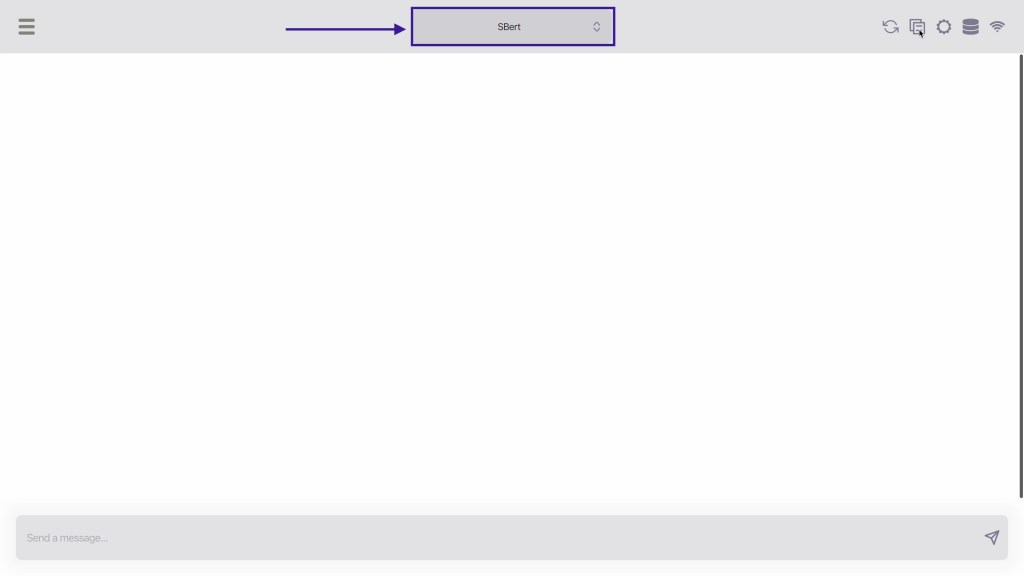
You can also change model in front screen of GPT4All.
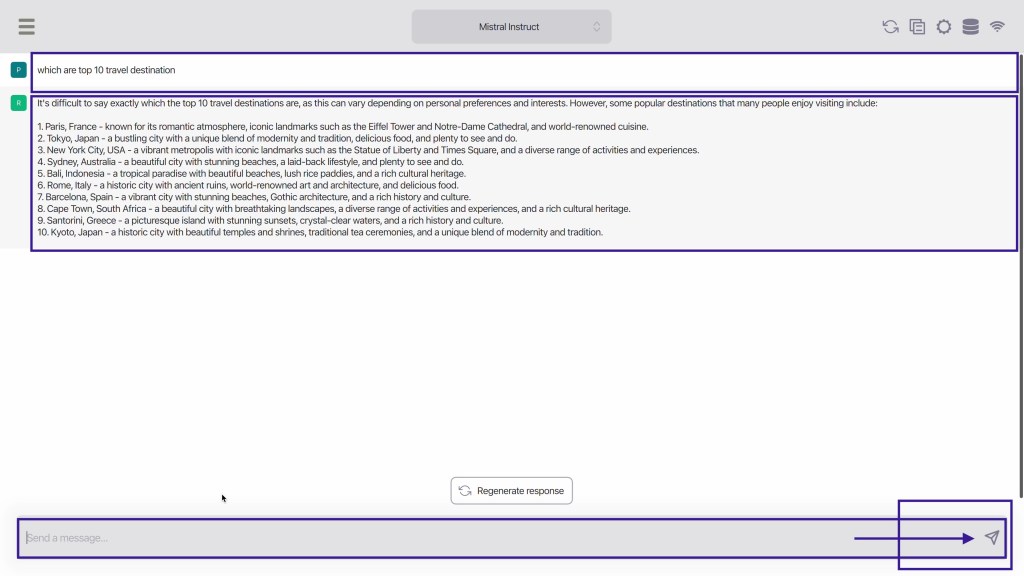
Now start asking question, Ask about top travel destinations.
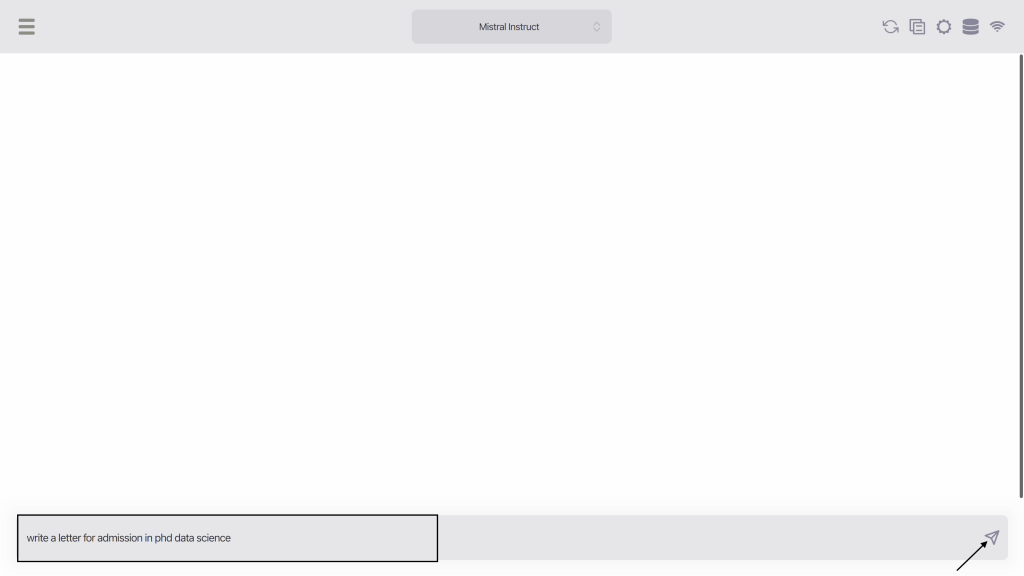
Ask to write a letter for admission in university.
Get the answer from GPT4All

Ask to write Job Application.

Get the Application created in response.

Ask to write a story

Get the answer from GPT4All

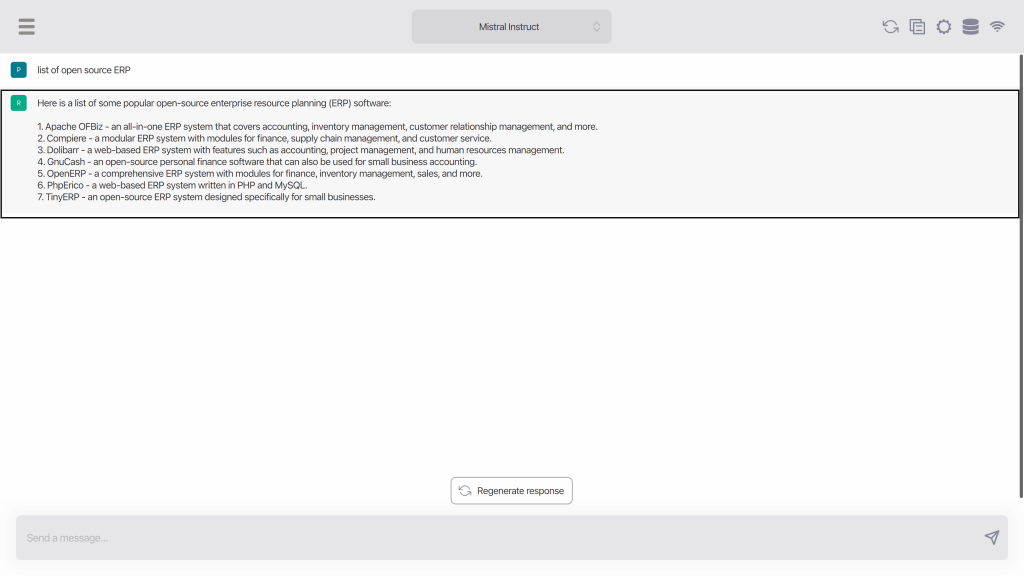
Ask about open source softwares
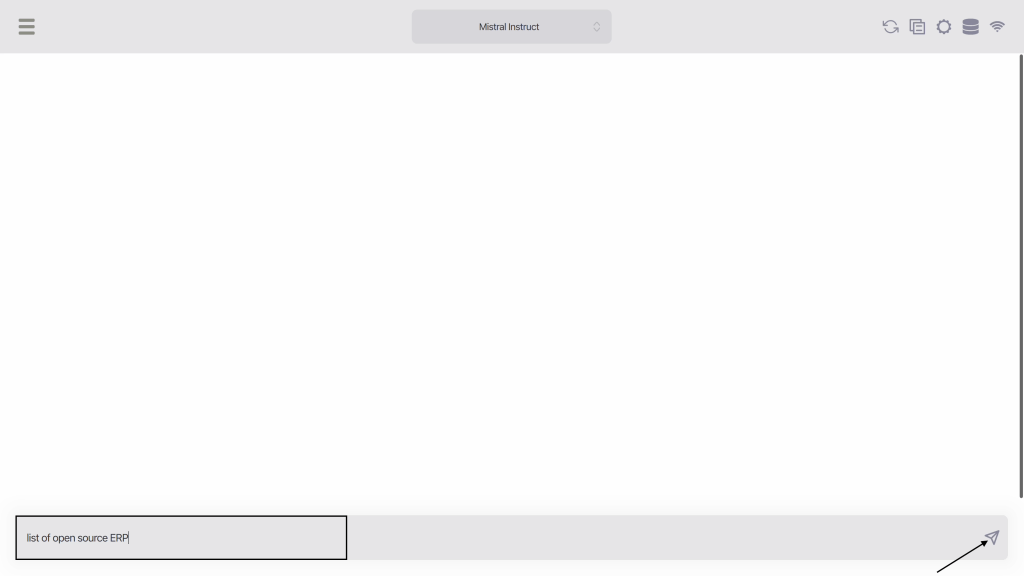
Get the answer from GPT4All
Ask about software installation

Get answer from GPT4All

Ask to create docker file
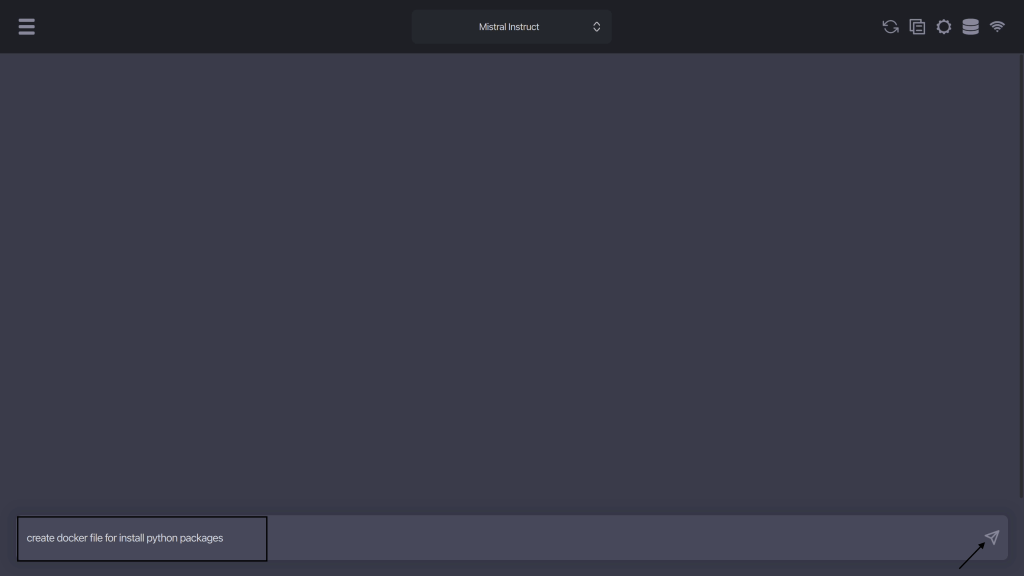
Get the answer from GPT4All

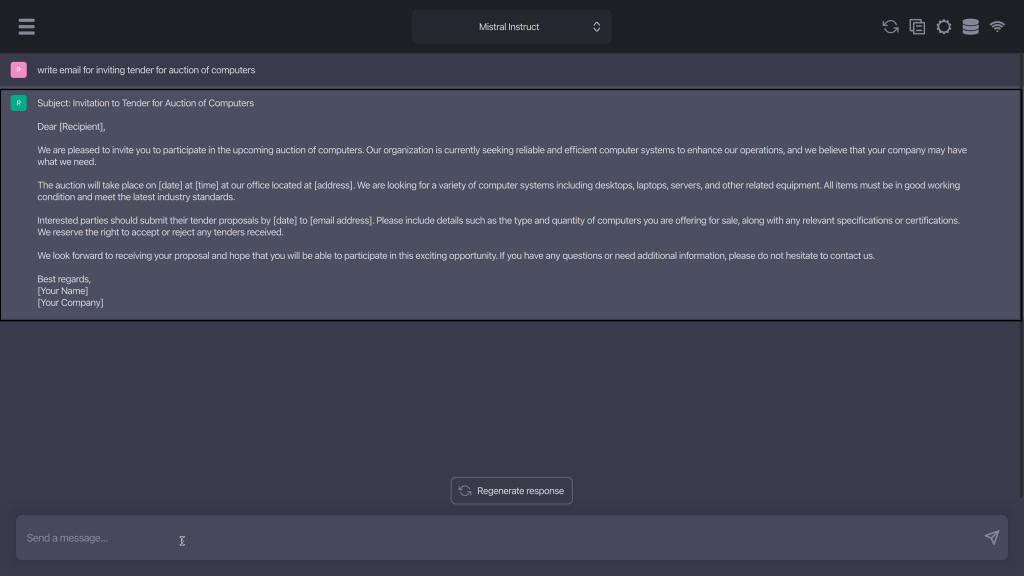
Ask to write emails

get the email created by GPT4All
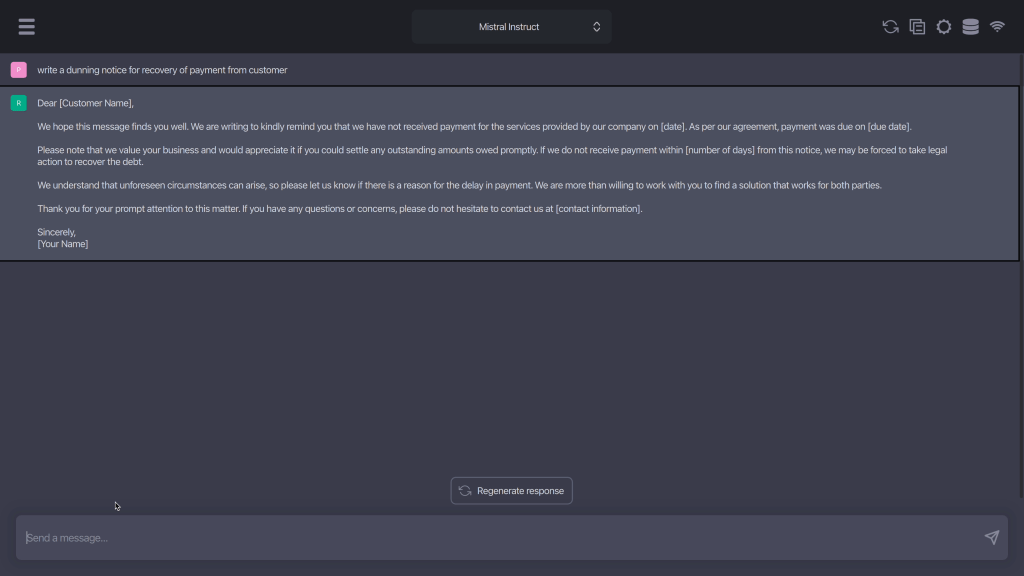
Ask to create Dunning/Payment Recovery Notice
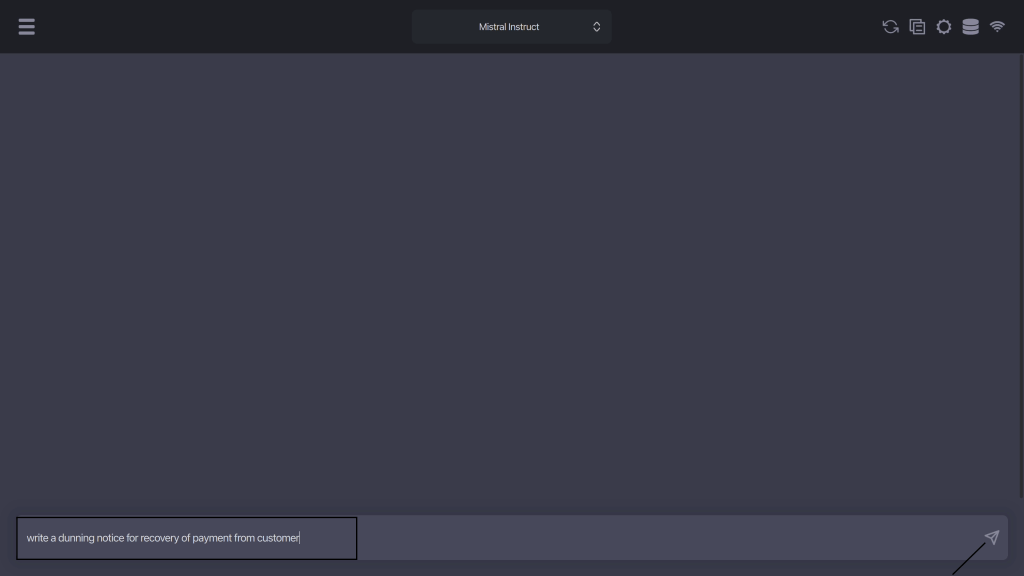
Get the Notice created by GPT4All
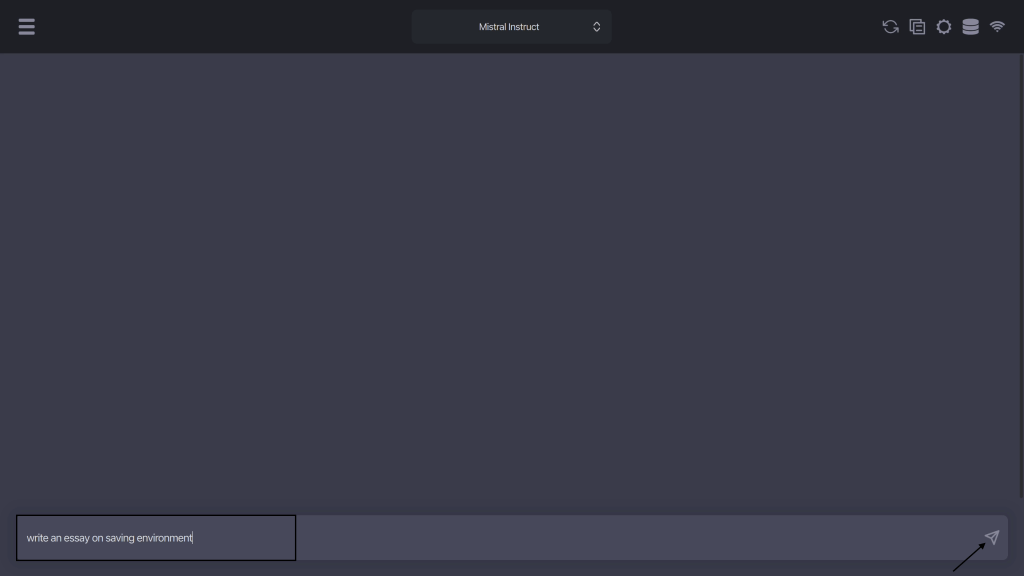
Ask to write an essay
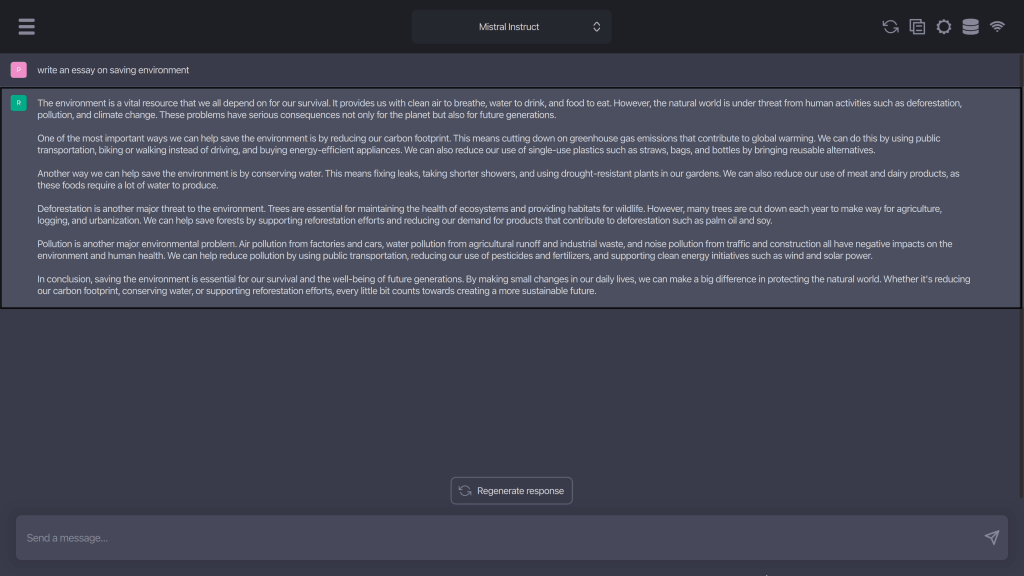
Get Essay from GPT4All
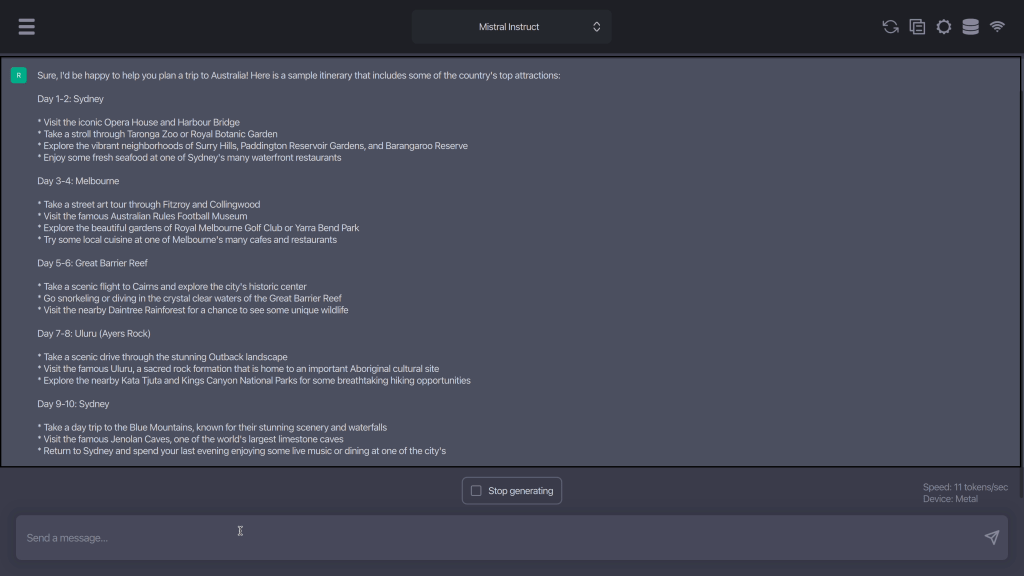
Ask to create itinerary

Get the itinerary created by GPT4All
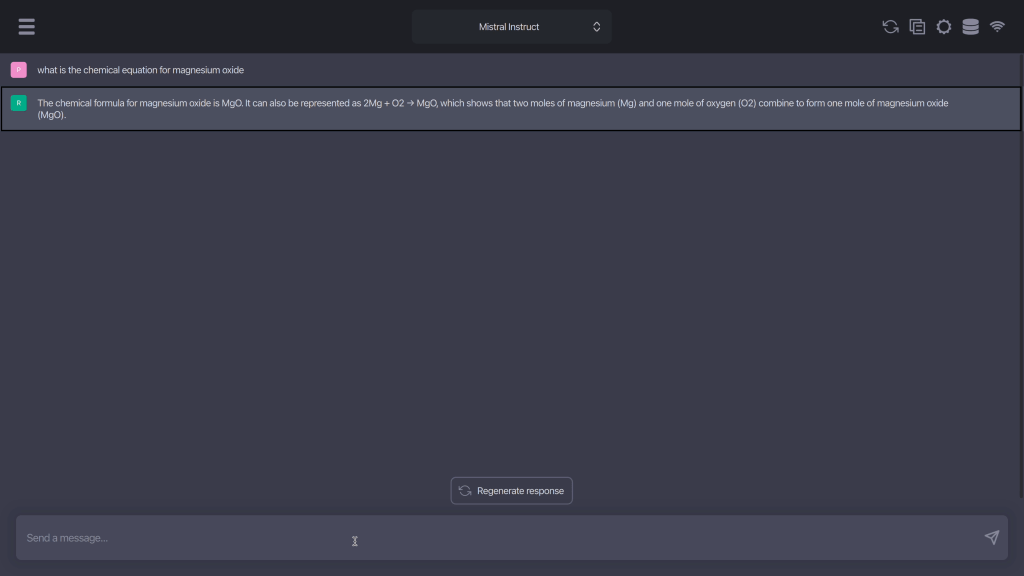
Ask Questions about academics
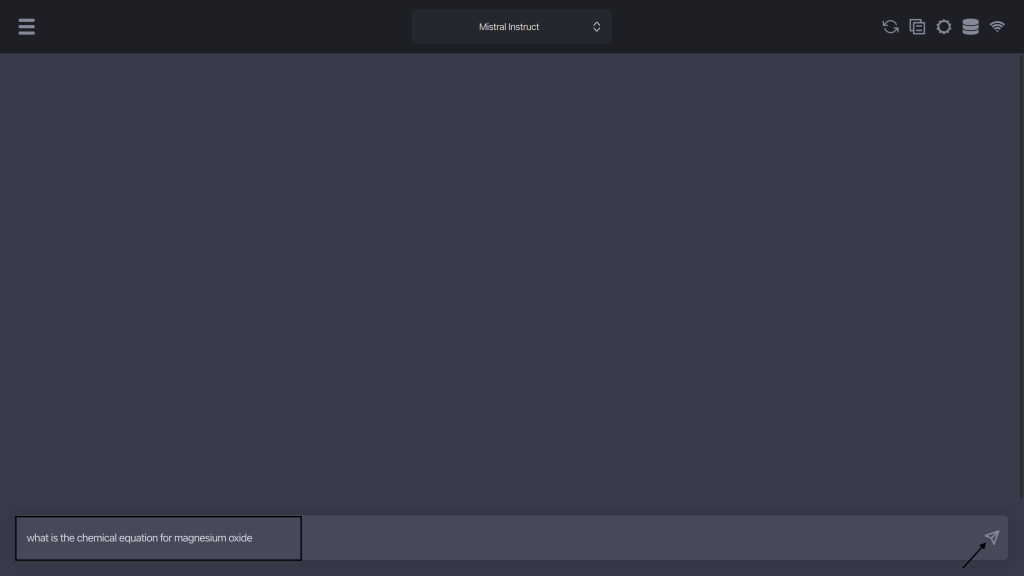
Get answers from GPT4All.
Summary:
GPT4All is Easy to deploy, Provide fast responses without the need for technical knowledge.
Happy Talking with GPT4All.
 TechnoFunctionalLearning
You must be logged in to post a comment.