In This Tutorial, You will learn How to Quickly Install Apache Superset in MacOS & Ubuntu 22.04.
I suggest to Install Miniconda before Installing Apache Superset in MacOS & Ubuntu 22.04, Also Install Developer tools in MacOS.
To Install Miniconda, You can visit official website at below links and find the installer of python3.10 for MacOS and Linux, Kindly note that for MacOS choose Apple Silicon or Intel Based pkg package.
https://docs.conda.io/projects/miniconda/en/latest/miniconda-other-installer-links.html
Here is the link for Apache Superset Repository
https://github.com/apache/superset
Here is the Link for Apache Superset Website
Apache Superset Installation in MacOS and Ubuntu 22.04
For Ubuntu 22.04
OS Dependencies
Superset stores database connection information in its metadata database. For that purpose, we use the cryptography Python library to encrypt connection passwords. Unfortunately, this library has OS level dependencies.
To Install Dependencies type below command in Ubuntu 22.04 and Press Enter.
sudo apt-get install build-essential libssl-dev libffi-dev libsasl2-dev libldap2-dev default-libmysqlclient-dev
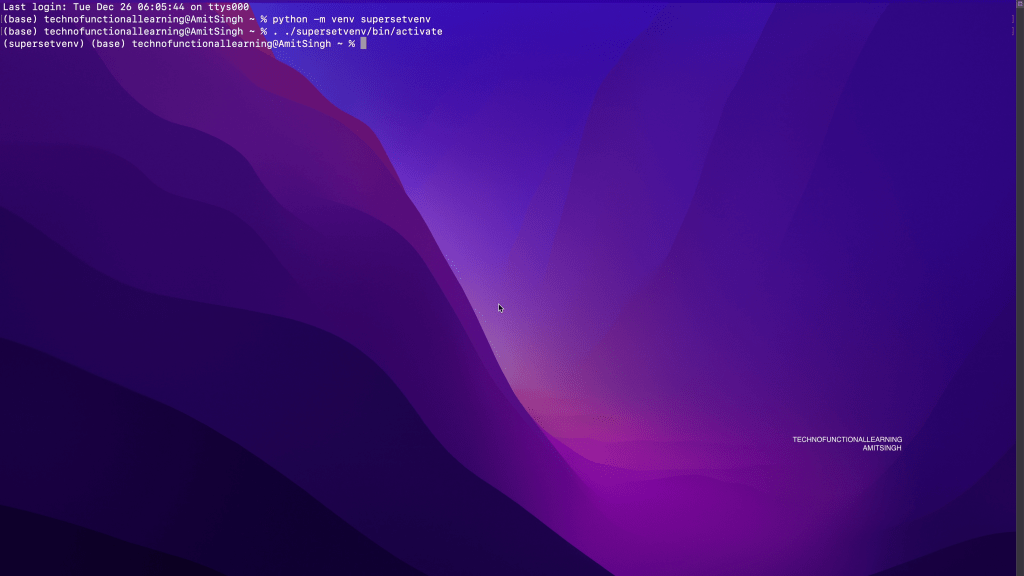
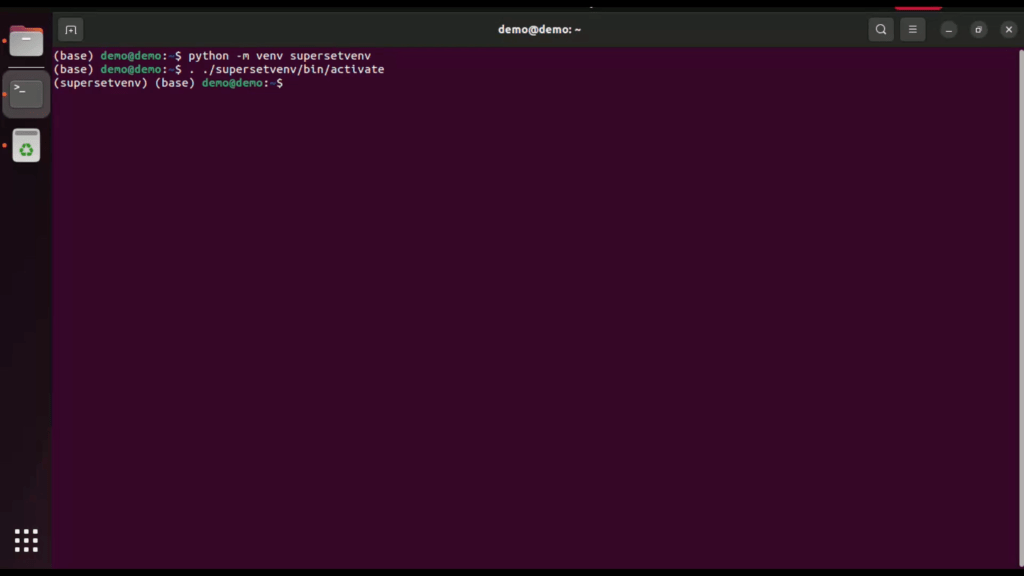
Create and Activate Python Virtual Environment by typing these two commands in MacOS and Ubuntu 22.04
Python -m vent supersetvenv
. ./supersetvenv/bin/activate
MacOS
Ubuntu 22.04
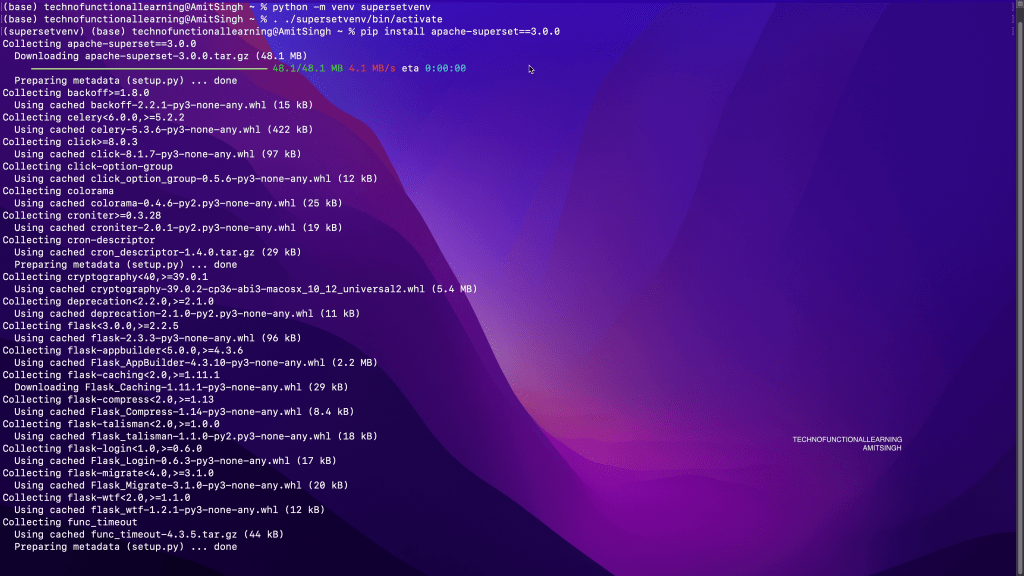
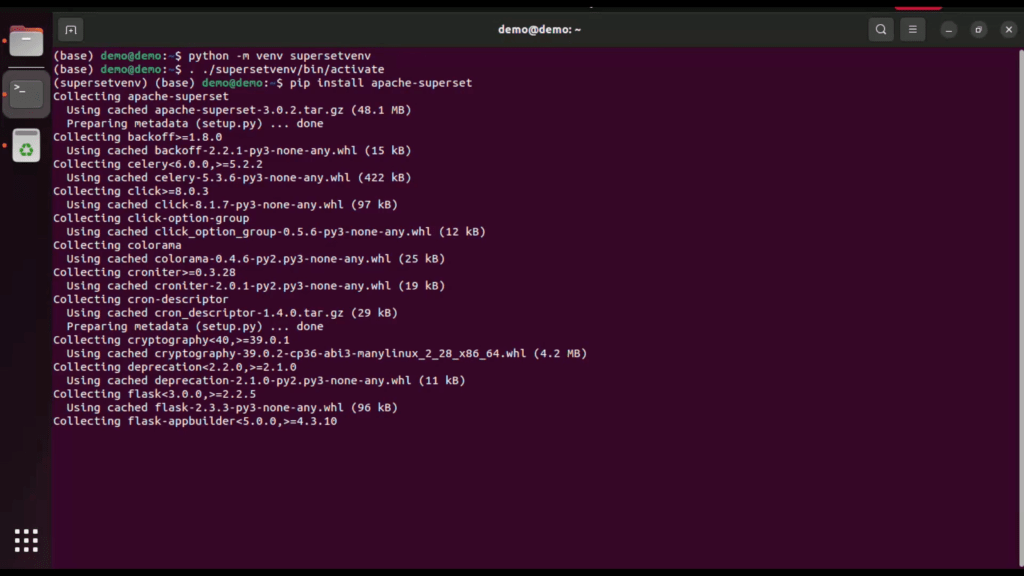
Now type below command to Install Apache Superset
pip install apache-superset
**if you need to install any specific version then just add version shown in screenshot**
MacOS
Ubuntu 22.04
Now type below command so that system recognise superset command
export FLASK_APP=superset
For MacOS
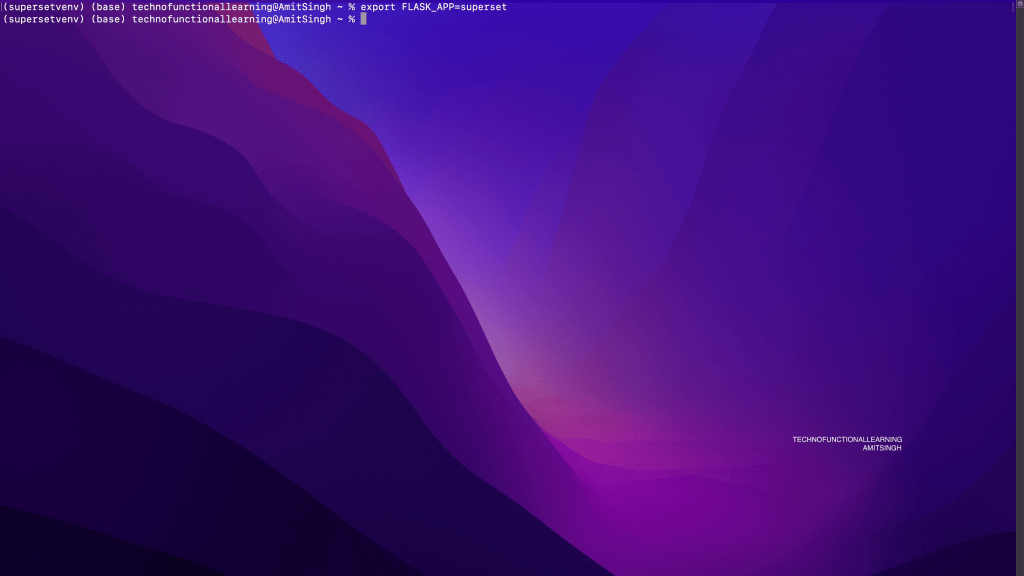
For Ubuntu 22.04
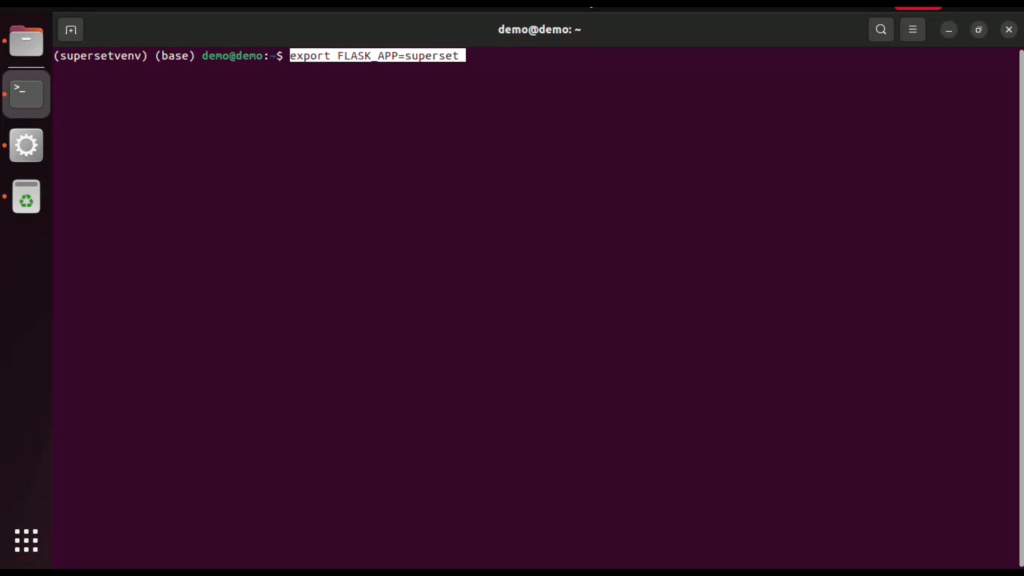
Note that some configuration is mandatory for production instances of Superset. In particular, Superset will not start without a user-specified value of SECRET_KEY
You can generate a strong secure key with
openssl rand -base64 42
For MacOS

For Ubuntu 22.04

Once system generates secret key then add that key to config.py in superset folder
For MacOS
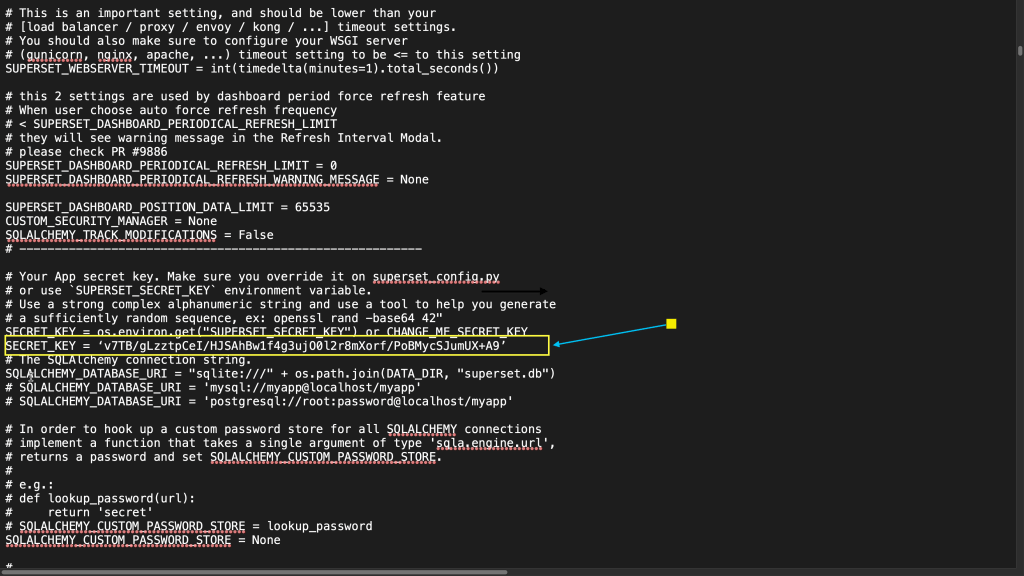
For Ubuntu 22.04:
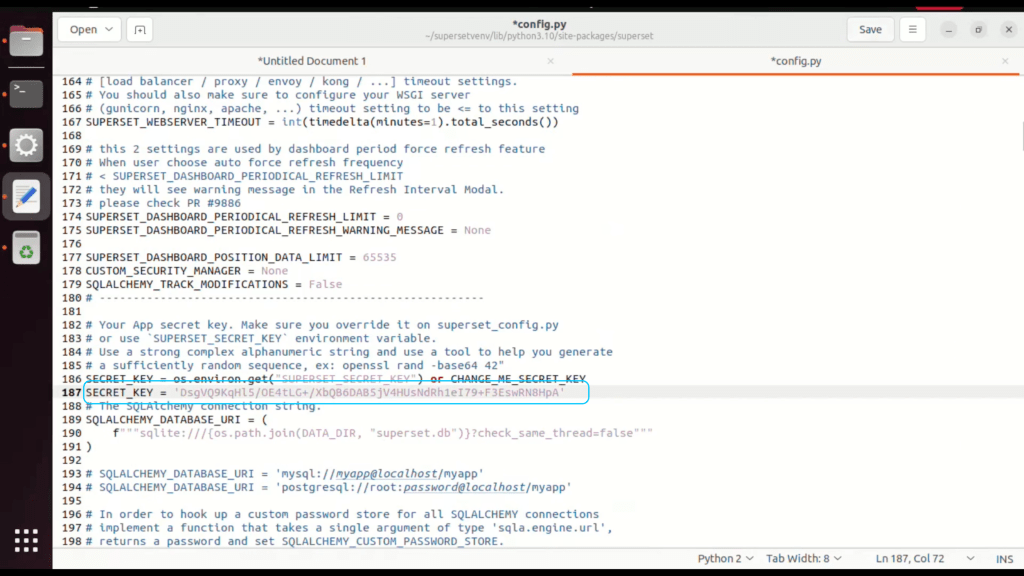
Now You need to Initialise the database, Type Command below command in MacOS and Ubuntu 22.04
Superset db upgrade
MacOS
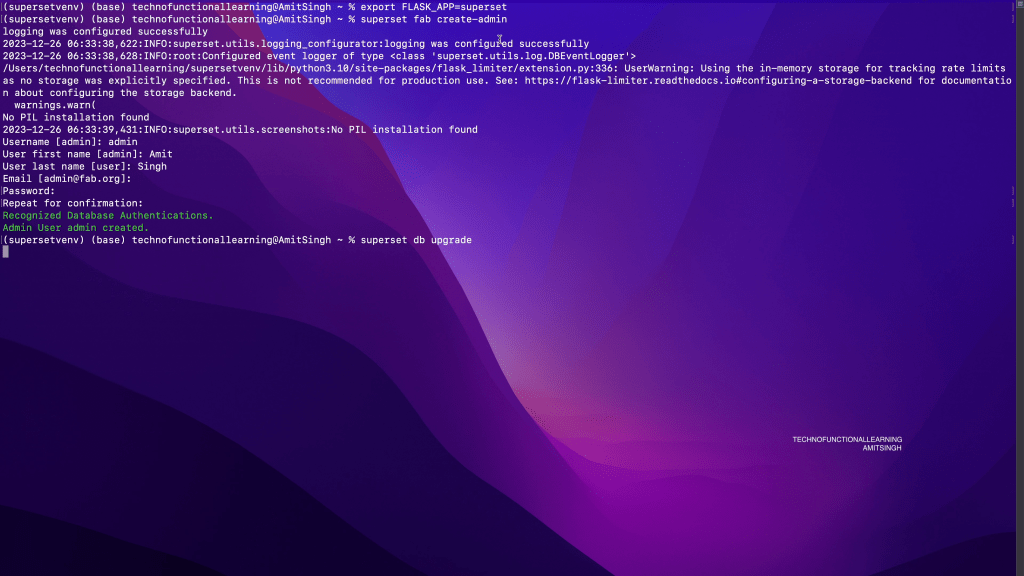
Ubuntu 22.04

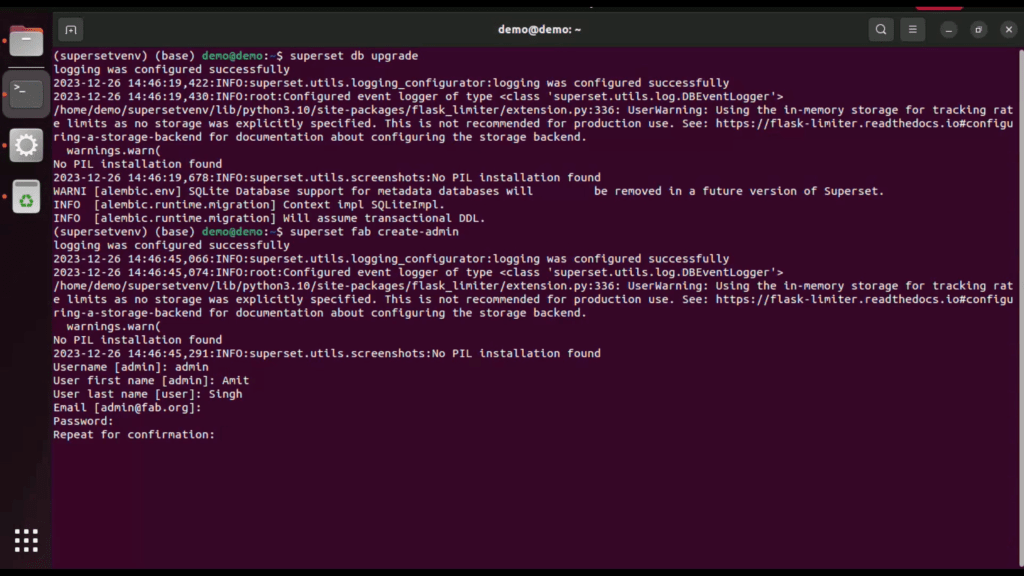
Create an admin user in your metadata database (use `admin` as username to be able to load the examples)
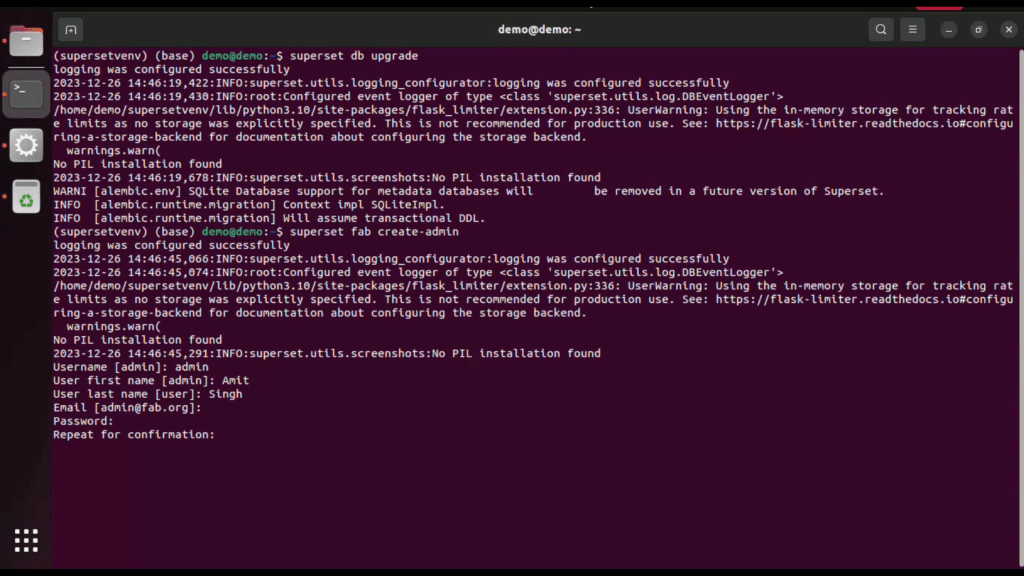
Type Below command in MacOS and Ubuntu 22.04 and press enter to create admin user
superset fab create-admin
MacOS
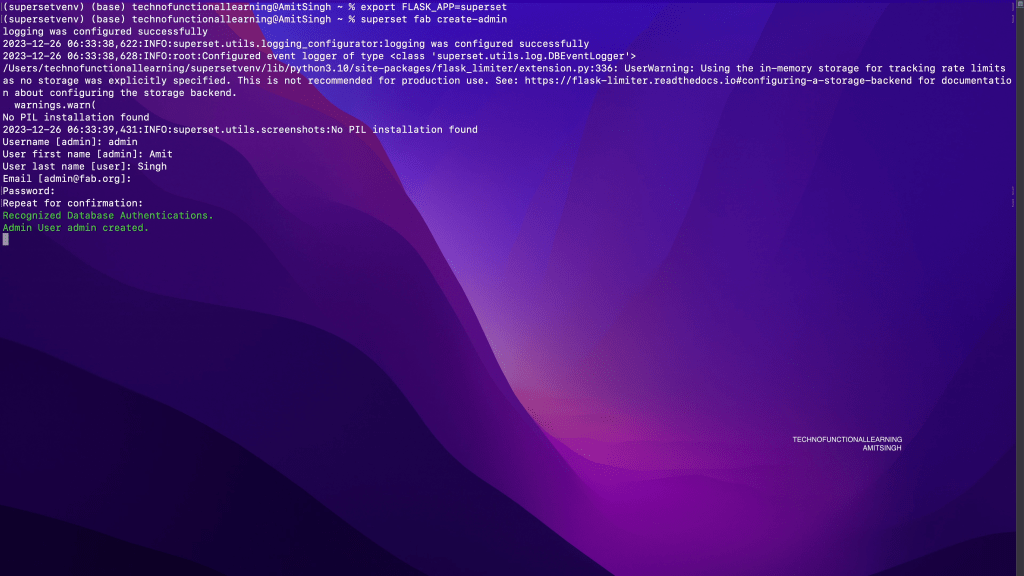
Ubuntu 22.04
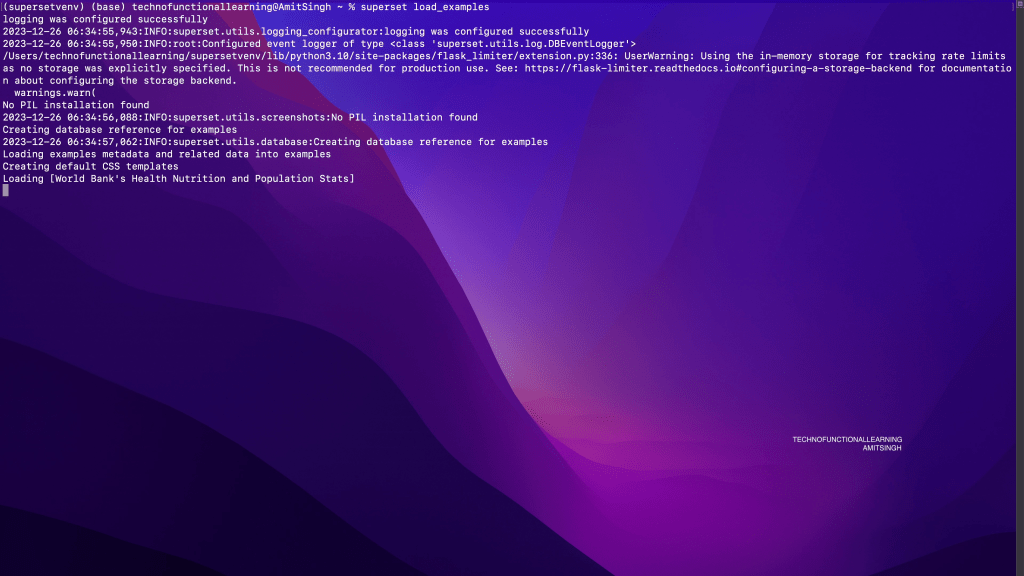
Now load some data with below command and Press Enter
superset load_examples
MacOS

Ubuntu 22.04
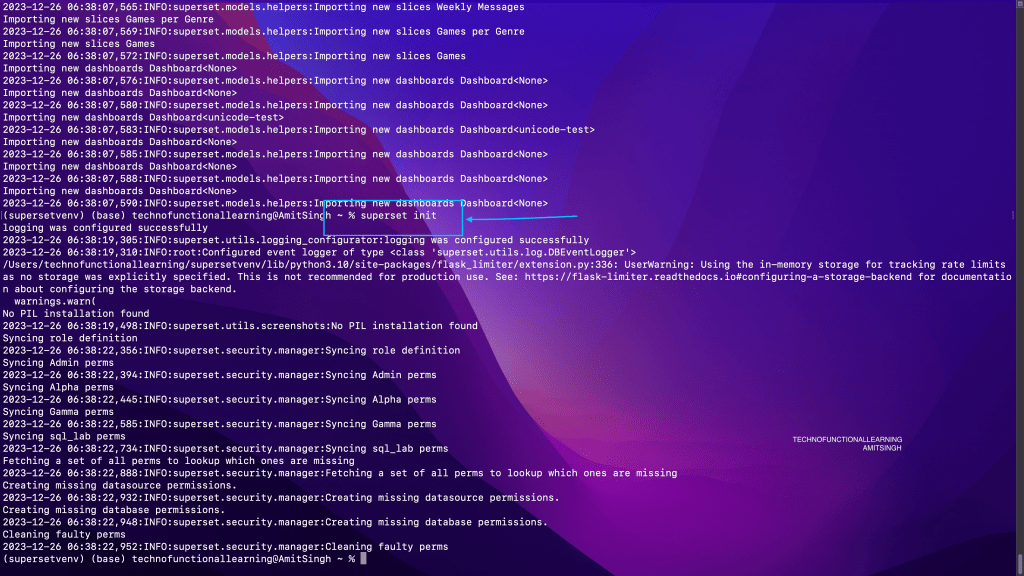
Create default roles and permissions with below command and Press Enter
Superset init
MacOS
Ubuntu 22.04

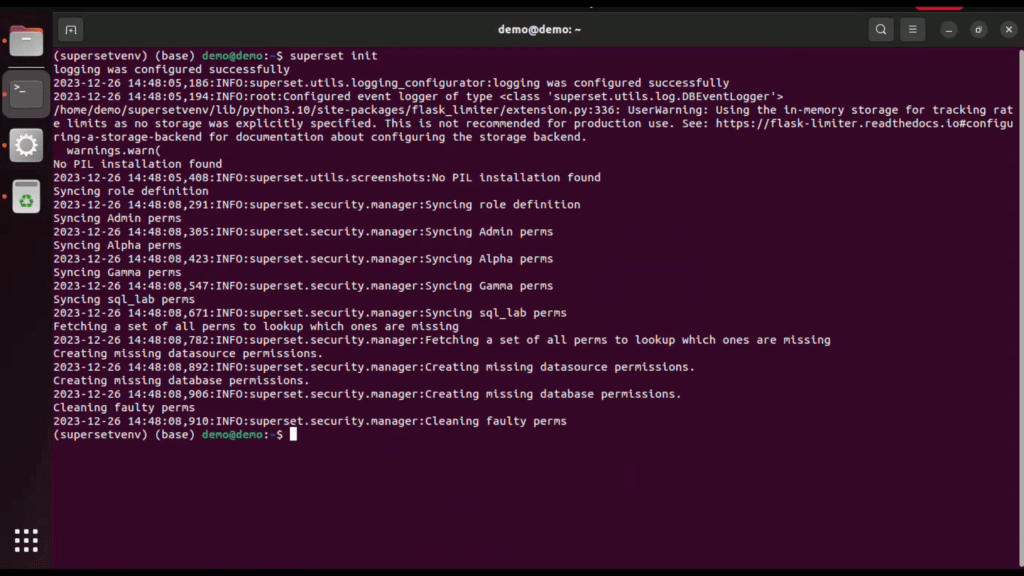
Create default roles and permissions with below command and Press Enter
Superset init
MacOS
Ubuntu 22.04
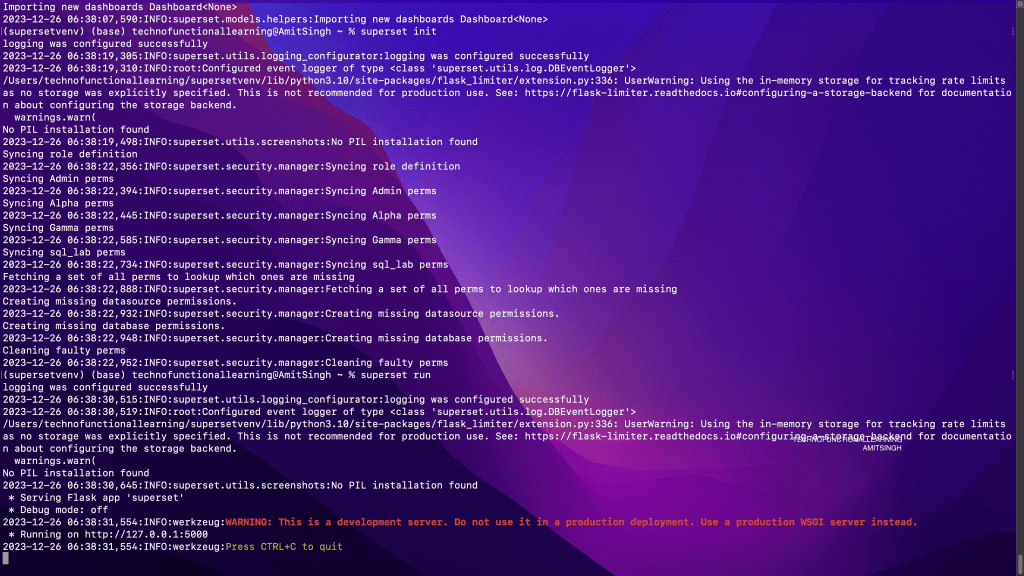
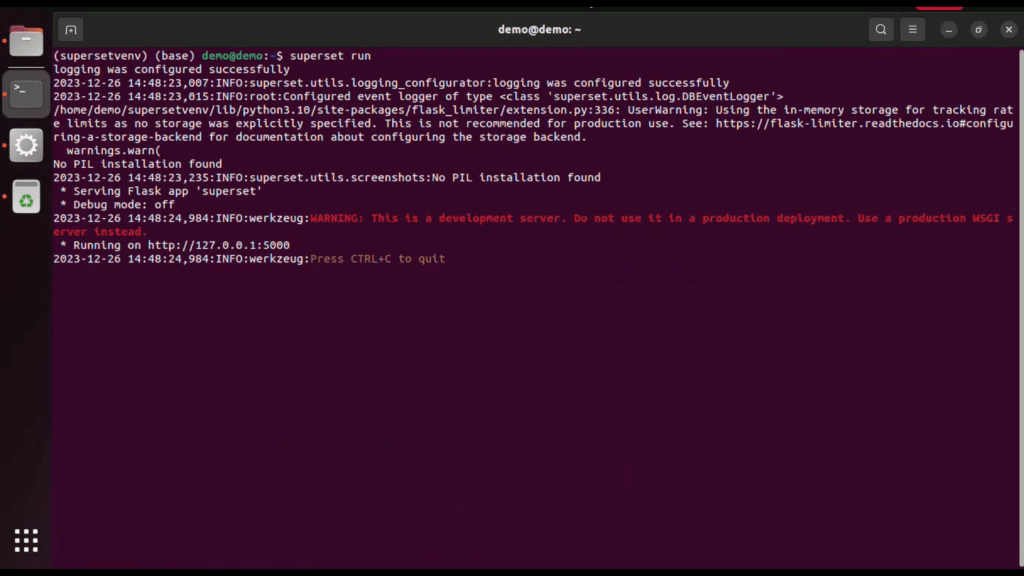
Now start superset by Typing below command and press enter, superset will be available at http://localhost:5000
Superset run
MacOS
Ubuntu 22.04
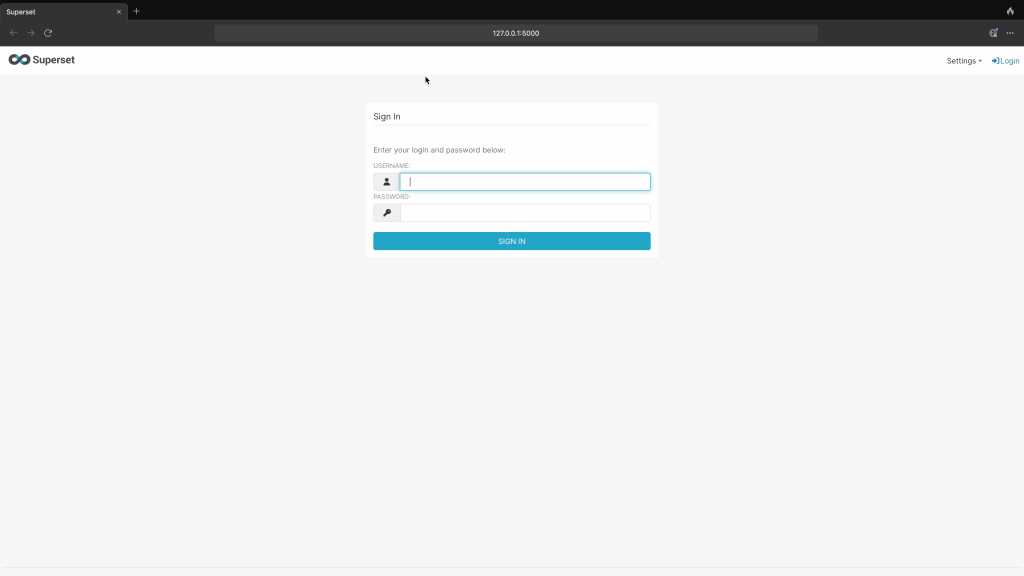
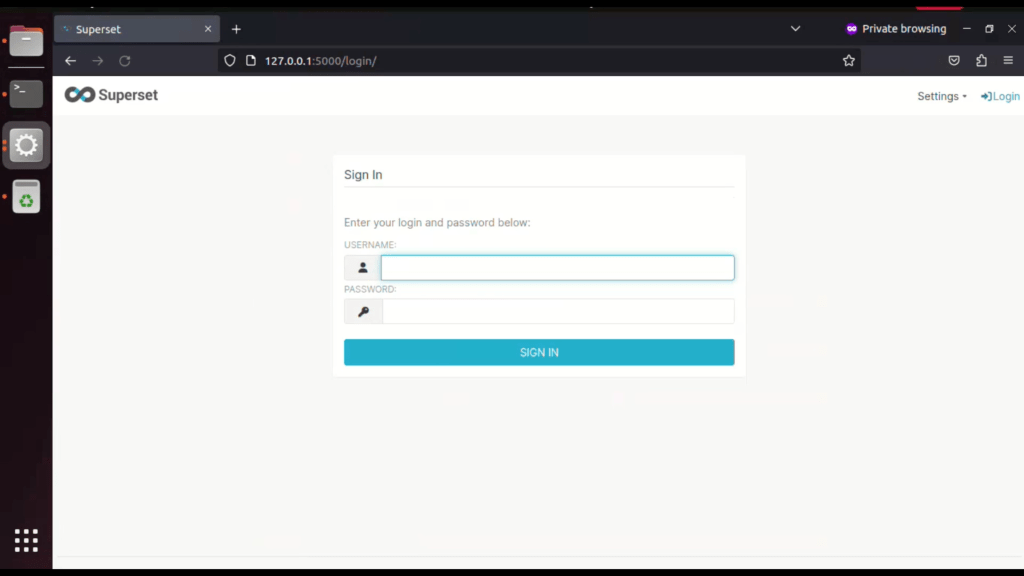
Now login with your admin id and password
MacOS
Ubuntu 22.04

YouTube Videos
 TechnoFunctionalLearning
You must be logged in to post a comment.