Where is the Code?
Where is Company Website?
Build AI using SQL: Enhanced SQL to simplify the creation of AI tools that need access to realtime data to perform their tasks.
MindsDB abstracts LLMs, time series, regression, and classification models as virtual tables (AI-Tables). Since SQL is an effective declarative language for data manipulation, it’s also an ideal foundation for constructing data-centric AI.
Finetune a Model
Imagine you have a model that was trained with a certain dataset. Now there is more training data available and you wish to retrain this model with a new dataset. The FINETUNE statement lets you partially retrain the model, so it takes less time and resources than the RETRAINstatement. In the machine learning literature, this is also referred to as fine-tuning a model.
Knowledge Base
A knowledge base is a batteries included RAG system that you can create and insert data into, as well as query as if it was a table.
Internally, it uses a vector store and an embedding model, by default it uses chroma and it will pick a suitable embedding model for the task, however, you can specify each of these if you want
Retrieval Augmented Generation
This is a general-purpose Retrieval Augmented Generation handler that can be used to create, train, and depoy models within MindsDB.
It supports the following:
- Large language models such as OpenAI and Writer.
- Vector databases such as ChromaDB and FAISS.
- Embedding models compatible with the Hugging Face sentence_transformers library.
Agent
With MindsDB, you can create and deploy AI agents that comprise AI models and customizable skills such as knowledge bases and text-to-SQL.
Chatbot
Within MindsDB, chatbots are agents connected to some messaging interface.
Creating a chatbot requires an AI agent and a connection to a chat app, like Slack or MS Teams.
Automated workflows
Orchestrate workflows in response to specific conditions or eventsJOBS & Automation
Recommendation Engine
Usage based in-product suggestions
How can I quickly get started with MindsDB?
You can get started with MindsDB using Below options o Mac/Linux/Windows.
With Docker:
Step 1:
First you need to have docker on your system, You can Install docker based on instruction given on Docker Website at below links.
For Mac
For Windows
For Linux
Step 2
Once you Install the docker, You can run MindsDB Docker with below command.
docker run -p 47334:47334 -p 47335:47335 mindsdb/mindsdb
Now you can access mindsdb GUI at http://localhost:47334

For more detailed instructions you can visit mindsdb website
With PIP from Source on Mac/Windows/linux (process remain same for Mac/Windows/Linux)
if you already have python 3.10 in your system then you can proceed to Step 2 Else complete step 1.
Step 01
You can quickly Install Python 3.10 with Miniconda by using installer.
Here are links to download Miniconda and Install on your system.
Miniconda Installer on Miniconda Website.
Once you have Python 3.10 with Step 01 then go to step 02
Step 02
Clone github Repository with below command but make sure that you have git installed on your system.
git clone https://github/mindsdb/mindsdb.git
and move inside mindsdb directory.

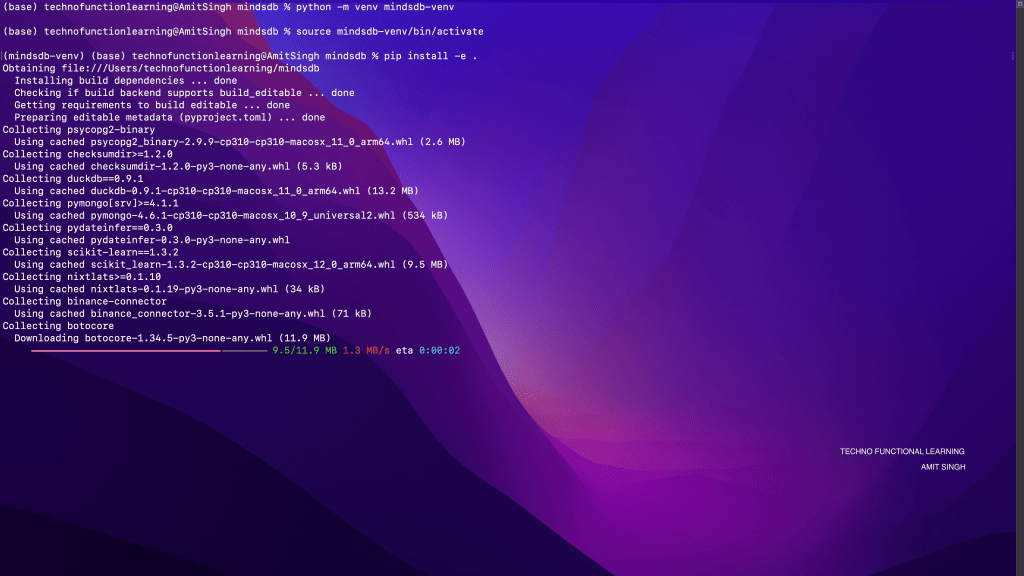
Create and Activate Virtual Environment with below commands
python -m venv mindsdb-venv
source mindsdb-venv/bin/activate

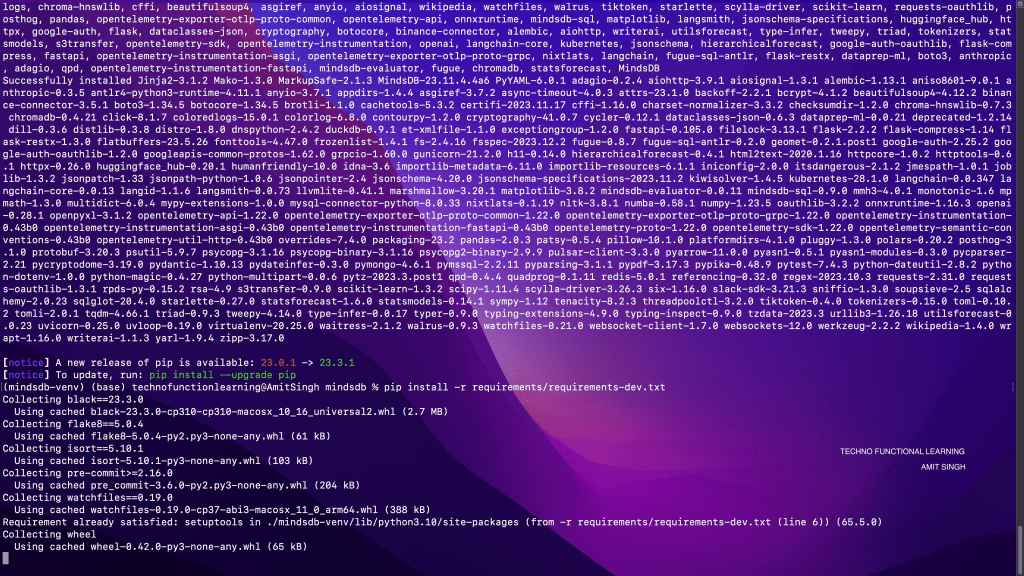
Install the Dependencies with below commands
pip install -e .
pip install -r requirements/requirements-dev.txt
Now you can start mindsdb with below command
python -m mindsdb
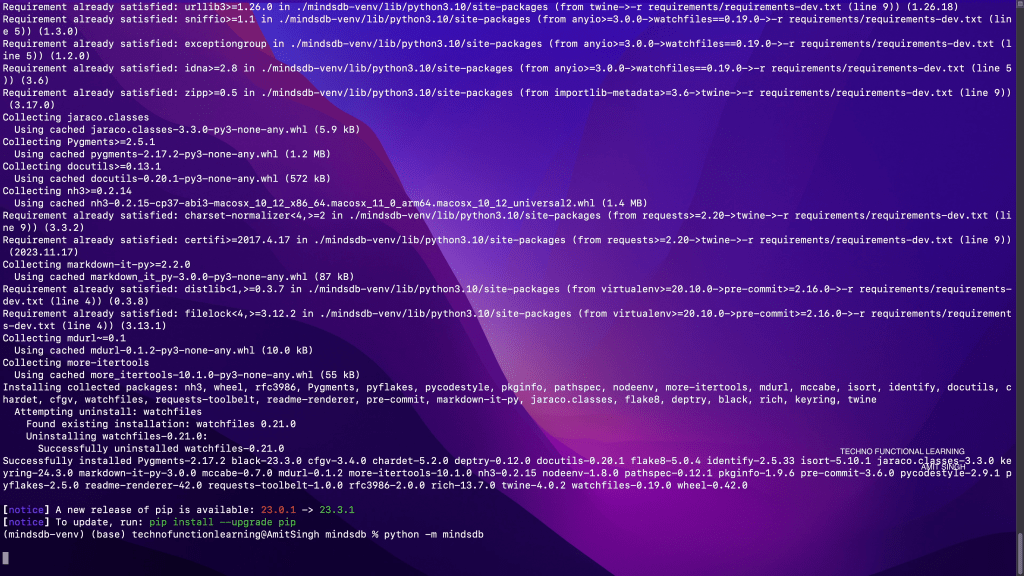
If you get libmagic error on Mac then you can install libmagic with brew install libmagic and rerun python -m mindsdb

GUI will be available at http://localhost:47334 on your system.

Summary and Part 2 Information: I really liked mindsdb, it is open source, easy to deploy, easy to connect with multiple databases, AI/ML Models/LLM and Applications.
In Second part I will cover how to connect from Minds and How to Connect to MindsDB with Various sources and Application.
 TechnoFunctionalLearning
You must be logged in to post a comment.