Linux Installer Link from Official Website
https://gpt4all.io/installers/gpt4all-installer-linux.run
(Please always use link by visiting official website)
- *For Linux, system might need to have some packages i.e (sudo apt install build-essential libqt6gui6 qt6-base-dev libqt6httpserver6 qt6-httpserver-dev qtcreator cmake ninja-build)** if installer run without issue then don’t install else install). In My ubuntu 22.04 I have to install then installer worked.
Linux(Ubuntu 22.04) Installation:
Once you download the Installer, Start Installation process by double clicking it.

Click on next
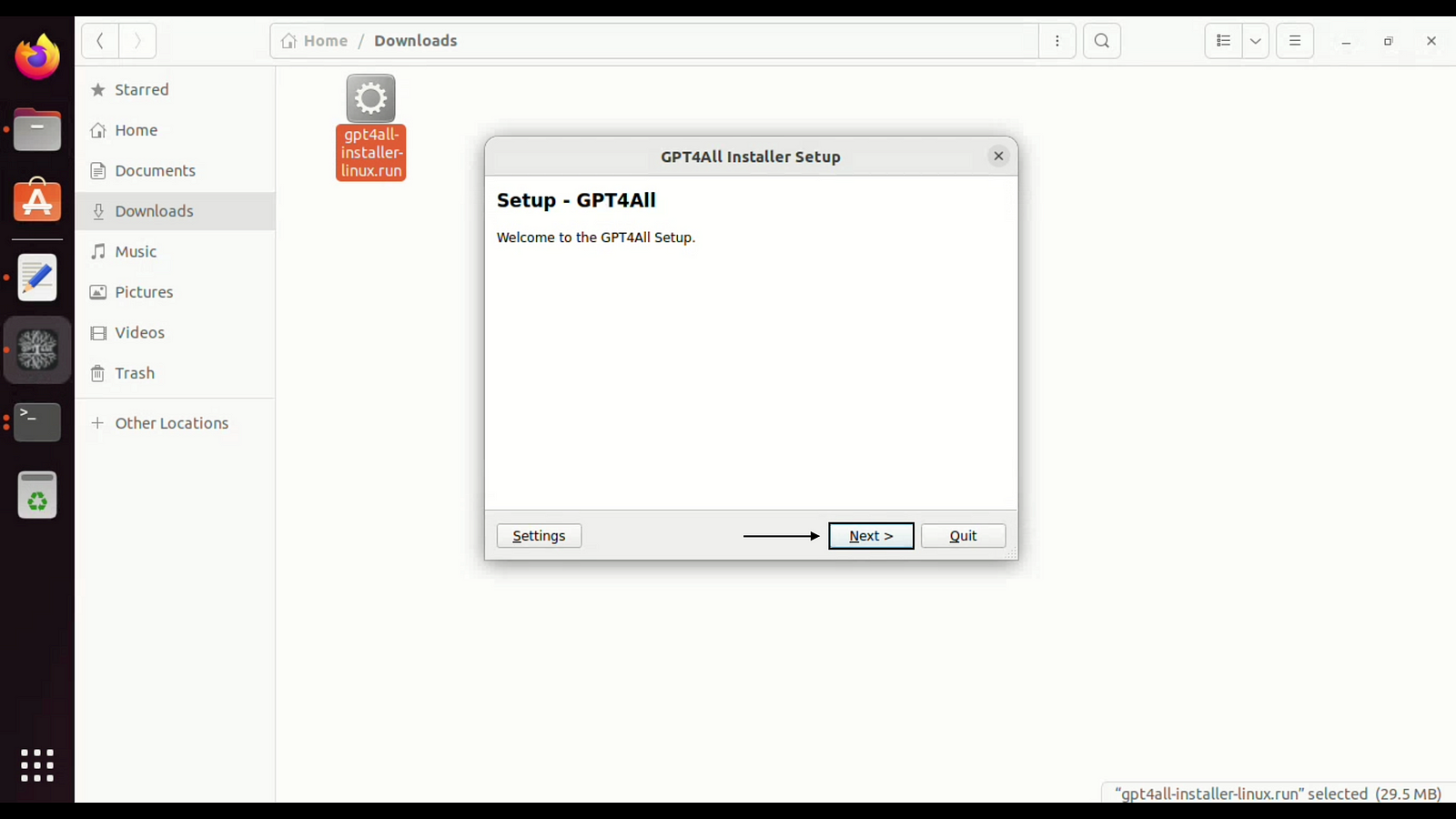
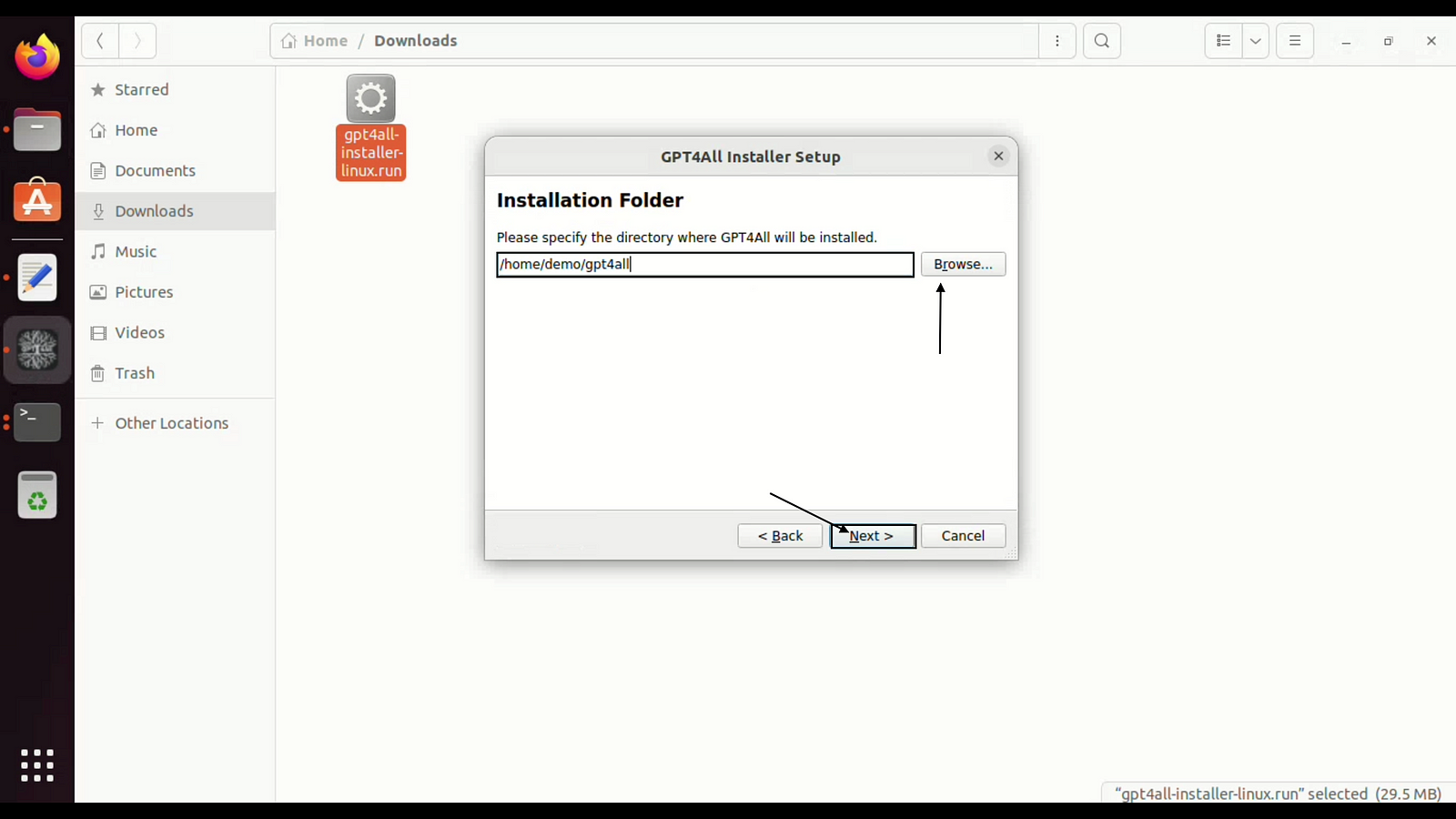
choose installation directory and click on next.
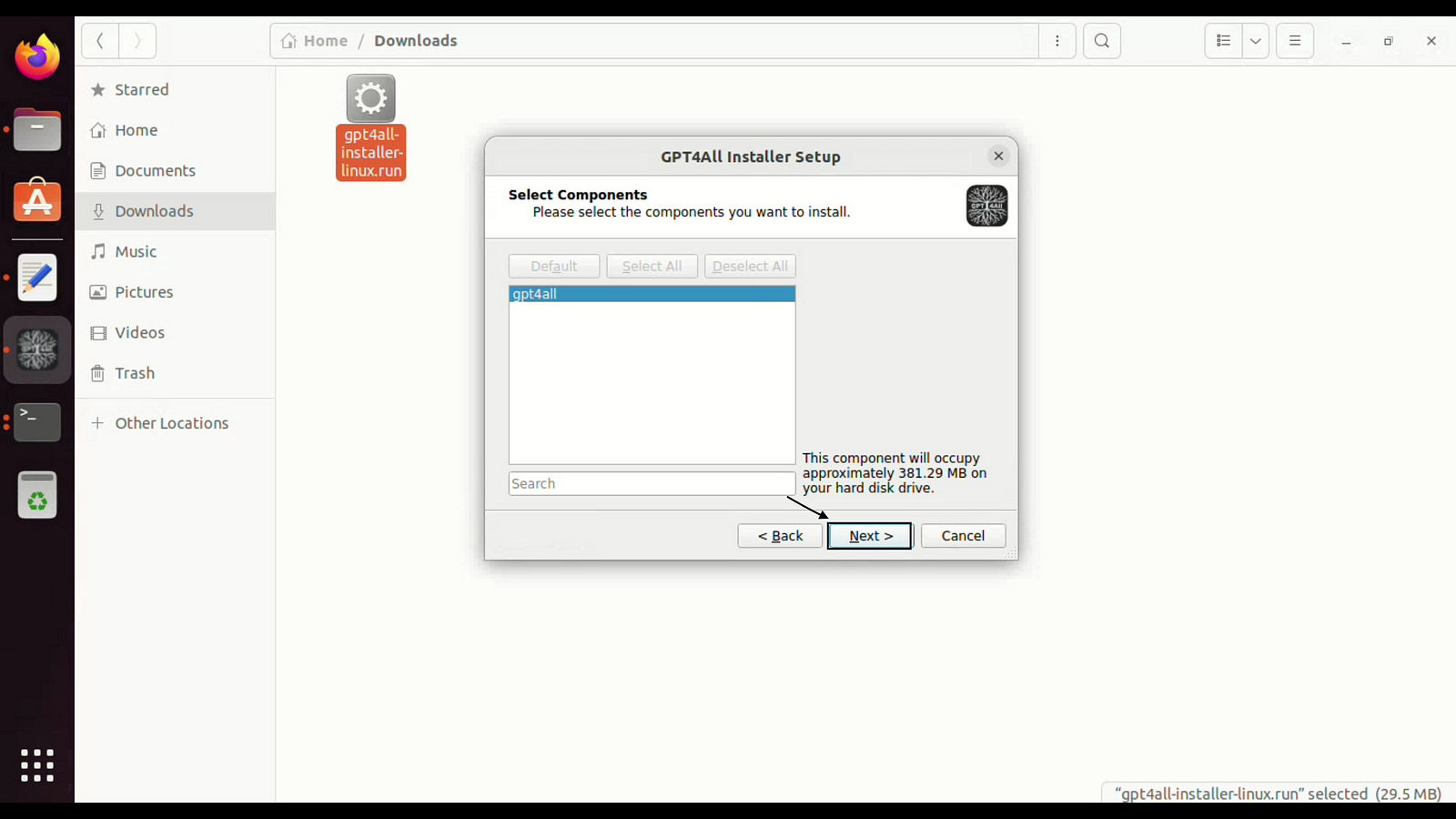
Click on next
Accept the software terms and conditions and click on next.

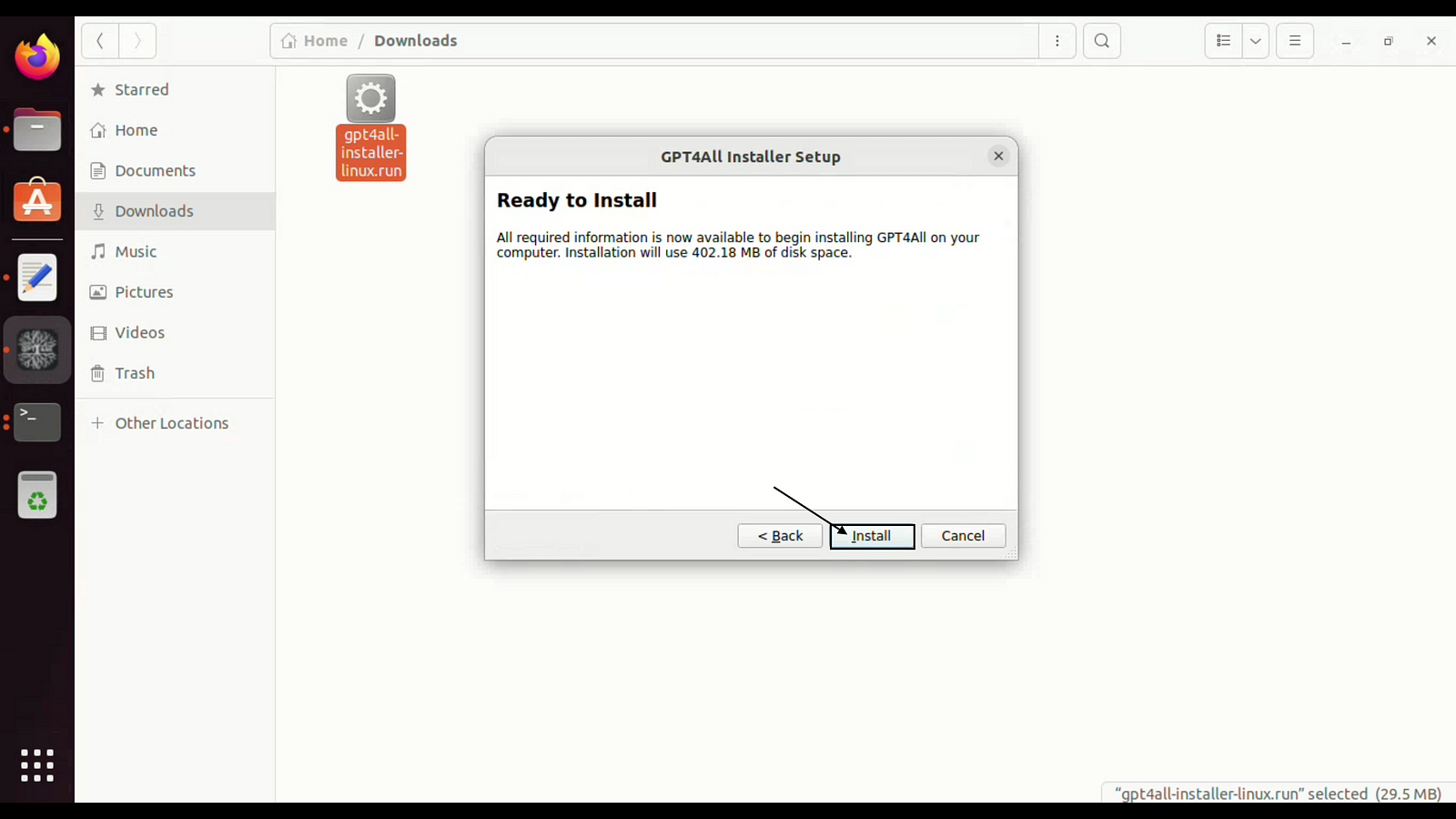
click on Install
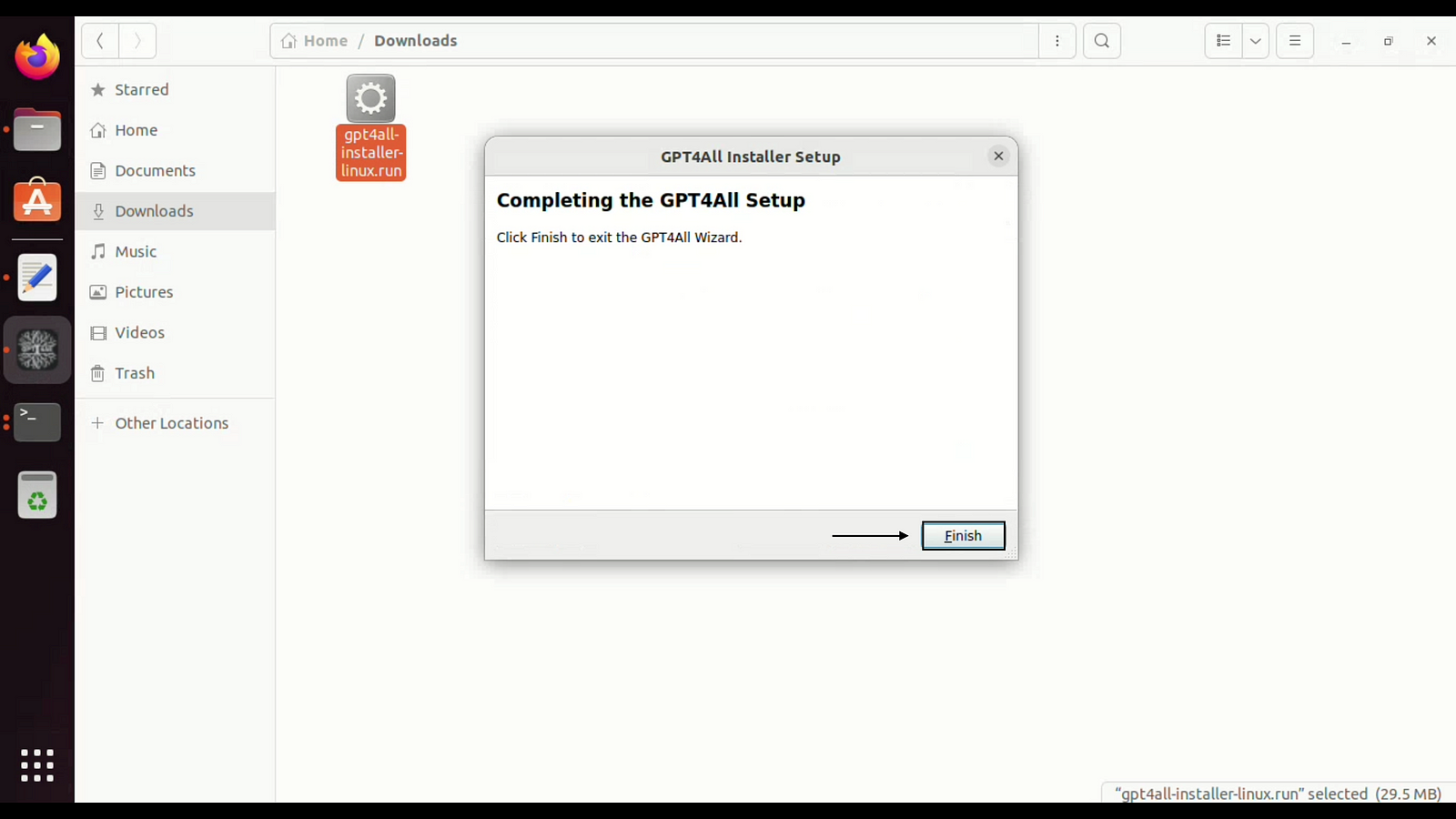
Click on Finish to Complete the installation.
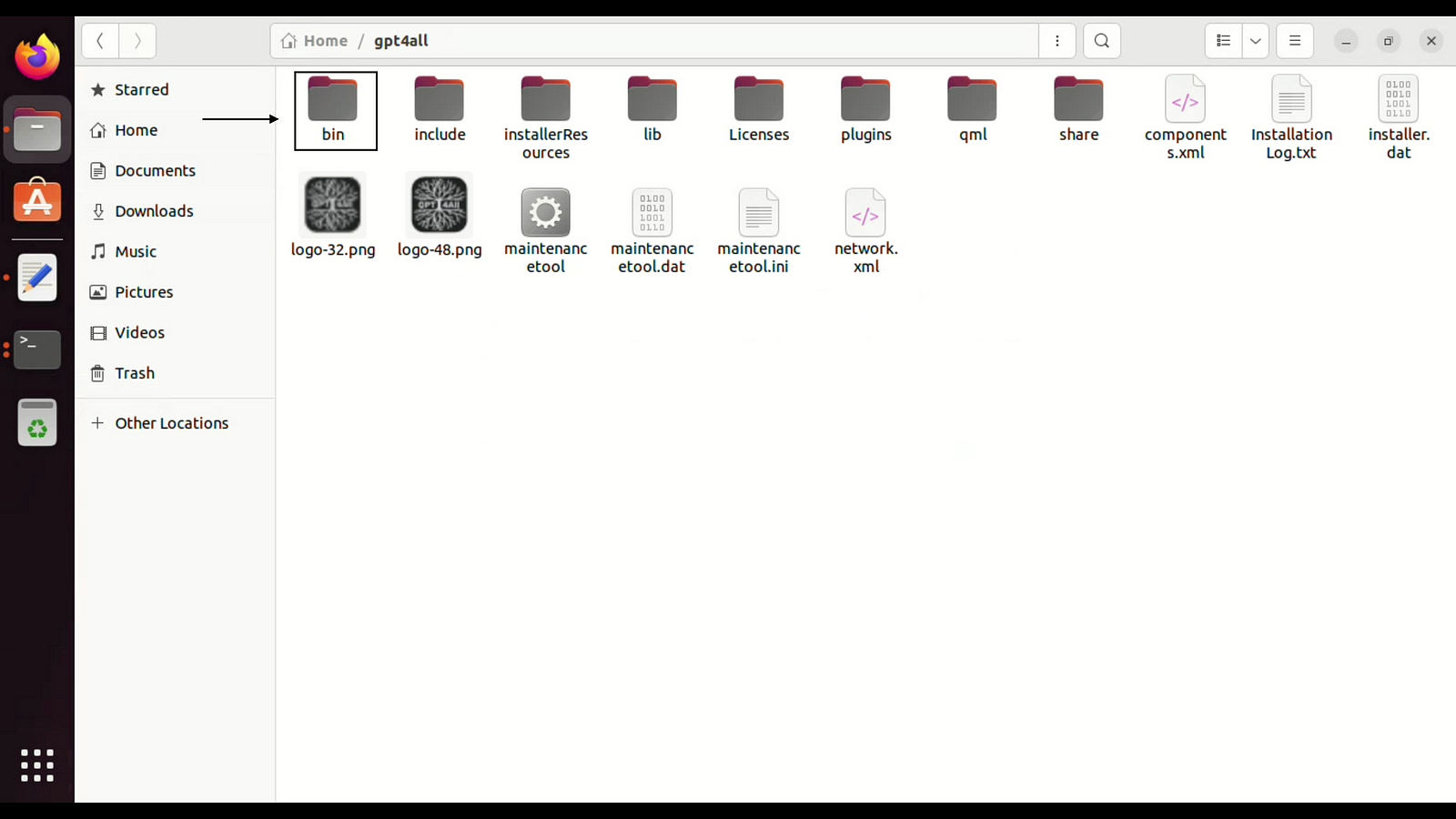
Now you can start the GUI from bin folder or desktop shortcut.
 TechnoFunctionalLearning