PrivateGPT: Interact with your documents using the power of GPT, 100% privately, no data leaks
PrivateGPT is a production-ready AI project that allows you to ask questions about your documents using the power of Large Language Models (LLMs), even in scenarios without an Internet connection. 100% private, no data leaves your execution environment at any point.
PrivateGPT provides an API containing all the building blocks required to build private, context-aware AI applications. The API follows and extends OpenAI API standard, and supports both normal and streaming responses. That means that, if you can use OpenAI API in one of your tools, you can use your own PrivateGPT API instead, with no code changes, and for free if you are running privateGPT in local mode.
Where is Github Repository?
GitHub – imartinez/privateGPT: Interact with your documents using the power of GPT, 100% privately…
Interact with your documents using the power of GPT, 100% privately, no data leaks – GitHub – imartinez/privateGPT…github.com
Where is Offical website?
PrivateGPT | Docs
PrivateGPT provides an API containing all the building blocks required to build private, context-aware AI applications…docs.privategpt.dev
How Can I quickly Install on Mac/Linux?
Install Python3.11 before running below commands.
git clone https://github.com/imartinez/privateGPT && cd privateGPT && \
python3.11 -m venv .venv && source .venv/bin/activate && \
pip install — upgrade pip poetry && poetry install — with ui,local && ./scripts/setup
# Launch the privateGPT API server **and** the gradio UI
python3.11 -m private_gpt
# In another terminal, create a new browser window on your private GPT!
open http:////127.0.0.1:8001/
- **Just make sure that your system has python3.11 or virtual environment**
How it looks and what I can ask?
You can ask many things, you can go through in detail on official website but here are some sample of offline chat with PrivateGPT
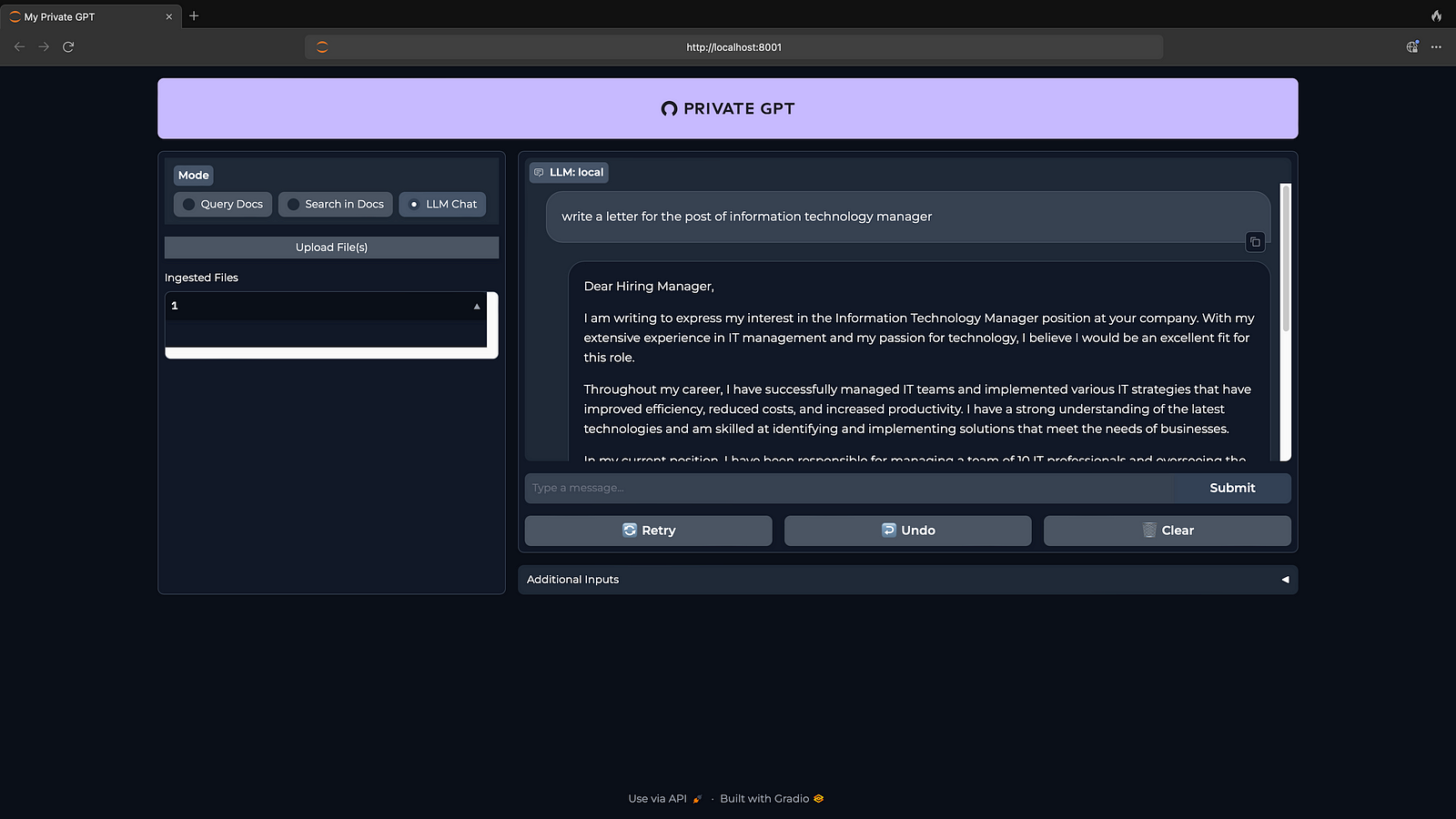
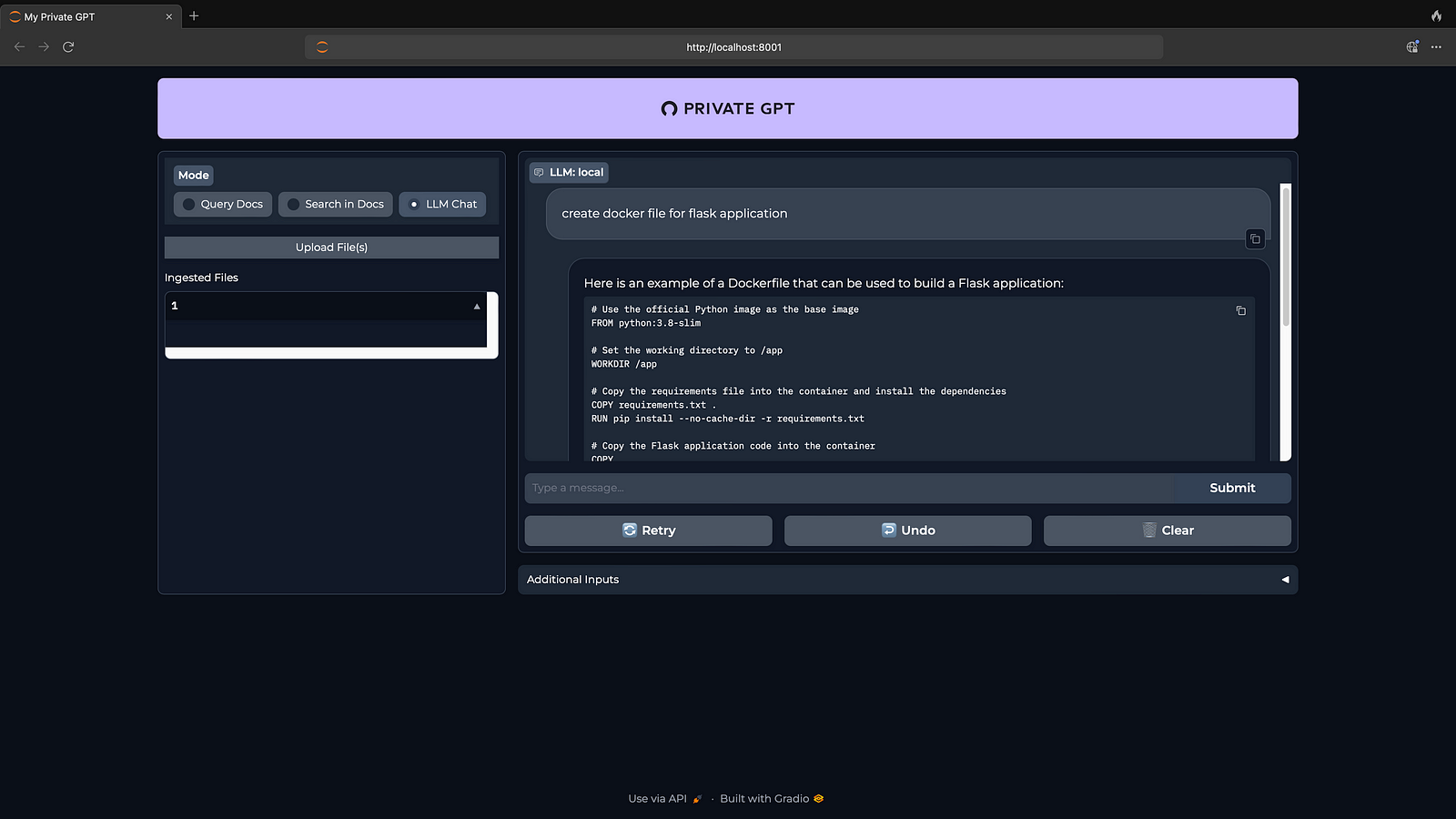
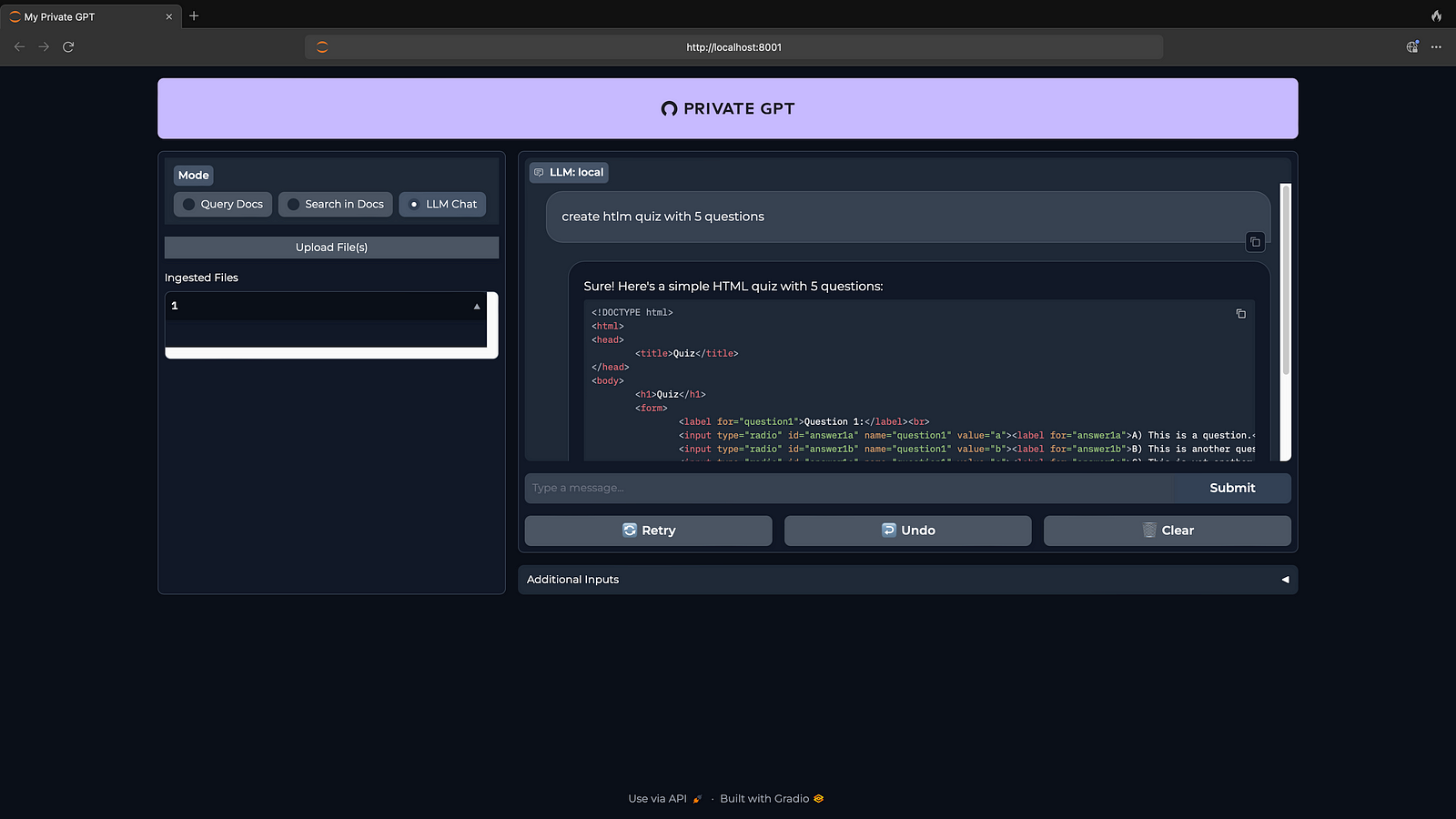
Summary:
Installation was quick and easy but requires little technical knowledge, GUI started with model of 4gb+, Installation completed on Mac in 10 Minutes with internet speed of 7mbps, response time is also good on Mac. This works on Mac Mini as well.
 TechnoFunctionalLearning