Learn to Connect Grafana (Dashboard anything. Observe everything) with Starrocks DB (An Open-Source, High-Performance Analytical Database)
Step 01: Click on add Data Source.

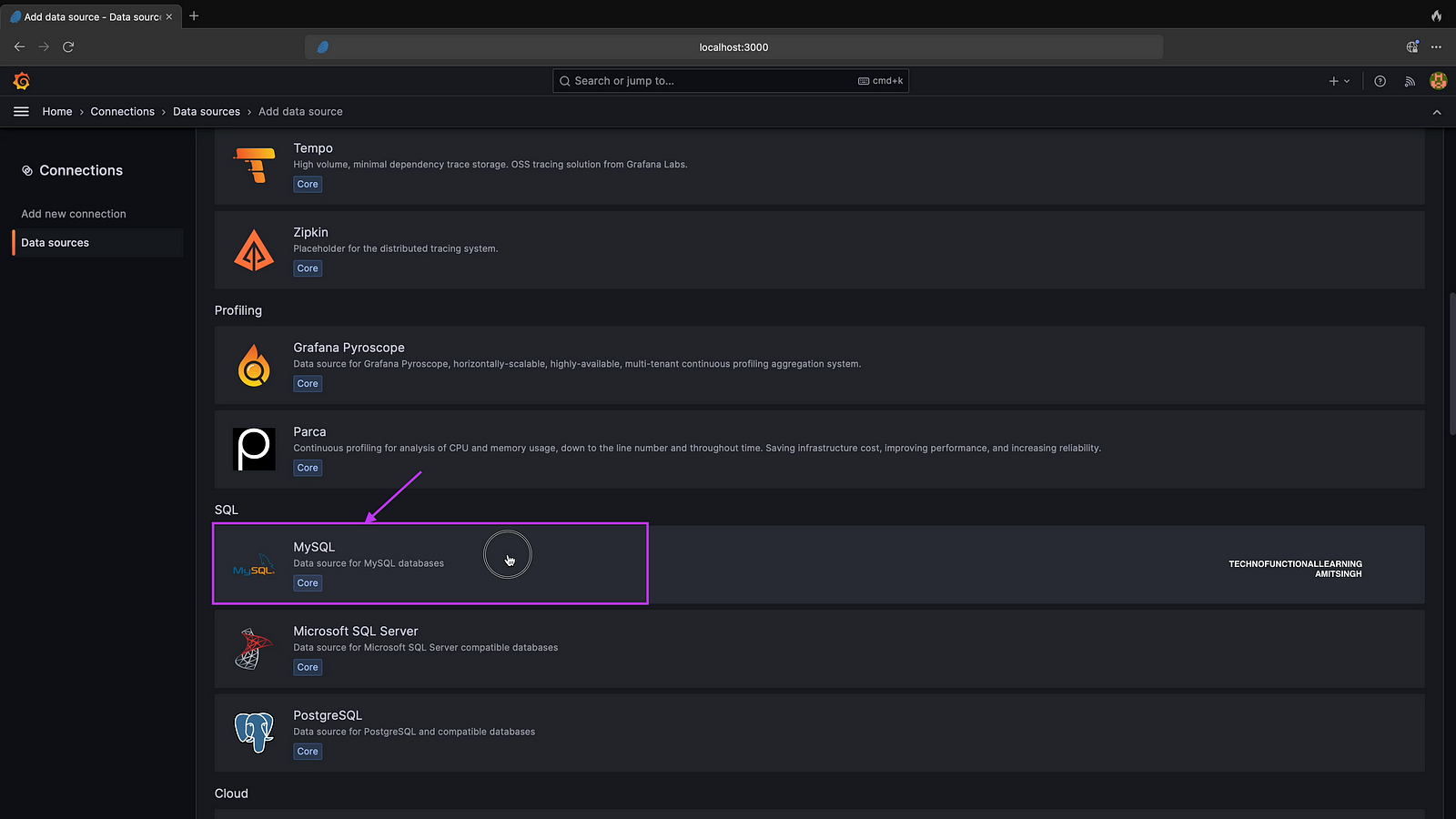
Step 02: Click on MySQL as Database
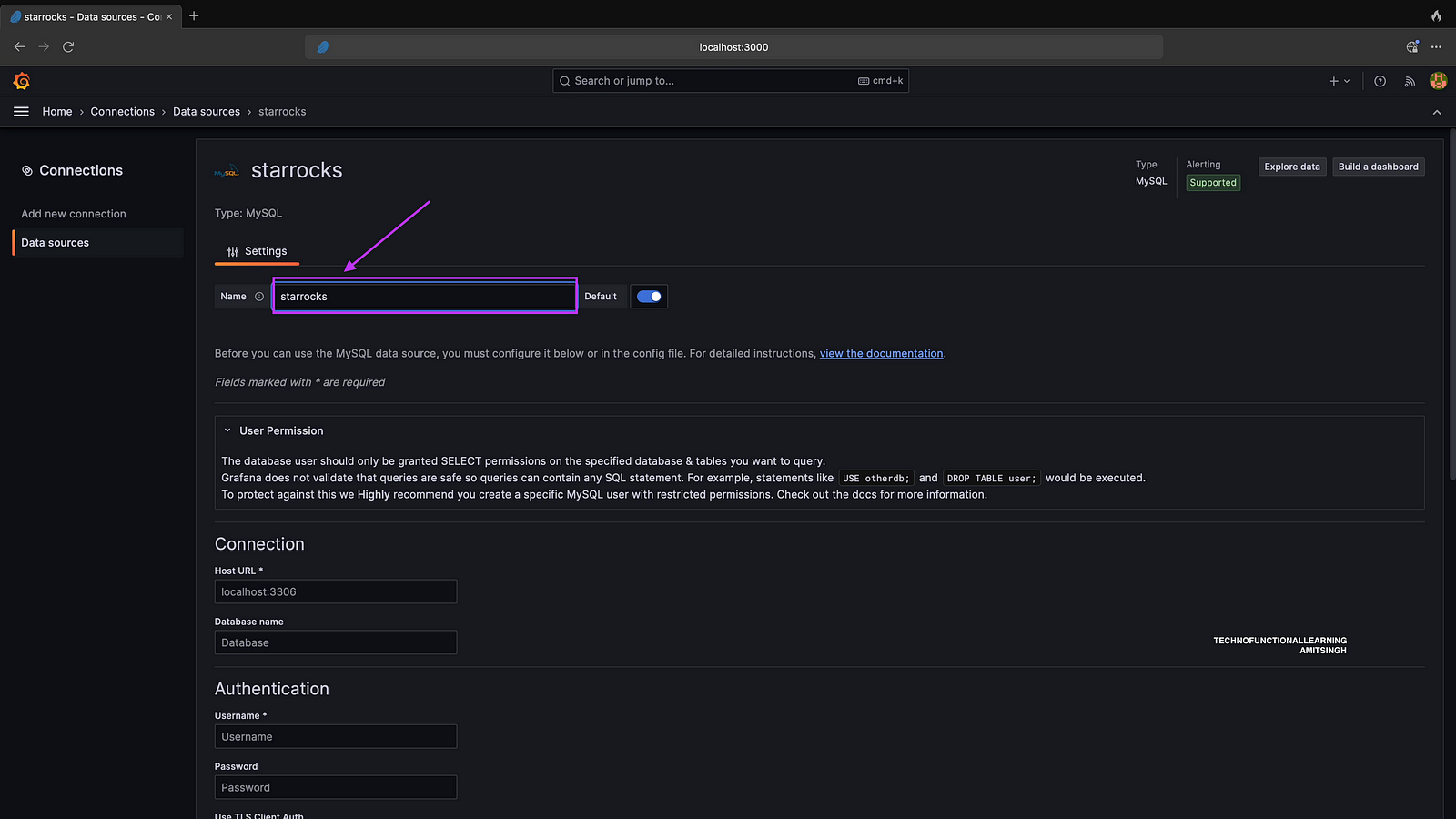
Step 03: Input Data Source as Starrocks.
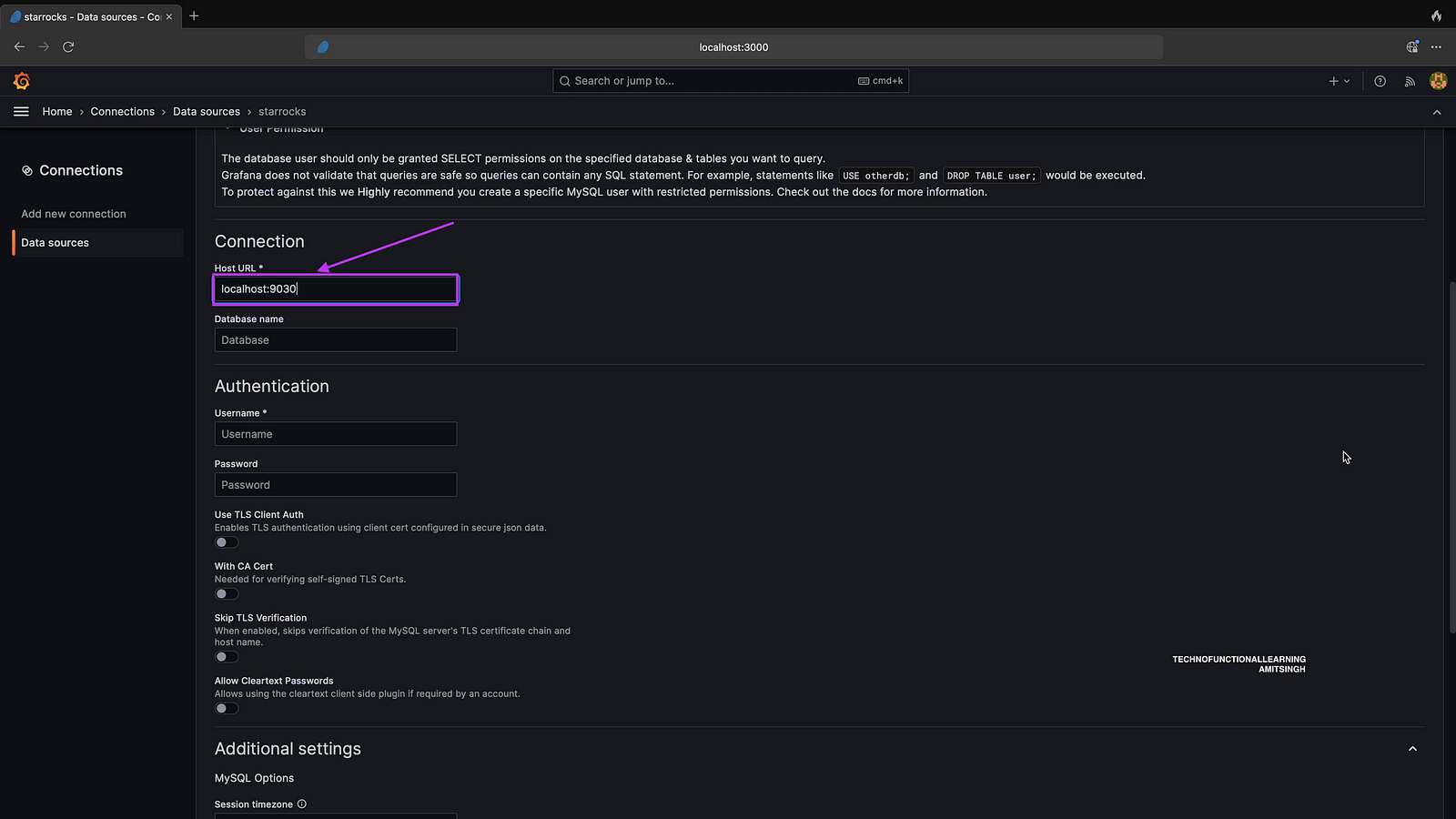
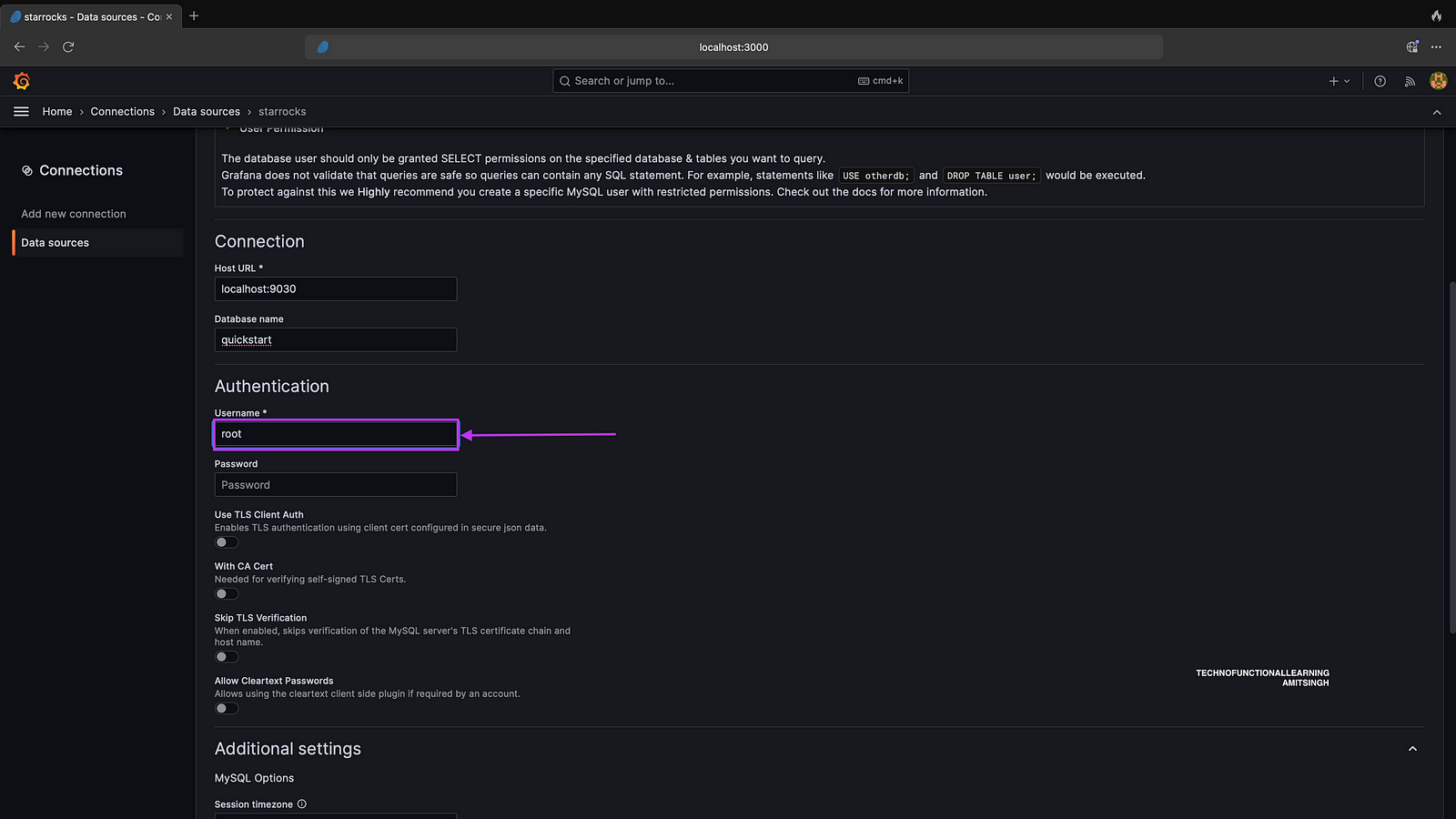
Step 04 : Enter Host as localhost with port as 9030 if it is On-Premise else input cloudhost URL with Port.
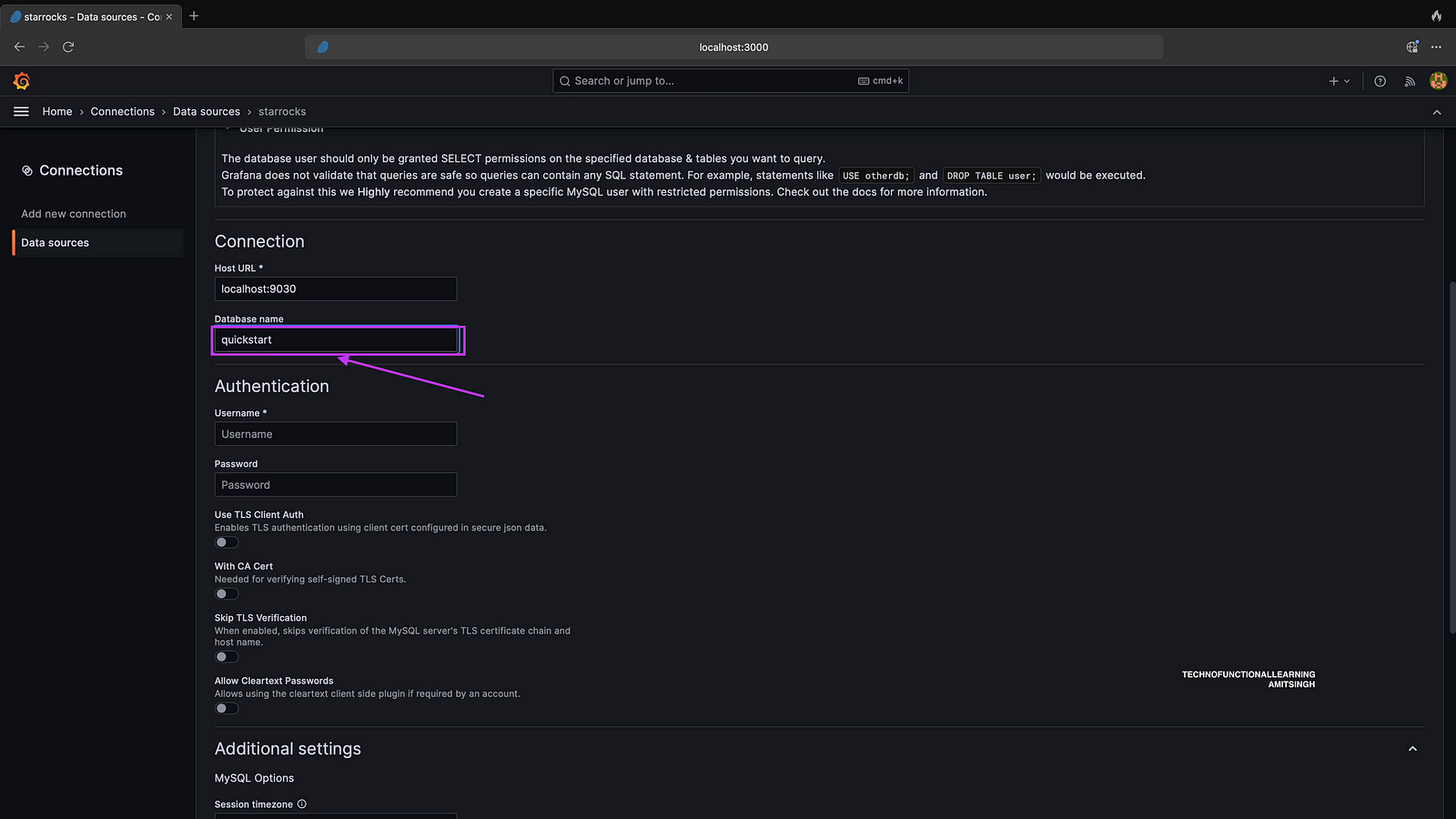
Step 05: Enter Your Starrocks Database Name.
Step 06: Enter starrocks user name and password, I have entered only username as I have not given any password.
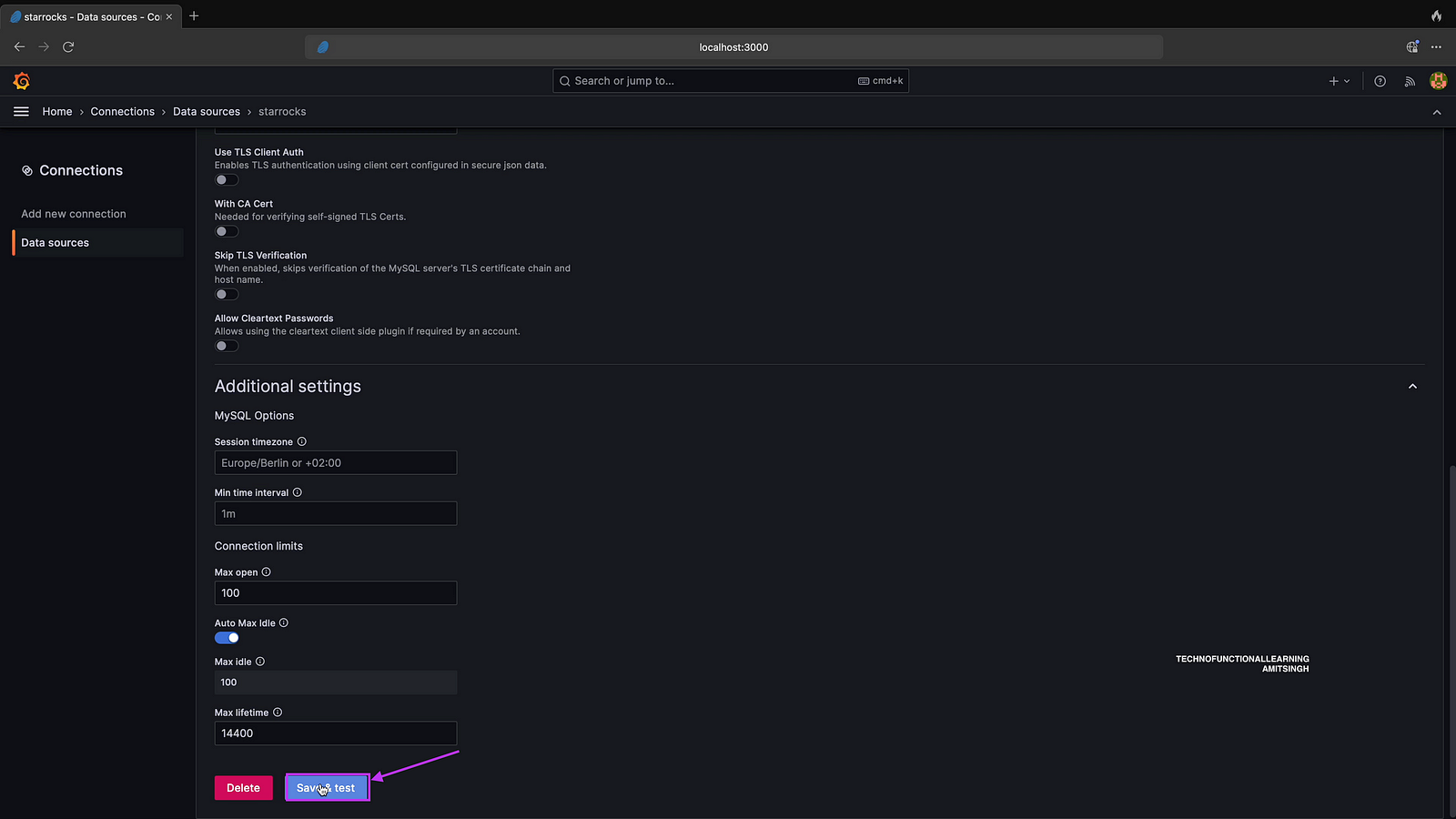
Step 07: Click on save and Test
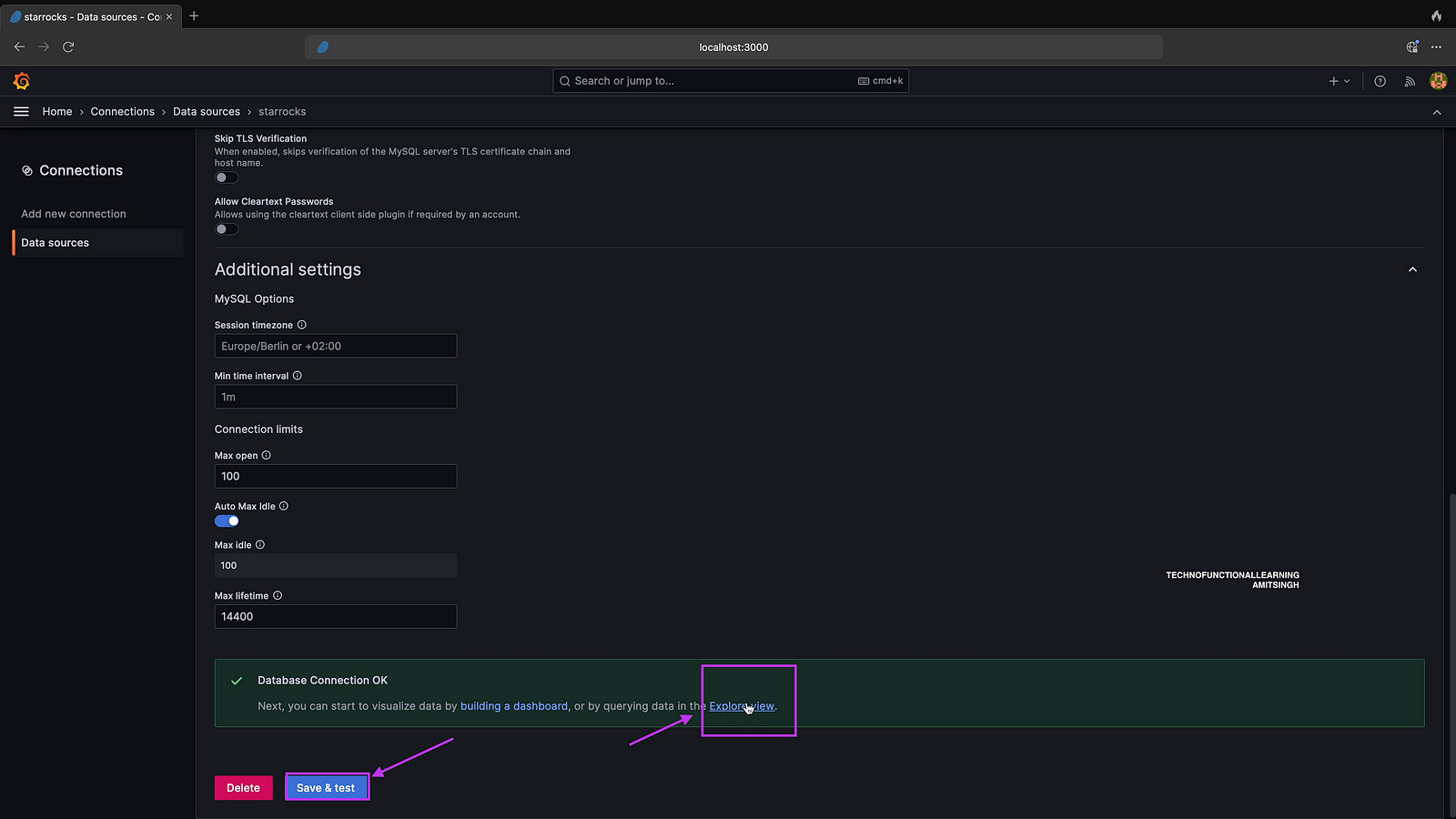
Step 08: Click on Explore view
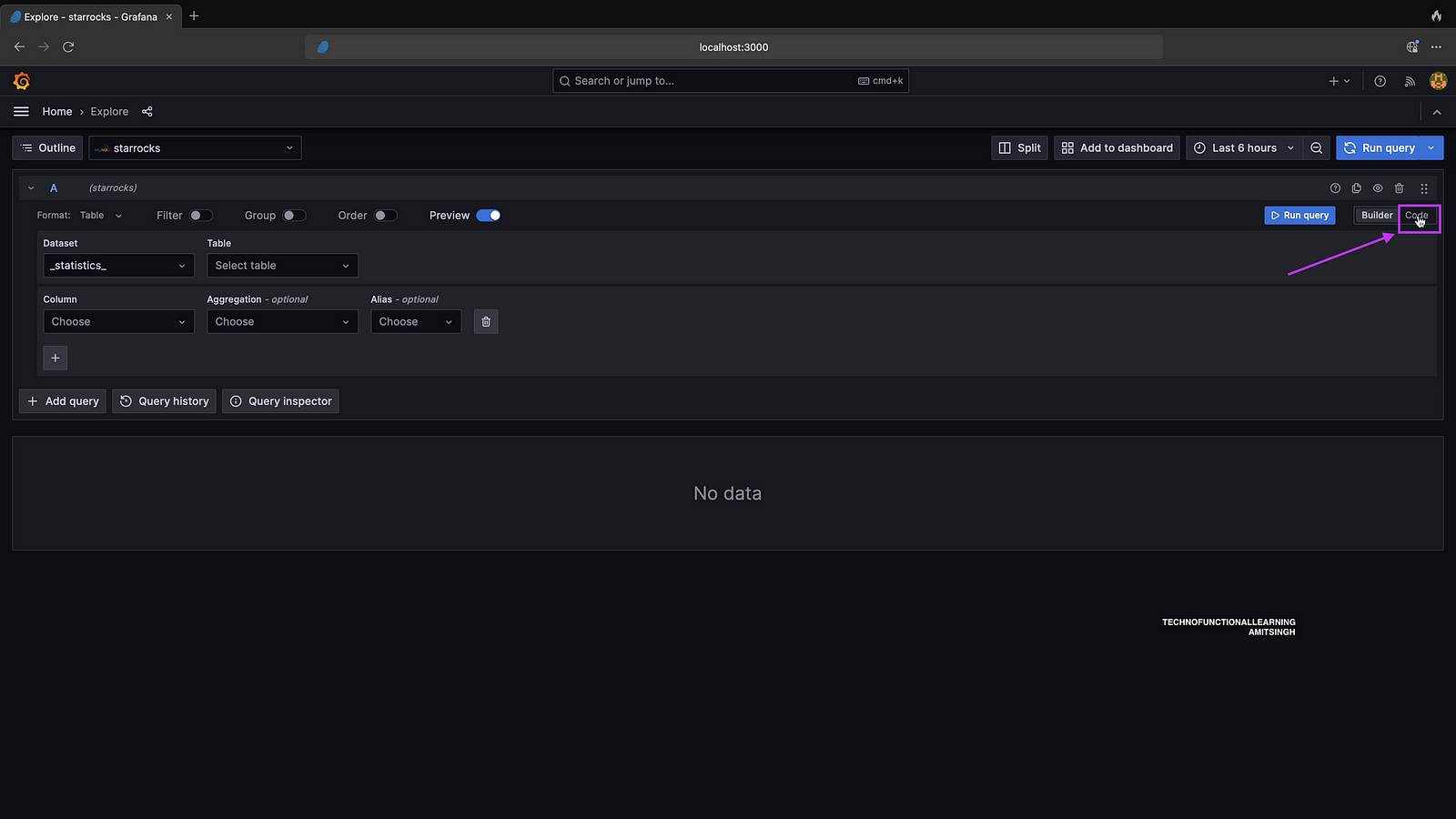
Step 09: Click on code to write SQL Query.
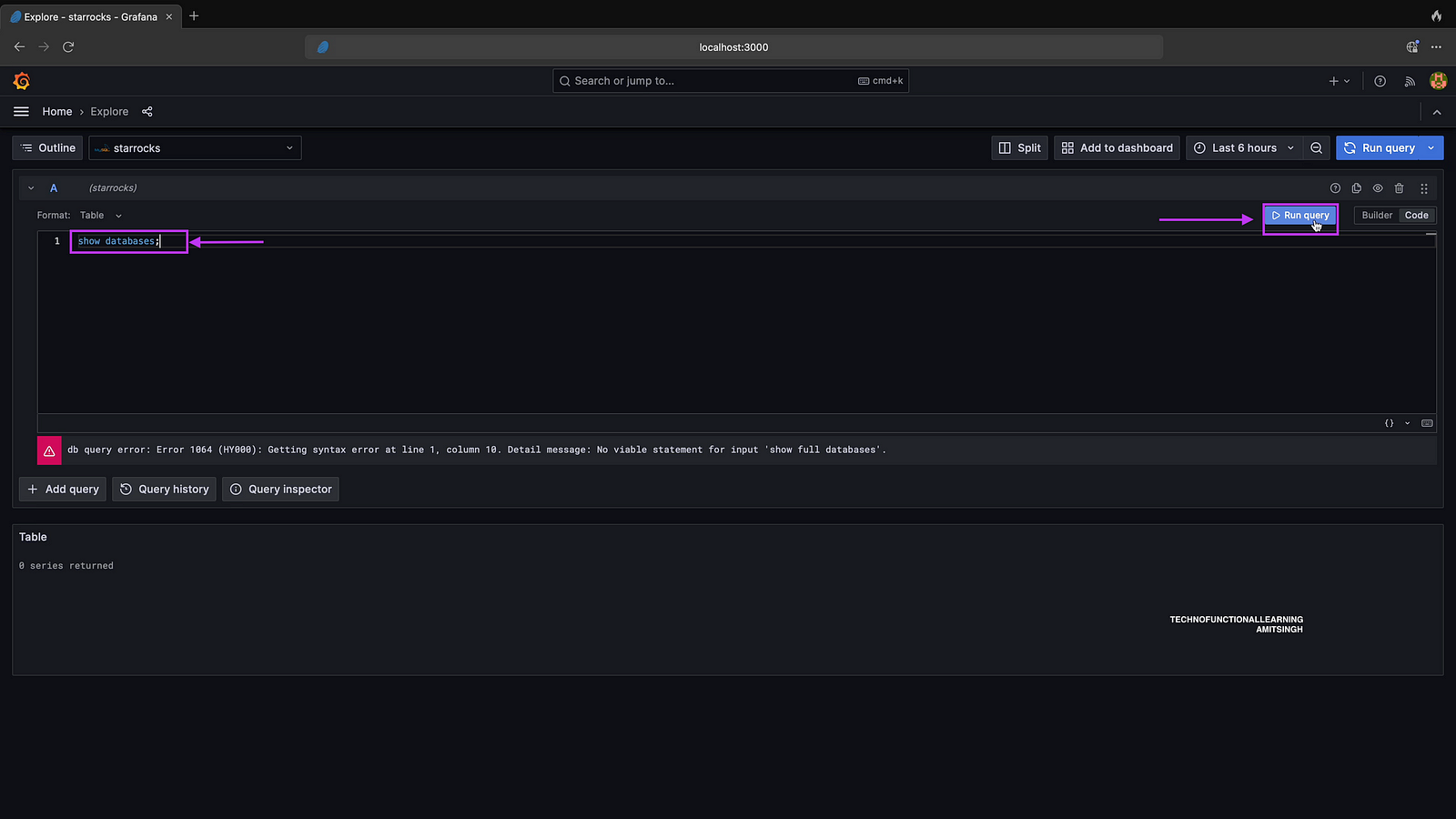
Step 10: Now write show databases; and click on run query
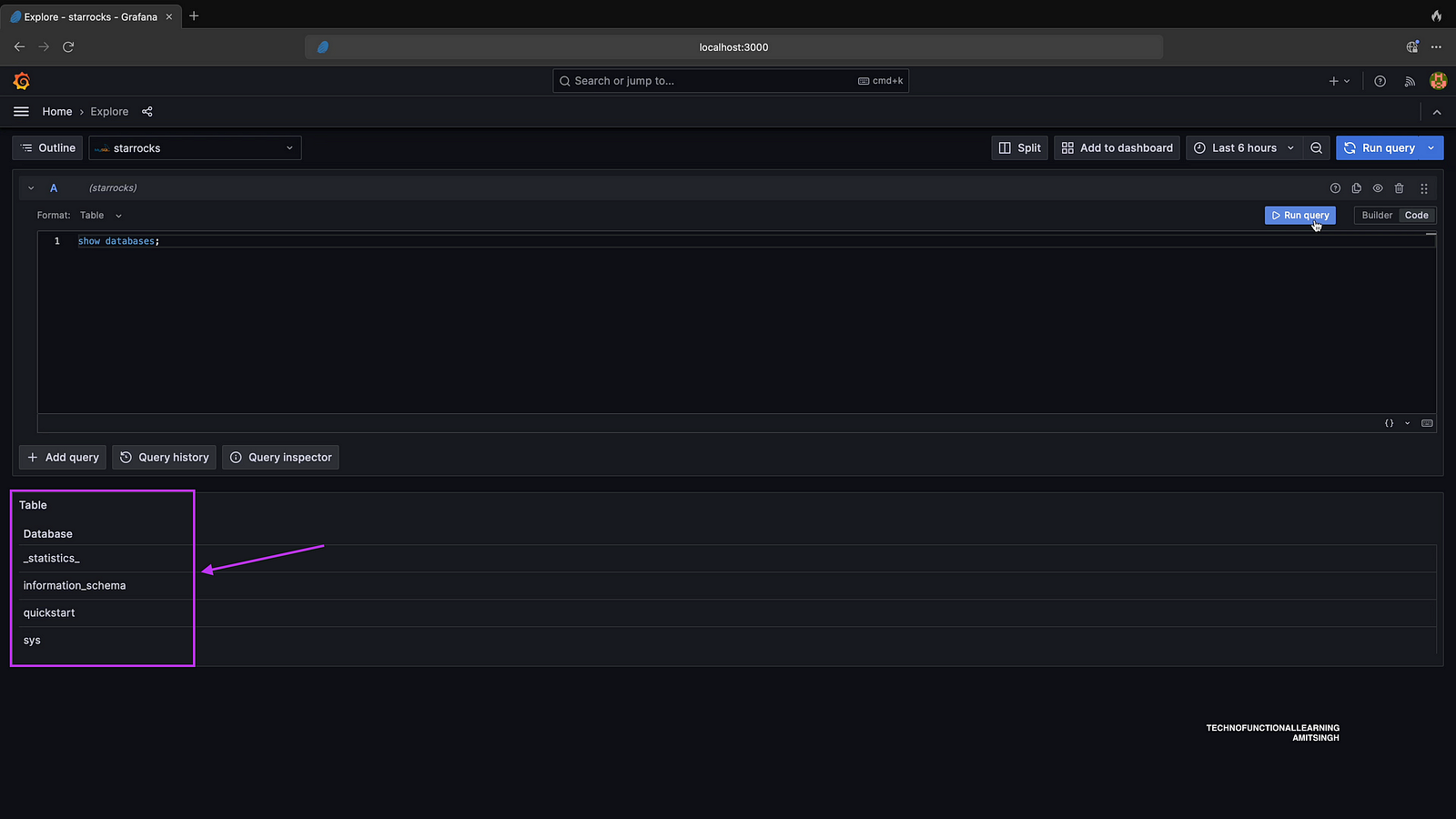
Step 11: Now you can see your database.
 TechnoFunctionalLearning