Learn to Install Ollama and run large language models (Llama 2, Mistral, Dolphin Phi, Phi-2, Neural Chat, Starling, Code Llama, Llama 2 70B, Orca Mini, Vicuna, LLaVA.
Where I can find the Github Repository?
Here is Github repository link
Where I can find website?
Where I can find Docker Images?
Here is link for Docker hub Images
Where I can find detail about Ollama python Library details?
Here is link for Ollama-Python
Where I can find link for Ollama Javascript Library?
Here is link for Ollama Javascript Library
Where is Ollama Models Library?
Here is link for Ollama Models library.
Now, How Can I Quickly Install Ollama on MacOS?
To Install on MacOS, Follow below steps to get up and running in 15 minutes based on your internet speed with 8GB System RAM
Step 01: Visit Github Repository as per above link.

Step 02: Click on MacOS Installer so that It can be downloaded.

Step 03: Double Click installer to run it.

Step 04: Click on next to proceed further

Step 05: Click on install to install command line

Step 06: Click on Finish

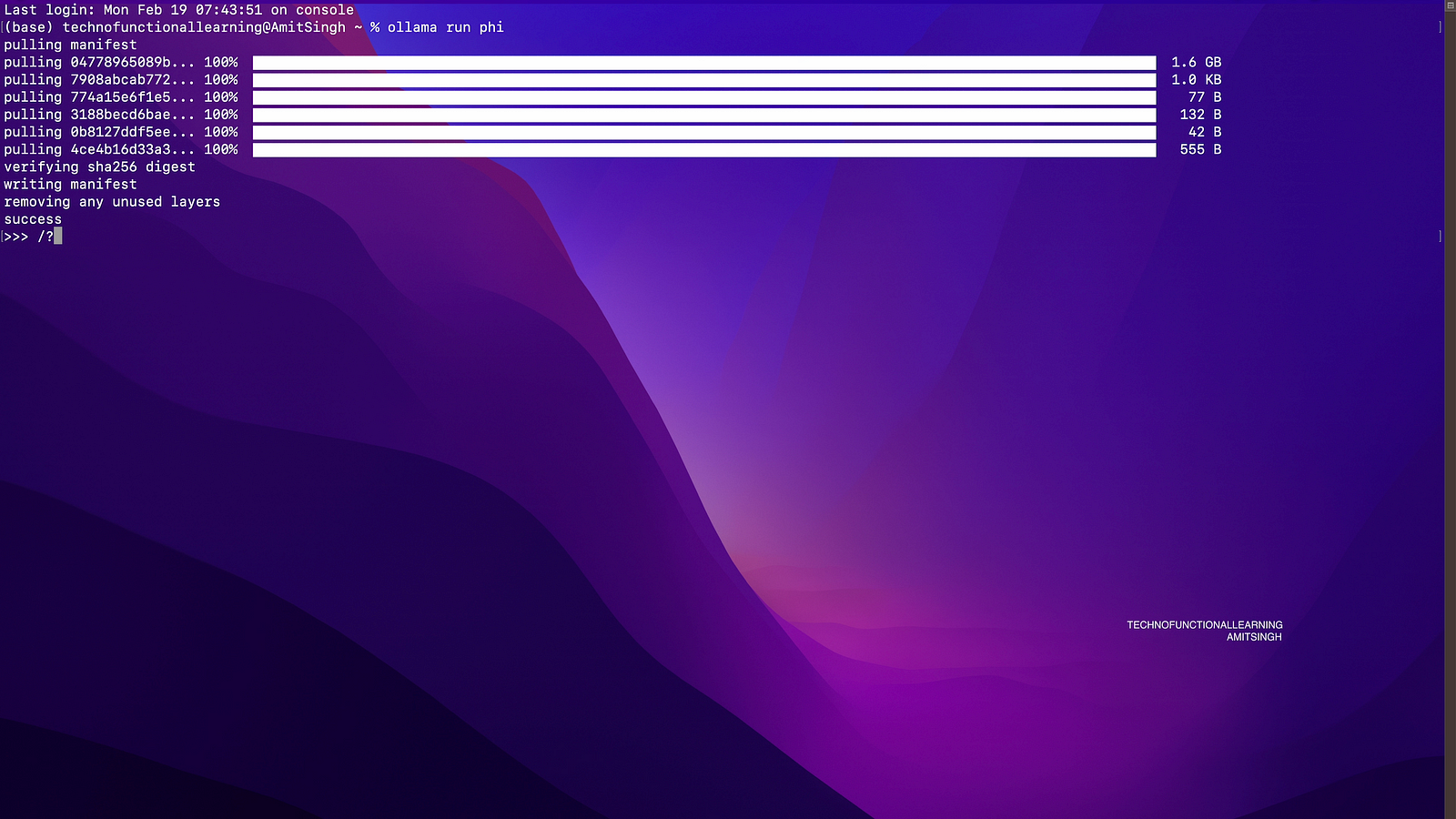
Step 07: Now open your terminal and type Ollama run phi, it will download model of size 1.6 gb on your system to run phi 2 models.
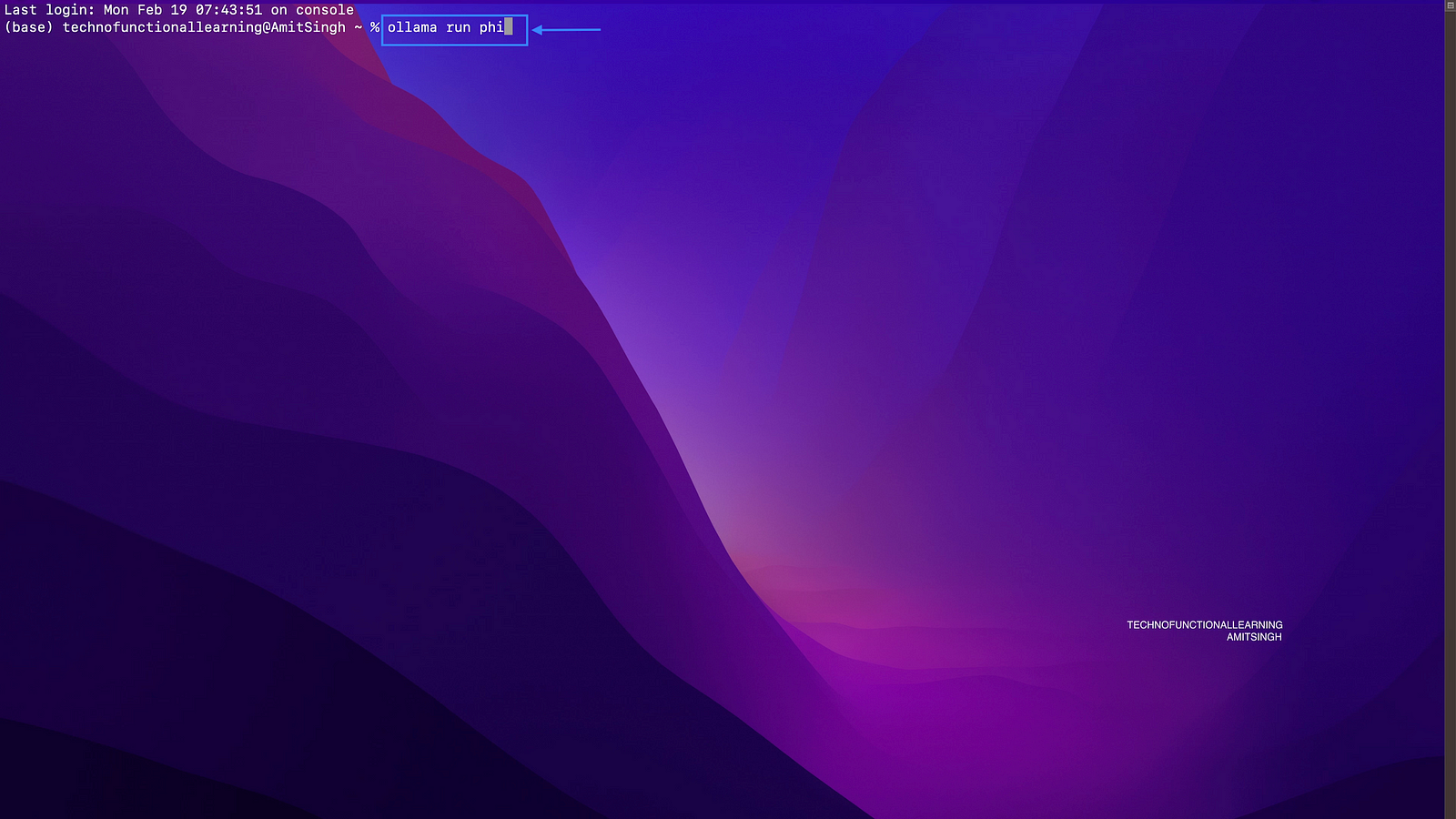
To run other Models, please consider below table for models size, model run command and system RAM requirement.
Step 08: Now once model is downloaded, You can type /? for help or start asking questions.
This is First Part of Ollama Large Language Models series, There is lot more to come in upcoming articles to cover more on deployment options on other platforms, models, Web Interface, Langchain Integration, Voice Assistant etc.
 TechnoFunctionalLearning