Learn to Install Ollama Windows Preview on Windows 10/11
Where I can find the Github Repository?
Here is Github repository link
Where I can find website?
Where I can find Docker Images?
Here is link for Docker hub Images
Where I can find detail about Ollama python Library details?
Here is link for Ollama-Python
Where I can find link for Ollama Javascript Library?
Here is link for Ollama Javascript Library
Where is Ollama Models Library?
Here is link for Ollama Models library.
How to Install Ollama Windows preview in Windows 10/11
Step 01: Visit the Ollama Github Repository and click on Ollama Windows Preview

Step 02: Double click on Installer in folder where you have downloaded the installer.
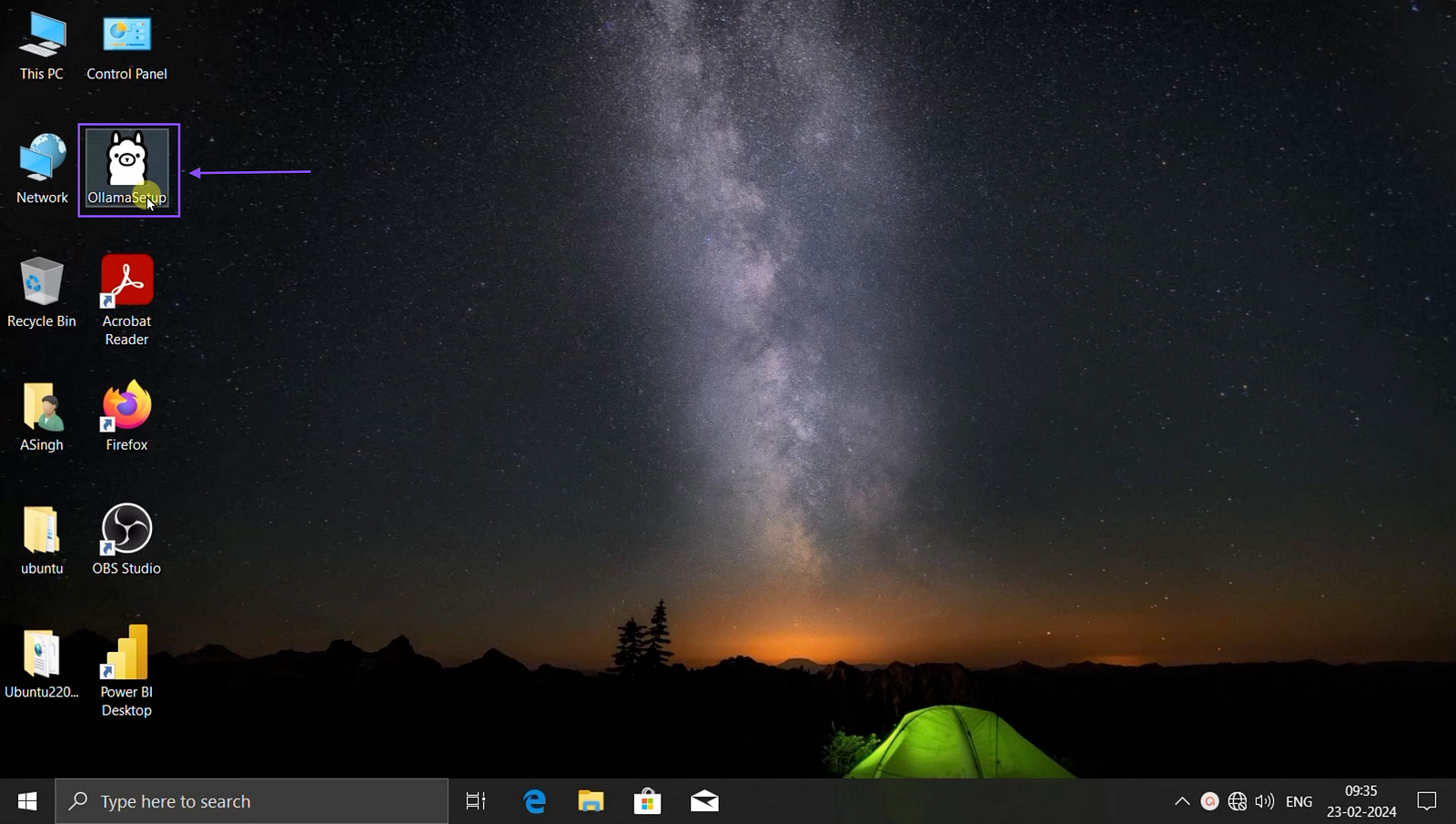
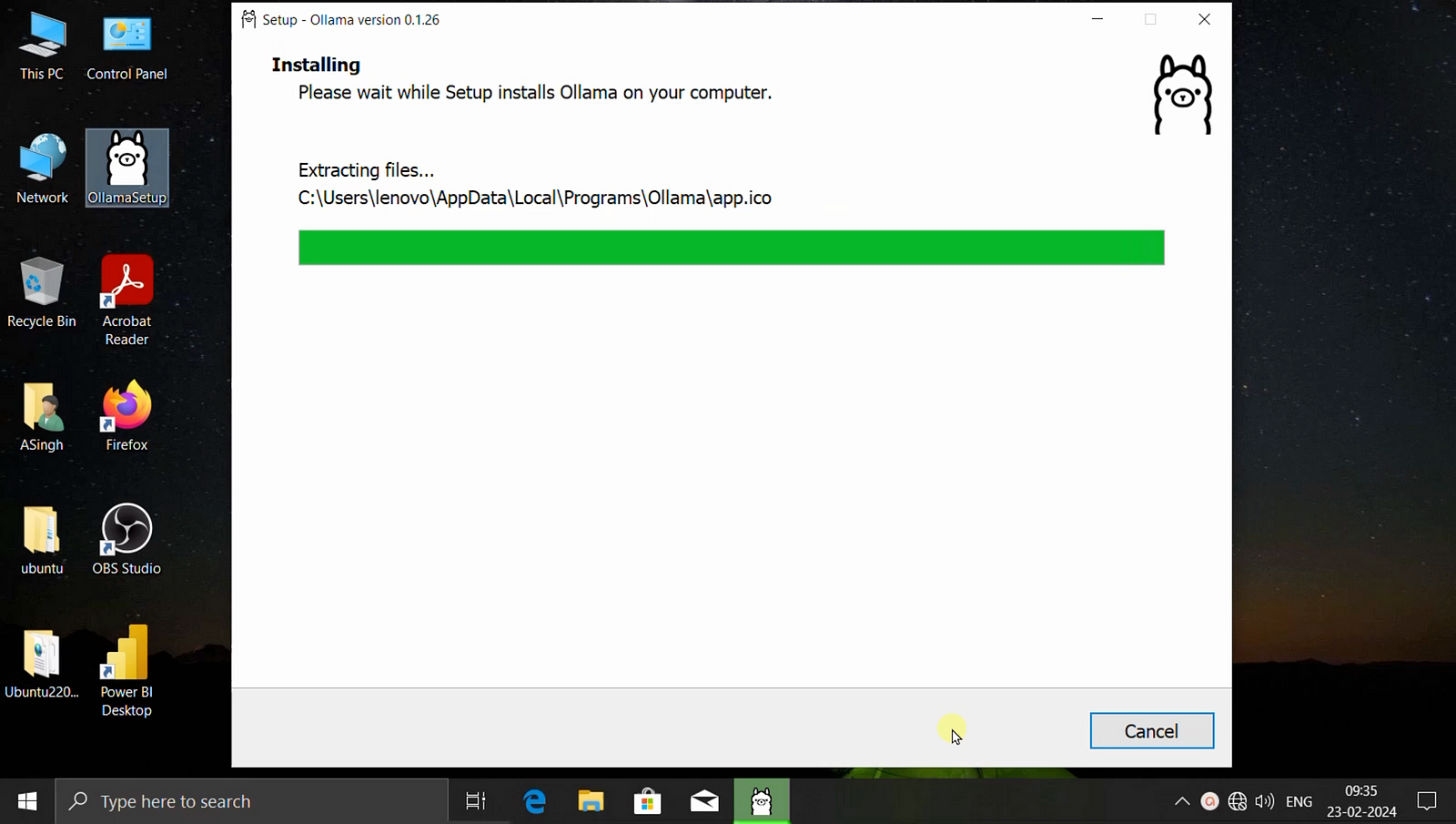
Step 03: Click on Install and proceed further.

Step 04: It will take few minutes to Install, Kindly note that it will not give finish button and after installion this screen will disappear.
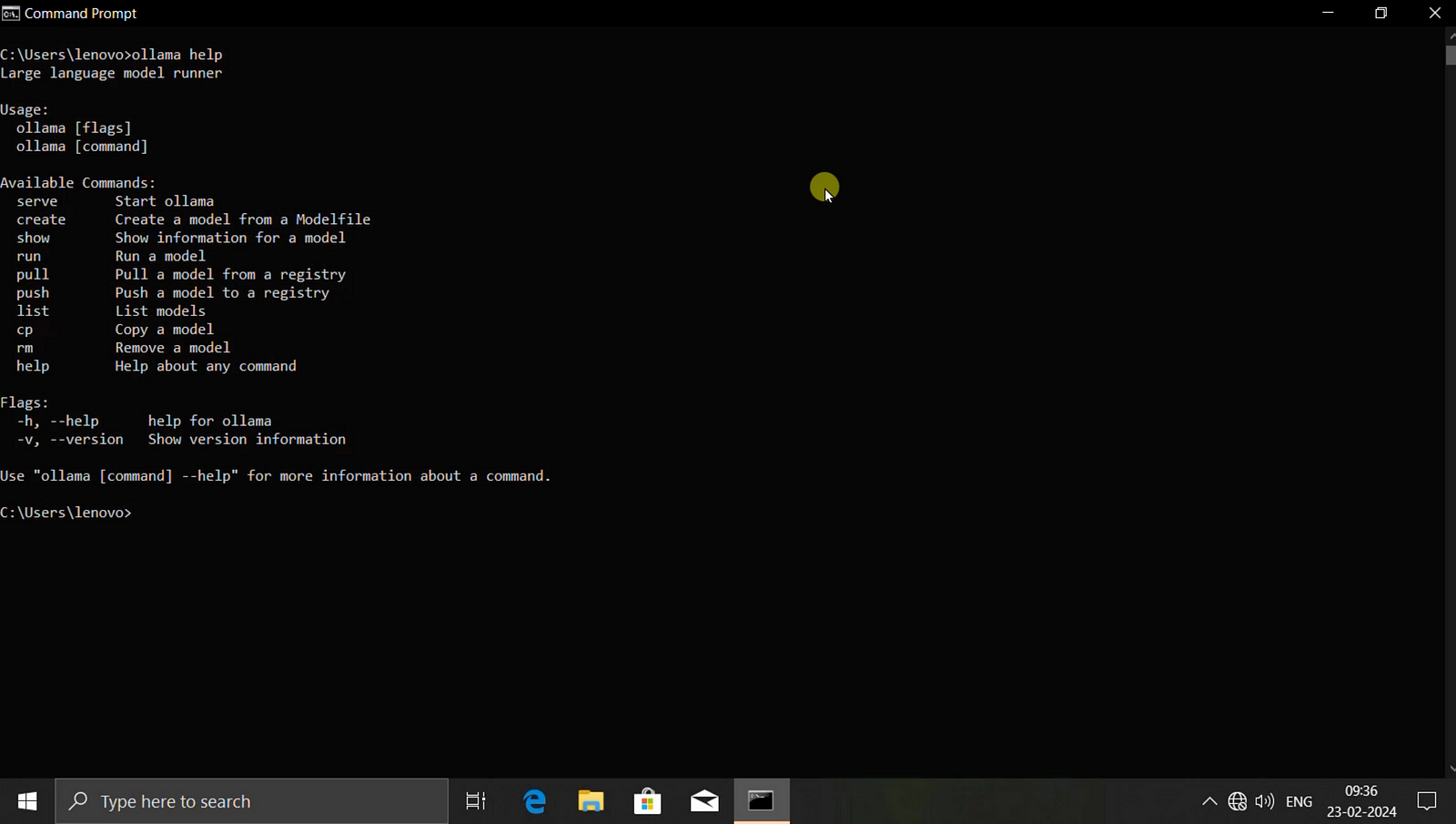
Step 05: Open CMD in windows and type Ollama help to see if installation is ok.
Step 06: Now open the browser and type localhost:11434 to check is Ollama is up and running or not.
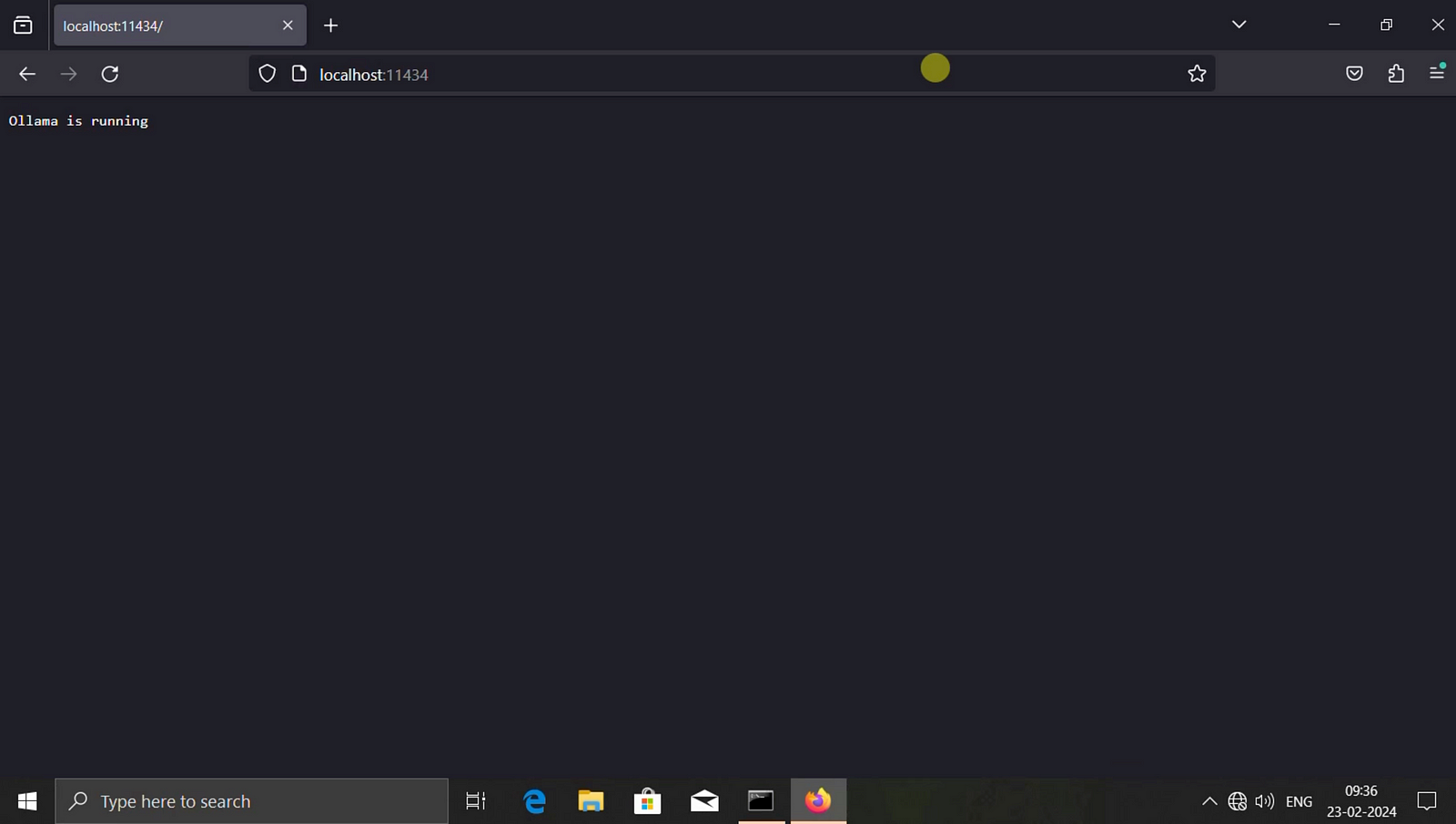
Step 07: Now Ollama is up and running, you can type ollama run phi or ollama run starcoder or ollama run llama2 to download the models and start asking questions in terminal.
 TechnoFunctionalLearning