Learn to Run with Docker llama 2, Starcoder and other large language models on MacOS
Where I can find the Github Repository?
Here is Github repository link
Where I can find website?
Where I can find Docker Images?
Here is link for Docker hub Images
Where I can find detail about Ollama python Library details?
Here is link for Ollama-Python
Where I can find link for Ollama Javascript Library?
Here is link for Ollama Javascript Library
Where is Ollama Models Library?
Here is link for Ollama Models library.
How to run Ollama Docker Image with Large Language Models
Here as of now I am attaching screenshot of two alternatives, One where you will run docker image with volume having the models and other where docker image is customised to embedded model without volume. Kindly focus on commands mentioned here and refer screenshot for basic understanding.
Step 01: Type below command so that Ollama docker image can start with volume and initially there will be no model so you need to run next command for fetching models.
This is for CPU only, if you need to run for Nvidia GPU the kindly visit this official link for instruction
docker run -d -v ollama:/root/.ollama -p 11434:11434 --name ollama ollama/ollama

Step 2: Now you can run below command to run llama 2, kindly note that each model size will be around 3–4 GB for smaller model except phi2 which is about 1.6gb, I will recommend if you have limited system memory of about 8 gb then run on command line for faster response.
docker exec -it ollama ollama run llama2
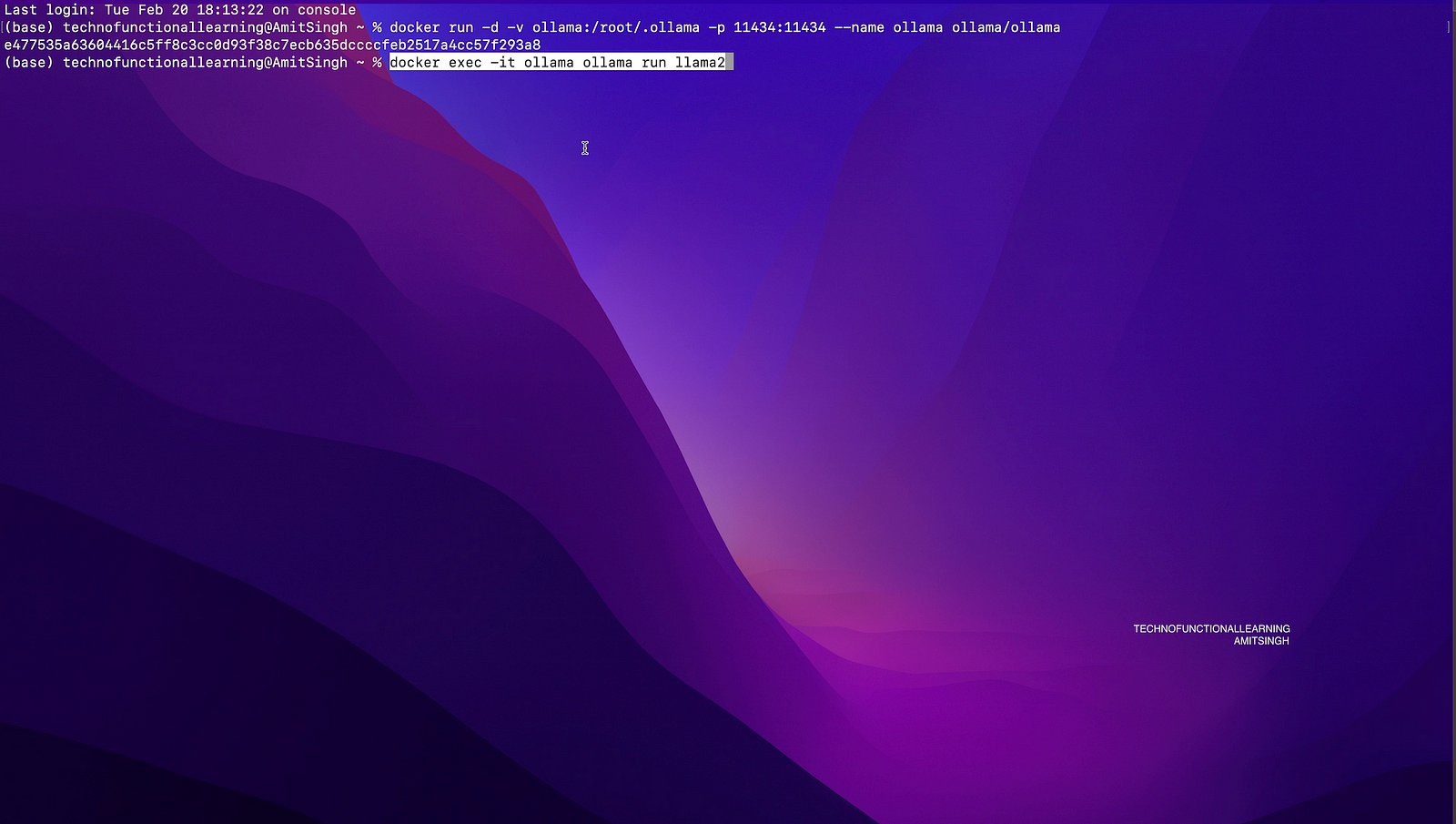
Step 3: Now you can start asking questions from llama 2, I will be adding detailed samples for each Ollama models in upcoming articles.

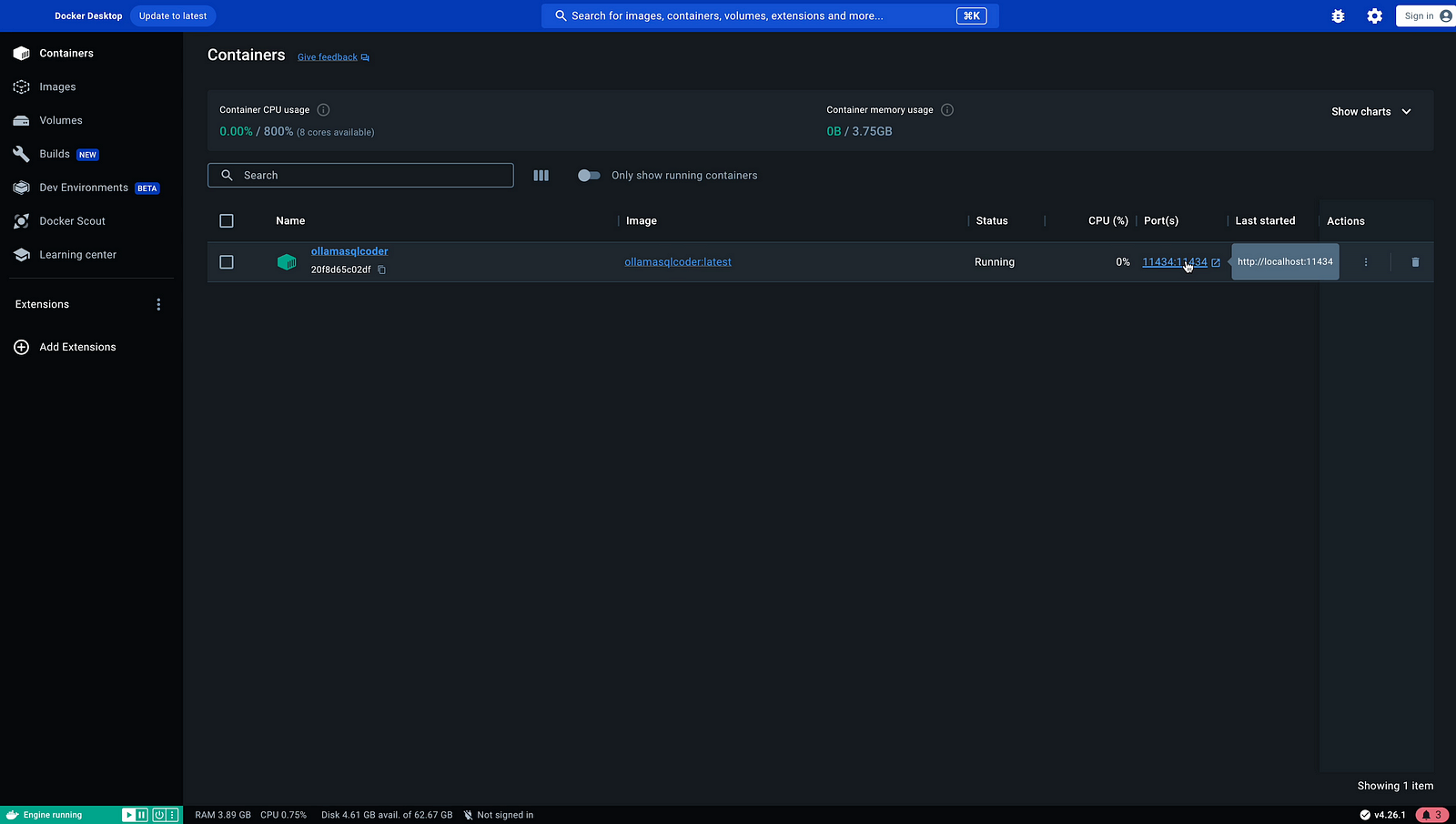
Step 4: Now if you have Docker desktop then visit Docker Desktop containers to see port details and status of docker images. Click on action to see if ollama is up and running or not (it is visible from status also).
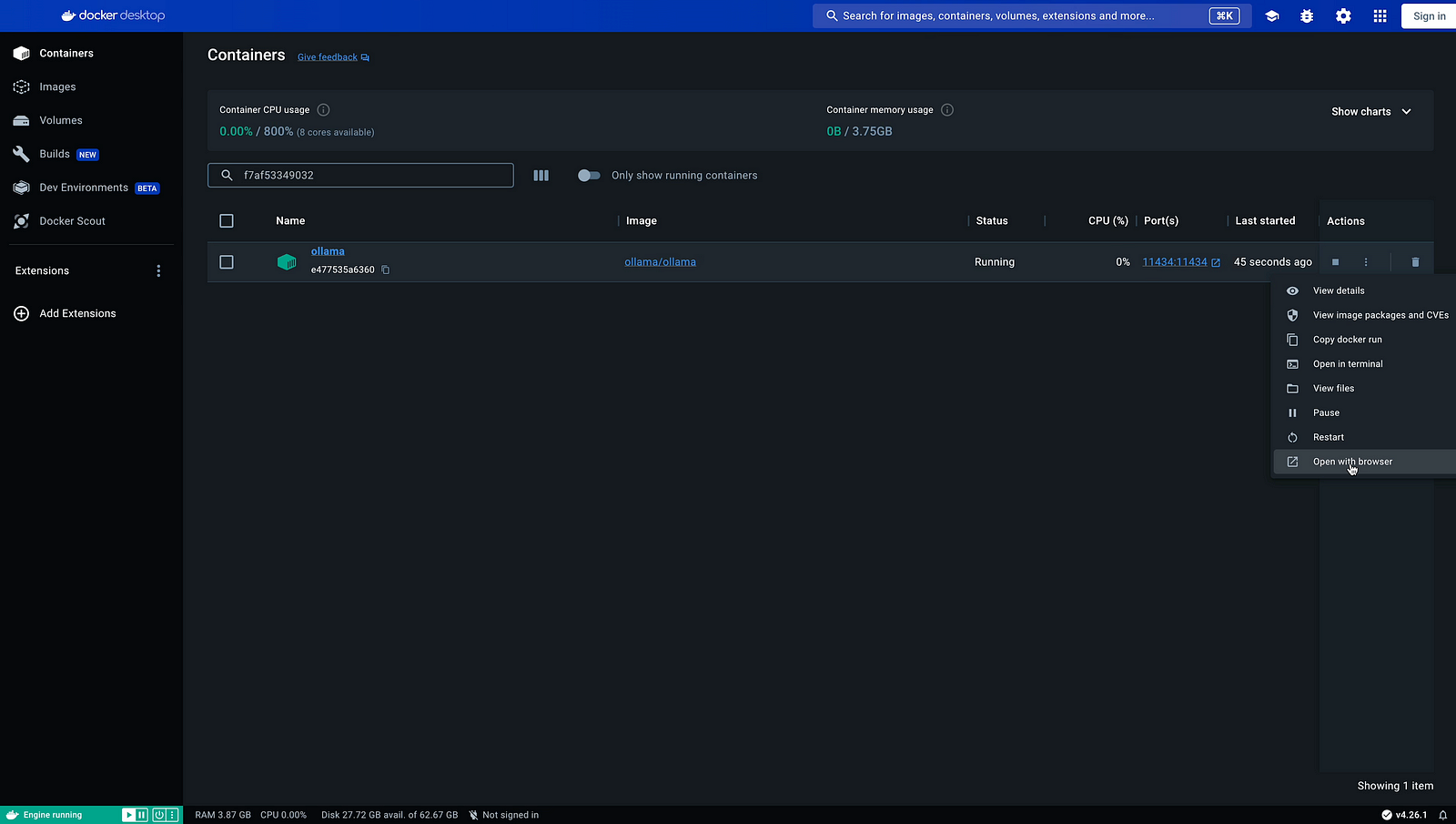
Step 5: Now you can see Ollama is running on localhost:11434.

Now here is a Example of running Ollama image with embedded model without attaching docker volume so that it can be easily used on other system.
This is Example of Ollama starcoder Model.
Step 01: To run standard Ollama starcoder image, you can run same step as given above but if you want to run without volume then type below command followed by next command.
docker run -d -p 11434:11434 --name ollama ollama/ollama
docker exec -it ollama ollama run starcoder
Now once you type both above commands, you will have ollama docker image with starcoder model but as soon as you remove the container it will remove that model as well. To include model each time you run ollama starcoder then just commit the changes to make your custom image with below commands.
Now just type below command to see you ollama container
docker ps -a
and note your container number and type below command to get your new docker image.
docker commit containernumber ollamasqlcoder:latest
Note that your original image of ollama docker which around 500mb will be there along with new image of approx 4.5gb will appear in docker images, you can check it with below command
docker images
Now you can run your new Ollama sqlcoder docker image with or without volume and move to other system by just export and importing to another docker instance.
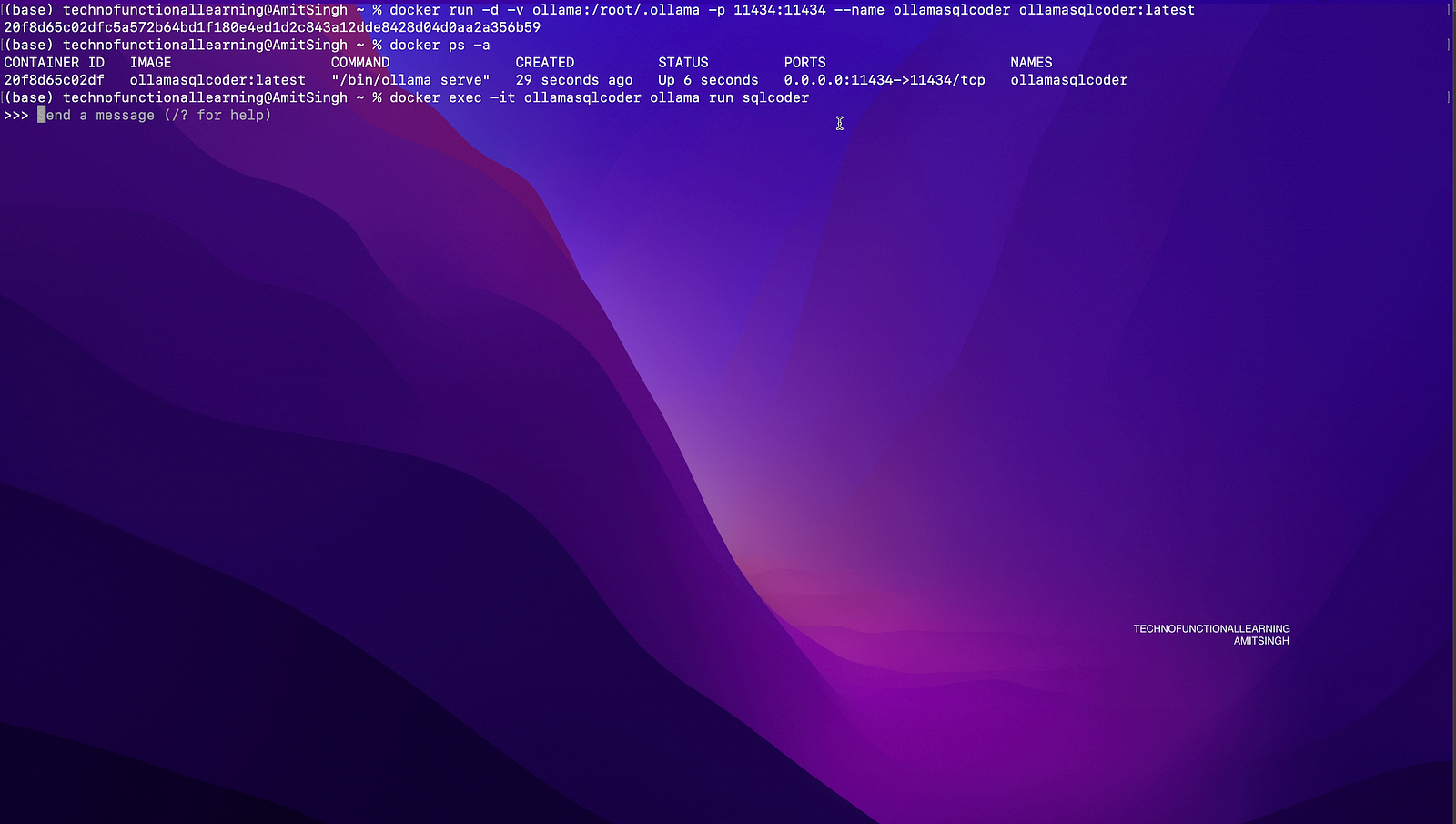
Let us run new Ollama sqlcoder Docker image with volume by typing below command
Step 01: Run with Volume custom docker image
docker run -d -v ollama:/root/.ollama -p 11434:11434 --name ollamasqlcoder ollamasqlcoder:latest
or without volume
docker run -d -p 11434:11434 --name ollamasqlcoder ollamasqlcoder:latest

Step 02: Check your docker container with below command
docker ps -a
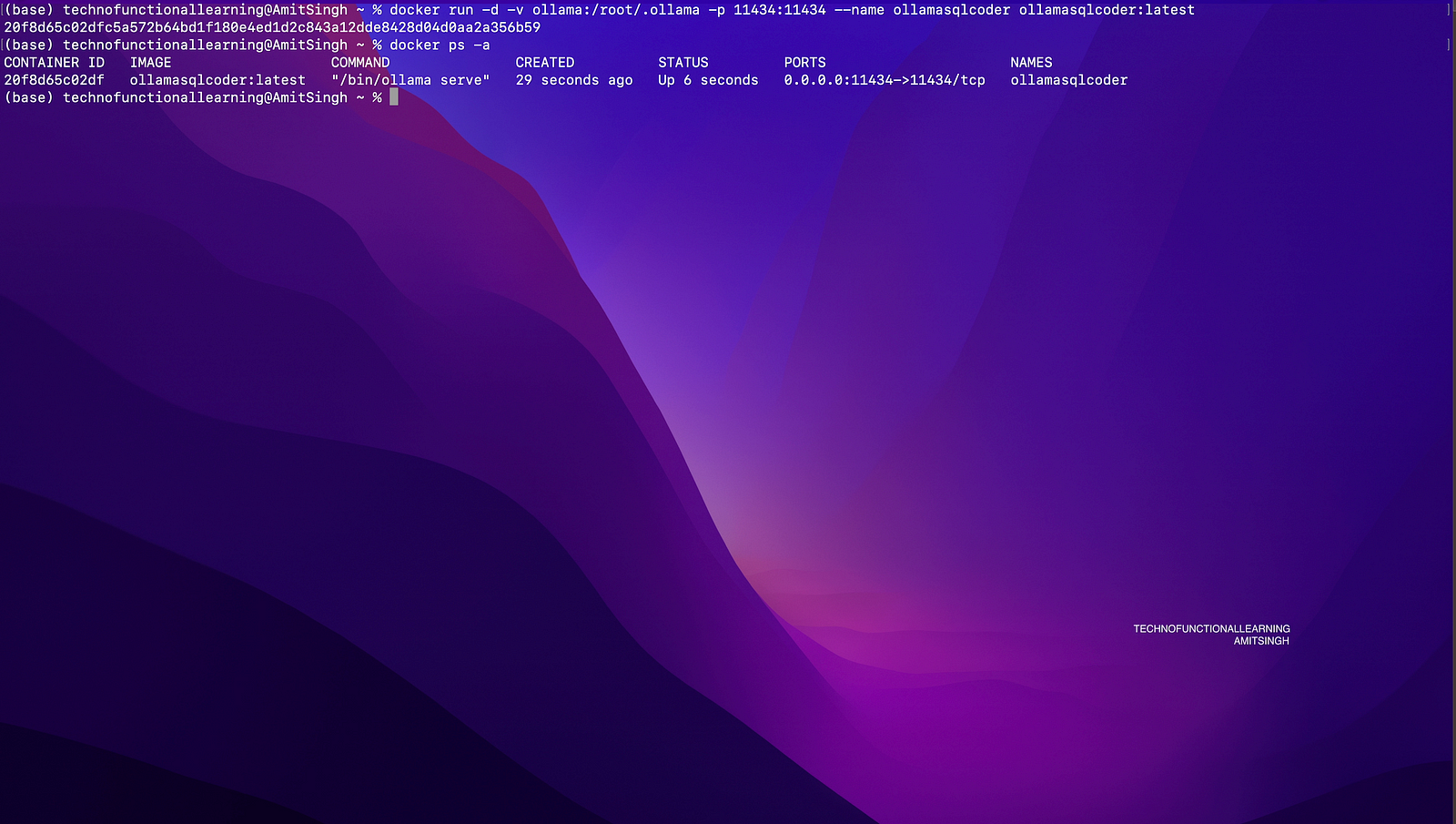
Step 03: Now type below command to bring command line for Ollama sqlcoder model.
docker exec -it ollamasqlcoder ollama run sqlcoder
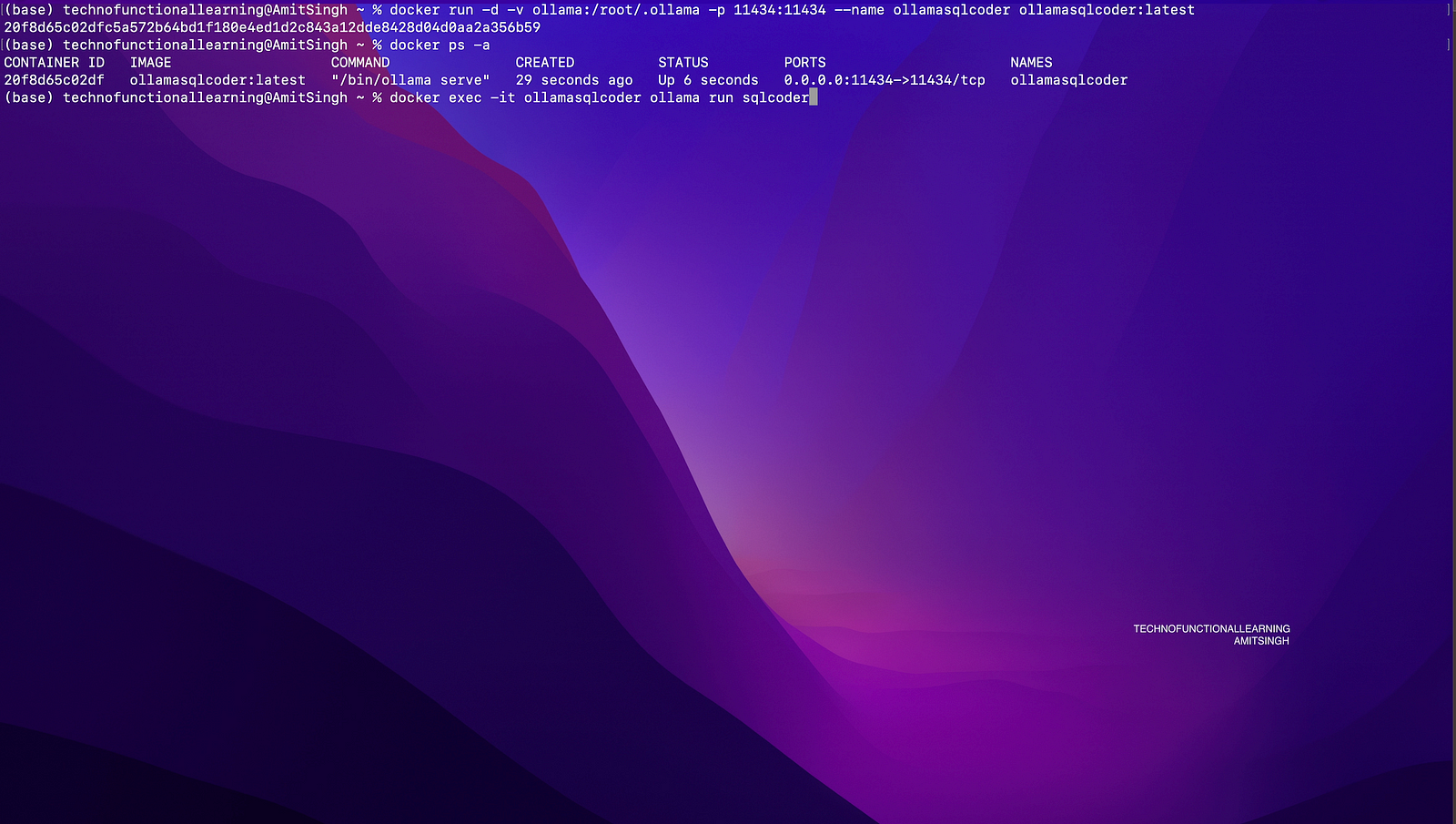
Step 04: Now you can start asking questions
Step 05: You can also check docker desktop for more details, Ollama is up and running on localhost:11434
Step 06: If you have also installed Ollama command line without docker then you can run starcoder model by running below command.
ollama run starcoder

 TechnoFunctionalLearning