DuckDuckGo AI chat is a Private AI-Powered chat service that currently supports OpenAI’s & Anthropic’s Claude Chat Models, Private Chats, No AI Training on Conversations, No Installation, Only DuckDuckGo browser needed.
We can start directly as it does not require any software other than DuckDuckGo Browser on MacOS.
DuckDuckGo Browser Download Links: Windows, MacOS
Step 01: Start with searching anything so that chat icon should appear.

Step 02: Click on Chat icon to proceed further.

Step 03: Click on Get started

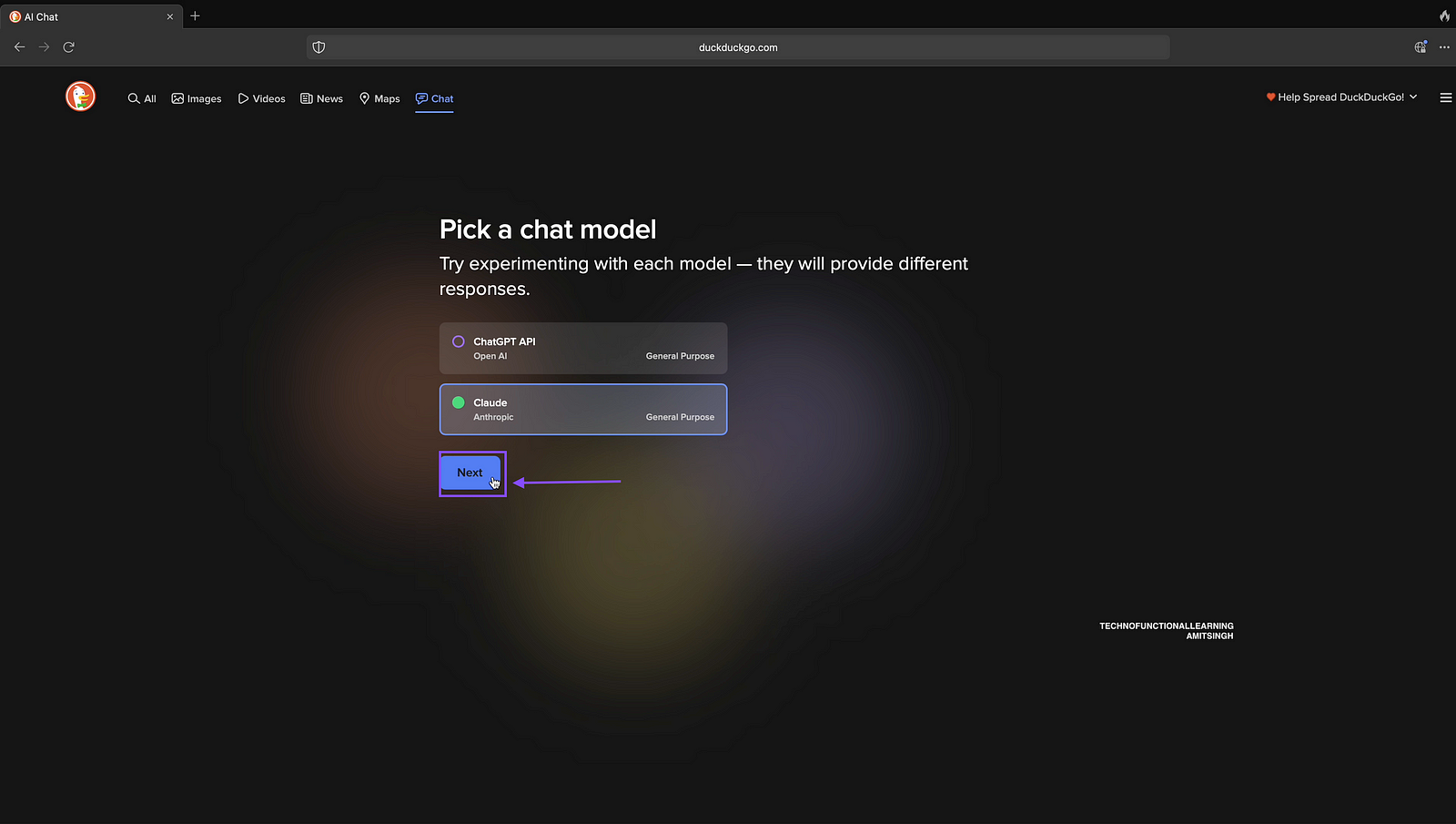
Step 04: Select Claude, We will chat with Claude model first and then we will go to ChatGPT.

Step 05: Click on Next
Step 06: Read the Privacy Policy and Terms of Use before proceeding further, Click on agree to proceed further.

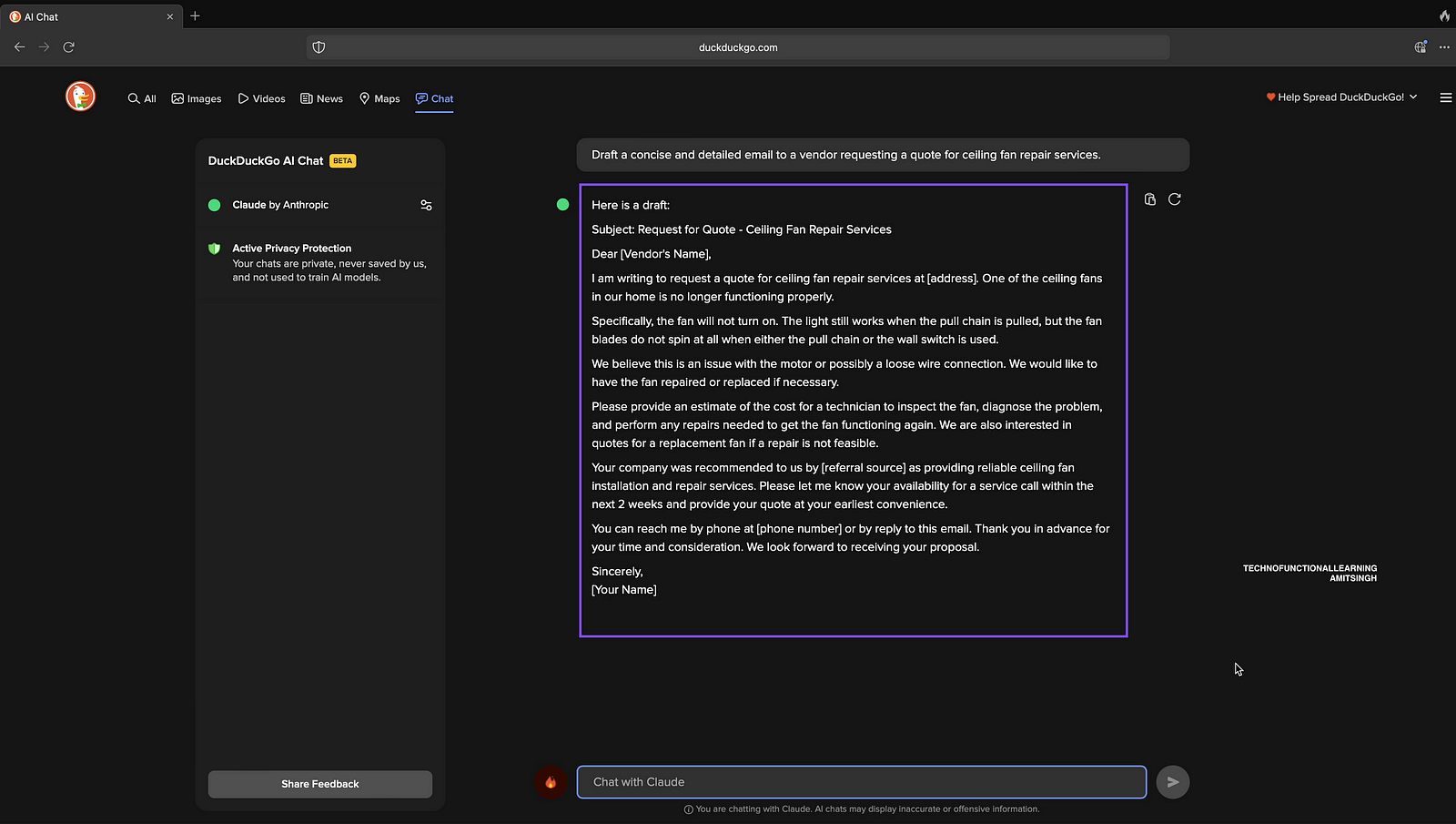
Step 07: Now ask to write a email

Step 08: Ouput
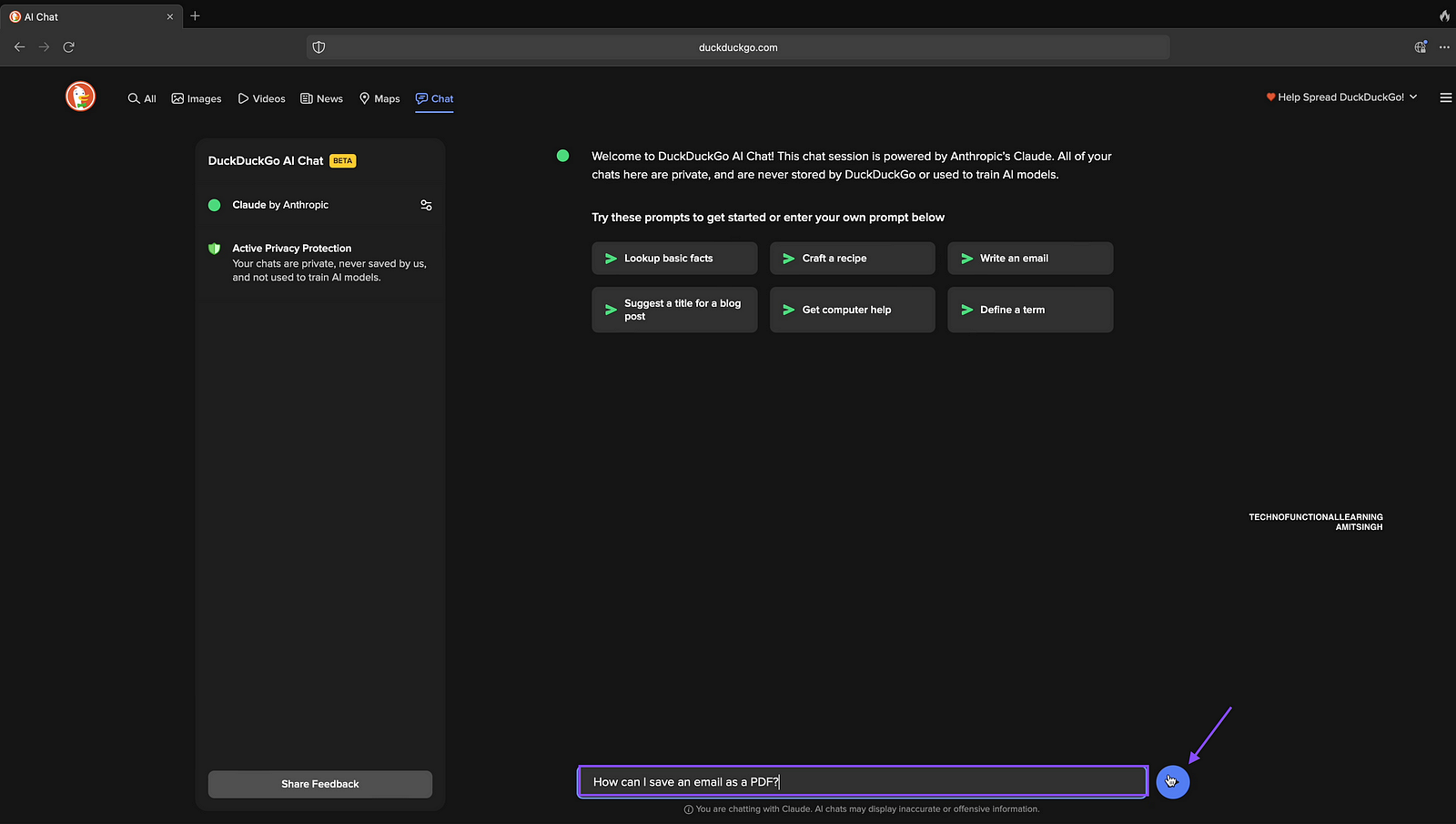
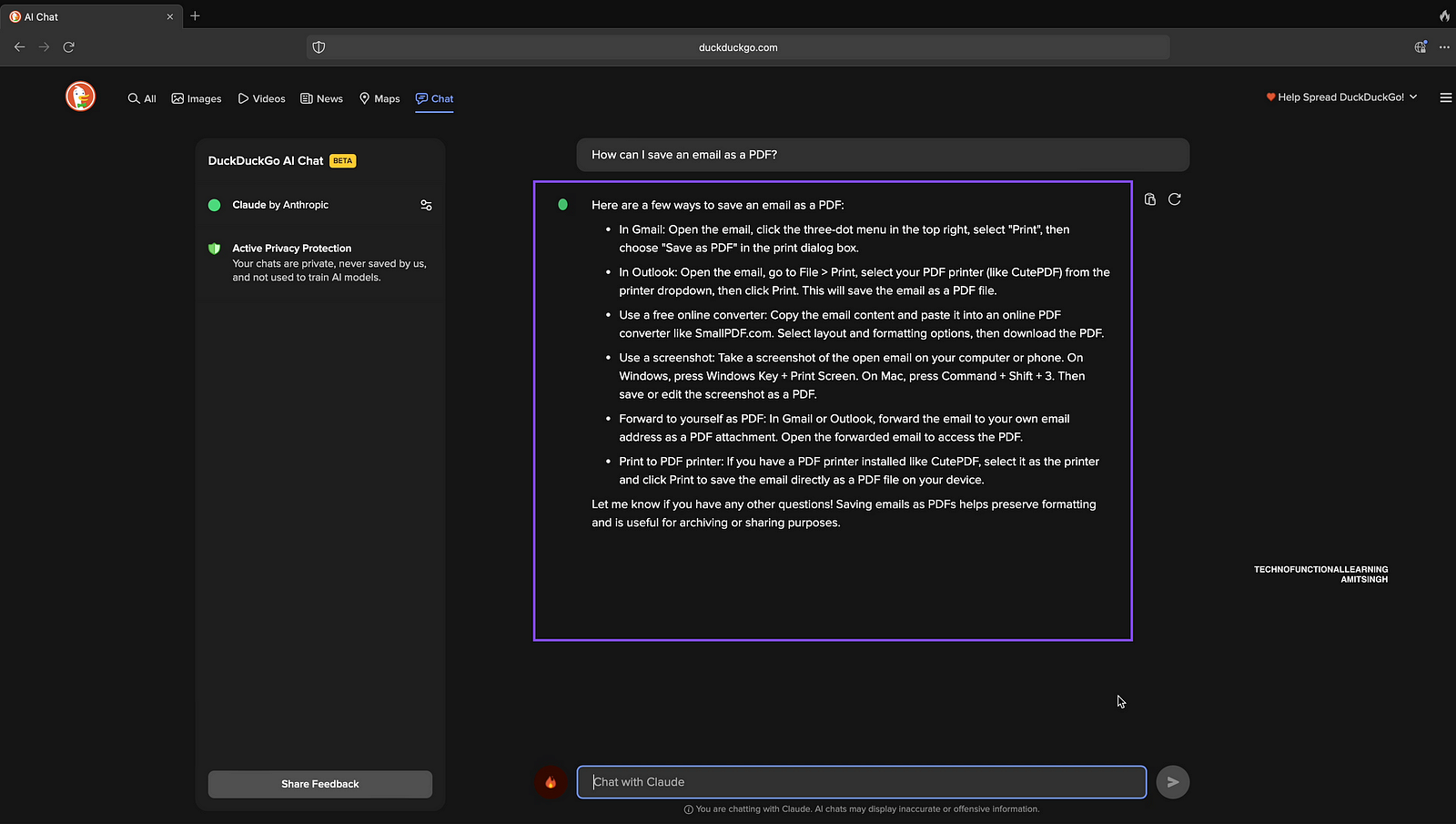
Step 09: Get Computer related help like “How can I save email as PDF”
Step 10: Output
Step 11: Ask to Plan a trip
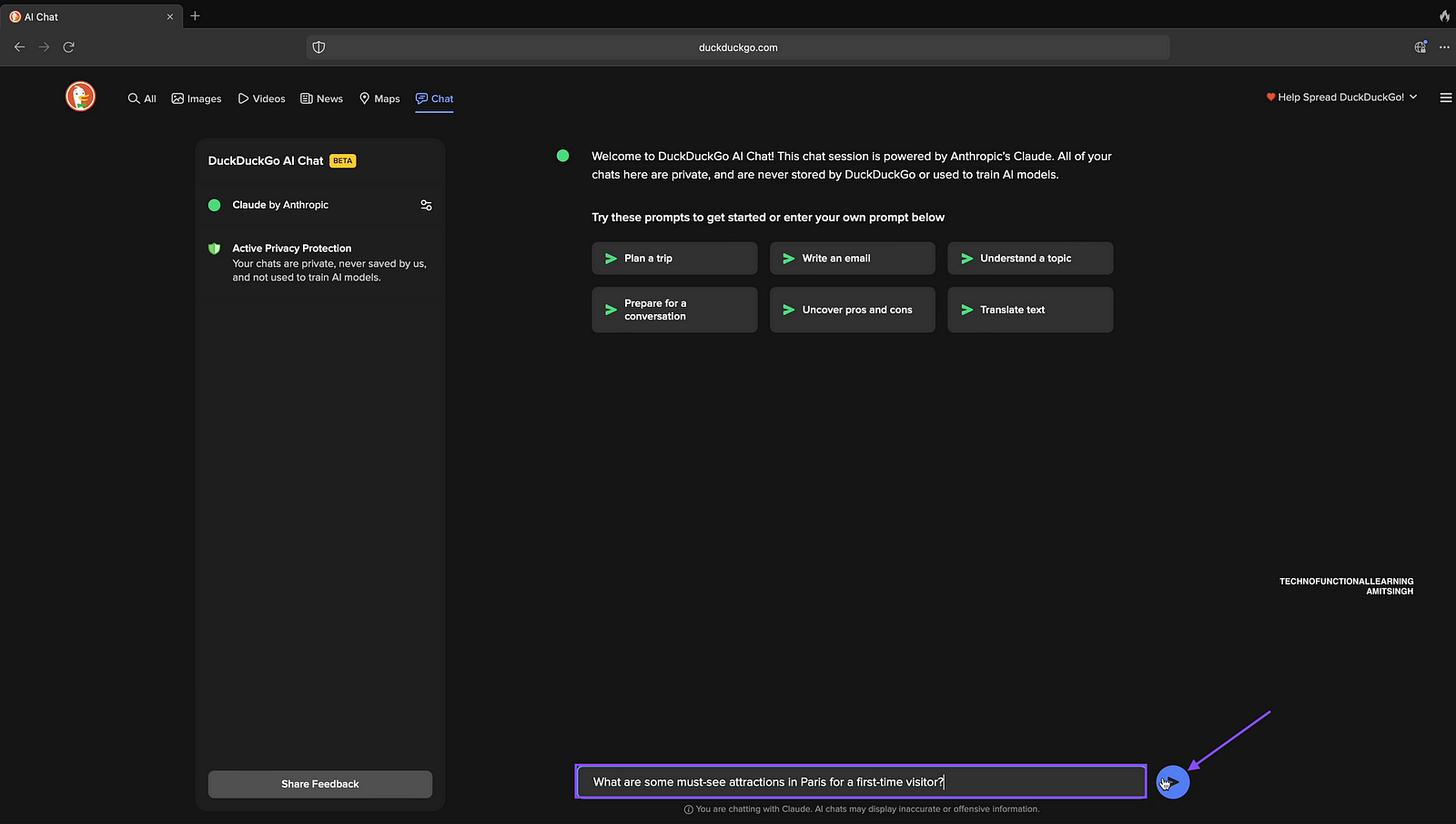
Step 12: Output
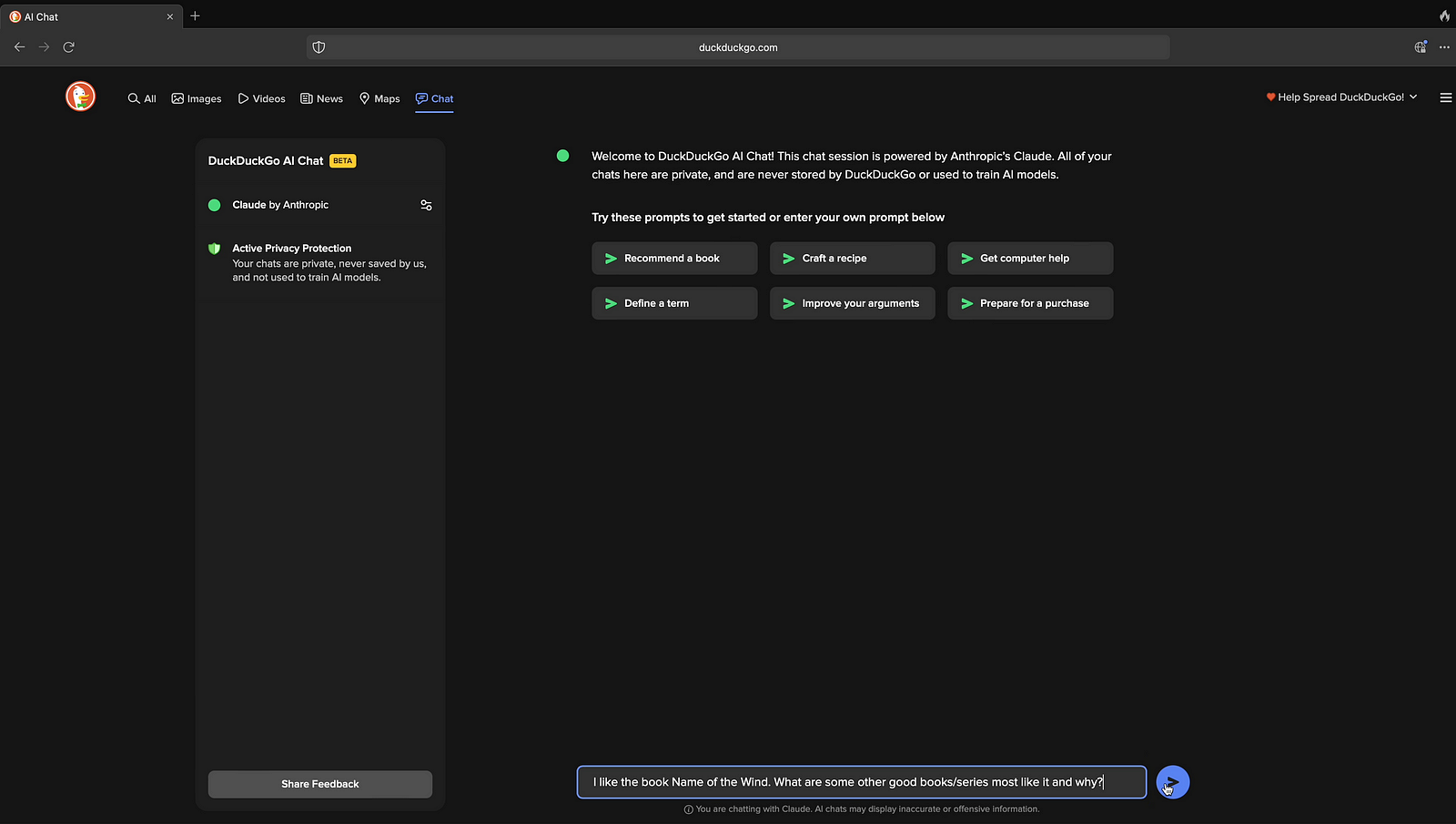
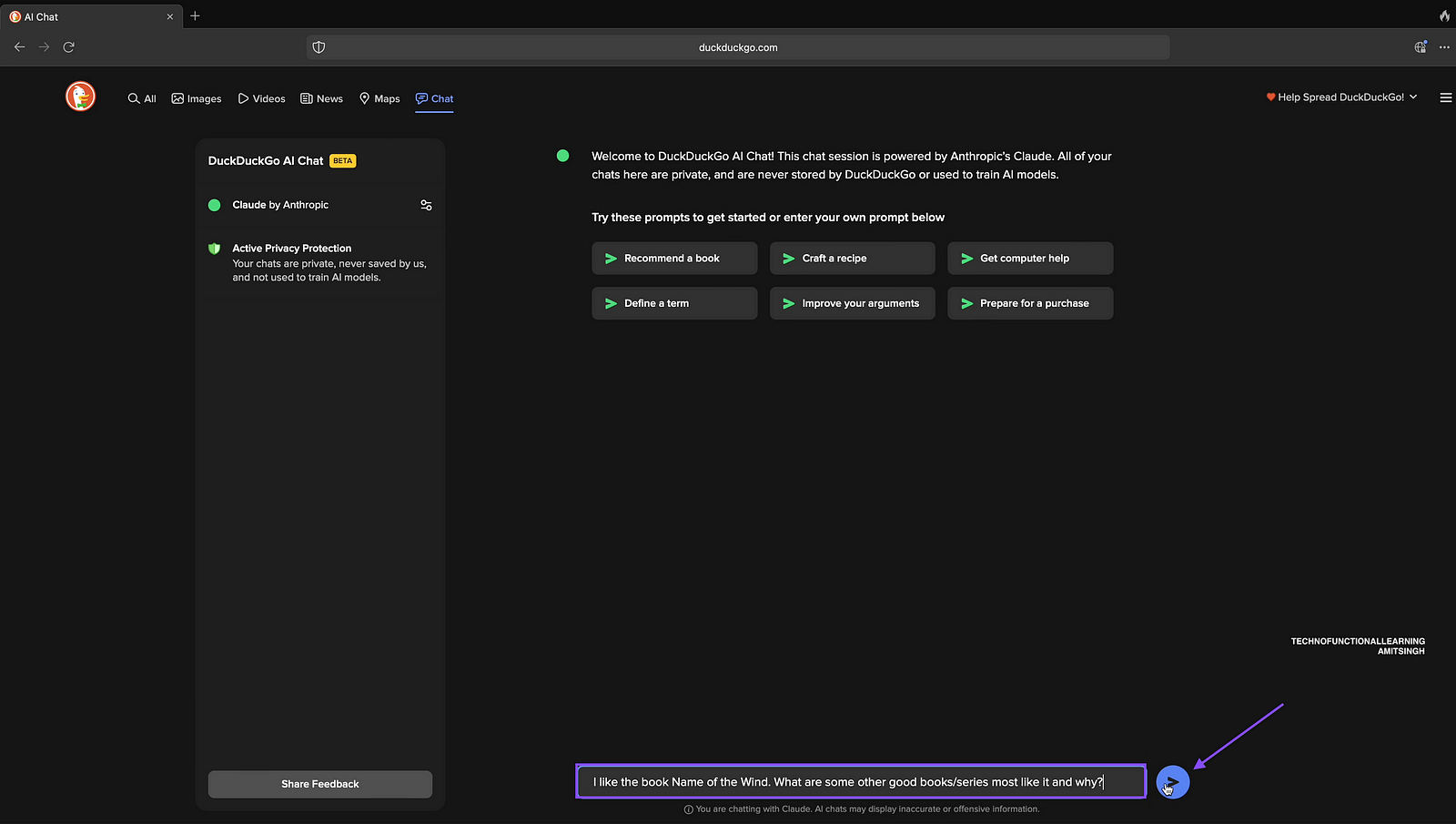
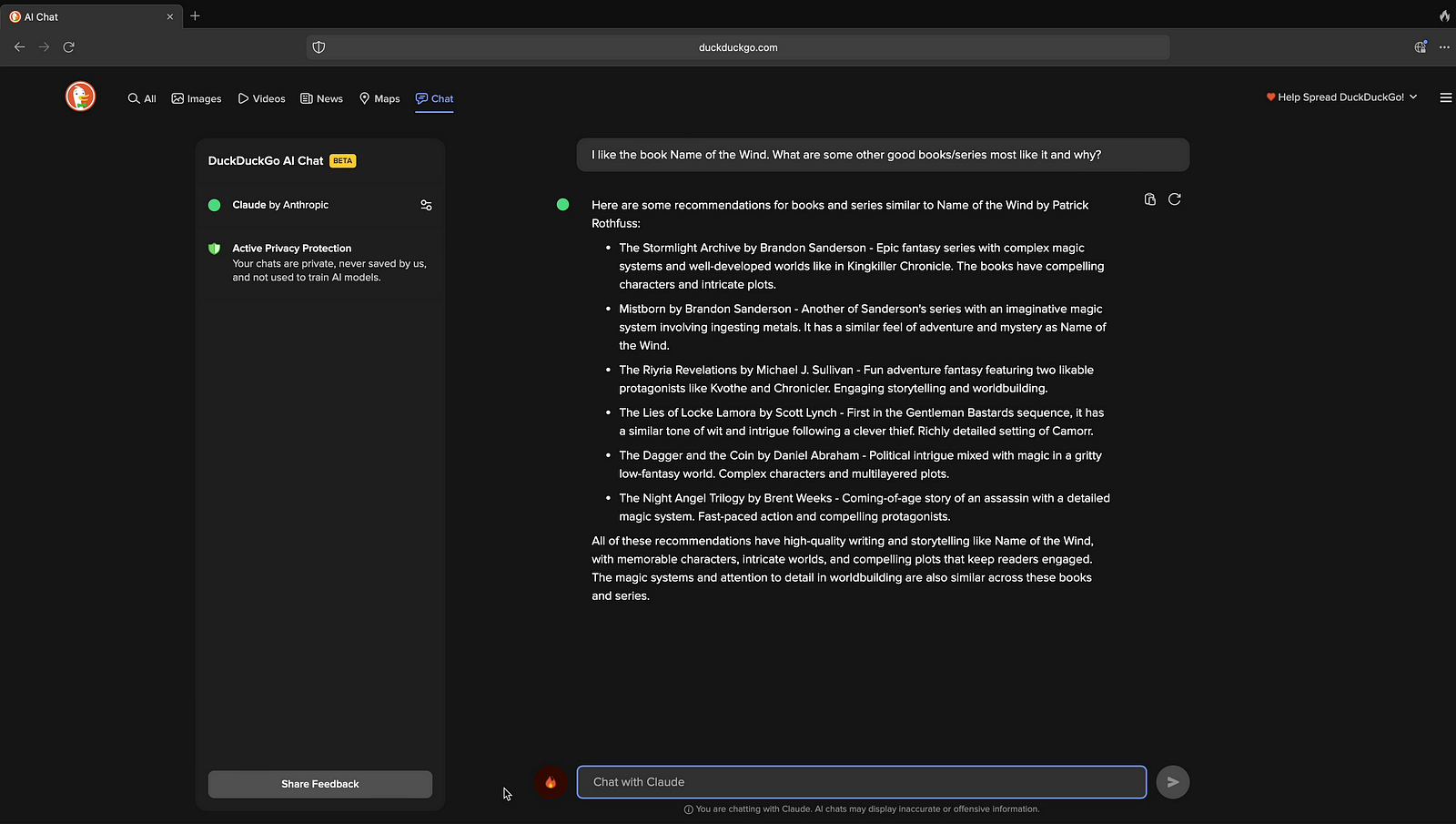
Step 13 Ask for Book Recommendation
Step 14: Output
Step 15: Translate your sentences

Step 16: Output

Step 17: Draft Social Media Post
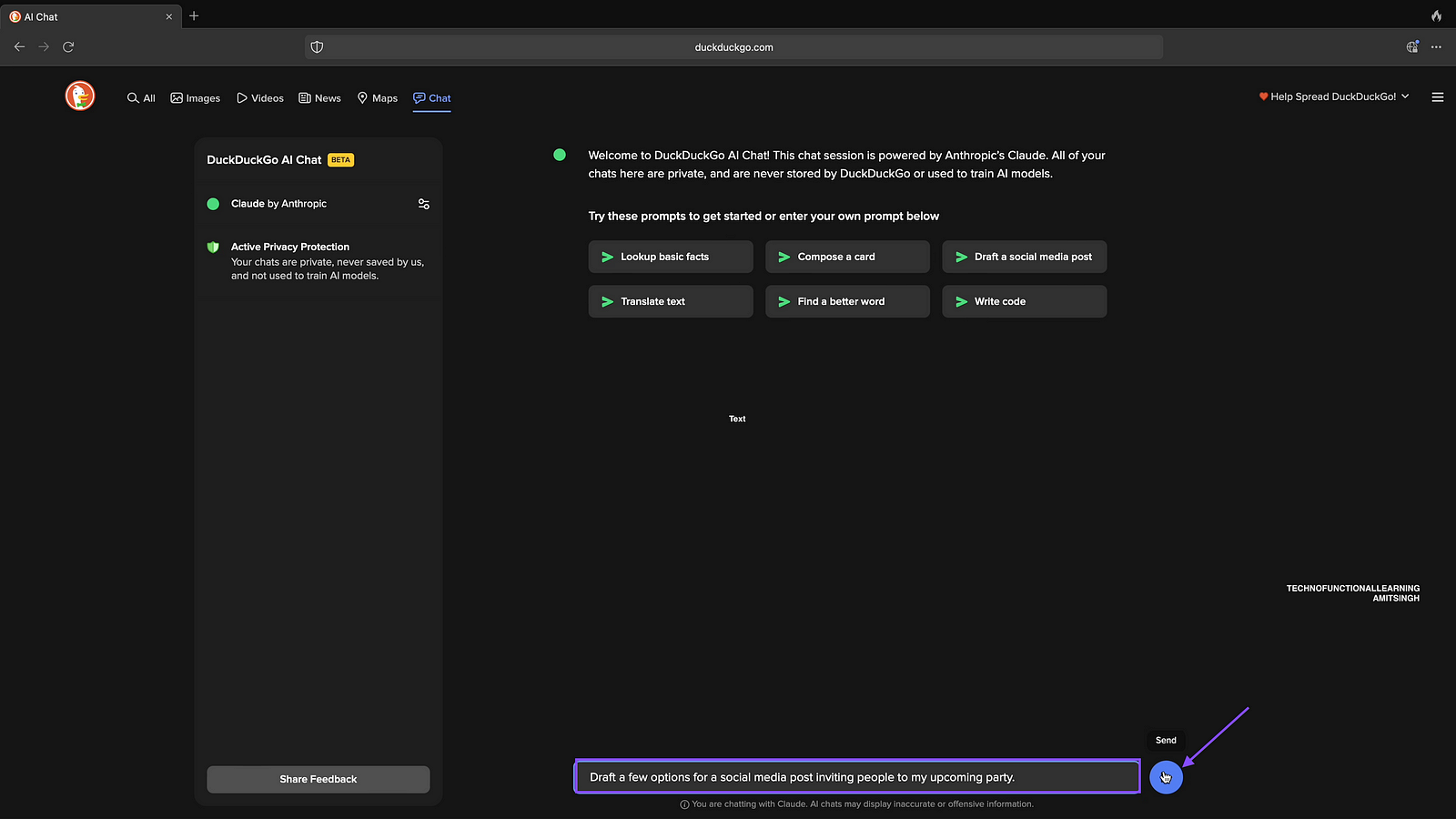
Step 18: Ouput
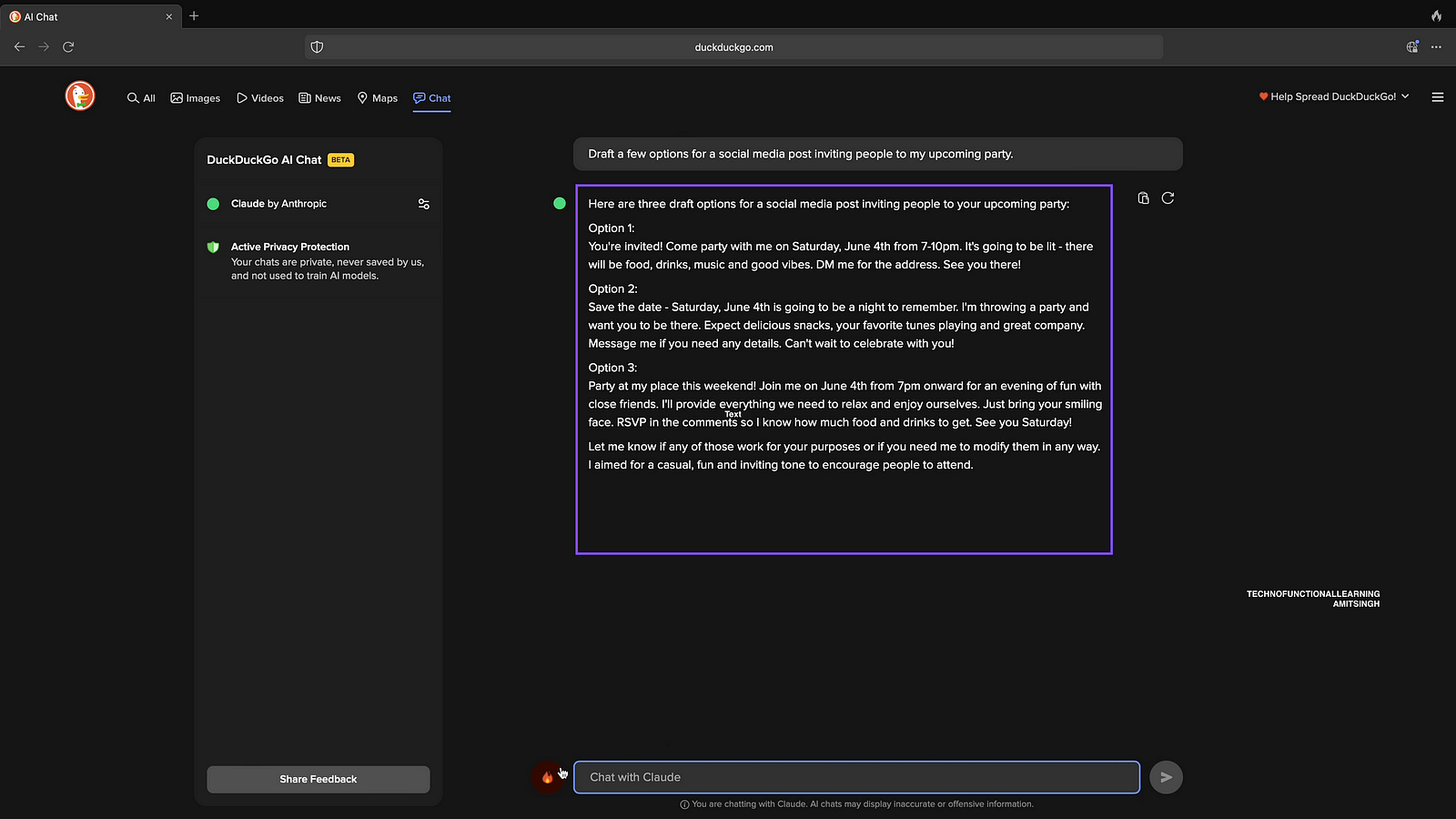
Step 19: Explain Fundamental Concepts at high school level.
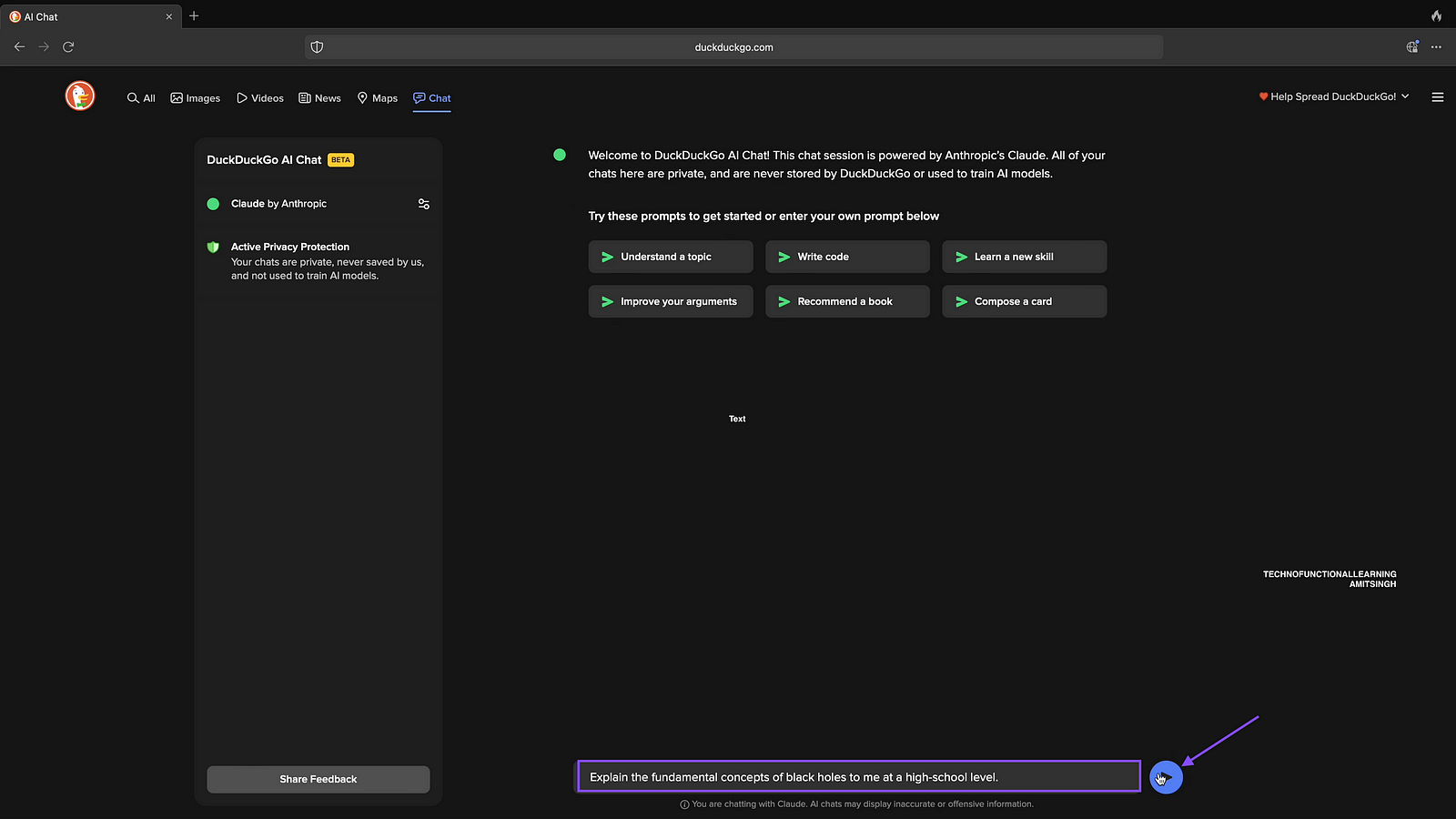
Step 20: Output
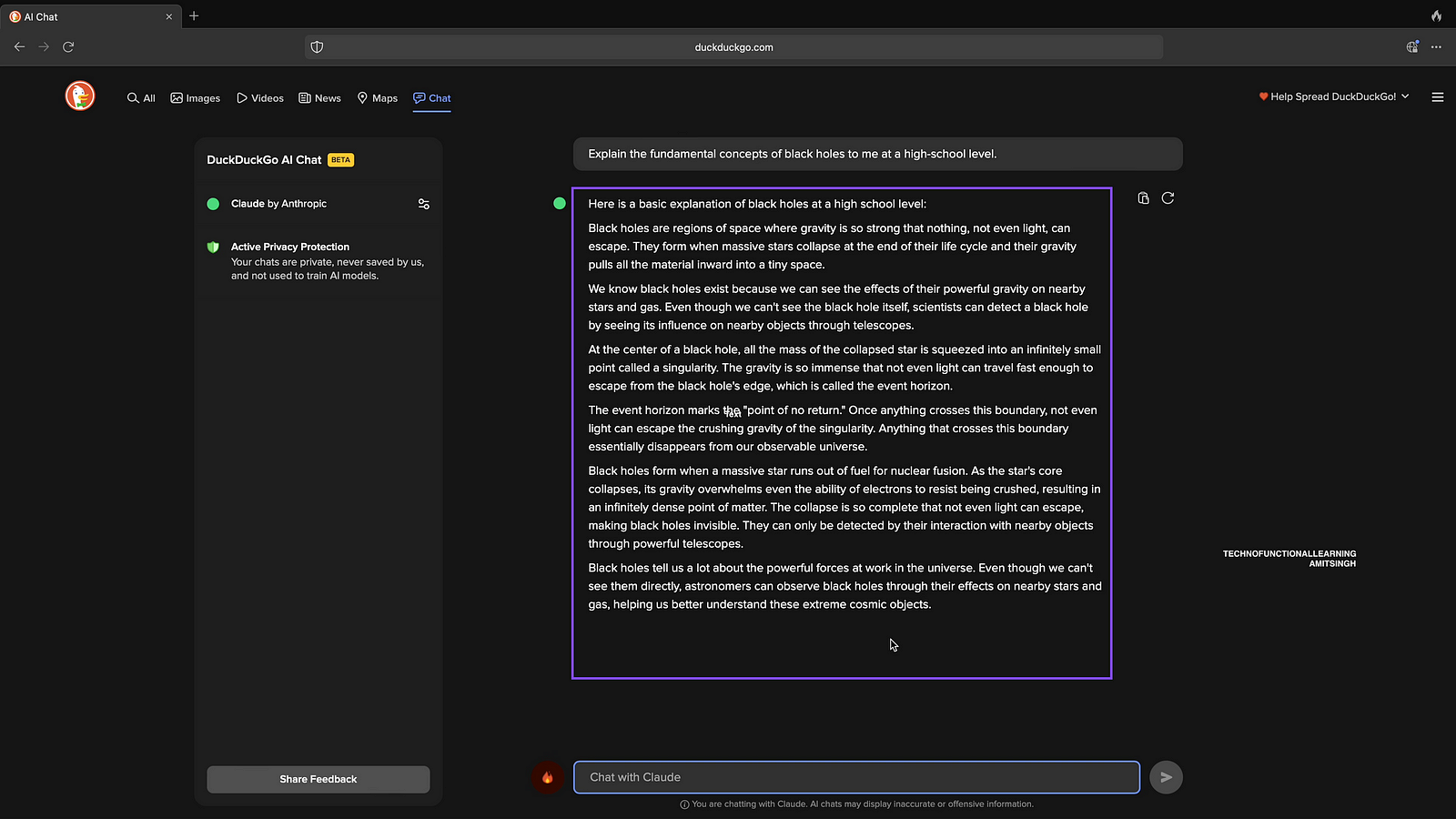
Step: 21 Ask Question About Blockchain
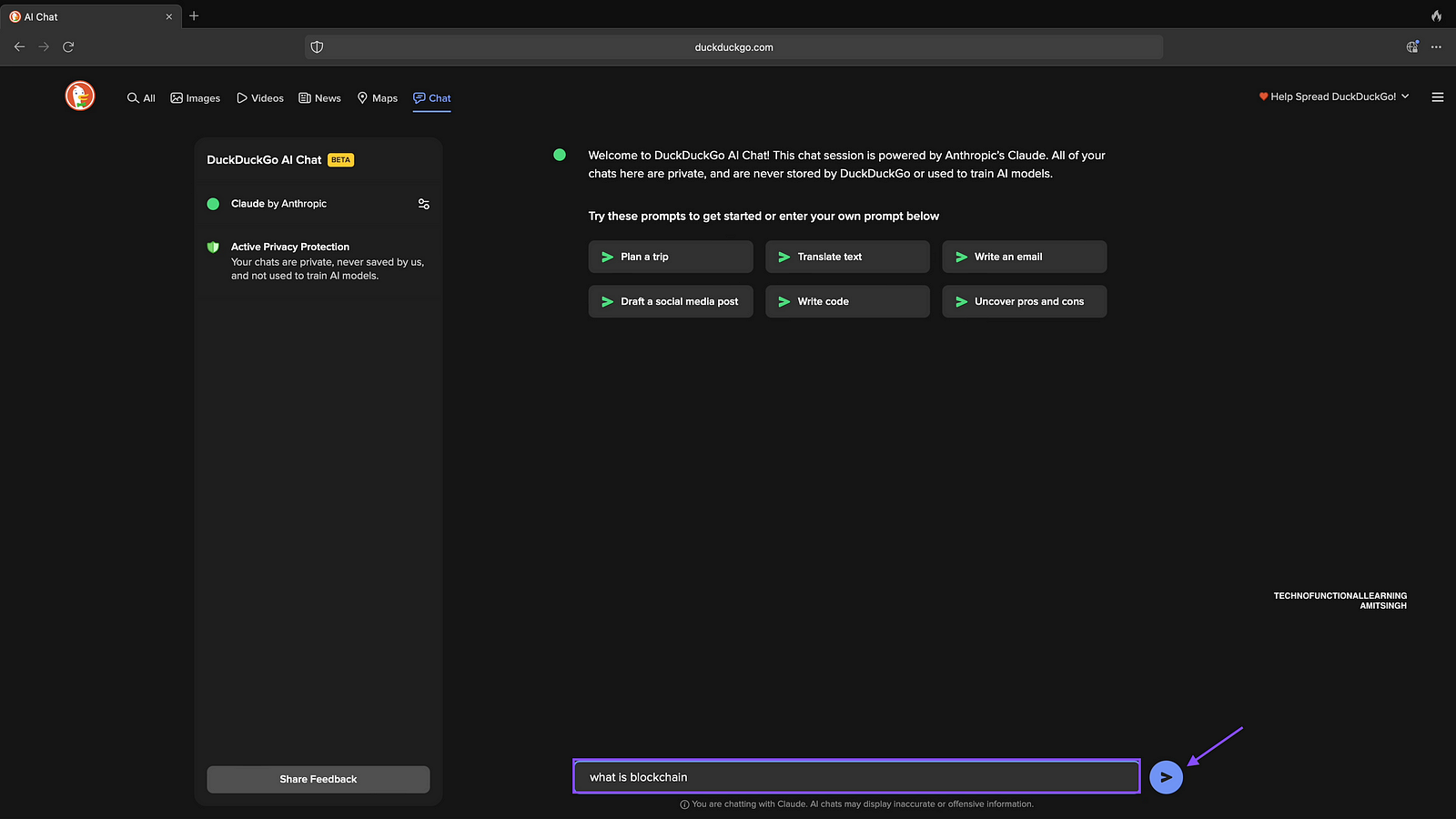
Step 22: Output
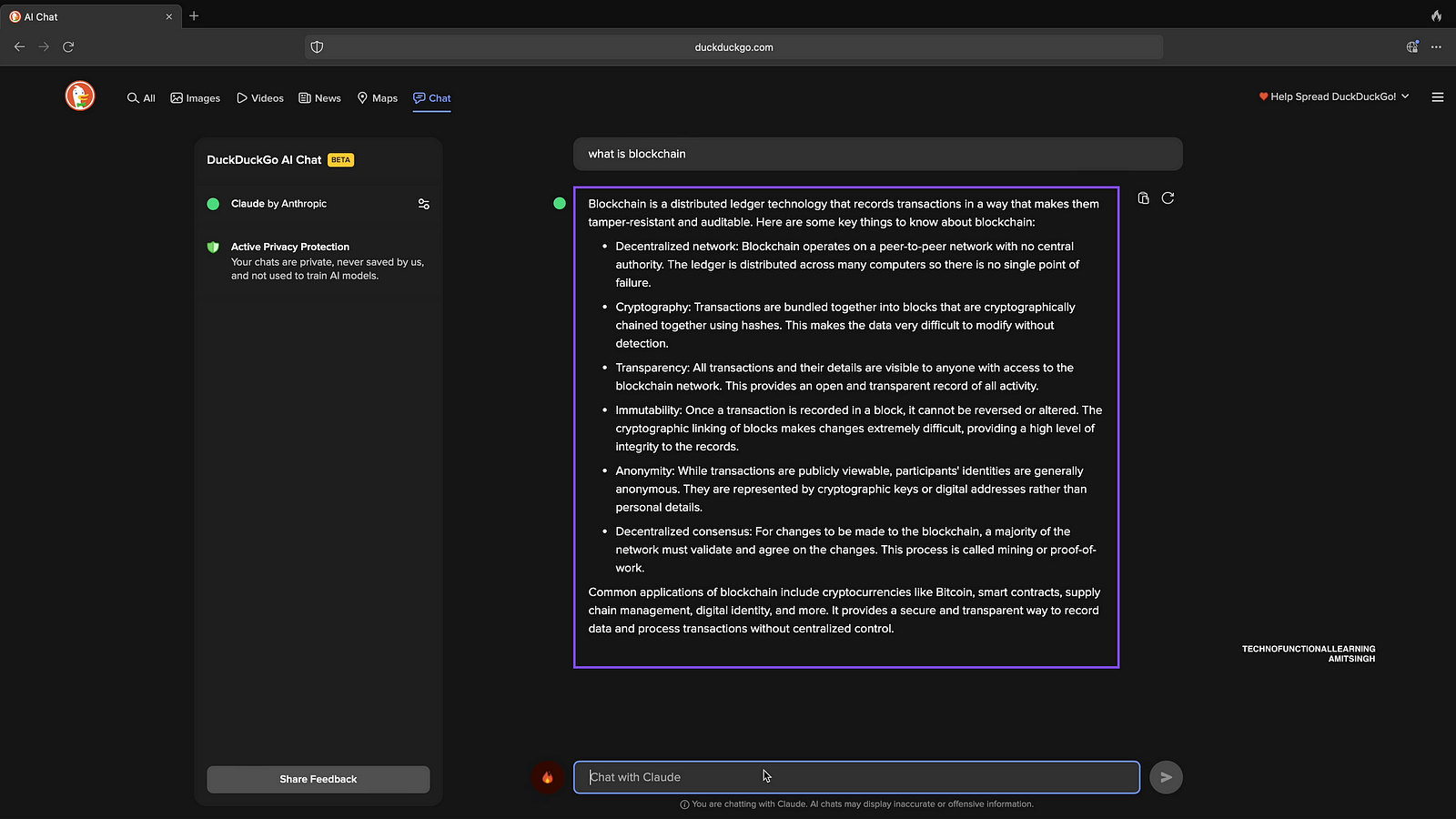
Step 23: Ask About Data Visualisation of Javascript Charts
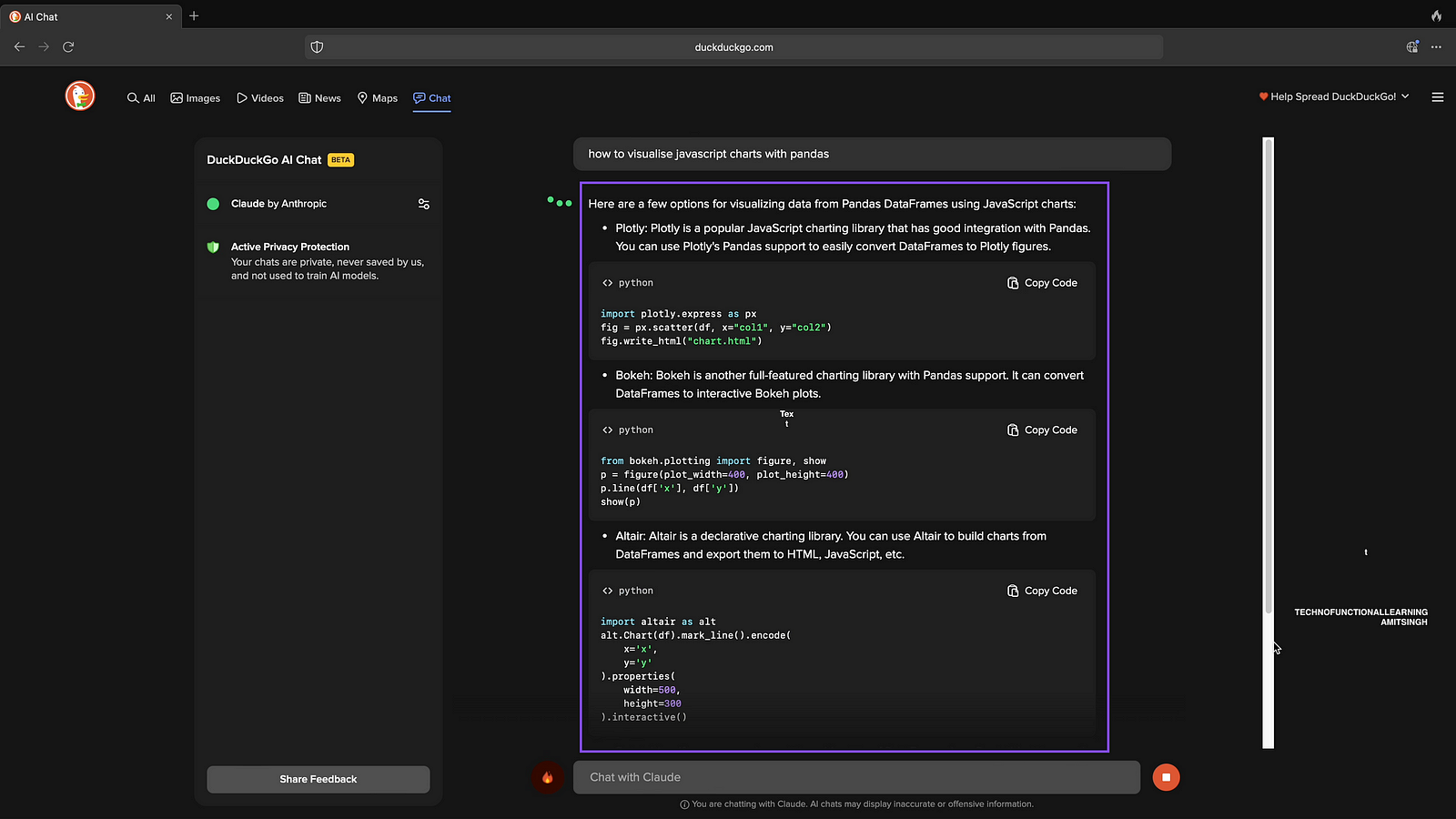
Step 24: Now change the Chat Model to ChatGPT by Clicking on side button.

Step 25: Choose ChatGPT API model and click on start chart.

Step 26: Create simple food receipes.
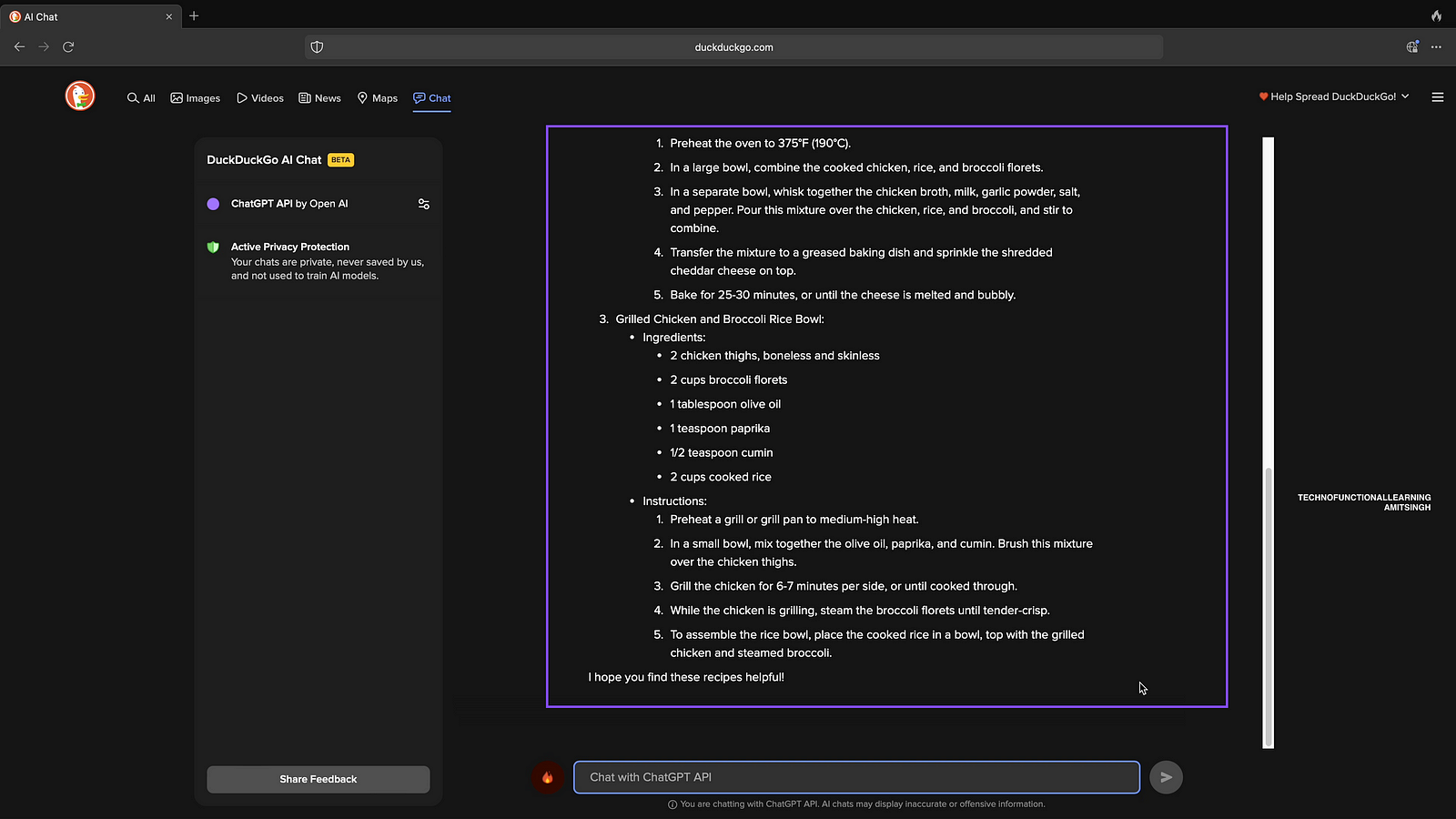
Step 27: Ask to write simple python code

Here is 10 minutes complete demo.
 TechnoFunctionalLearning