Open-WebUI: Learn to Connect Ollama Large Language Models (llama 2/Mistral/llava/Starcoder/Stablelm2/SQLCoder/phi2/Nuos-Hermes & others) with Open-WebUI
What is Open-WebUI?
User-friendly WebUI for LLMs
Where is Github Repository?
https://github.com/open-webui/open-webui
Features of Open-WebUI
Intuitive Interface: User-friendly experience.
Responsive Design: Enjoy a seamless experience on both desktop and mobile devices.
Local RAG Integration: Dive into the future of chat interactions with the groundbreaking Retrieval Augmented Generation (RAG) support. This feature seamlessly integrates document interactions into your chat experience. You can load documents directly into the chat or add files to your document library, effortlessly accessing them using command in the prompt. In its alpha phase, occasional issues may arise as we actively refine and enhance this feature to ensure optimal performance and reliability.
Web Browsing Capability: Seamlessly integrate websites into your chat experience using the command followed by the URL. This feature allows you to incorporate web content directly into your conversations, enhancing the richness and depth of your interactions.
LHF Annotation: Empower your messages by rating them with thumbs up and thumbs down, facilitating the creation of datasets for Reinforcement Learning from Human Feedback (RLHF). Utilize your messages to train or fine-tune models, all while ensuring the confidentiality of locally saved data.
Download/Delete Models: Easily download or remove models directly from the web UI.
GGUF File Model Creation: Effortlessly create Ollama models by uploading GGUF files directly from the web UI. Streamlined process with options to upload from your machine or download GGUF files from Hugging Face.
You can read all the features on Open-WebUI website or Github Repository mentioned above.
Here you can Find details about Ollama
Where I can find the Github Repository?
Here is Github repository link
Where I can find website?
Where I can find Docker Images?
Here is link for Docker hub Images
Where I can find detail about Ollama python Library details?
Here is link for Ollama-Python
Where I can find link for Ollama Javascript Library?
Here is link for Ollama Javascript Library
Where is Ollama Models Library?
Here is link for Ollama Models library.
To Install Various Large Language Models for using it with Open-WebUI, here are individual Models installation via Docker and Command Line.
Now, How to Install and Run Open-WebUI with Docker and Connect with Large Language Models, Kindly note that process for running docker image and connecting with models is same in Windows/Mac/Ubuntu.
There will be some more articles covering Open-WebUI in detail.
Step 01: First launch a Model of your choice by typing below command
Ollama run llava

Step 02: Now type below command to pull and run docker image.
docker run -d -p 3000:8080 --add-host=host.docker.internal:host-gateway -v open-webui:/app/backend/data --name open-webui --restart always ghcr.io/open-webui/open-webui:main
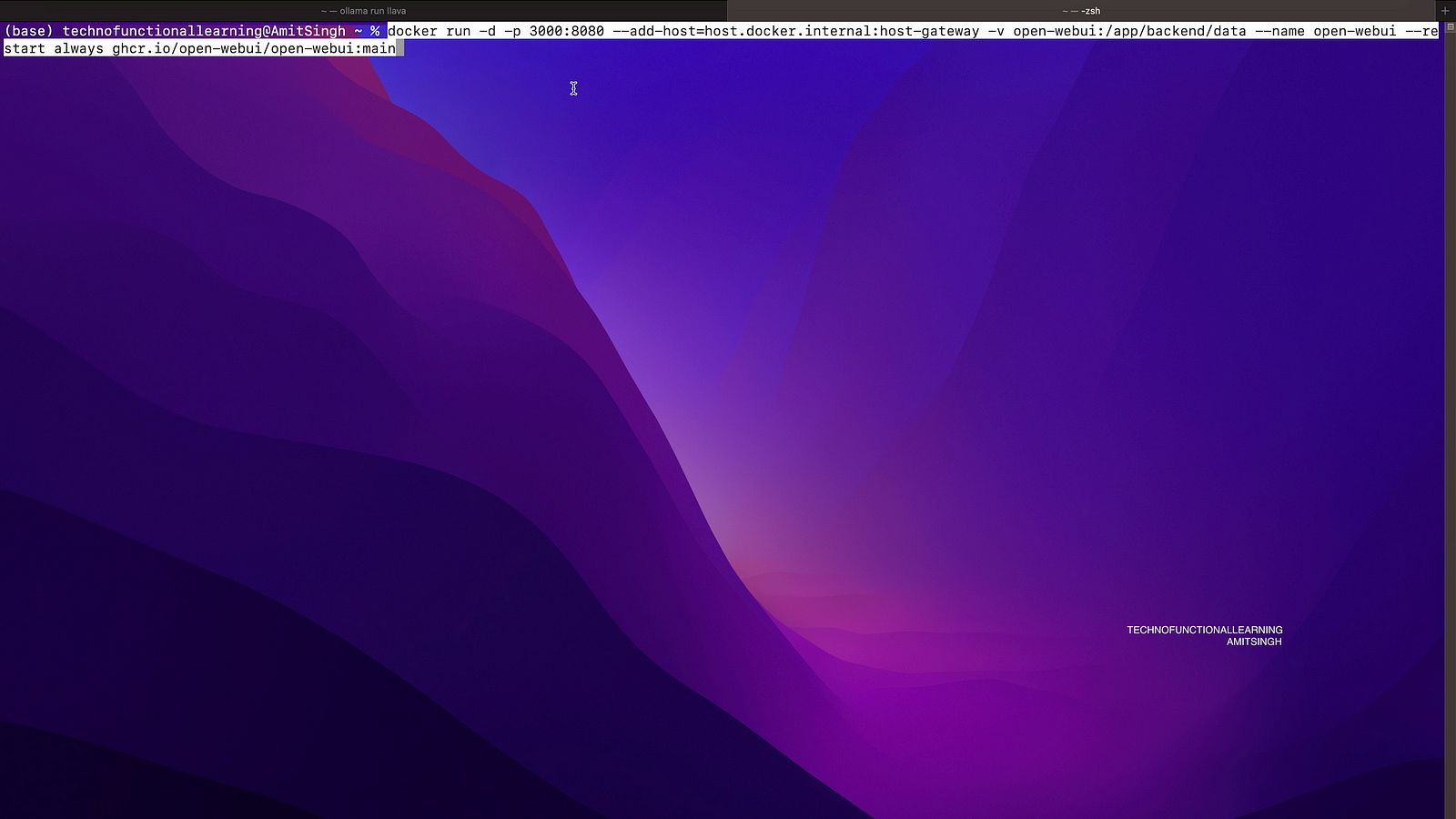
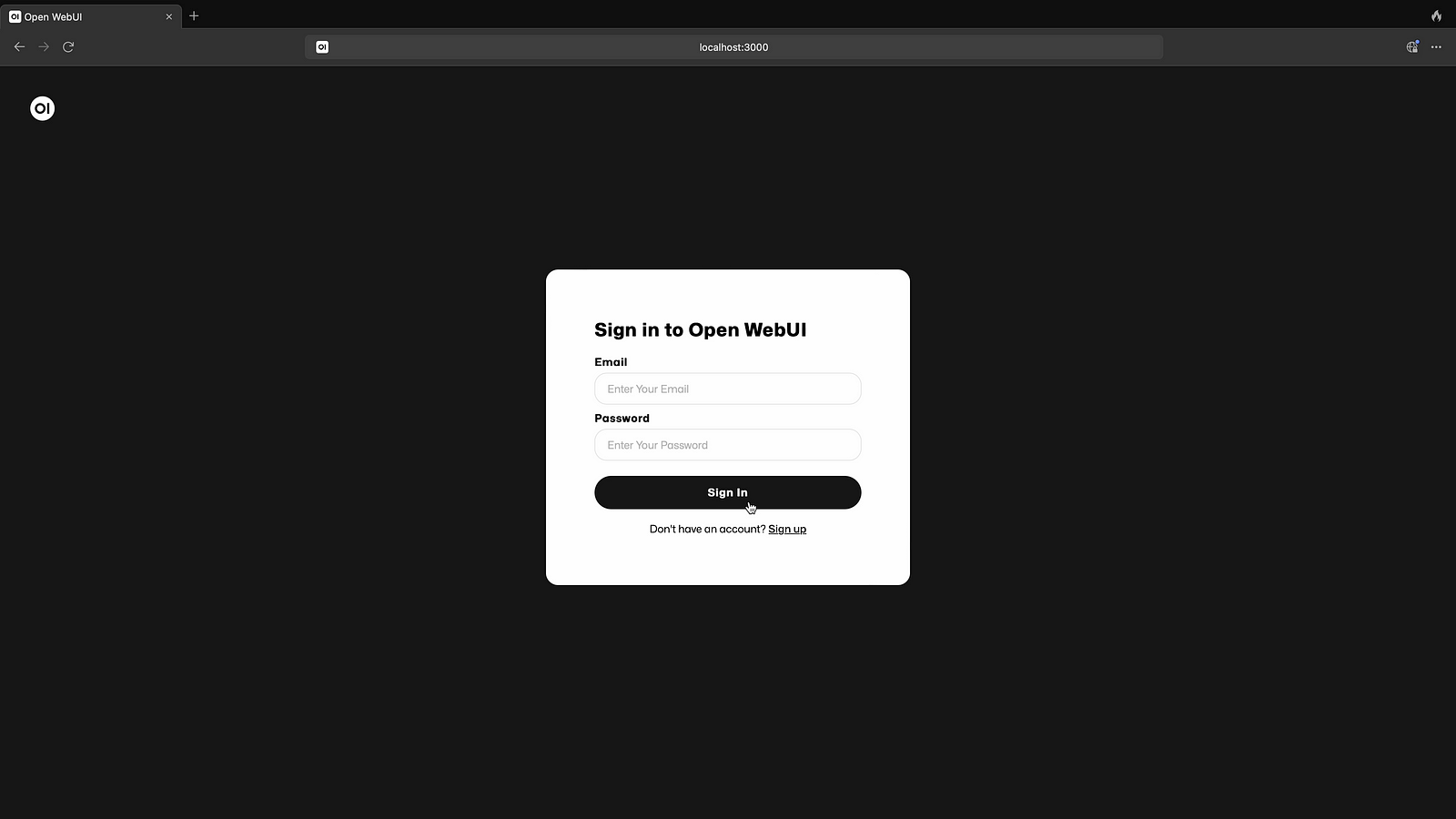
Step 03: Now open Docker Desktop and browse to login page via docker container

Step 04: Now as you do not have login details because it is first login, You can click on sign up. Kindly note that once You pull docker image then you will not require any internet to create login details but make sure that you have all the required Ollama models on your desktop else you need to download with internet connection.

Step 05: Create you login id with Name, Email & Password

Step 06: Enter your login details and press enter.
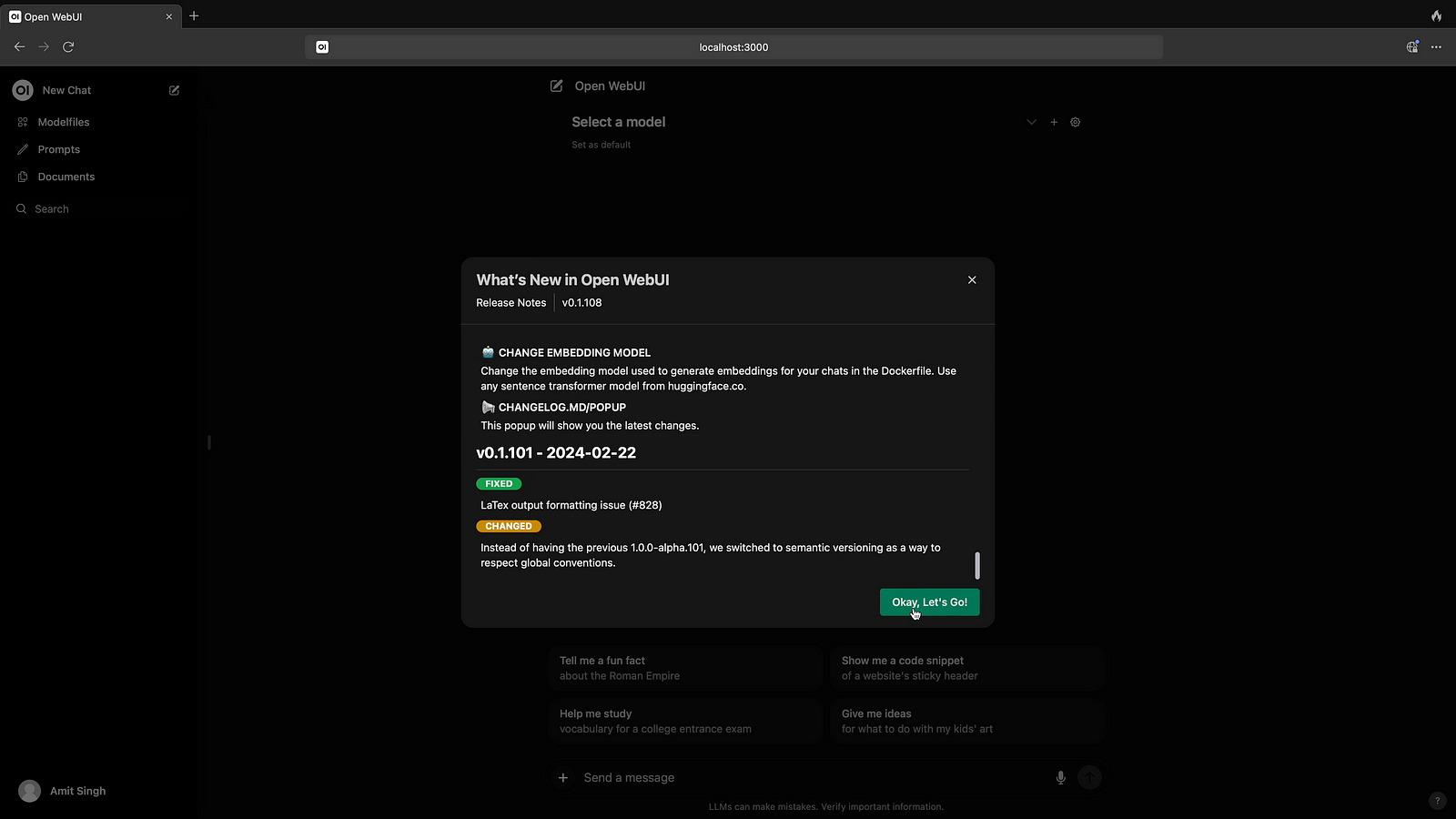
Step 07: Now click on Let’s go to choose your available models.
Step 08: Now click to select the models.
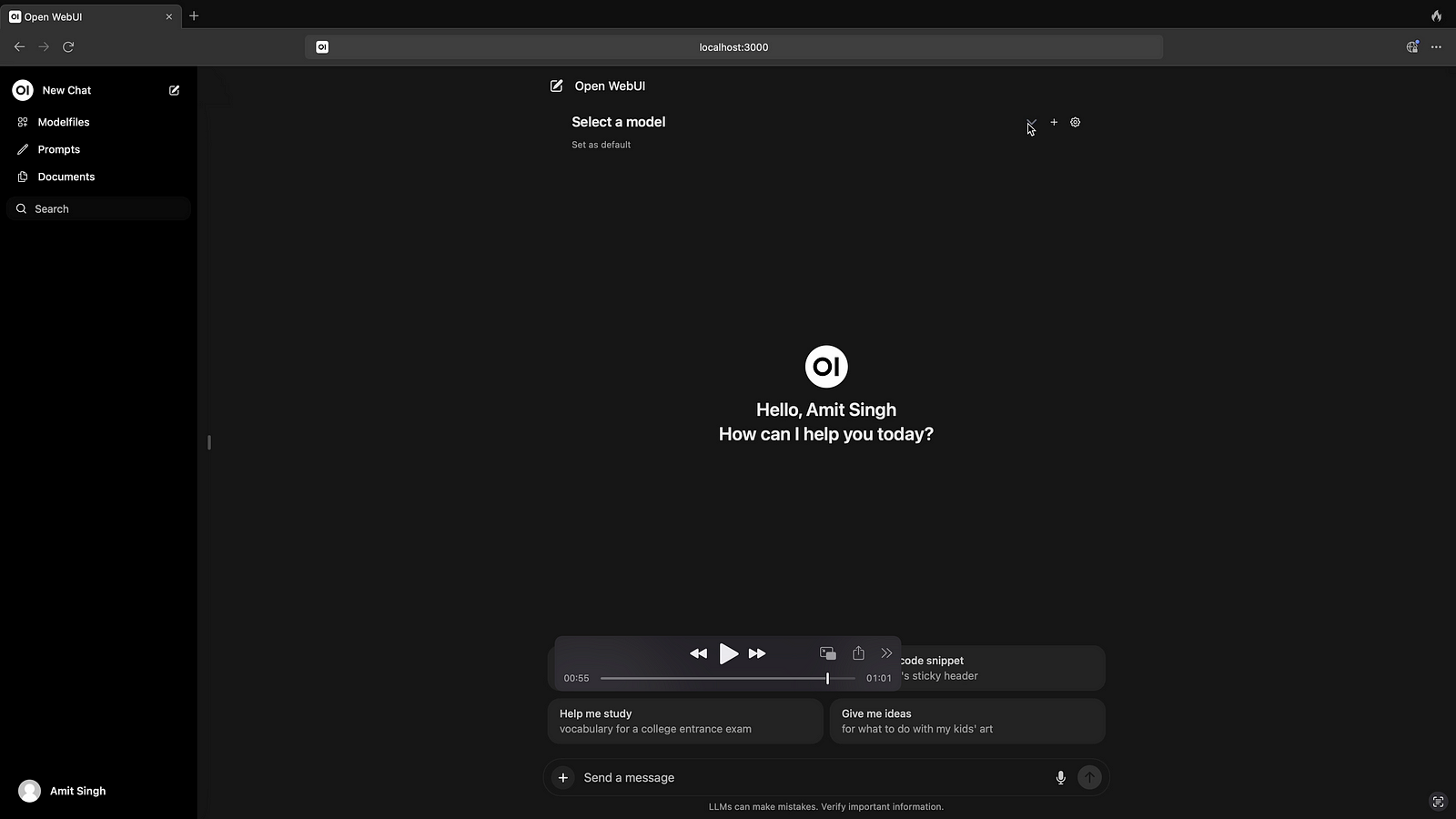
Step 09: Choose the Model for conversation.
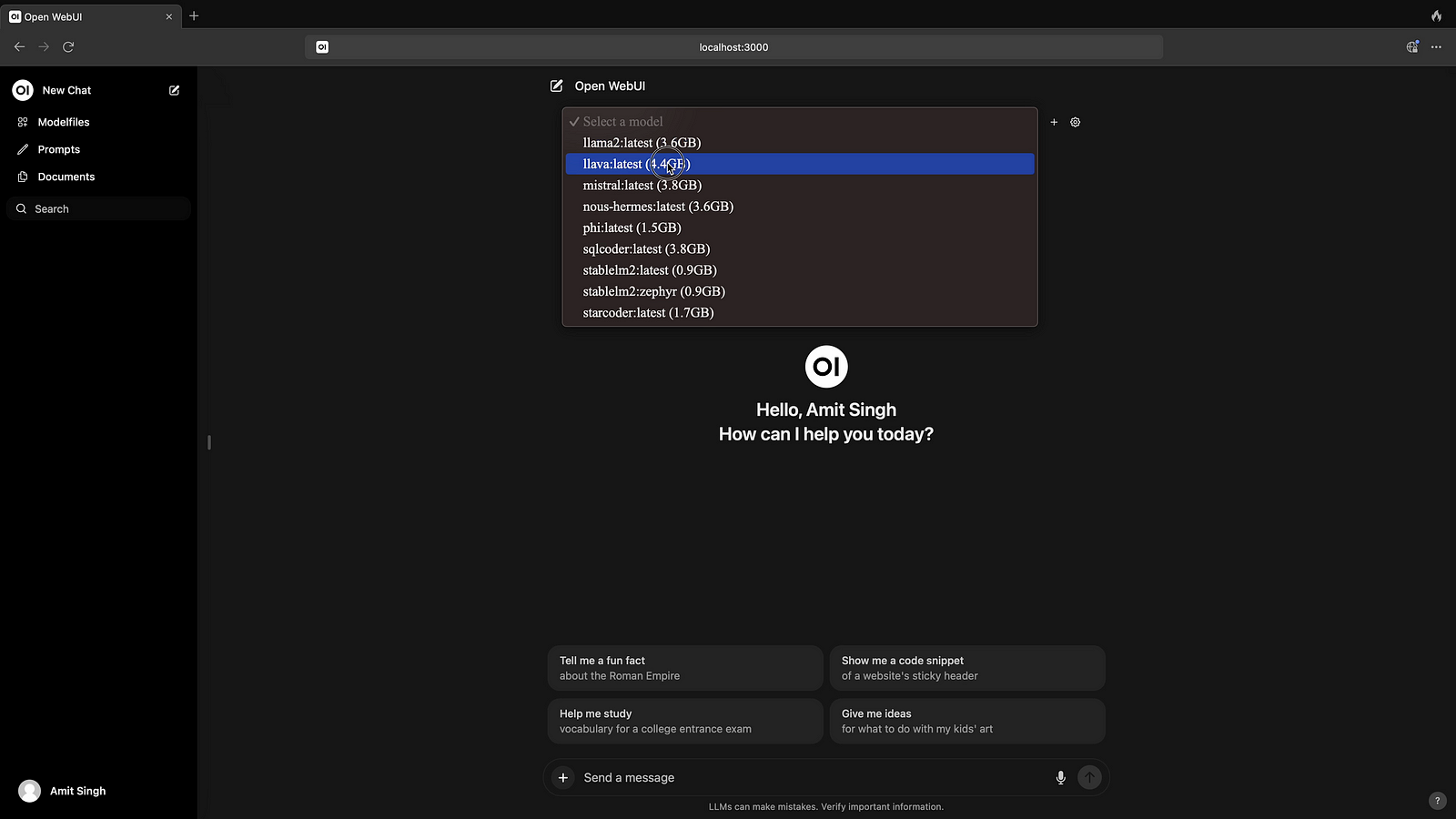
Step 10: Now your are ready to Interact with Models.

In Next article, I will cover more details on using Voice Assistant, Describing & Summarizing Images, Videos, PDF, Blogs and other documents.
 TechnoFunctionalLearning