Learn to Describe/Summarise Websites, Blogs, Images, Videos, PDF, GIF, Markdown, Text file & much more with Ollama LLaVA
There are other Models which we can use for Summarisation and Description but I am taking this as First example and bring other Models articles soon.
https://ollama.com/library/llava
LLaVA: Large Language and Vision Assistant
LLaVA is a multimodal model that combines a vision encoder and Vicuna for general-purpose visual and language understanding, achieving impressive chat capabilities mimicking spirits of the multimodal GPT-4.
New in LLaVA 1.6:
Increasing the input image resolution to up to 4x more pixels, supporting 672×672, 336×1344, 1344×336 resolutions.
Better visual reasoning and OCR capability with an improved visual instruction tuning data mixture.
Better visual conversation for more scenarios, covering different applications.
Better world knowledge and logical reasoning
- *Note**: Kindly keep in mind that Large Language Model results may be inaccurate.
Step: 01 Run LLaVA Model with Ollama by typing below command
ollama run llava

Step 02: Copy Website Page link which you want to Describe/Summarize

Step 03: Ask Question for Describing and Summarising Website Link.
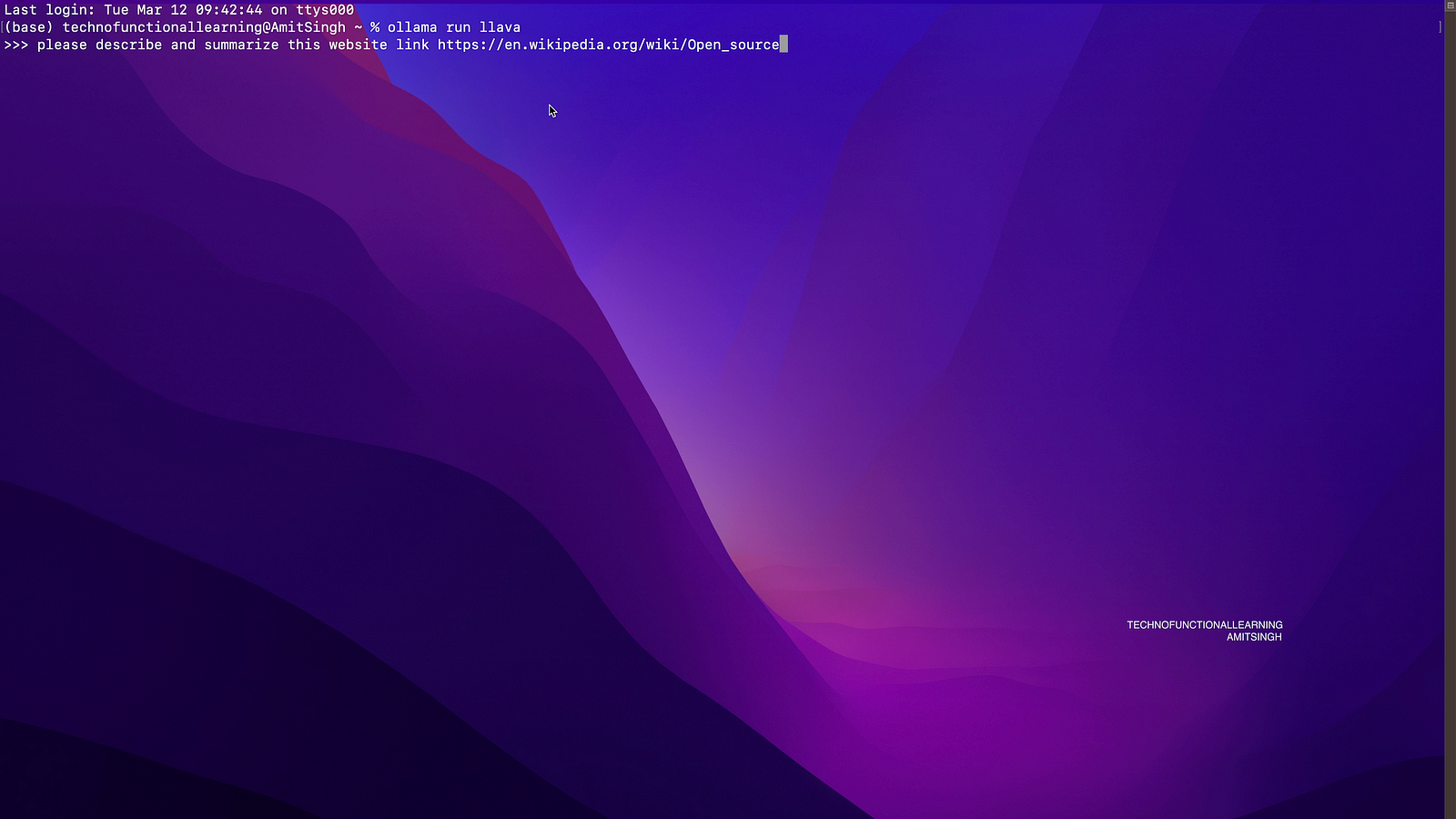
Step 04: Here is the result, You can also ask to summarise it point wise. You can also ask further question on content given in this page.

Now Here is How to Describe Images with Ollama LLaVA
Step 01: Copy link of web image.

Step 02: Here is larger image of above copied link from Wikipedia
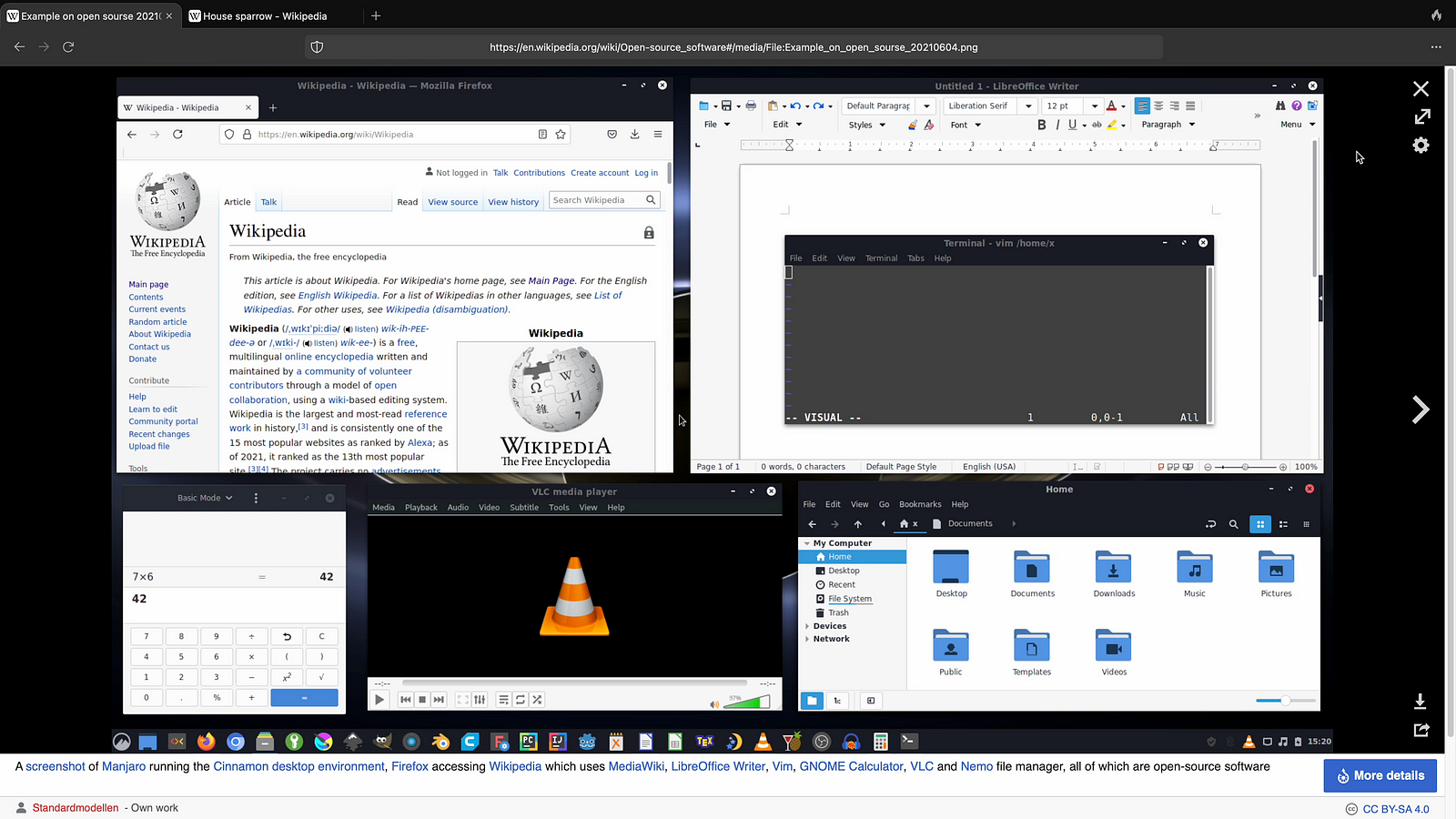
Step 03: Make sure Ollama llava is running else you can run it by Ollama run llava and then ask question to describe and summarize image.

Step 04: Here is the answer

Step 05: Now take another image and copy the link of image.
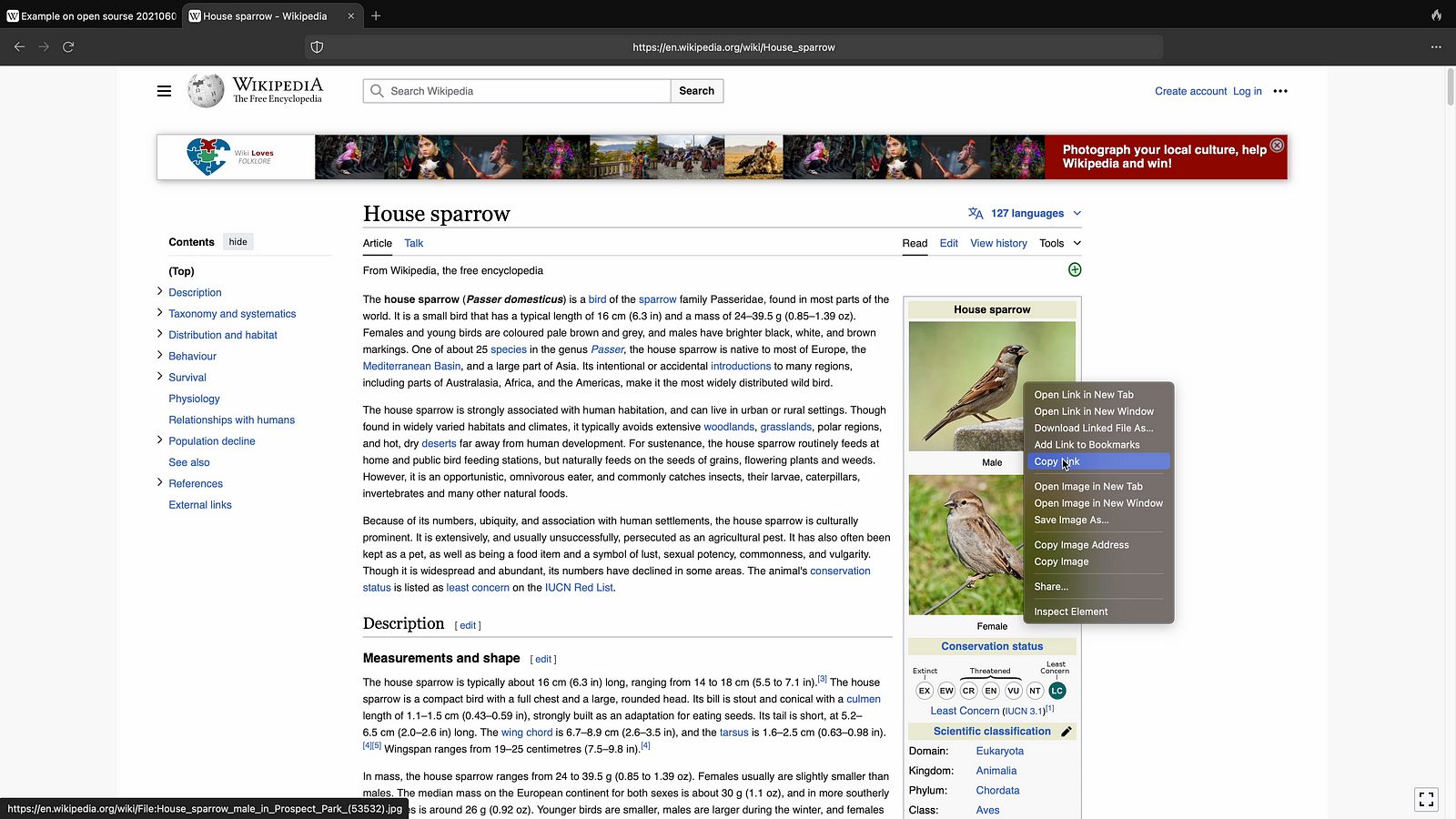
Step 06: Here is bigger view of Picture.

Step 07: Now ask question from Ollama llava to describe and summarise image.

Step 08: Here is the answer.

Now to Summarise PDF.
Step 01: Copy the web PDF link
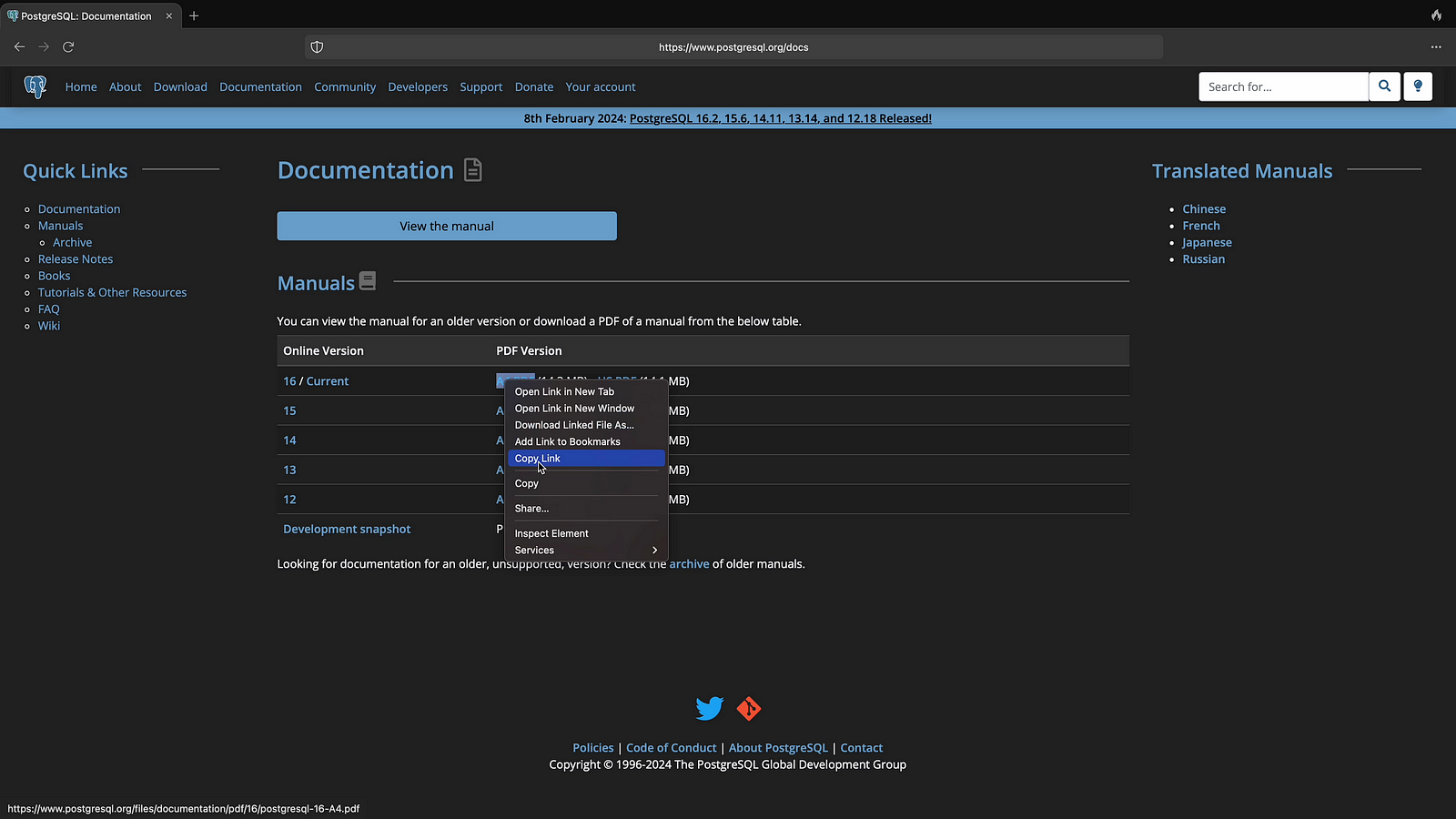
Step 02: Ask to summarise the Web PDF
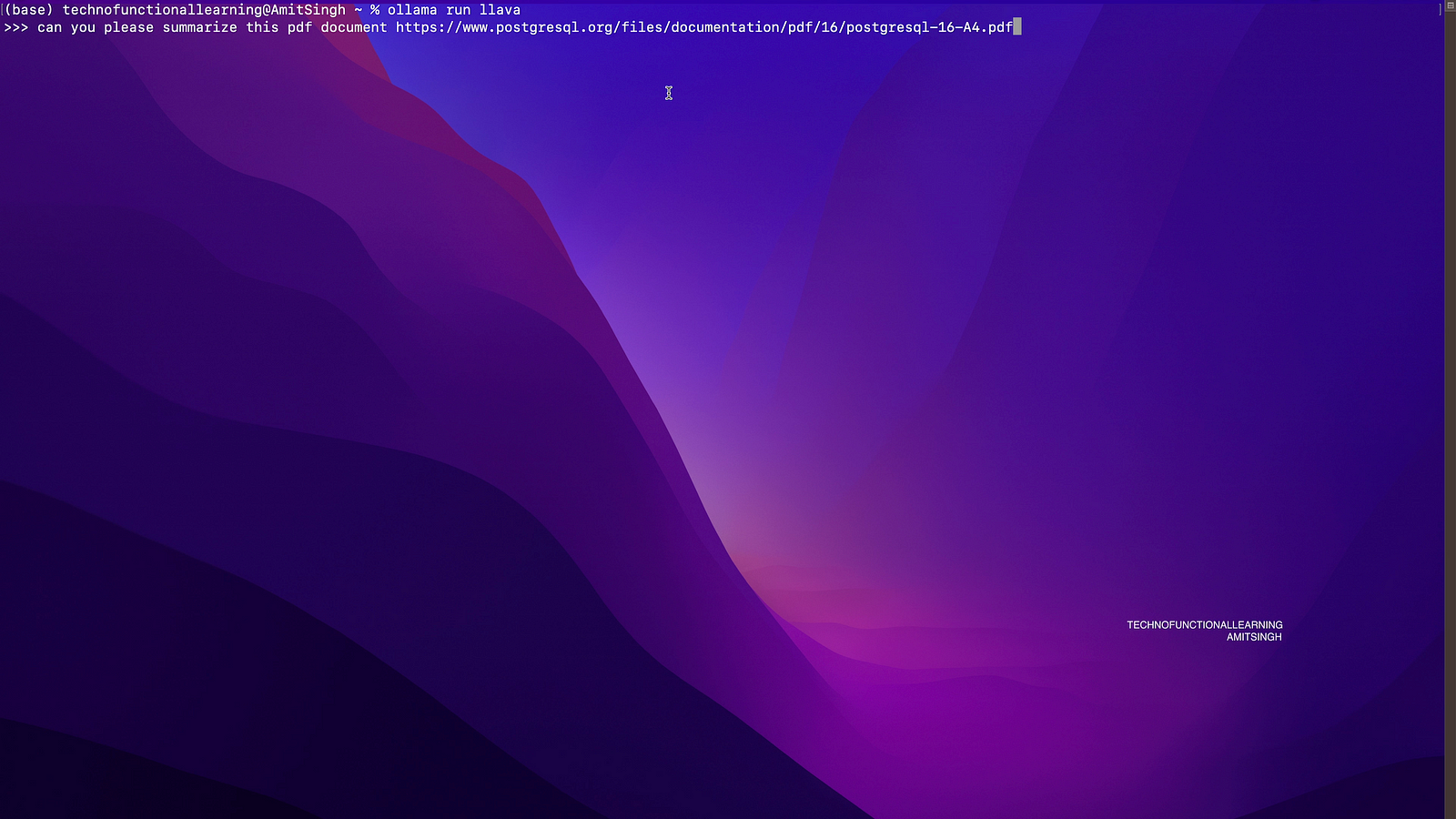
Step 03: Here is the answer

Step 04: Ask to summarise point wise.
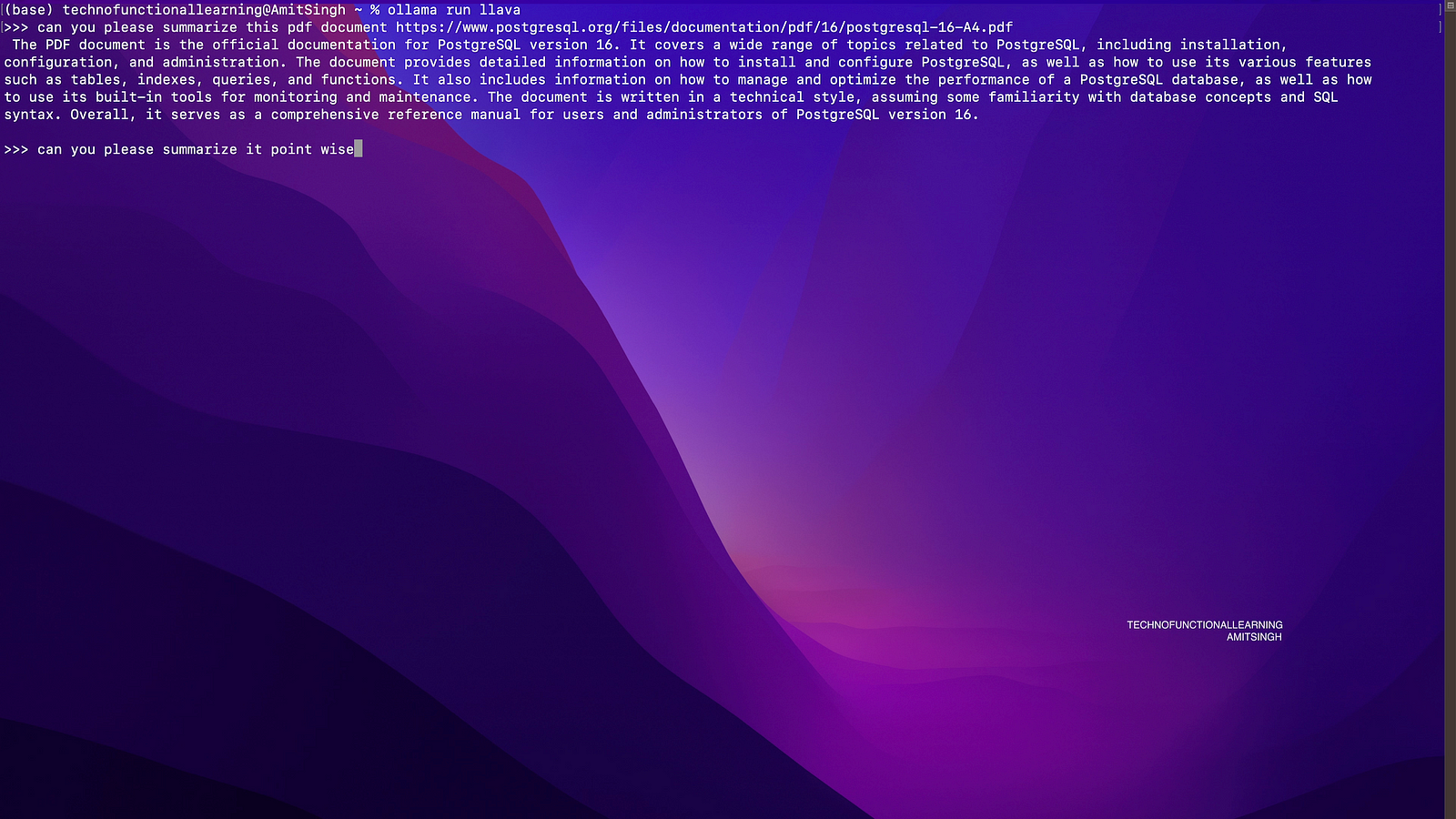
Step 05: here is the answer.

Now to Describe GIF.
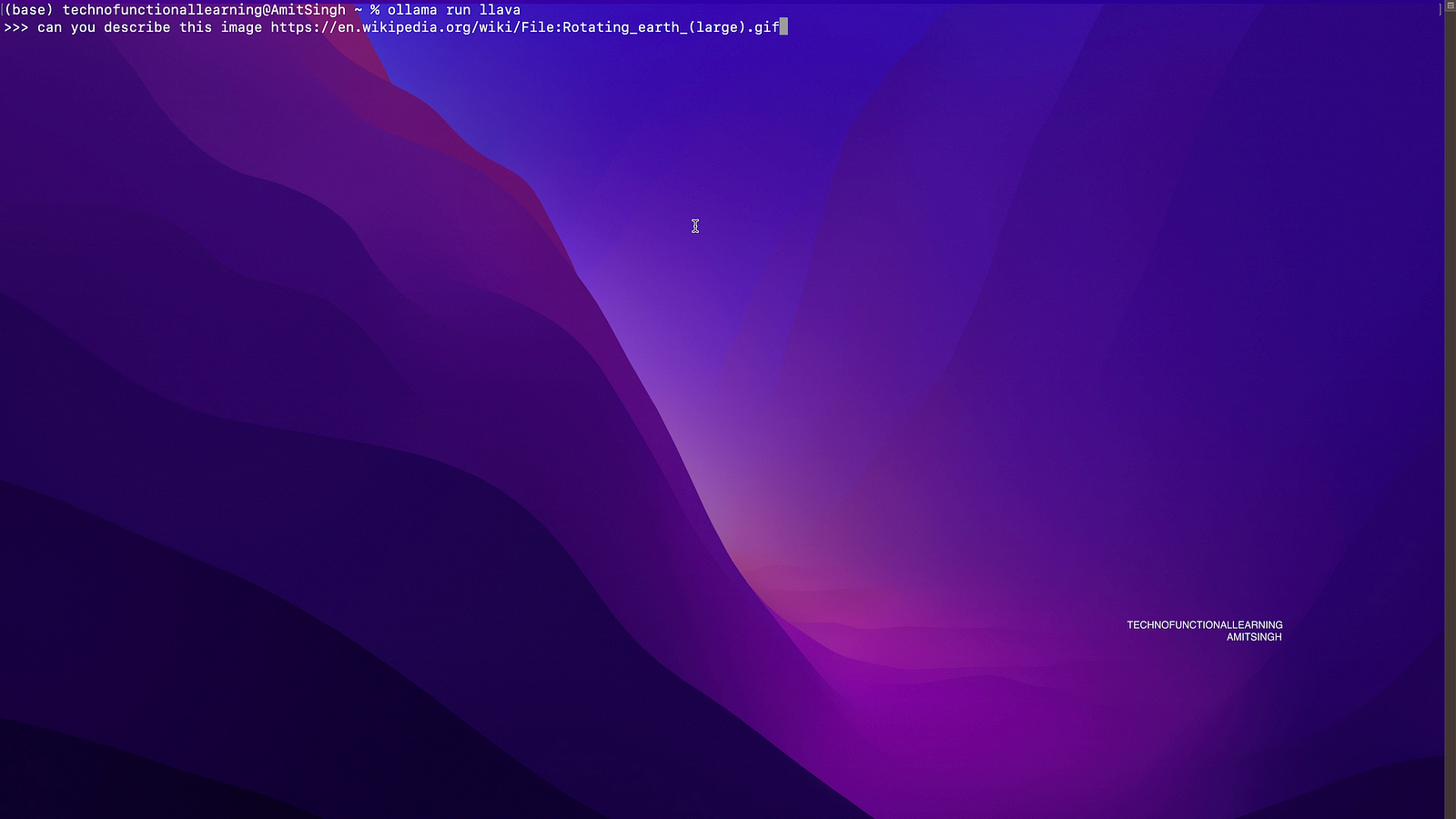
Step 01: Copy web link of GIF

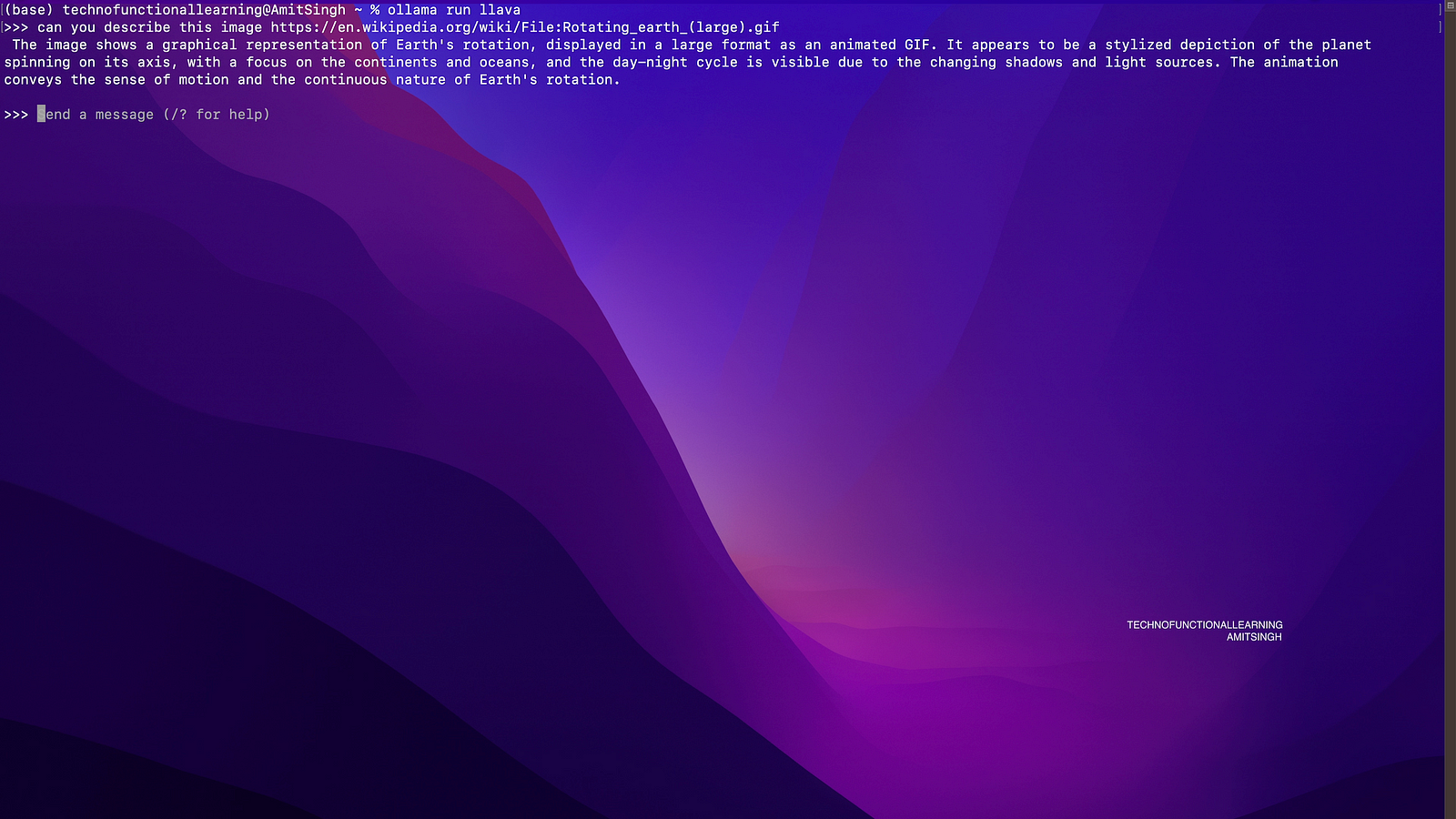
Step 02: Ask the Question to Describe GIF File
Step 03: Here is the answer.
Now to Summarise Markdown Documents.
Step 01: Copy web link of markdown document
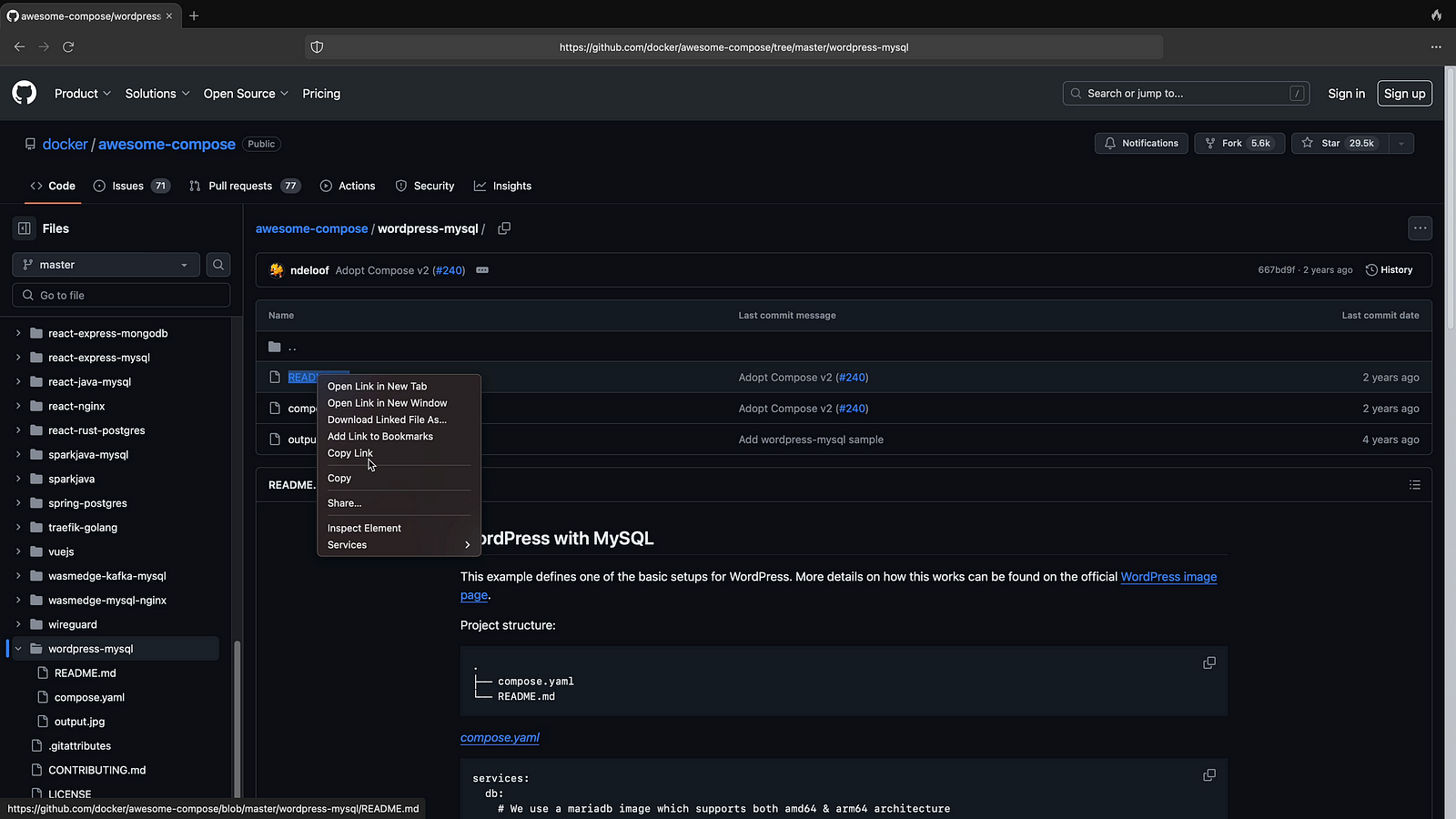
Step 02: Now ask to Summarise Web link of Markdown Document
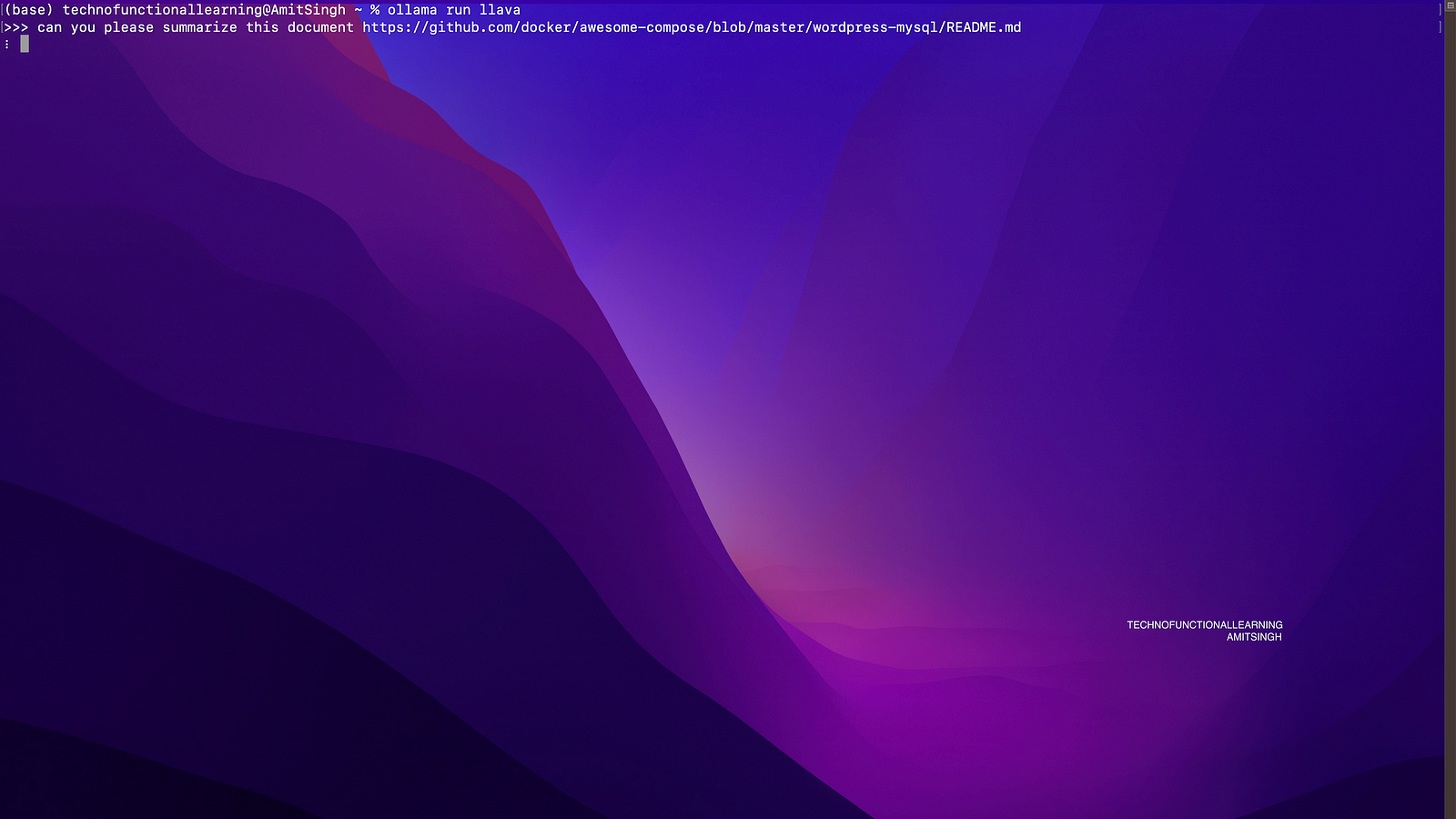
Step 03: Here is the answer.
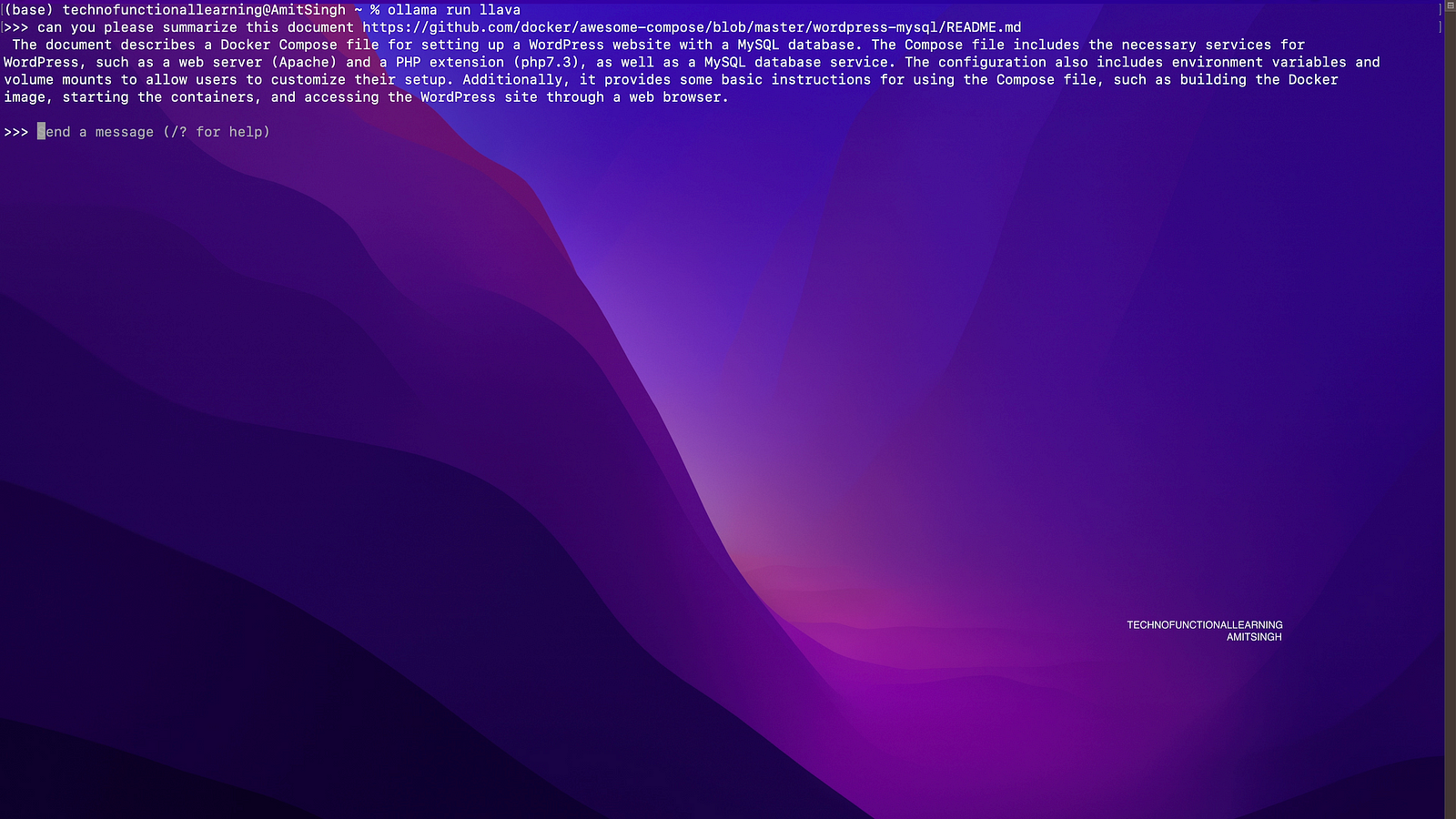
Step 04: Here is same answer but point wise.
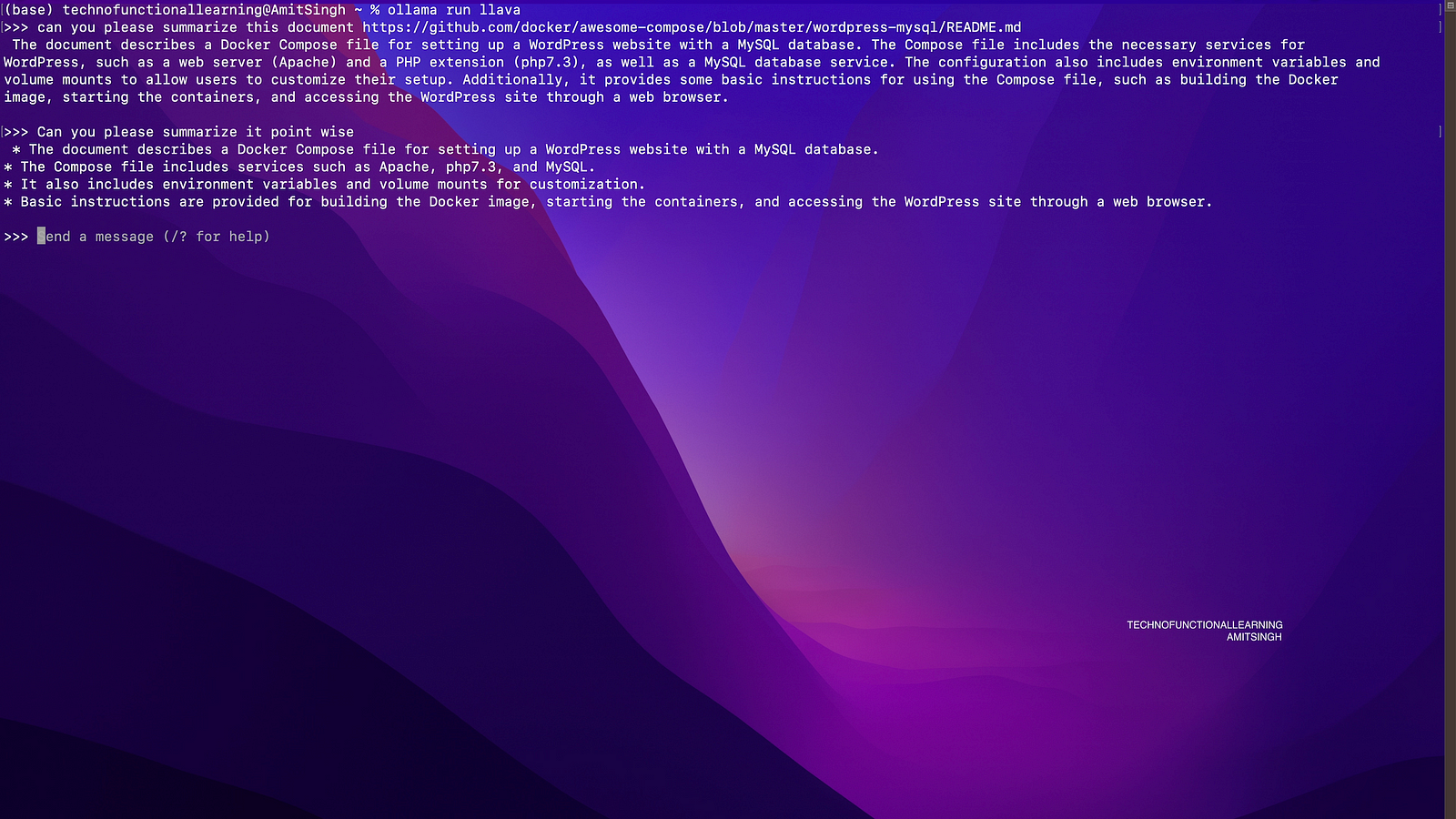
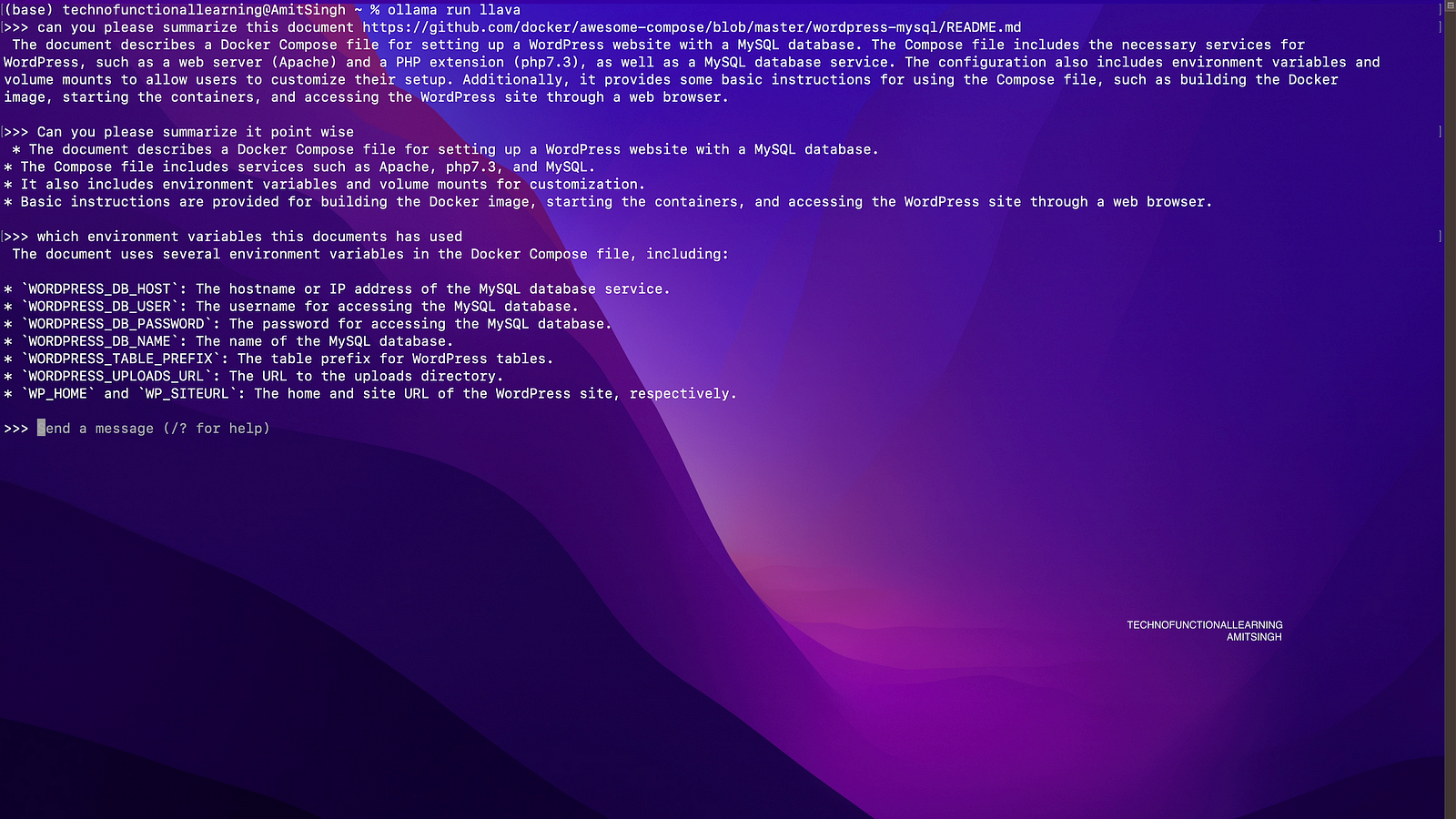
Step 05: Now ask more question from document i.e which environment variable are used in this document.

Step 06: Here is the answer
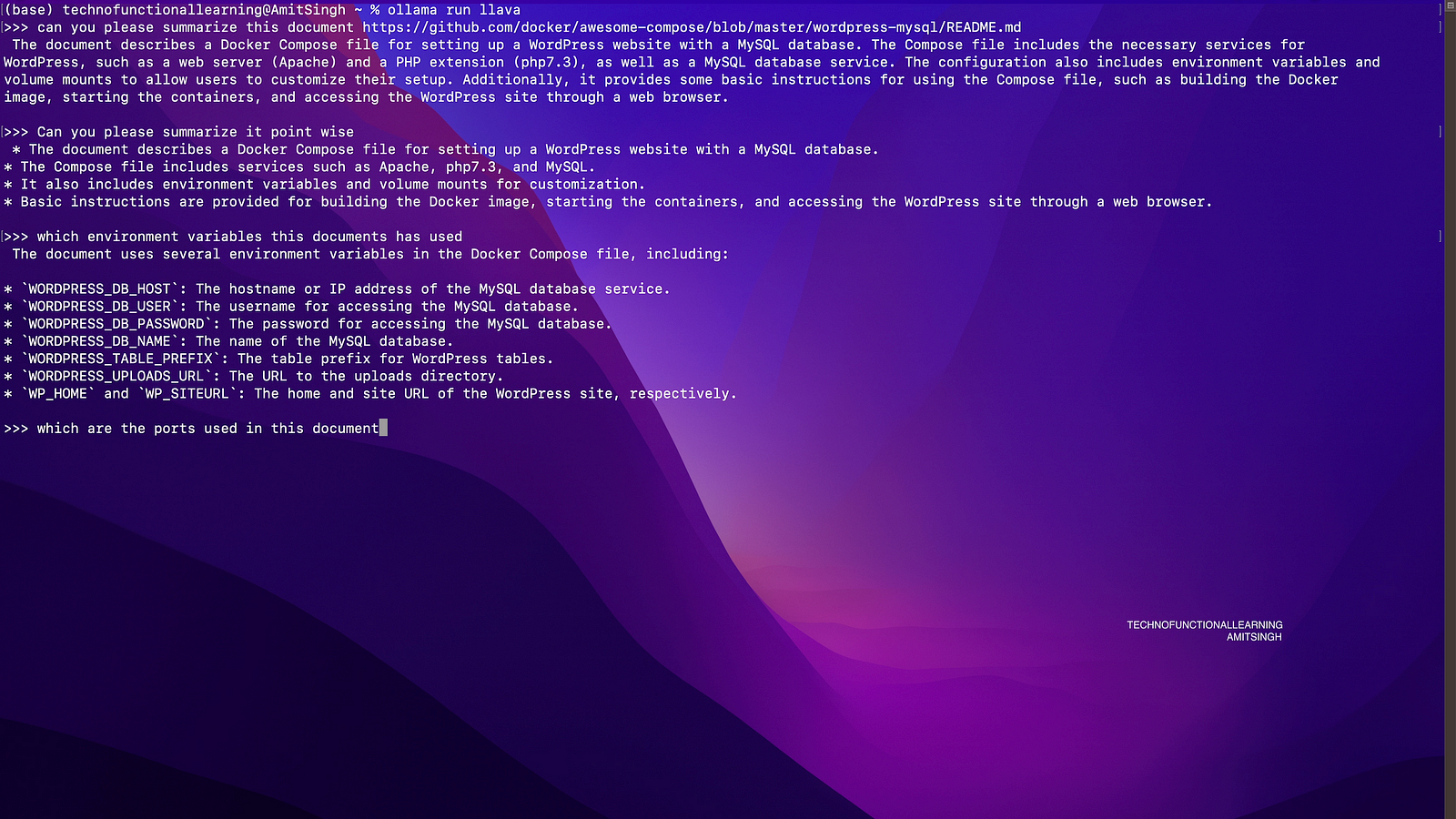
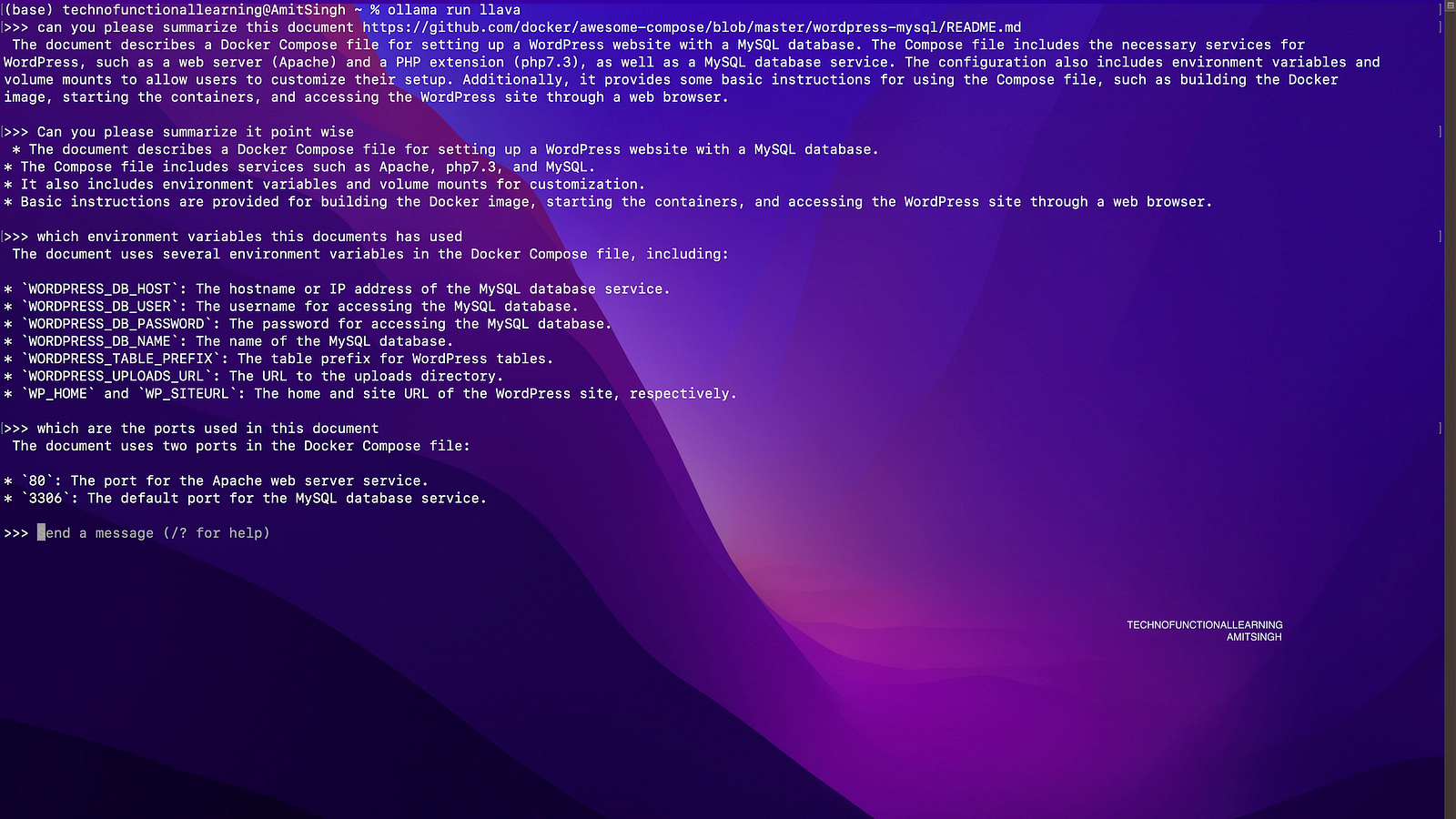
Step 07: Now ask more question i.e which ports are used in this document.
Step 08: Here is the Answer.
Now to Describe and Summarise Text File.
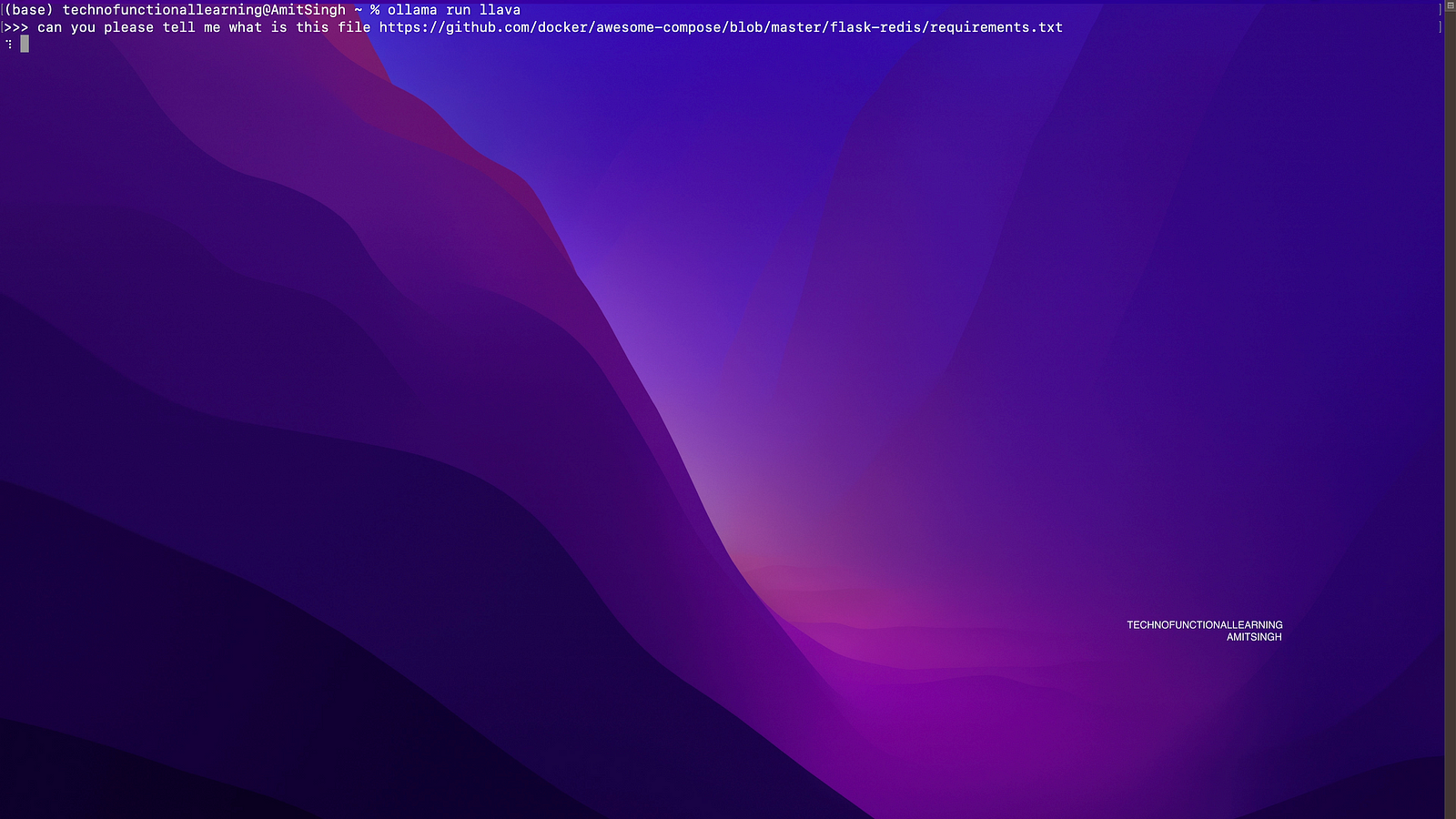
Step 01: Copy web link of txt document

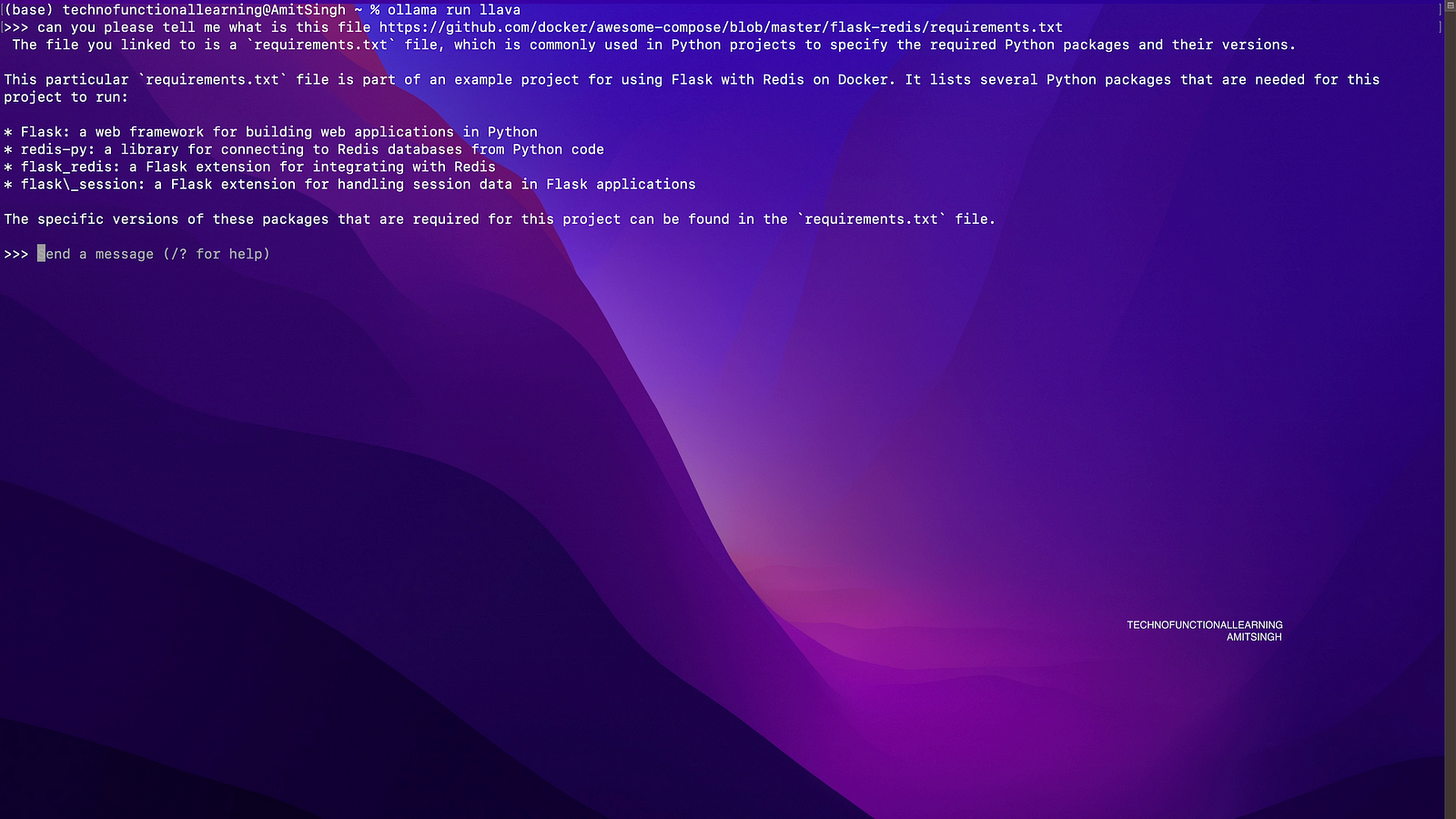
Step 02: Ask what is this file or ask to Describe or Summarise the txt file.
Step 03: Here is the Answer
Now to Describe Video
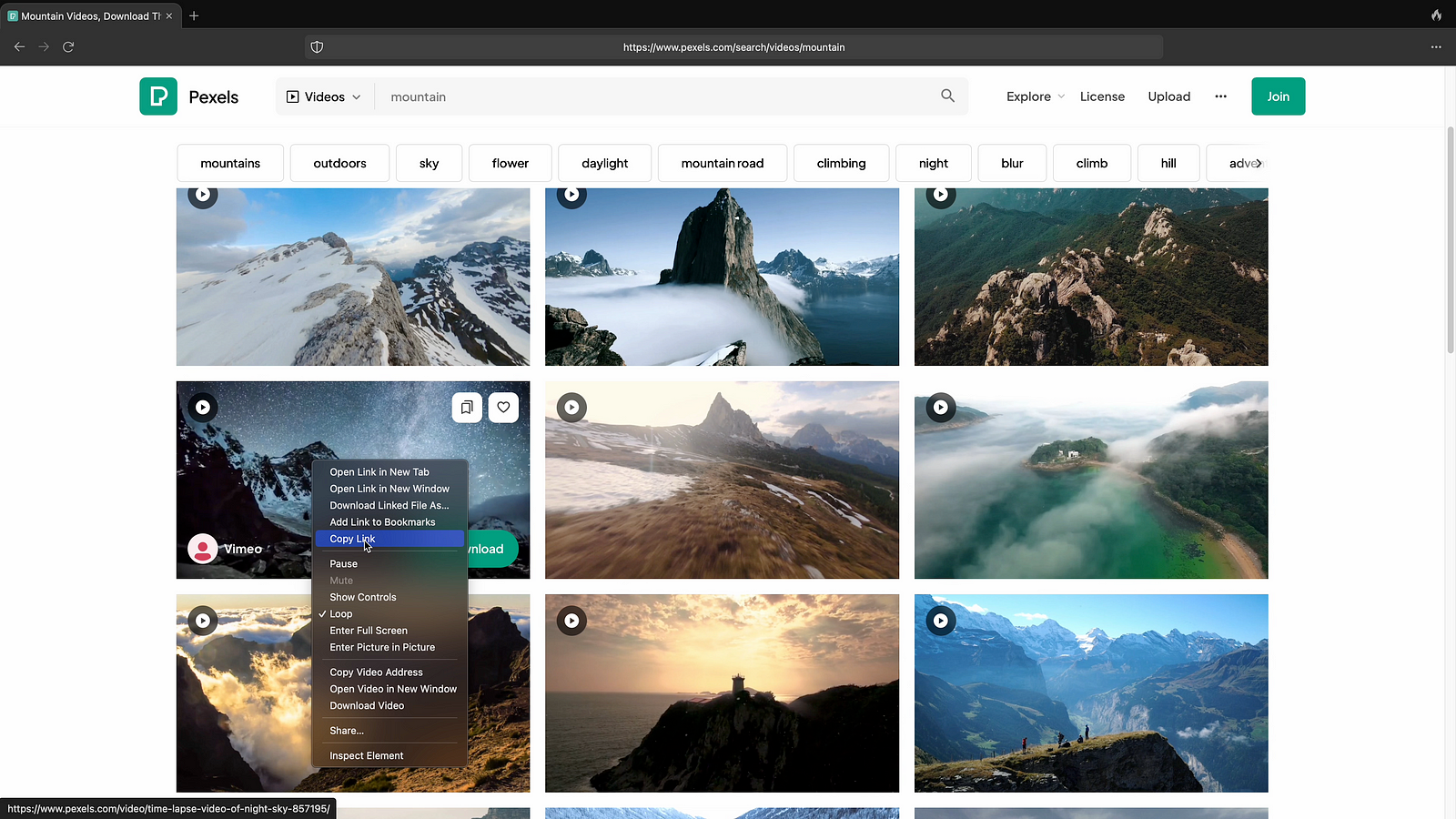
Step 01: Now copy web video link
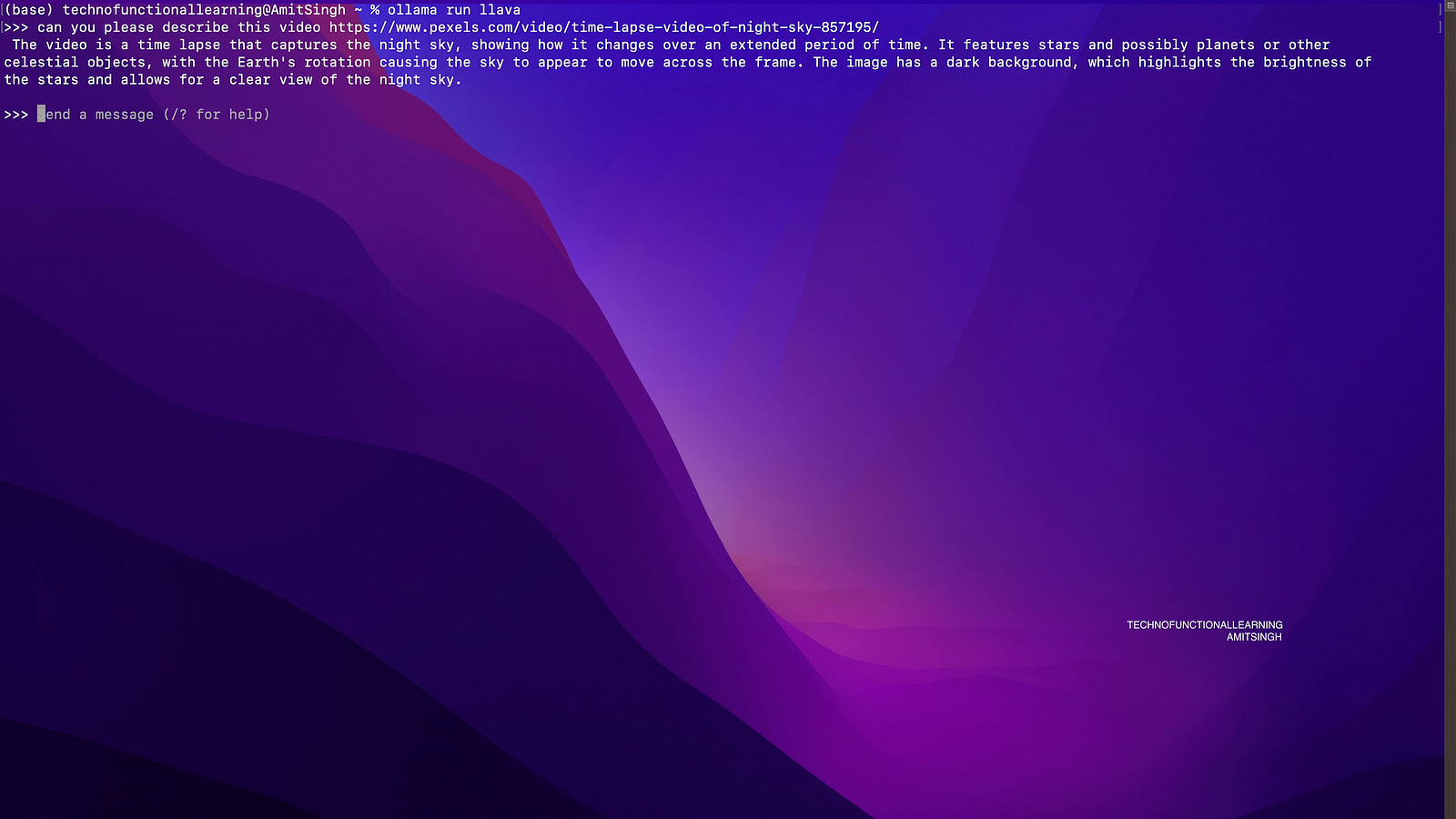
Step 02: Ask to Summarise the Video.

Step 03: Here is the Result.
Describe and Summarise YAML Document
 TechnoFunctionalLearning