Learn to Generate Stable Diffusion Prompt with Ollama and Large Language Model brxce/stable-diffusion-prompt-generator in MacOS/Windows/Linux
https://ollama.com/brxce/stable-diffusion-prompt-generator
brxce/stable-diffusion-prompt-generator is fine-tuned on 74k Stable Diffusion prompts to convert input to a stable diffusion prompt which can then be passed to a Stable Diffusion model to generate an image.
https://github.com/ollama/ollama
https://hub.docker.com/r/ollama/ollama
https://github.com/ollama/ollama-python
https://github.com/ollama/ollama-js
Here is How to Run Stable diffusion prompt Generator with Ollama.
Below Example is running docker without attaching Volume, If you need to attach volume then you can run below two commands else you can proceed with step 01:
Two Commands:
You can run Stable Diffusion Prompt generator model with docker by attaching volume with below two commands
1) docker run -d -v ollama:/root/.ollama -p 11434:11434 — name ollama ollama/ollama
2) docker exec -it ollama ollama run brxce/stable-diffusion-prompt-generator
Step 01: Enter below command to run or pull Ollama Docker Image.
docker run -d -p 11434:11434 - name ollama ollama/ollama
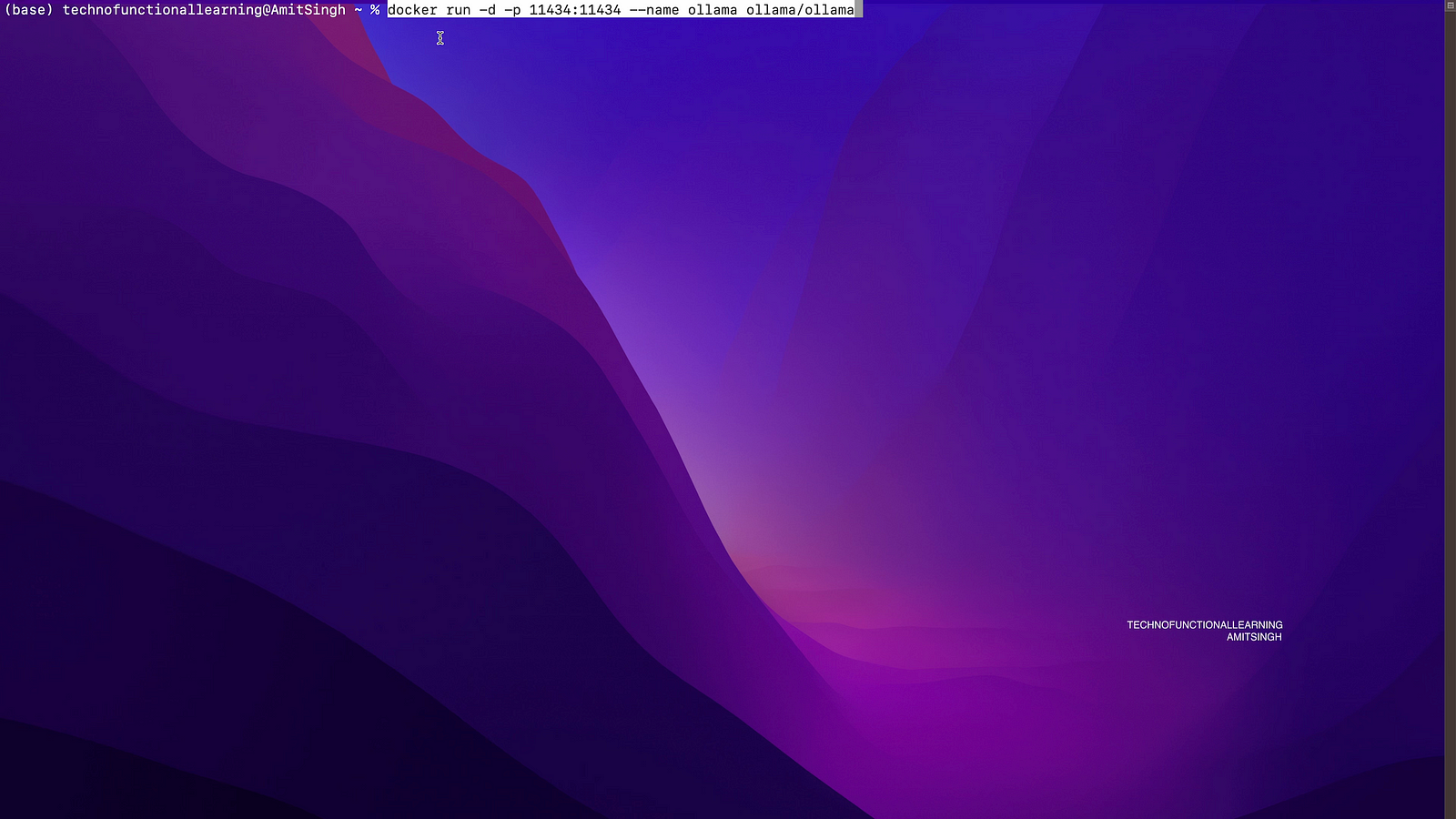
Step 02: Execute below command in docker to download the model, Model size is around 4.1GB
docker exec -it ollama ollama run brxce/stable-diffusion-prompt-generator
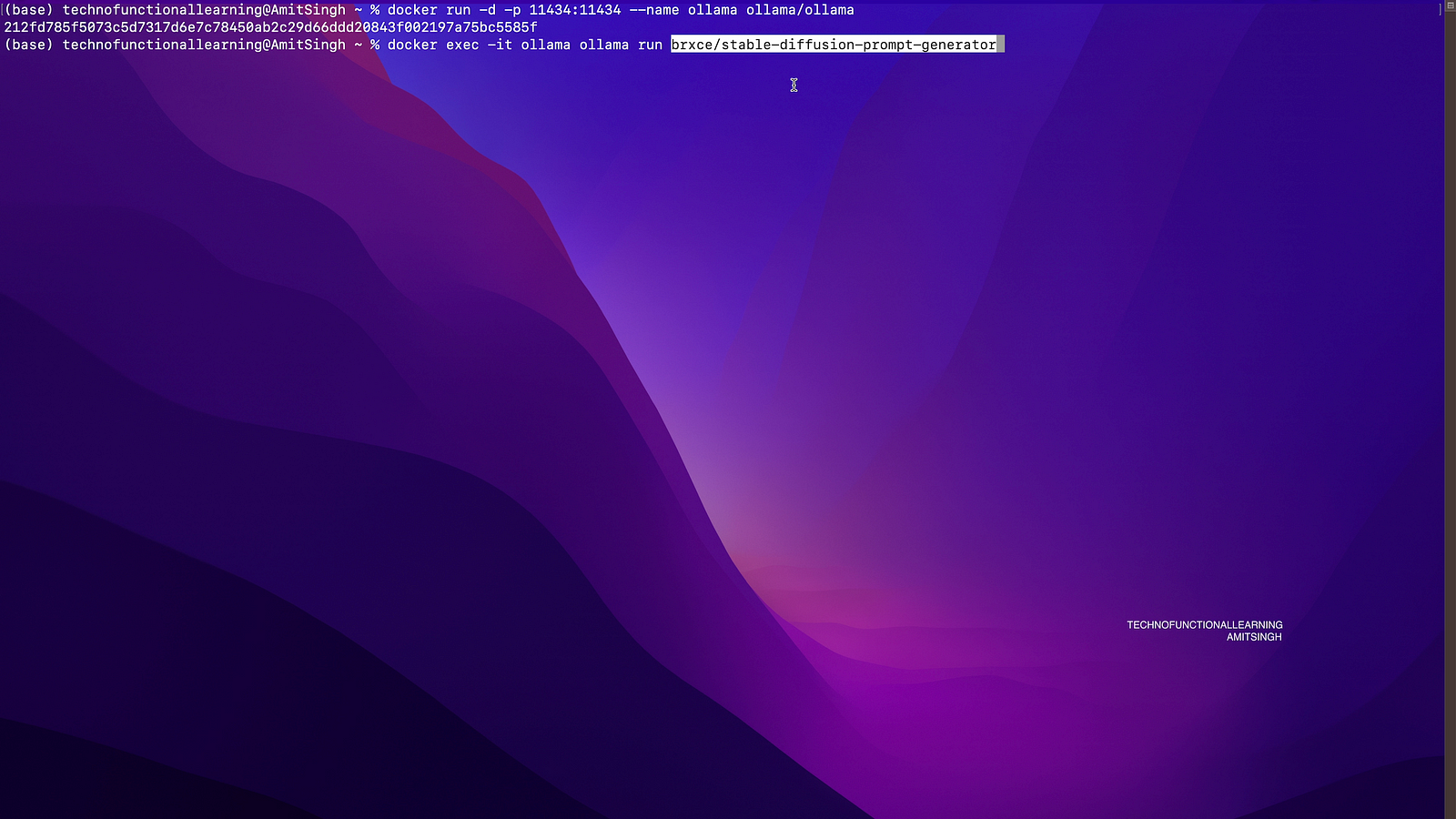
Step 03: Now you can ask Question

Step 04: You can also check Ollama Status in Docker Desktop.
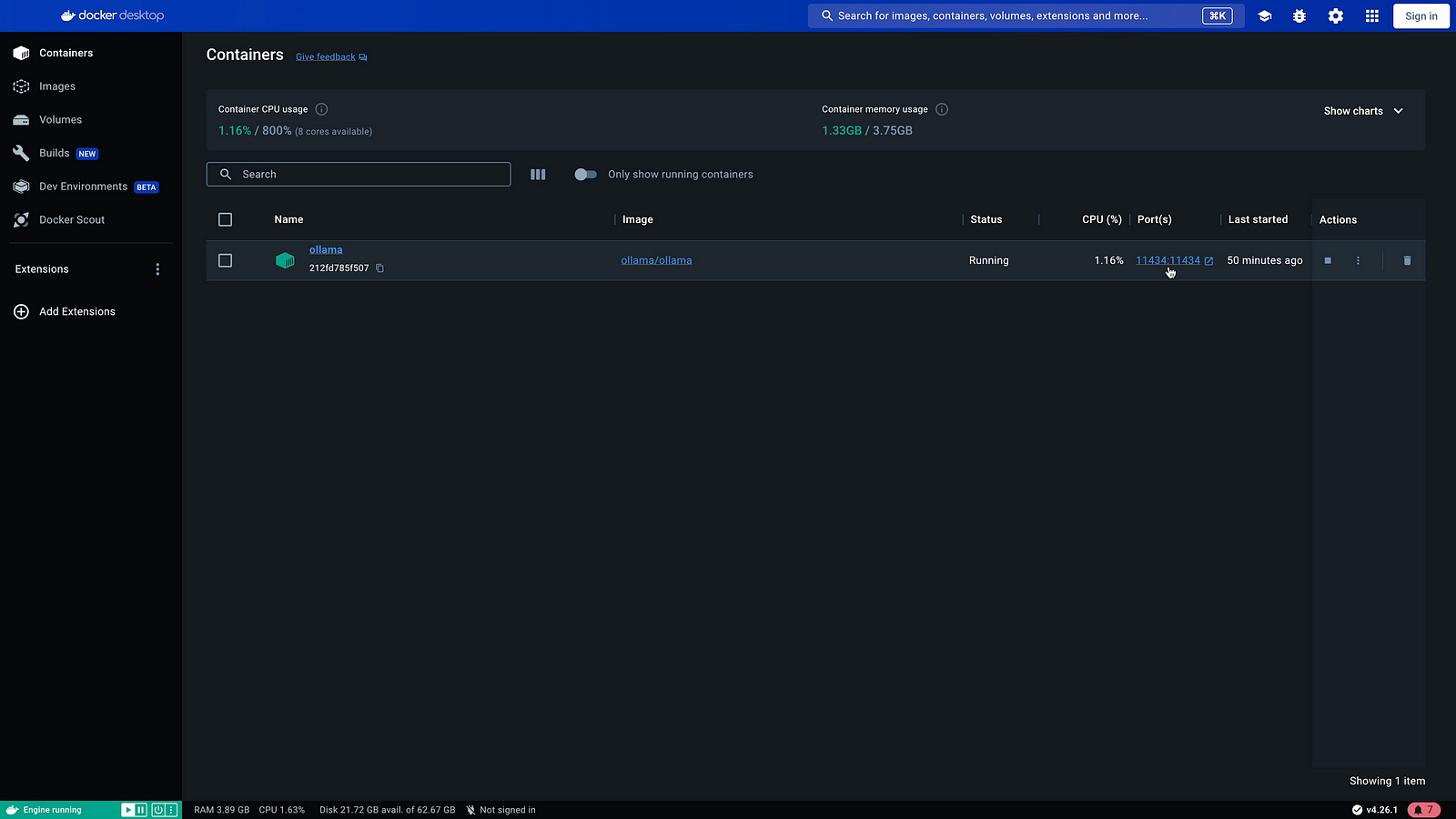
Step 05: if required Visit localhost:11434 to check the services.

Step 06: For Command line installation just run ollama run brxce/stable-diffusion-prompt-generator
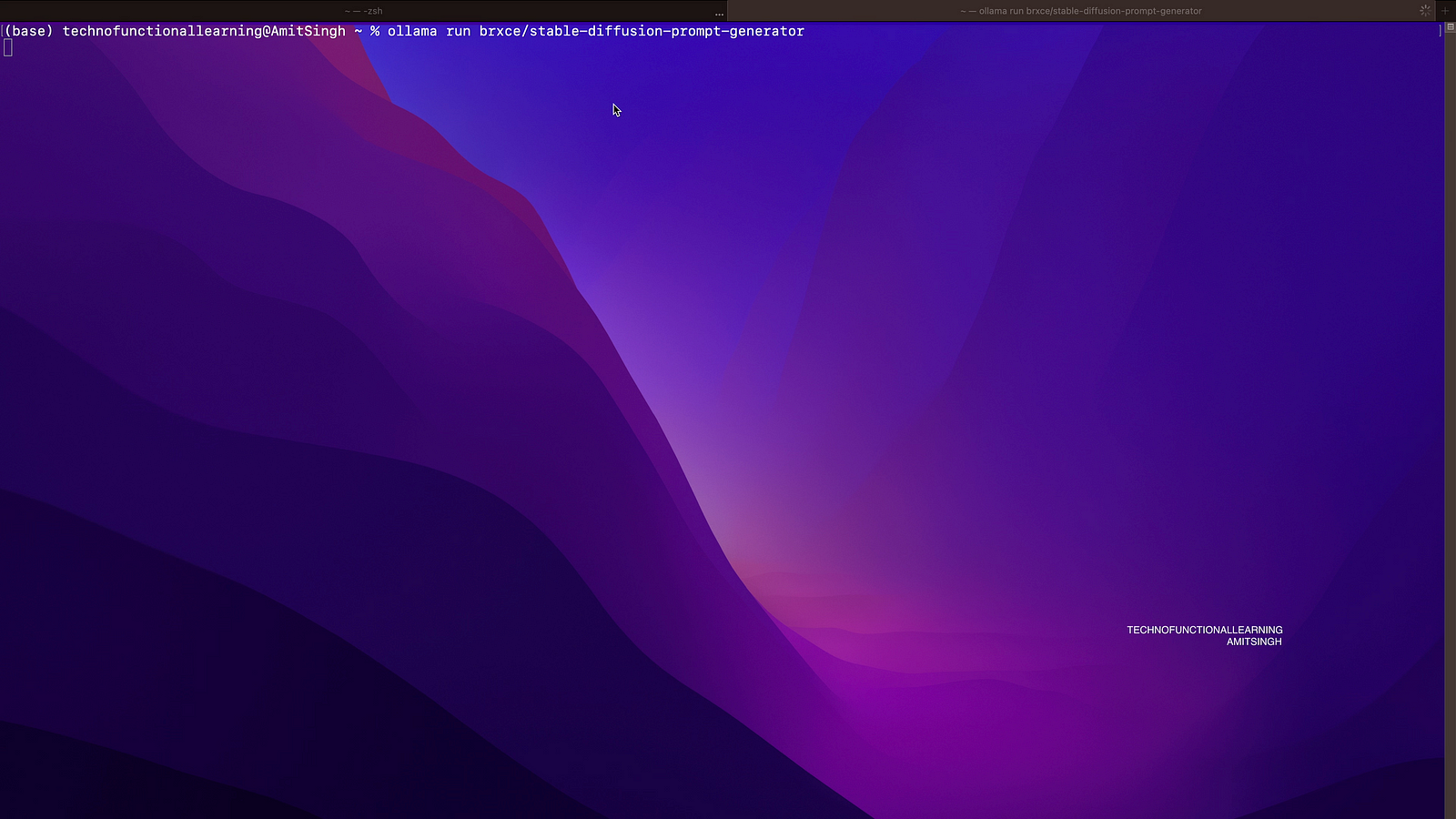
Step 07: Now just type simple description of what you want to create i.e mountains, river, photorealistic image etc.
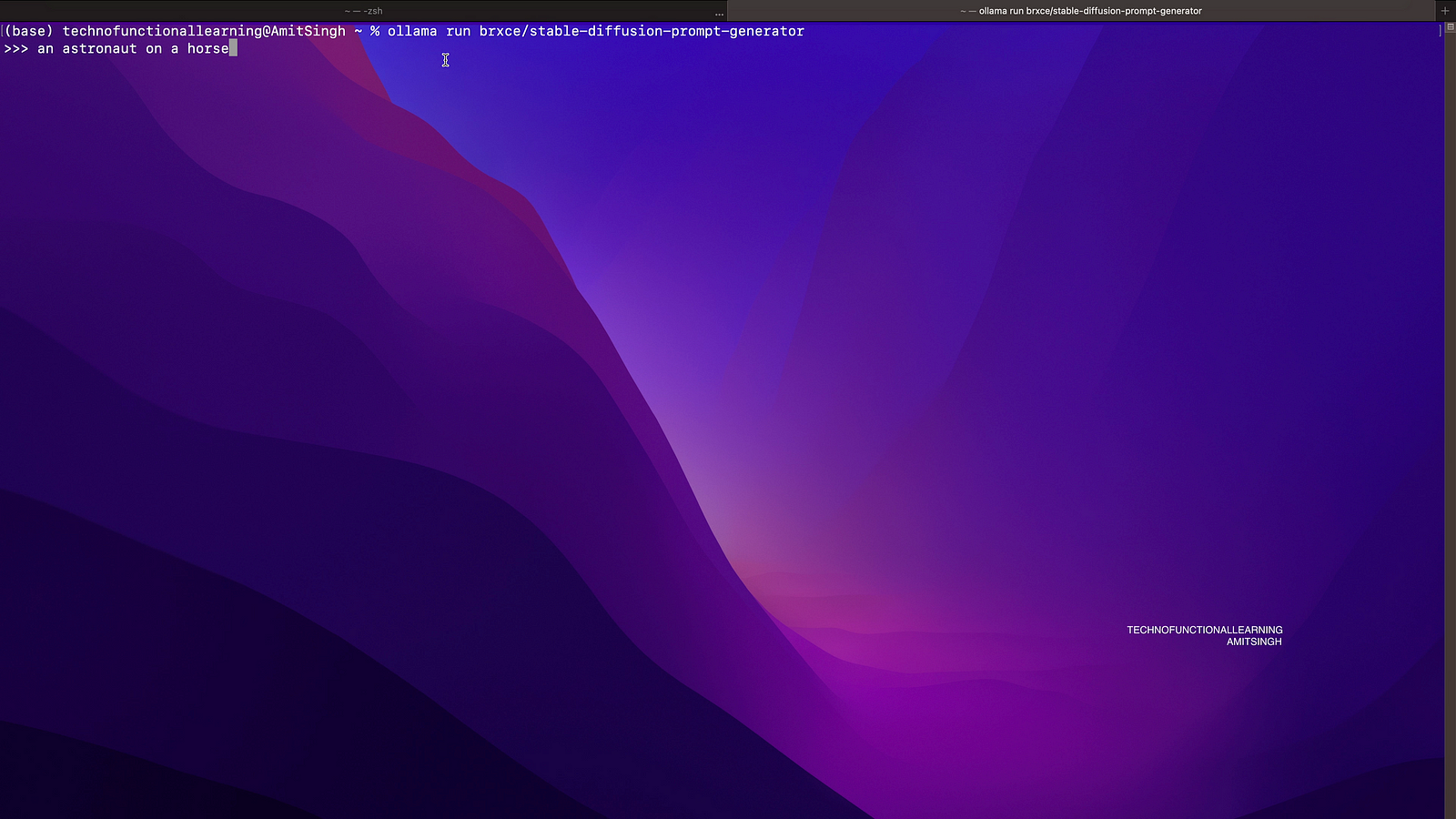
Step 08: Model will respond back with Stable diffusion prompt.


 TechnoFunctionalLearning