Learn to Connect Databases and Query in Natural Language with Vanna AI+Ollama and automated Visualization with Plotly, Other Important Tools/Database/LLM in this Video are ChromaDB/Jupyter Notebook/SQlite/Mistral/Flask.
Vanna AI
https://github.com/vanna-ai/vanna
Chat with your SQL database. Accurate Text-to-SQL Generation via LLMs using RAG
Let Vanna.AI write your SQL for you
The fastest way to get actionable insights from your database just by asking questions
Why Vanna
Open-Source
The Vanna Python package and the various frontend integrations are all open-source. You can run Vanna on your own infrastructure.
High accuracy on complex datasets
Vanna’s capabilities are tied to the training data you give it. More training data means better accuracy for large and complex datasets.
Designed for security
Your database contents are never sent to the LLM unless you specifically enable features that require it. The metadata storage layer only sees schemas, documentation, and queries.
Self learning
As you use Vanna more, your model continuously improves as we augment your training data.
Supports many databases
Snowflake , BigQuery, Postgres, and many others. You can easily make a connector for any database.
Choose your front end
Start in a Jupyter Notebook. Expose to business users via Slackbot, web app, Streamlit app, any other frontend. Even integrate in your web app for customers.
Ollama: Large Language Model Runner.
https://github.com/ollama/ollama
https://hub.docker.com/r/ollama/ollama
https://github.com/ollama/ollama-python
https://github.com/ollama/ollama-js
ChromaDB:
https://github.com/chroma-core/chroma
the AI-native open-source embedding database
- Simple: Fully-typed, fully-tested, fully-documented == happiness
- Integrations: LangChain (python and js), LlamaIndex and more soon
- Dev, Test, Prod: the same API that runs in your python notebook, scales to your cluster
- Feature-rich: Queries, filtering, density estimation and more
- Free & Open Source: Apache 2.0 Licensed
Use case: Chat
For example, the “Chat your data” use case:
- Add documents to your database. You can pass in your own embeddings, embedding function, or let Chroma embed them for you.
- Query relevant documents with natural language.
- Compose documents into the context window of an LLM like GPT3 for additional summarisation or analysis.
What Is SQLite?
SQLite is a C-language library that implements a small, fast, self-contained, high-reliability, full-featured, SQL database engine. SQLite is the most used database engine in the world. SQLite is built into all mobile phones and most computers and comes bundled inside countless other applications that people use every day
SQLite source code is in the public-domain and is free to everyone to use for any purpose.
JupyterLab is the latest web-based interactive development environment for notebooks, code, and data. Its flexible interface allows users to configure and arrange workflows in data science, scientific computing, computational journalism, and machine learning. A modular design invites extensions to expand and enrich functionality.
Plotly’s Python graphing library makes interactive, publication-quality graphs. Examples of how to make line plots, scatter plots, area charts, bar charts, error bars, box plots, histograms, heatmaps, subplots, multiple-axes, polar charts, and bubble charts.
Now here is How to get started.
Step 01: Open Jupyter Notebook and type below command
pip install 'vanna[chromadb]'

Step 02: Now after running first command type below command in Jupyter Notebook.
from vanna.ollama import Ollama
from vanna.chromadb.chromadb_vector import ChromaDB_VectorStore
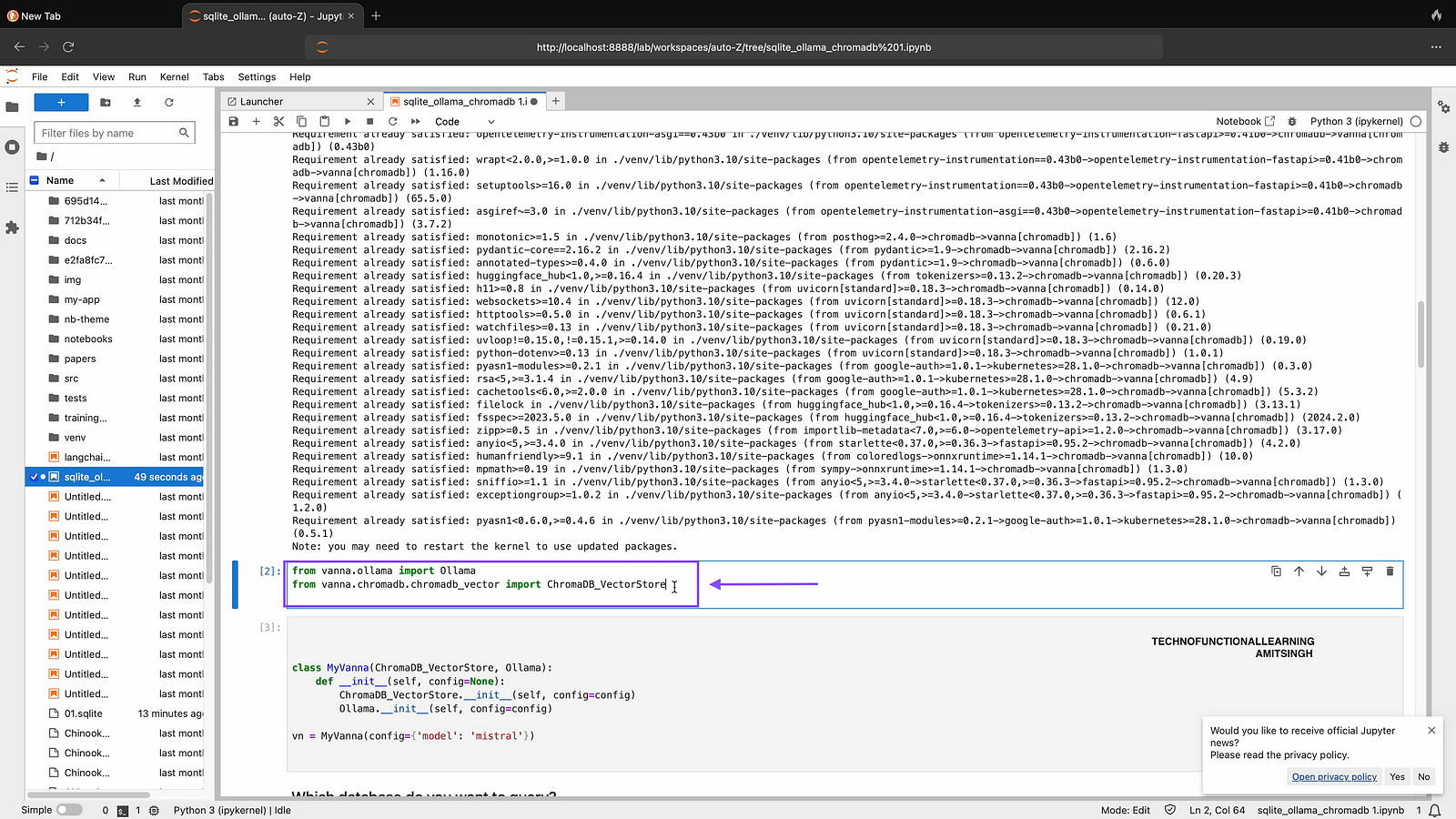
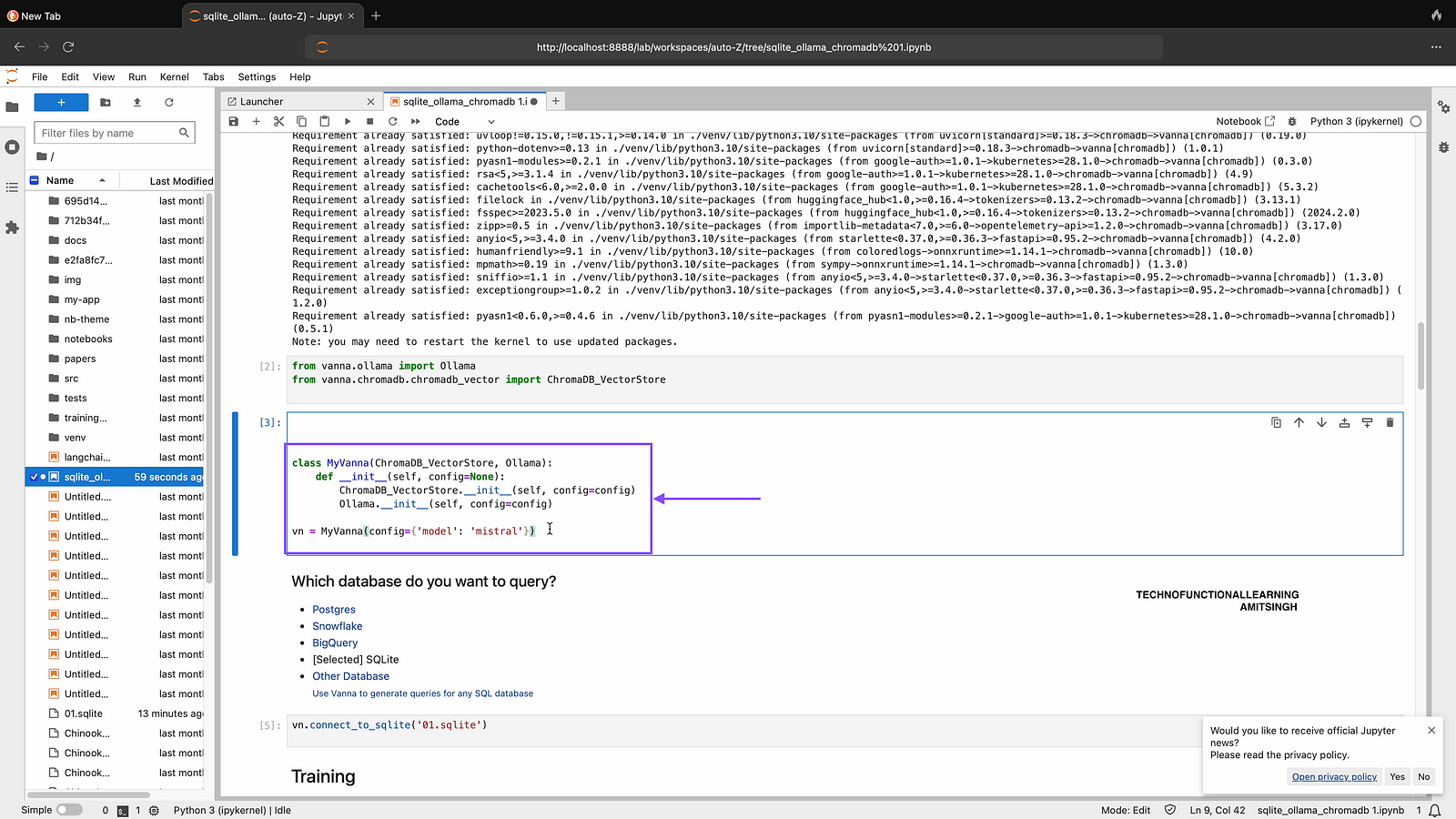
Step 03: Now Connect Vanna/Chromadb/Ollama-Mistral Model by typing and running below command in Jupyter Notebook.
class MyVanna(ChromaDB_VectorStore, Ollama):
    def __init__(self, config=None):
        ChromaDB_VectorStore.__init__(self, config=config)
        Ollama.__init__(self, config=config)

vn = MyVanna(config={'model': 'mistral'})
if by any chance you get error that mistral model not found then type below command to pull mistral model
ollama.pull('mistral')
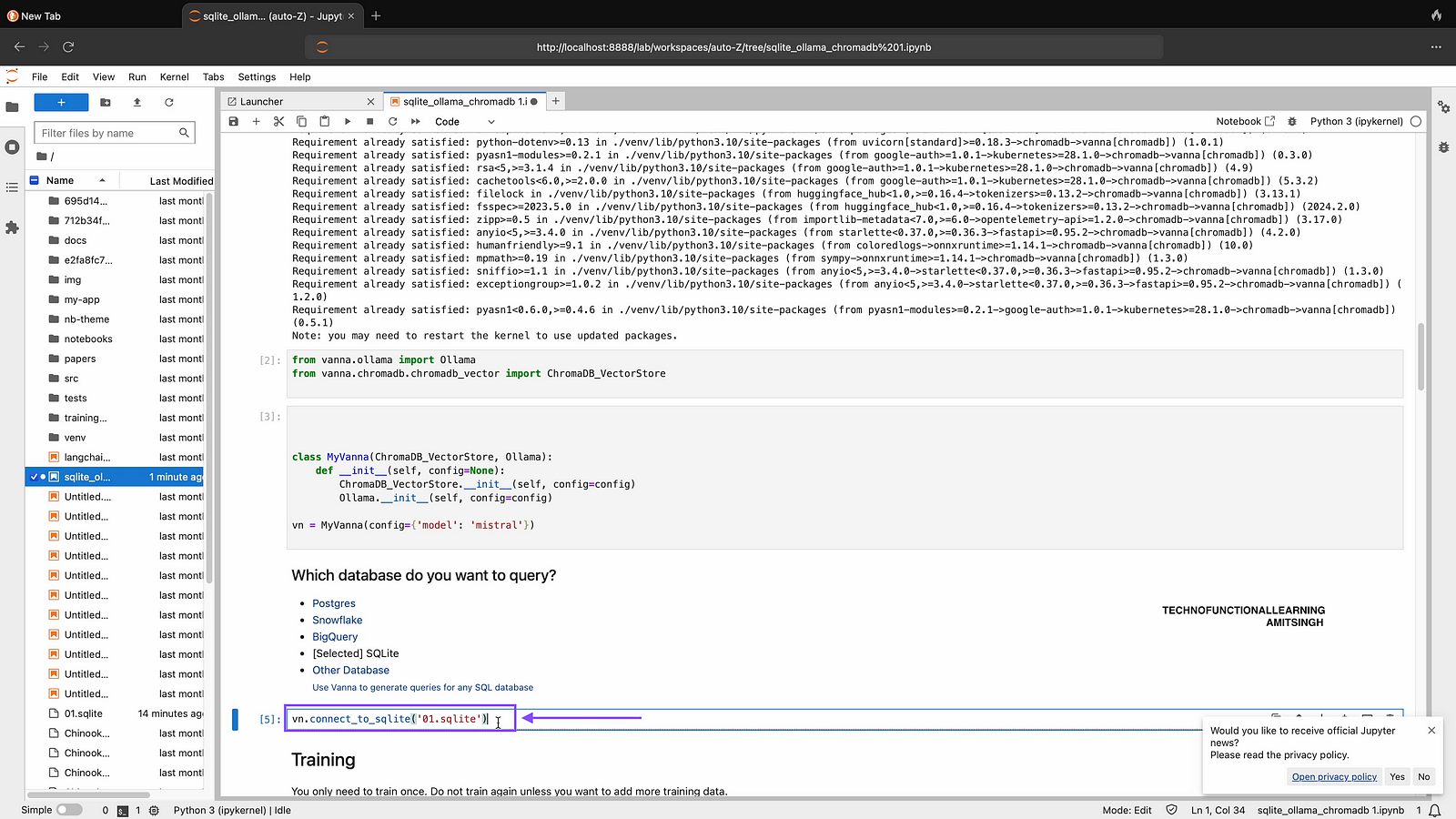
Step 04: Now Connect with SQLite DB with below command, In my case SQlite name is 01, you can choose your SQliteDB
vn.connect_to_sqlite('01.sqlite')
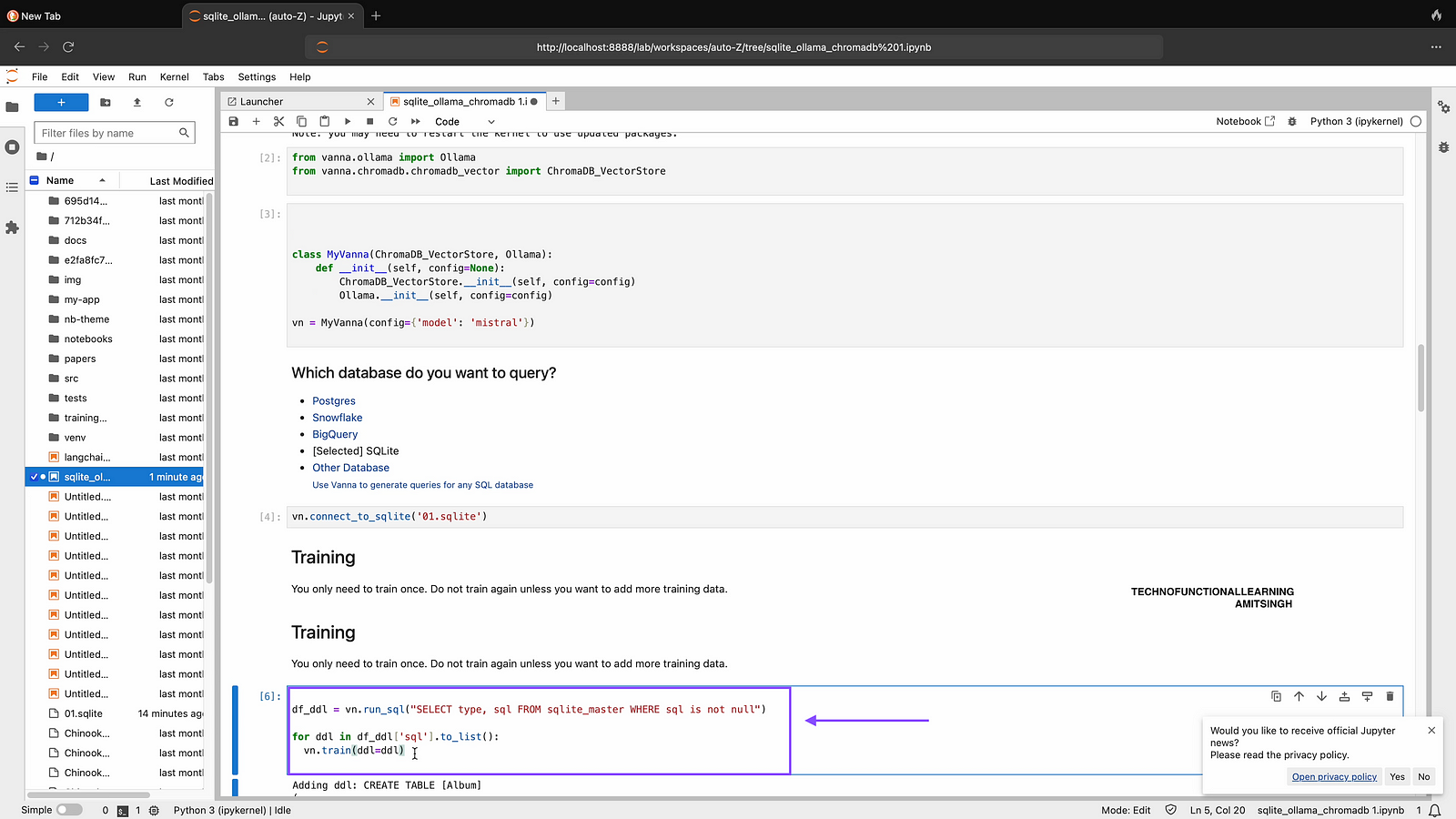
Step 05: You can training you data once unless you have added other data with below command.
df_ddl = vn.run_sql("SELECT type, sql FROM sqlite_master WHERE sql is not null")

for ddl in df_ddl['sql'].to_list():
  vn.train(ddl=ddl)
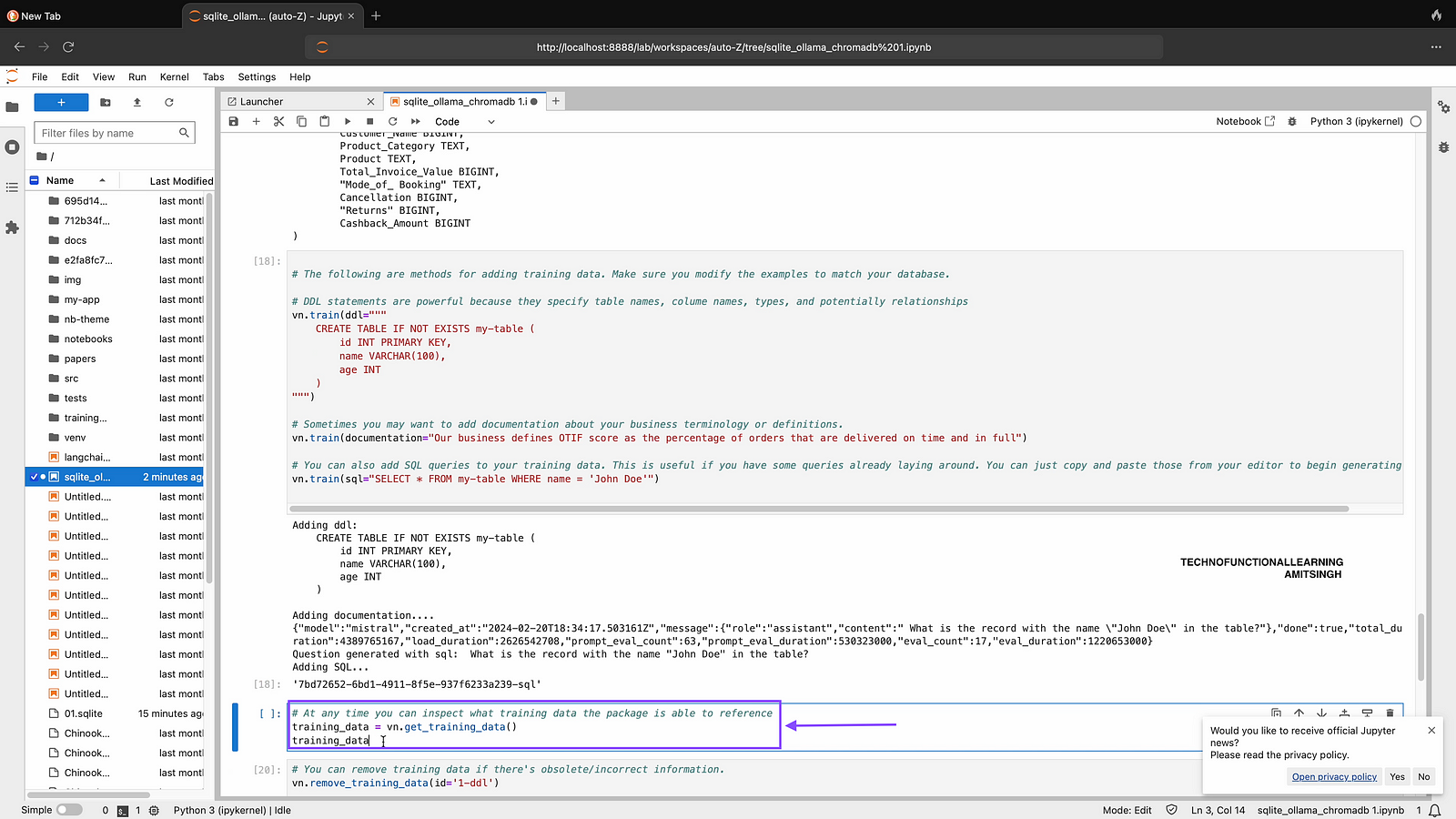
Step 06: At any time you can inspect what training data the package is able to reference
training_data = vn.get_training_data()
training_data
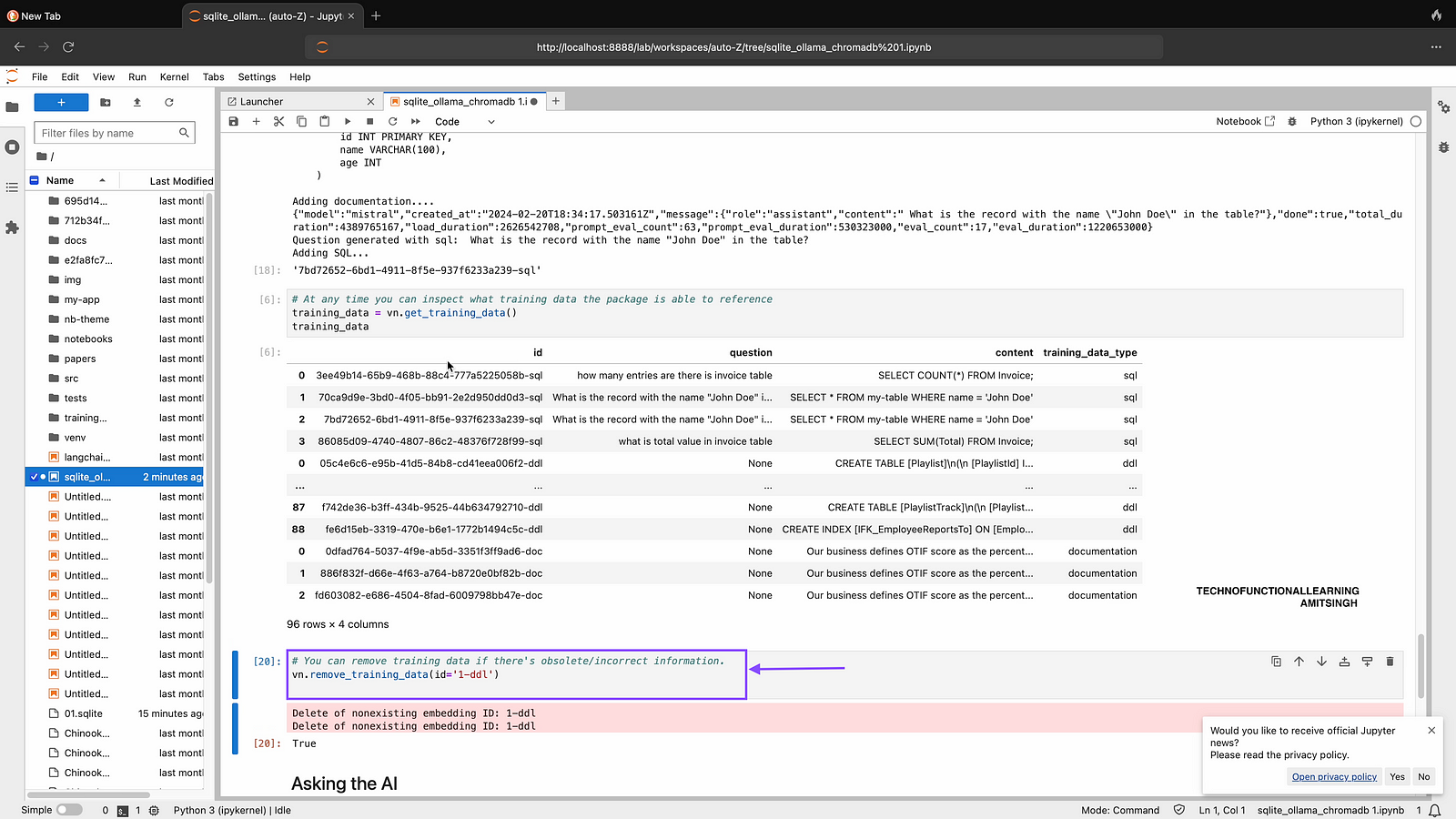
Step 07: You can remove training data if there’s obsolete/incorrect information.
vn.remove_training_data(id='1-ddl')
Step 08: Now You can start flask app by typing and running below command in Jupyter Notebook, App will be available at localhost:8084 and start Asking your question in Natural Language.
from vanna.flask import VannaFlaskApp
app = VannaFlaskApp(vn)
app.run()

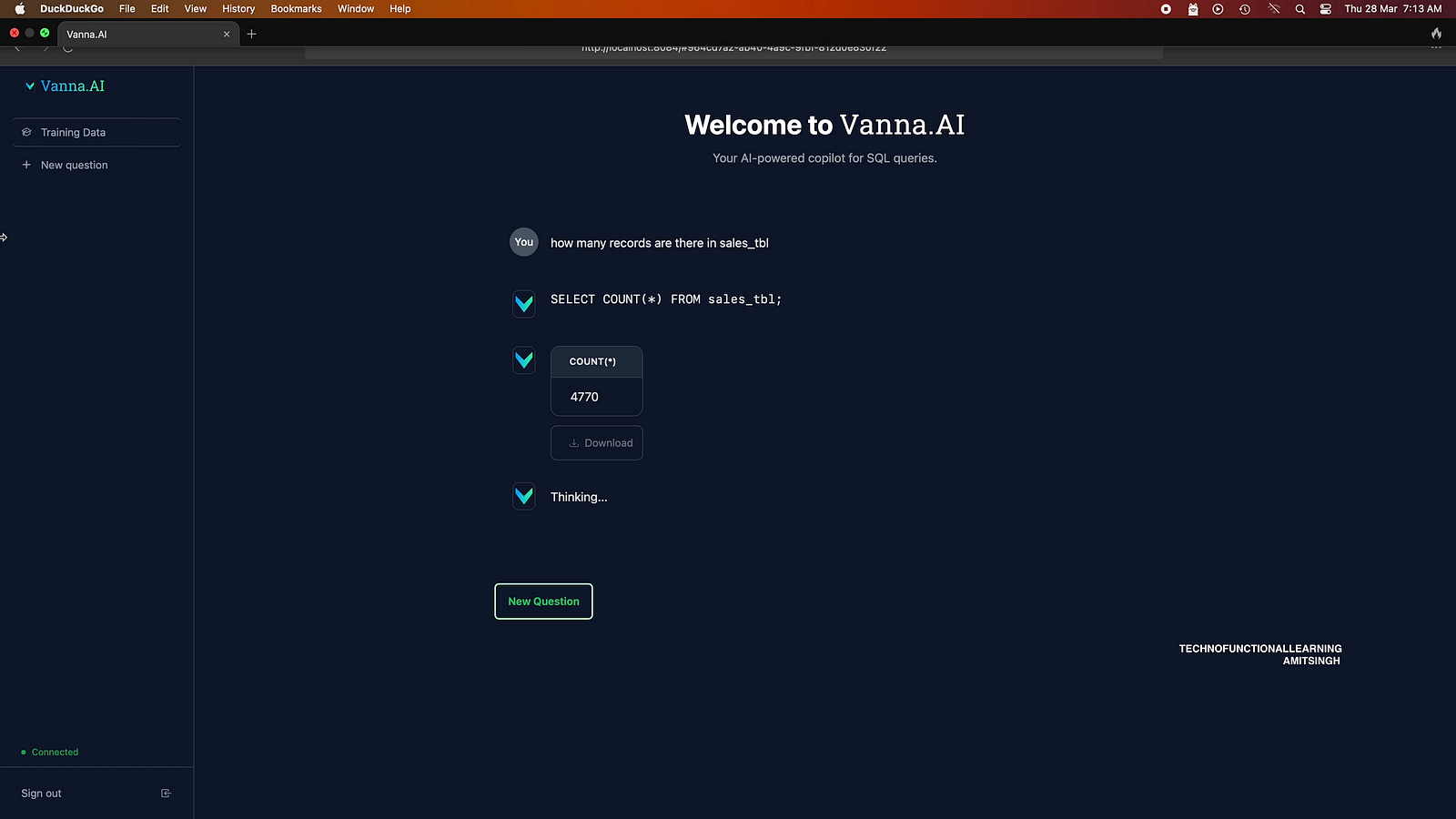
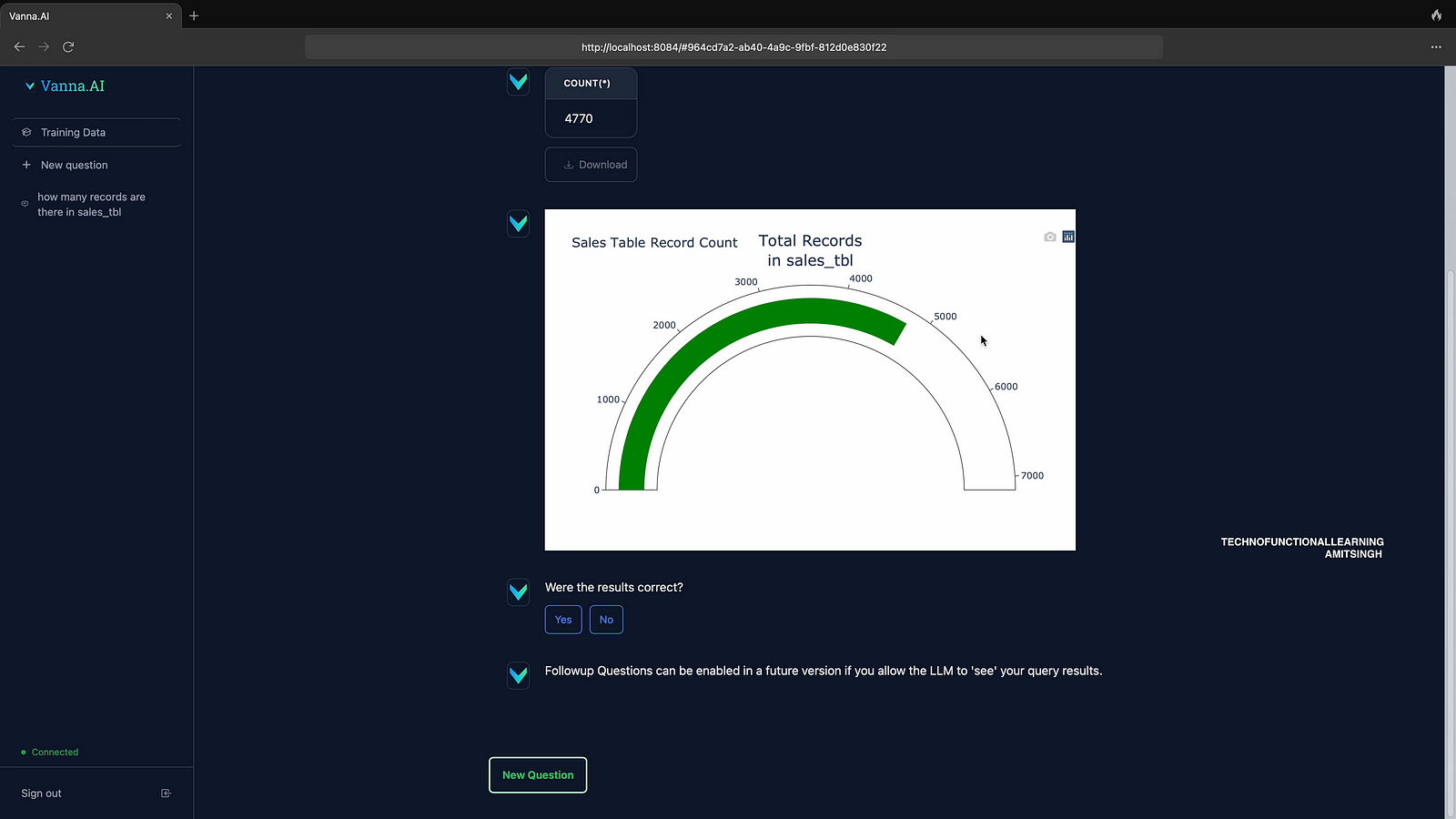
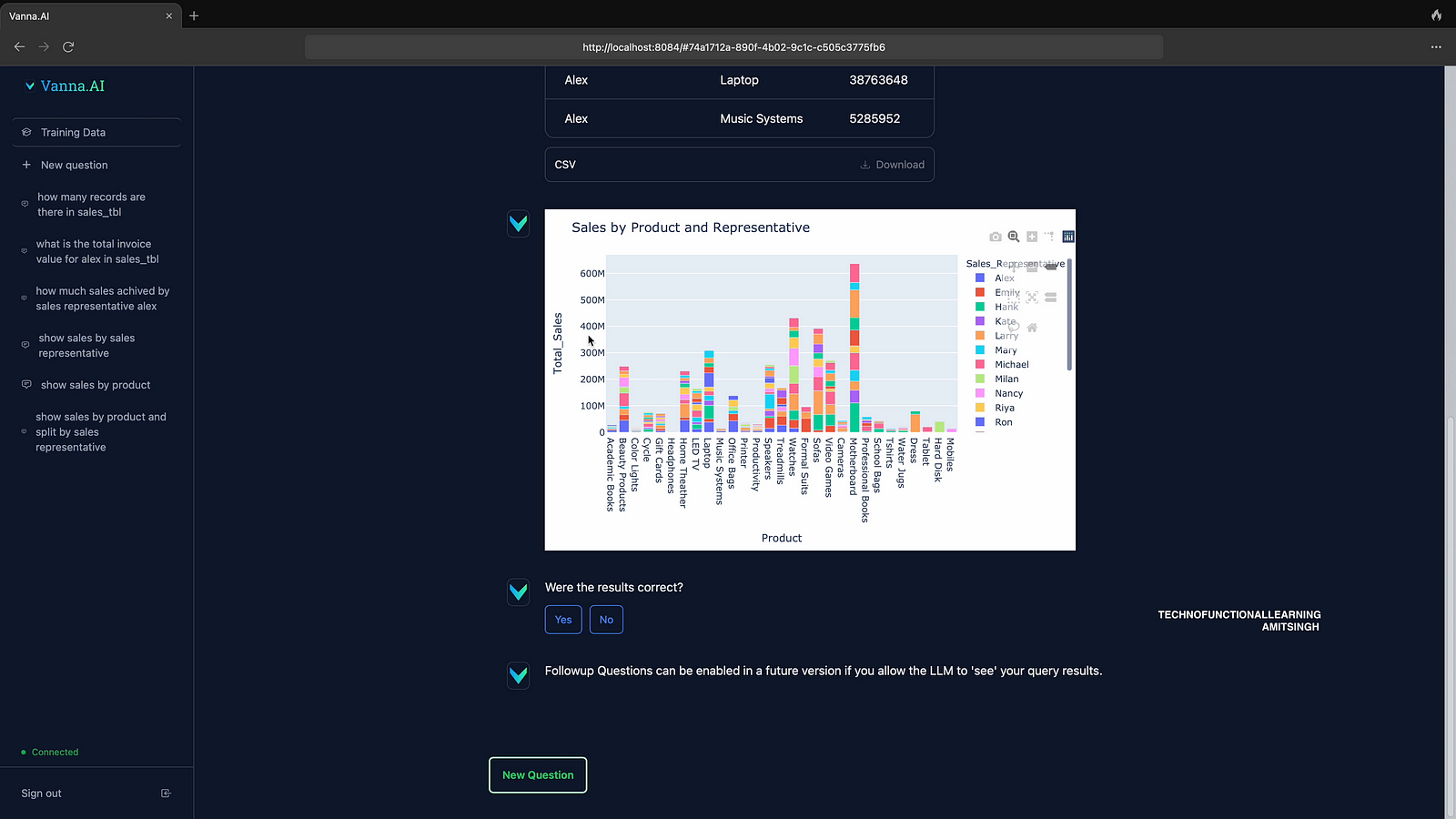
Step 09: Now Start asking question in Natural Language First it will show results and then generate automated Visualization based on Plotly like show below.

Results
Then Automated Visualization
Step 10: Here are some more sample questions and their answer along with Visualization
Q2
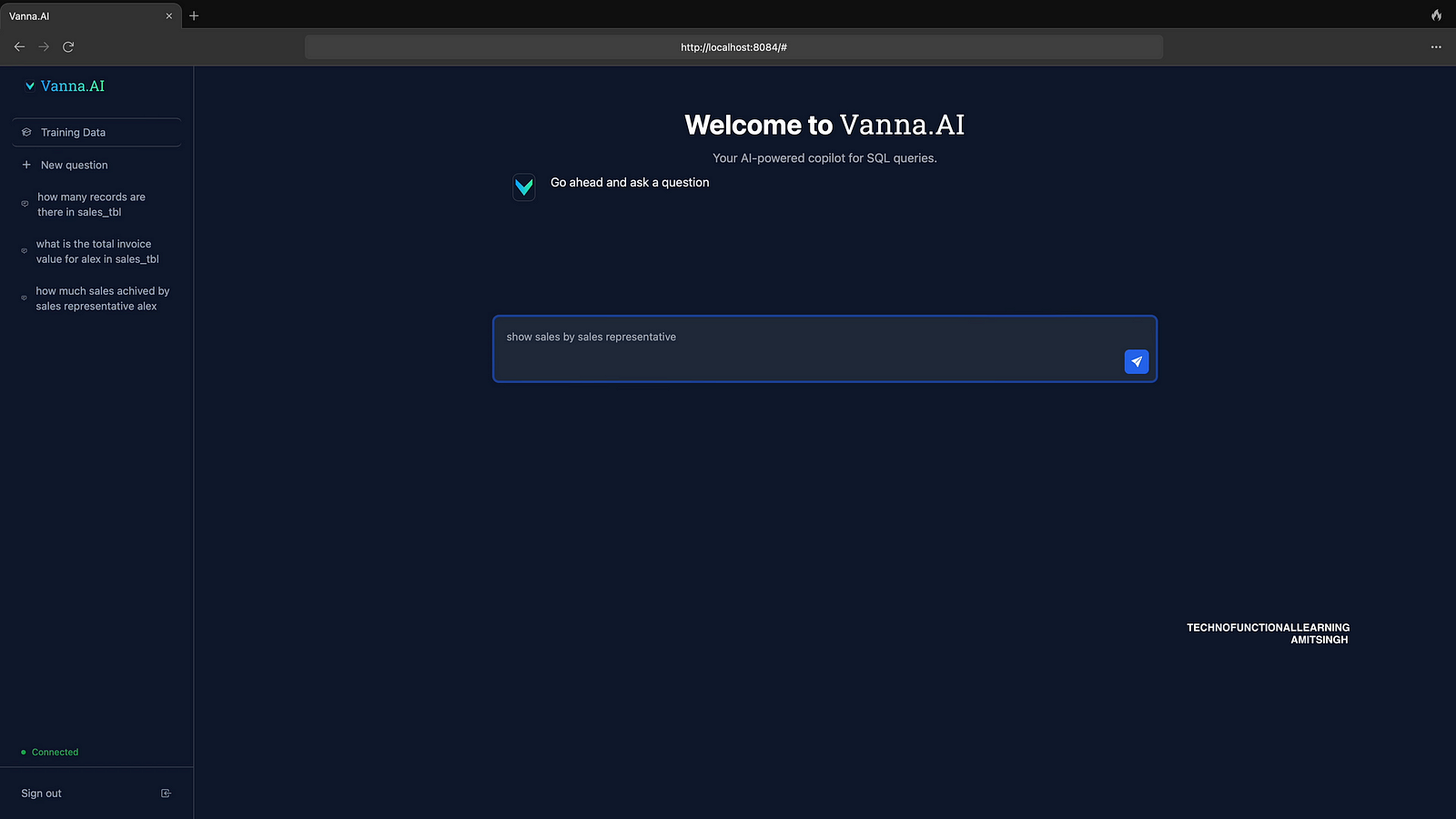
Answer
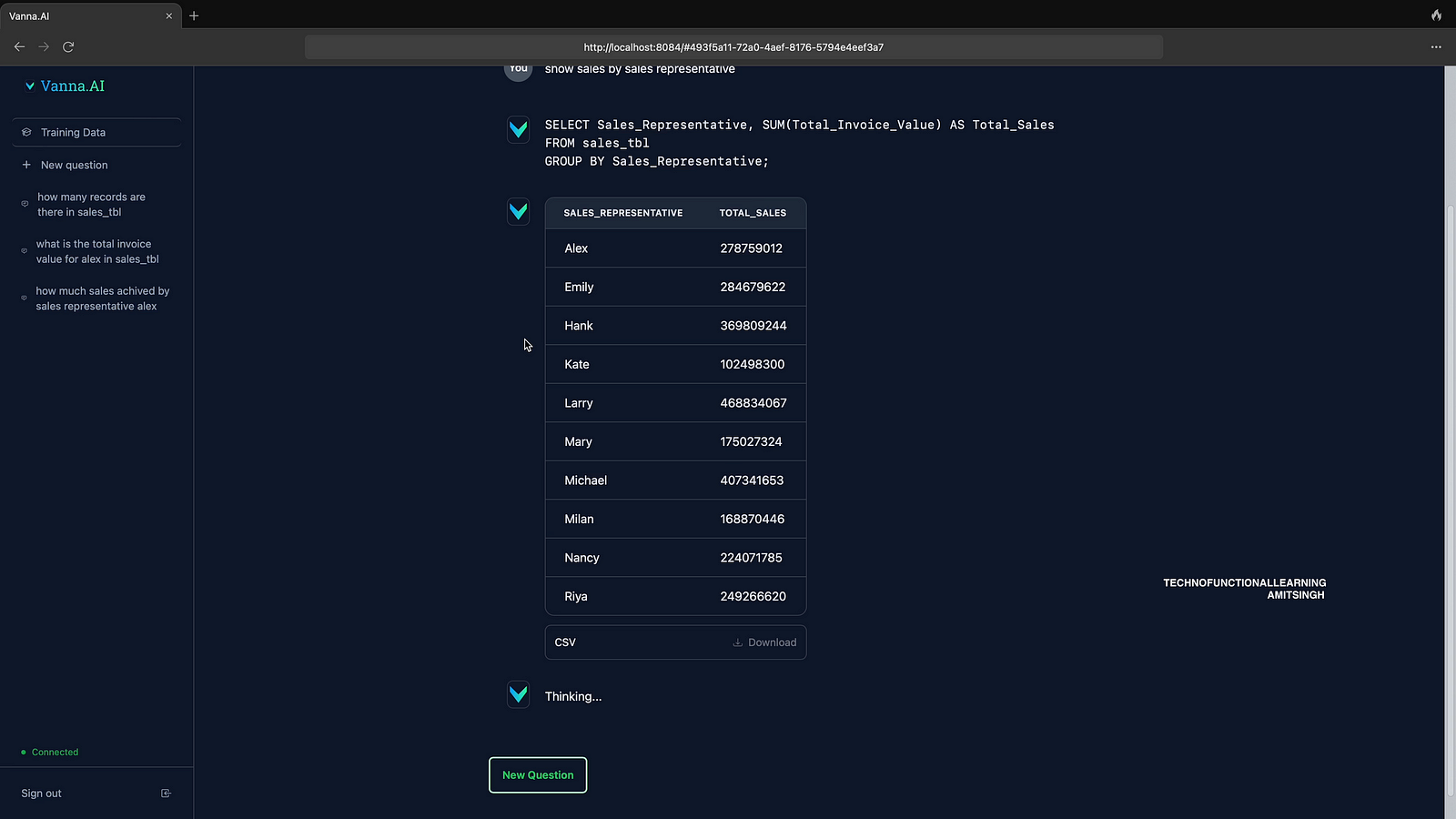
Visualization

Q3
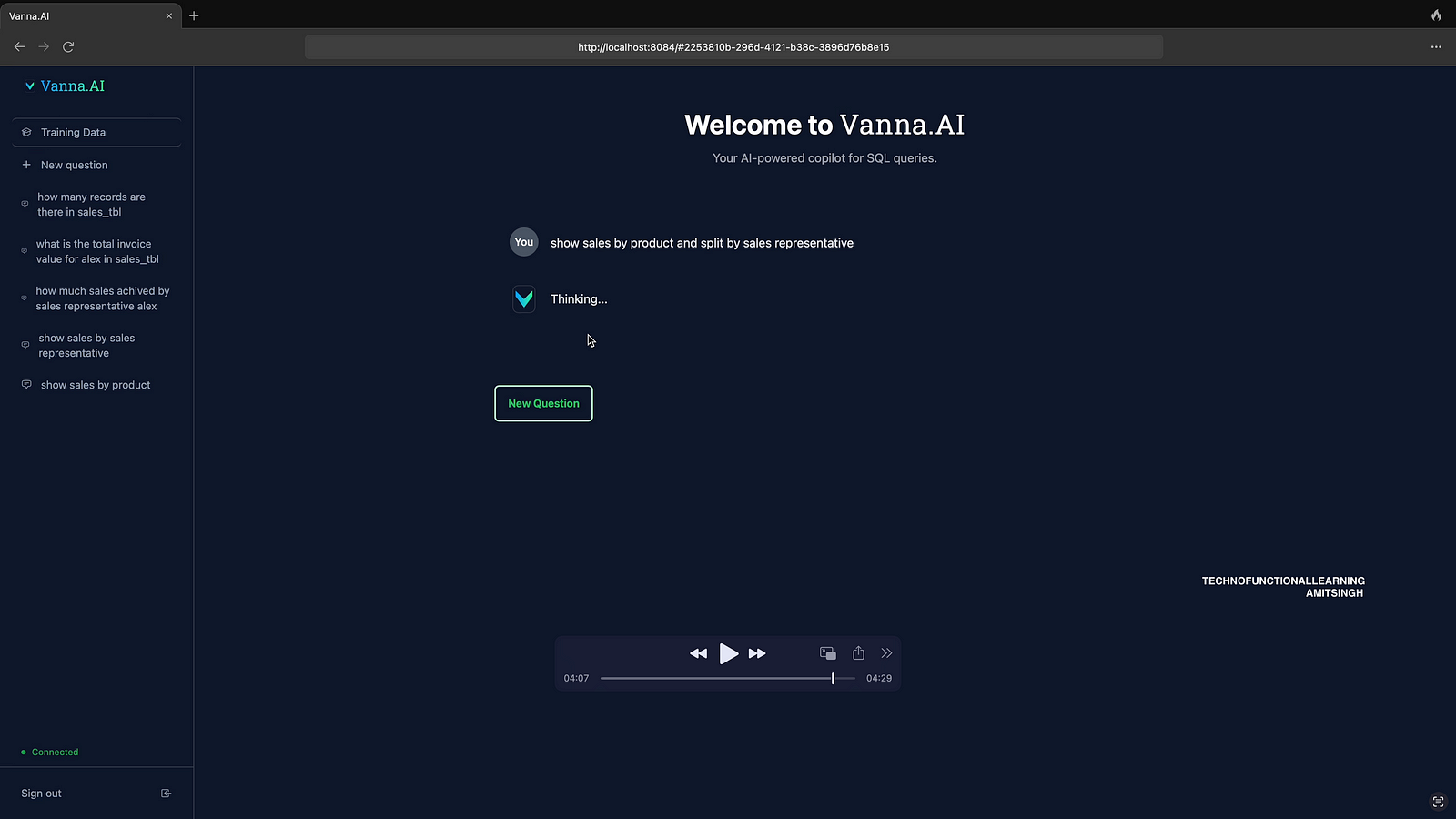
Answer
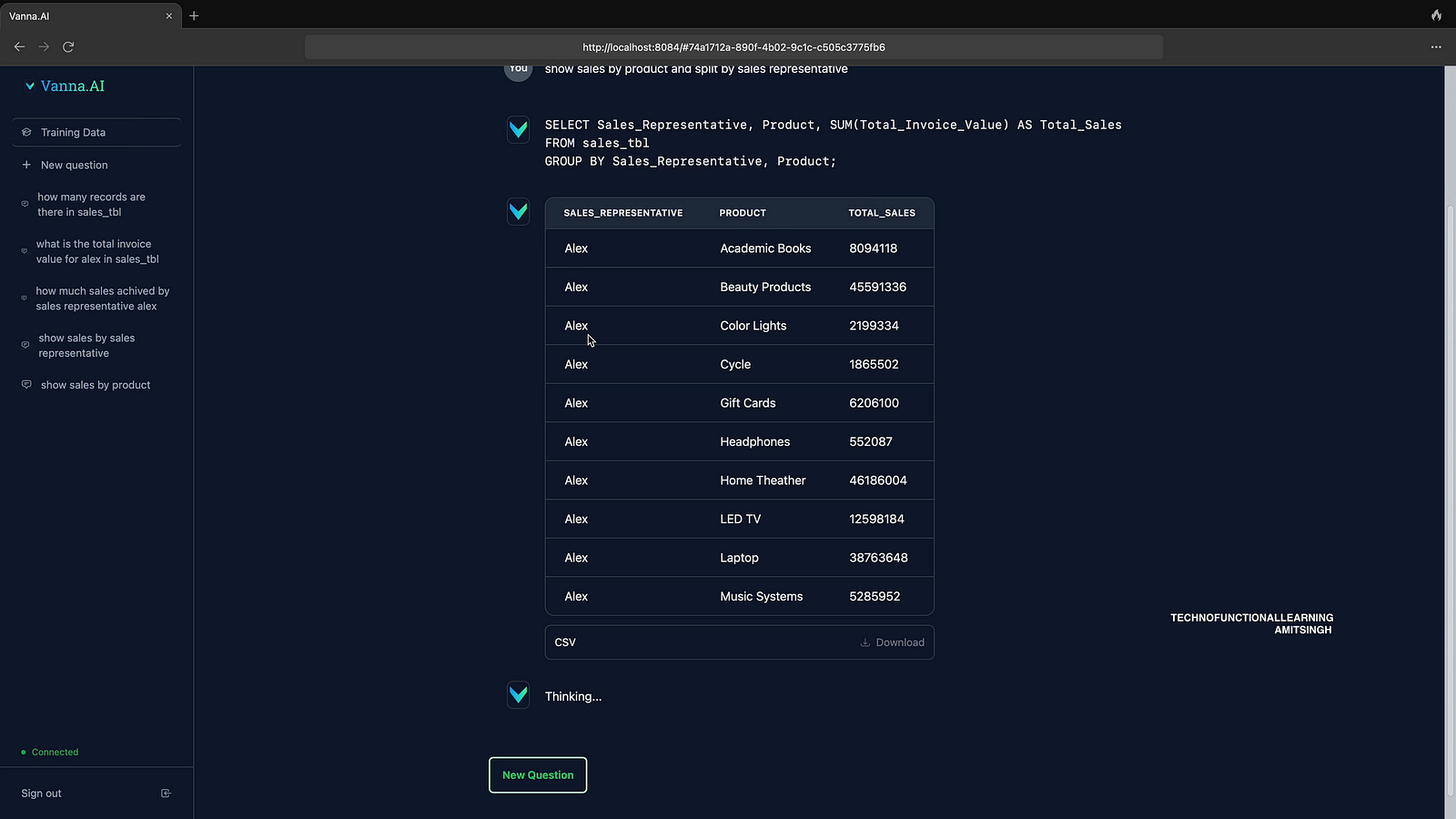
Visualization
Here is 4 Minute Youtube Video for visual reference.
 TechnoFunctionalLearning