Learn to Build llama.cpp and run large language models locally.
What is llama.cpp?
The main goal of llama.cpp is to enable LLM inference with minimal setup and state-of-the-art performance on a wide variety of hardware — locally and in the cloud. Plain C/C++ implementation without any dependencies Apple silicon is a first-class citizen — optimized via ARM NEON, Accelerate and Metal frameworks AVX, AVX2 and AVX512 support for x86 architectures 1.5-bit, 2-bit, 3-bit, 4-bit, 5-bit, 6-bit, and 8-bit integer quantization for faster inference and reduced memory use Custom CUDA kernels for running LLMs on NVIDIA GPUs (support for AMD GPUs via HIP) Vulkan, SYCL, and (partial) OpenCL backend support CPU+GPU hybrid inference to partially accelerate models larger than the total VRAM capacity
Where is the github repository?
https://github.com/ggerganov/llama.cpp.git
How to get started quickly?
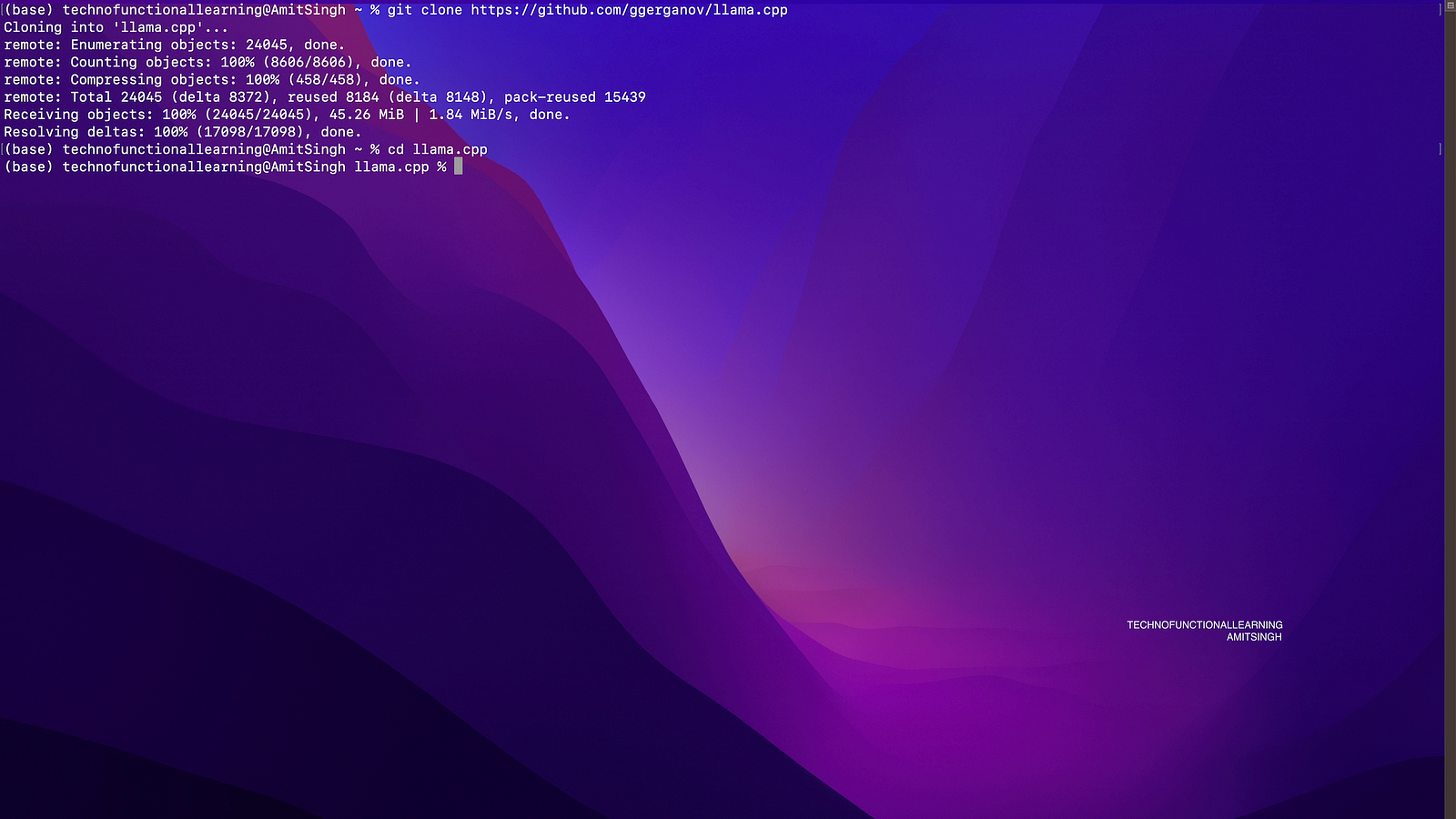
Step : 01 Clone the repository with below command
git clone https://github.com/ggerganov/llama.cpp.git

Step 02: get into the directory by typing cd llama.cpp
Step 03: now type below command to build the server
make server

Step 04: Now download the gguf models from huggingface and put them in models directory within llama.cpp
Step 05: Now run the below command to run the server, once server is up then it will be available at localhost:8080
./server -t 4 -c 4096 -ngl 35 -b 512 --mlock -m models/openchat_3.5.Q5_K_M.gguf

Step 06: Now visit localhost:8080 and set basic preference and start chatting.
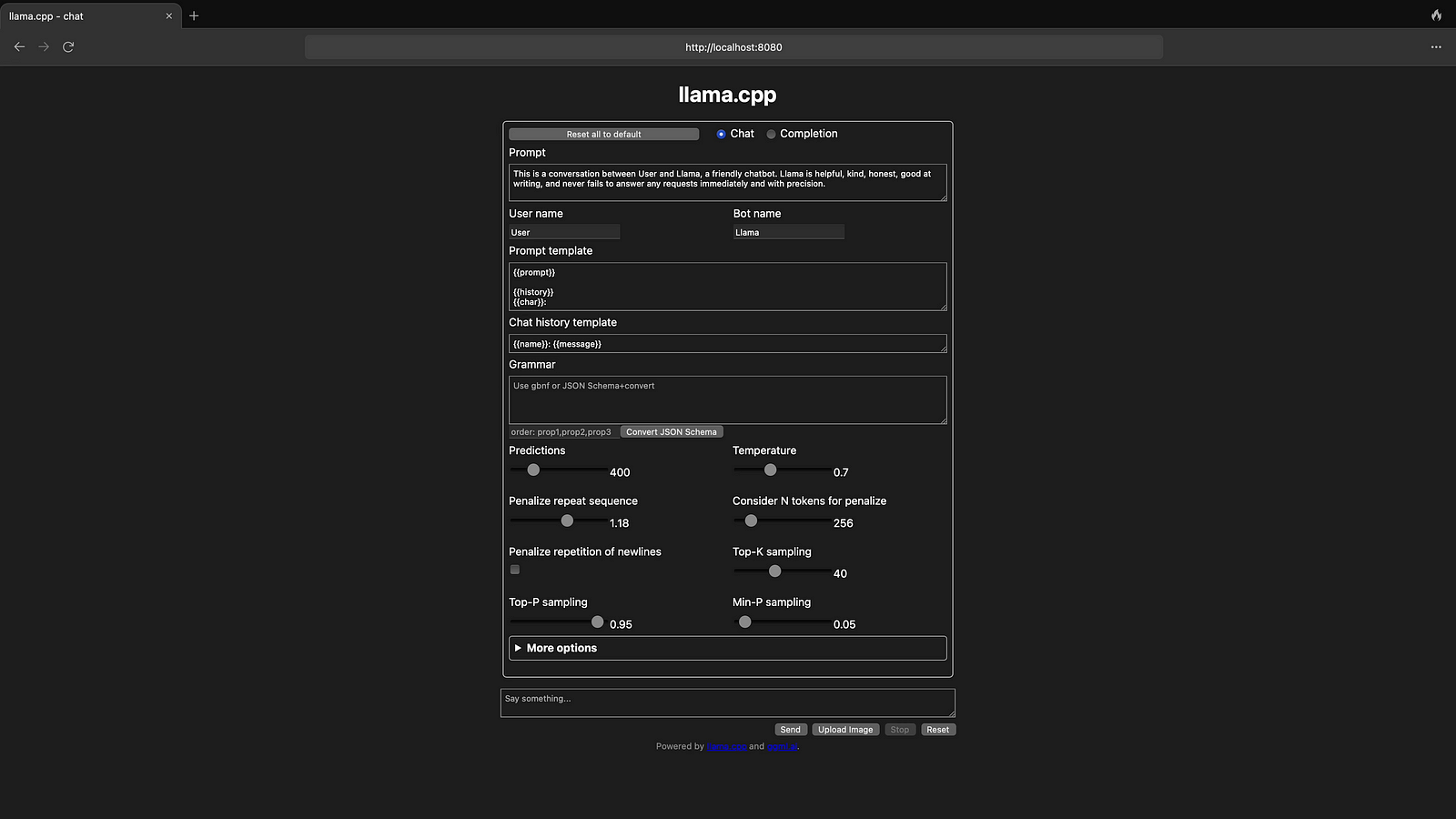

Step 07: Here is the result

Here is the youtube video for visual reference
 TechnoFunctionalLearning