Chat with your database (SQL, CSV, pandas, polars, mongodb, noSQL, etc). PandasAI makes data analysis conversational using LLMs (GPT 3.5 / 4, Anthropic, VertexAI) and RAG.
https://github.com/Sinaptik-AI/pandas-ai
Chat with your database (SQL, CSV, pandas, polars, mongodb, noSQL, etc). PandasAI makes data analysis conversational using LLMs (GPT 3.5 / 4, Anthropic, VertexAI) and RAG.
Ollama: Large Language Model Runner.
https://github.com/ollama/ollama
https://hub.docker.com/r/ollama/ollama
https://github.com/ollama/ollama-python
https://github.com/ollama/ollama-js
How to Install PandasAI and Connect with Ollama (llama3/Mistral/SQlCoder)
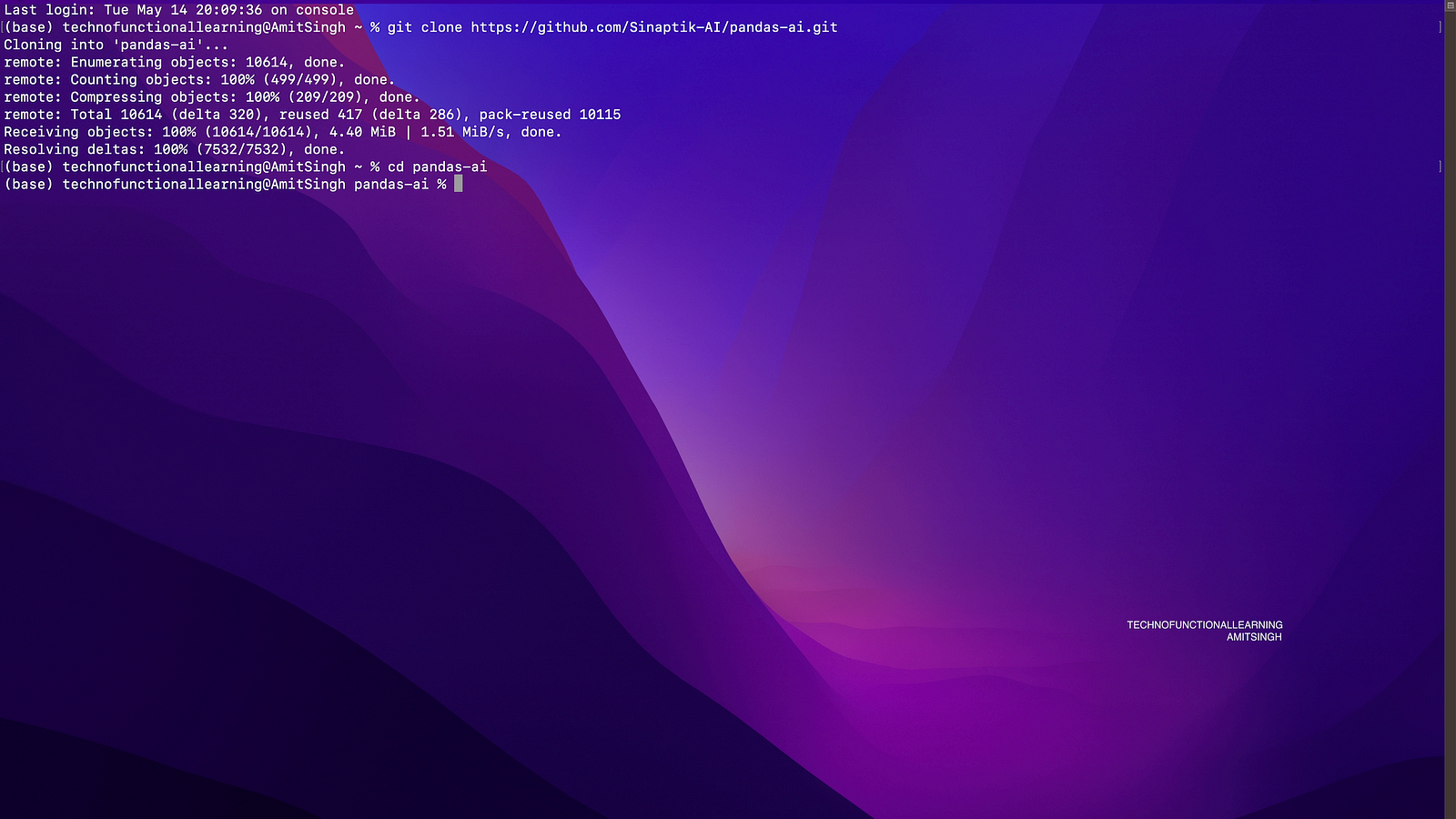
Step 01: Clone github Repo of Pandas AI with below command
git clone https://github.com/Sinaptik-AI/pandas-ai.git

Step 02: Get into Panda AI directory with below command
cd pandas-ai
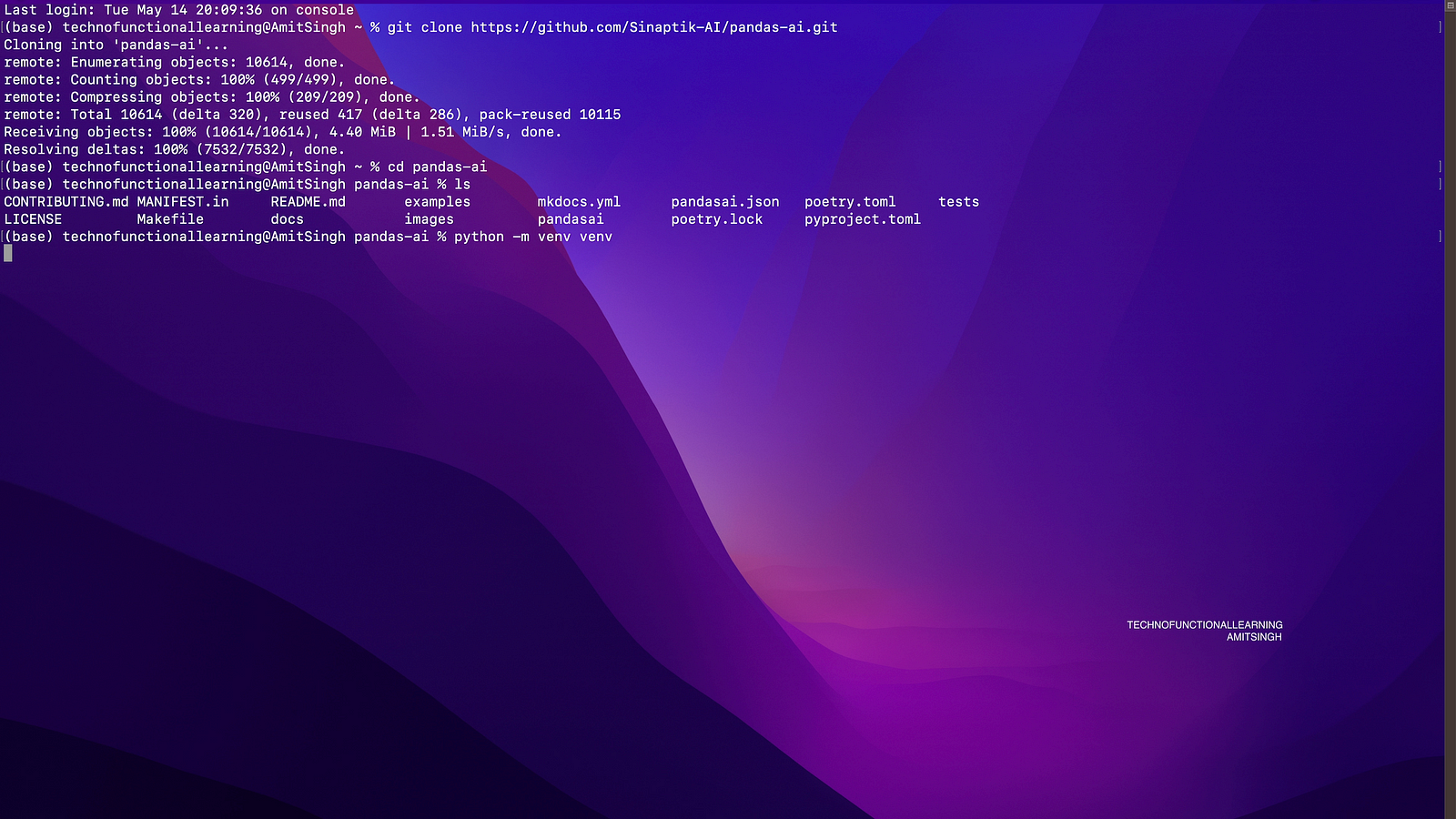
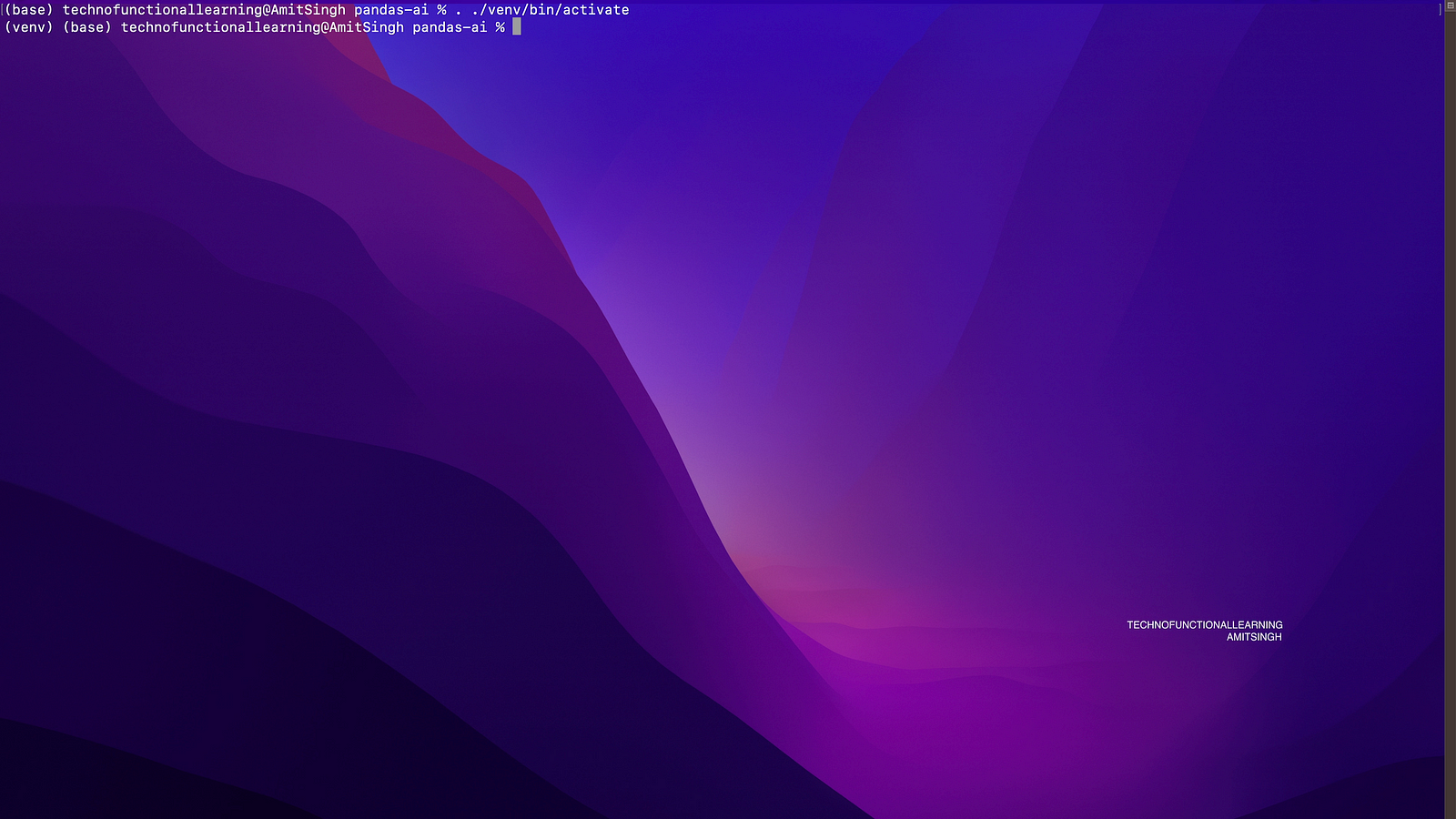
Step 03: Create and Activate Python Virtual Environment with below commands
python -m venv venv

. ./venv/bin/activate
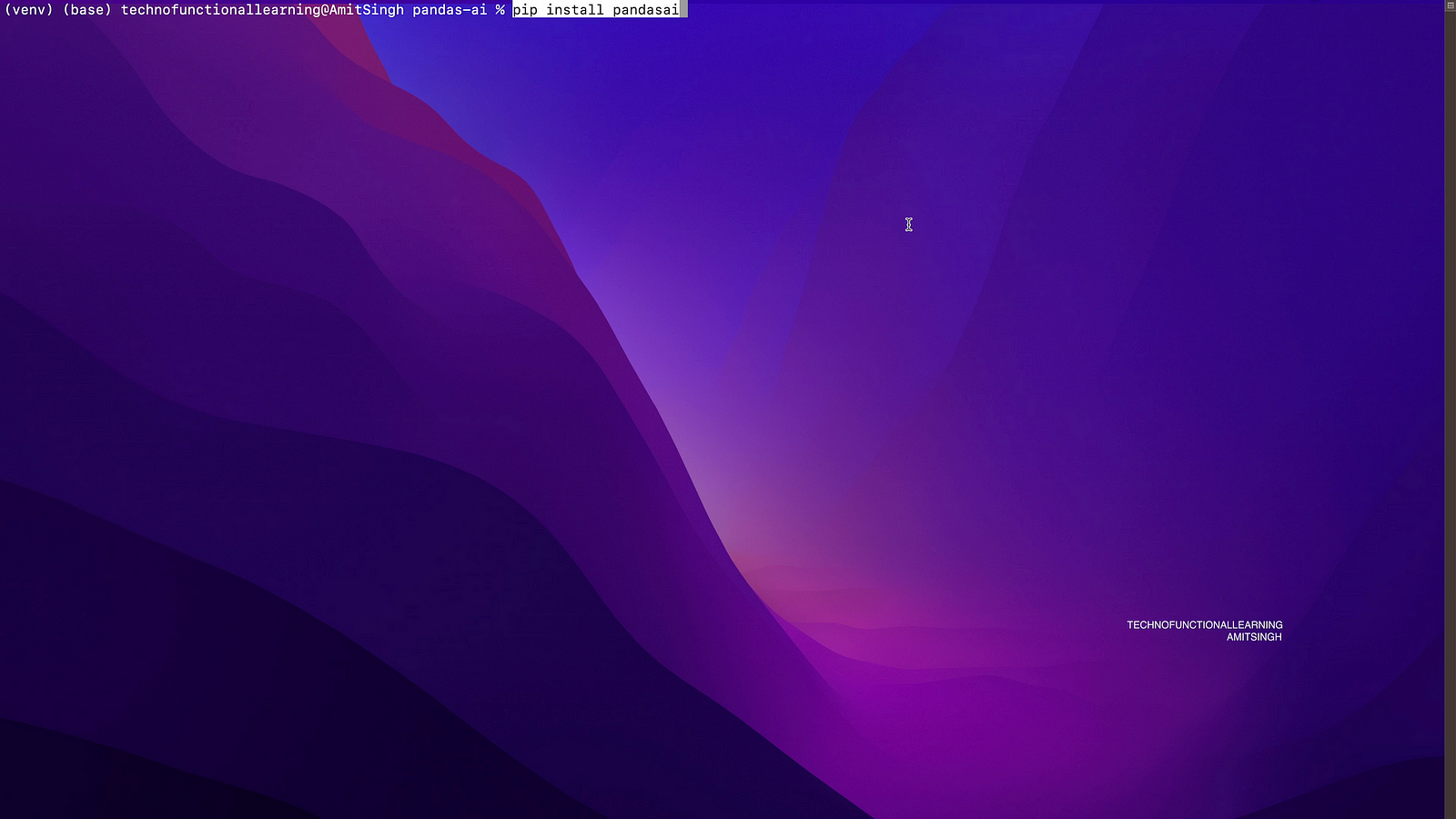
Step 04: Now install pandasai with below command
pip install pandasai
Step 05: Now open jupyter notebook and check if pandasai installed properly with below command
%pip install pandasai
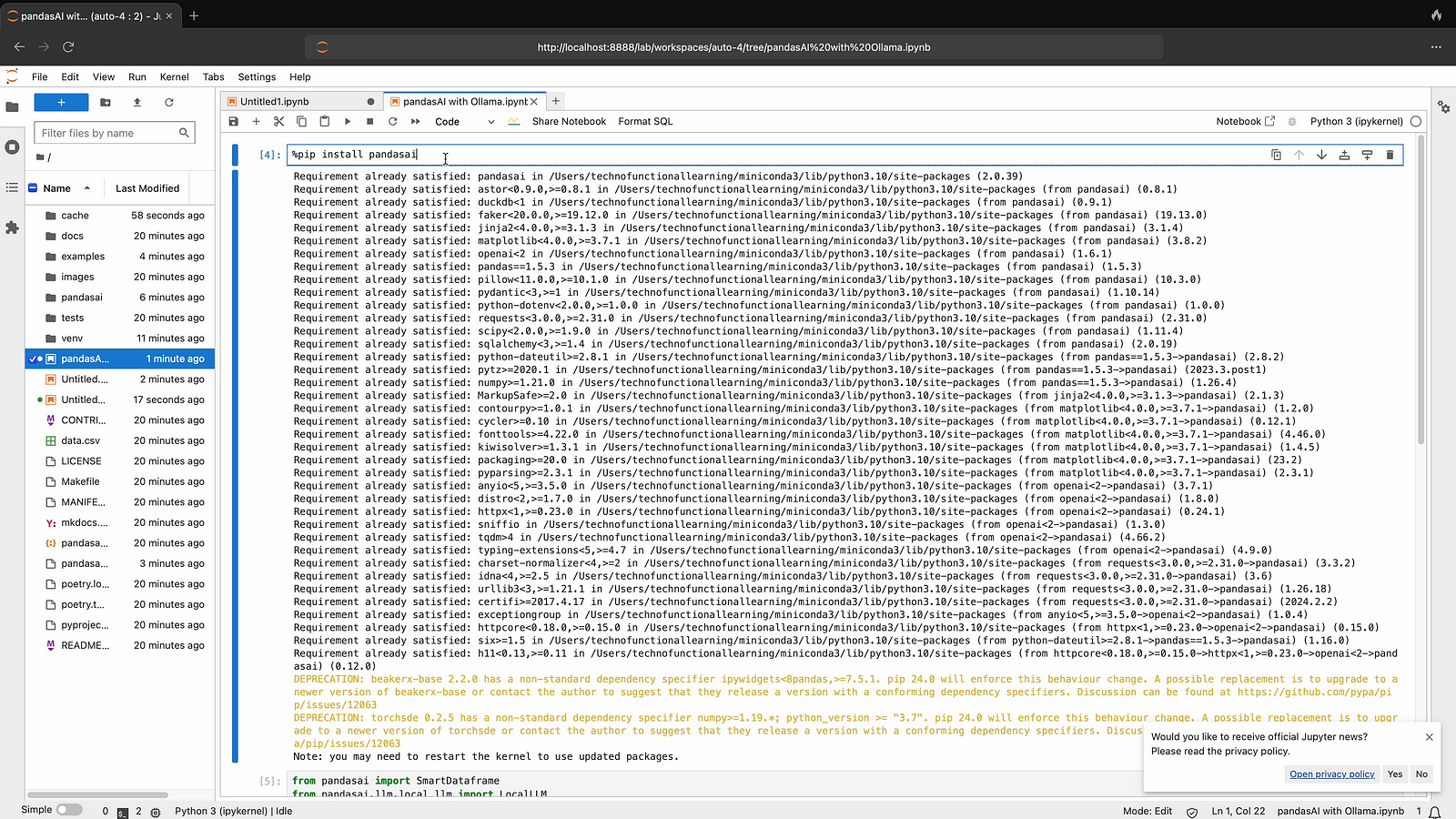
Step 06: before you proceed for ollama connection, make sure you have installed ollama and it is serving required models and also ollama with python also installed. if you have not installed ollama yet then please refer previous ollama installation articles.
Now connect with llama3 with below command.
from pandasai import SmartDataframe
from pandasai.llm.local_llm import LocalLLM

ollama_llm = LocalLLM(api_base="http://localhost:11434/v1", model="llama3")
df = SmartDataframe("data.csv", config={"llm": ollama_llm}
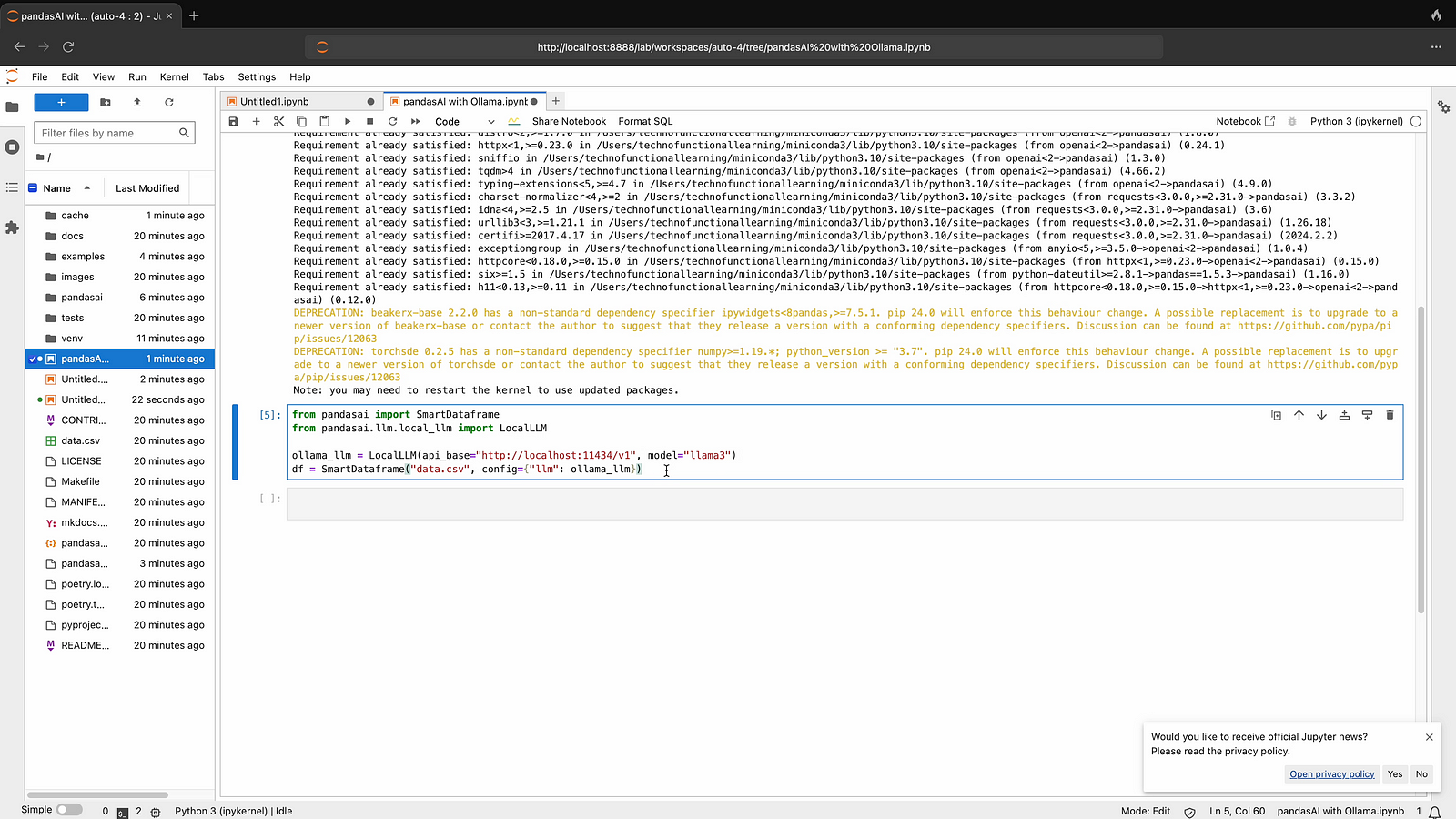
Step 07: Now connect with mistral llm by typing below command
from pandasai import SmartDataframe
from pandasai.llm.local_llm import LocalLLM

ollama_llm = LocalLLM(api_base="http://localhost:11434/v1", model="mistral")
df = SmartDataframe("data.csv", config={"llm": ollama_llm}
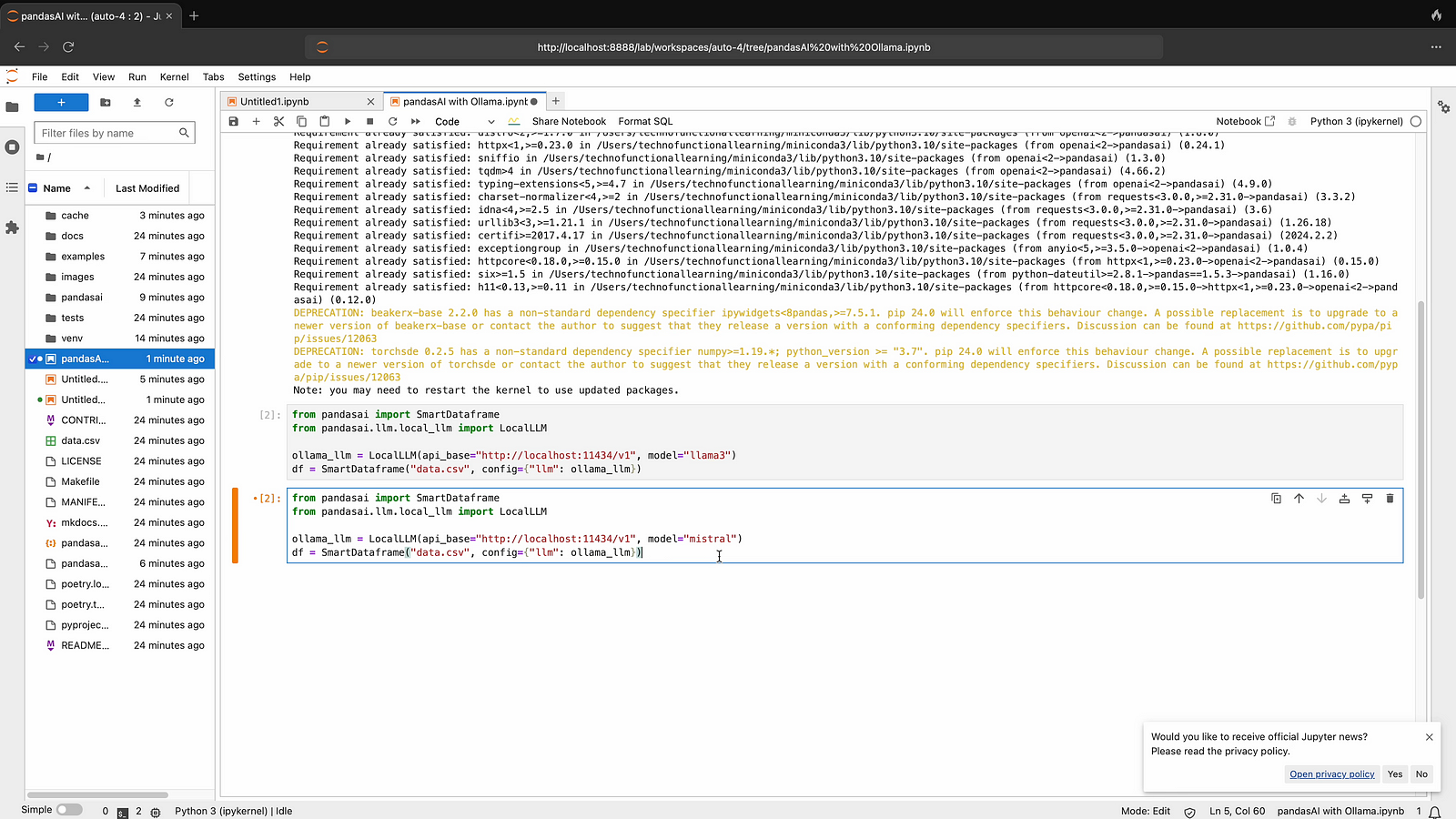
Step 08: Now connect with sqlcoder llm by typing below command.
from pandasai import SmartDataframe
from pandasai.llm.local_llm import LocalLLM

ollama_llm = LocalLLM(api_base="http://localhost:11434/v1", model="sqlcoder")
df = SmartDataframe("data.csv", config={"llm": ollama_llm}
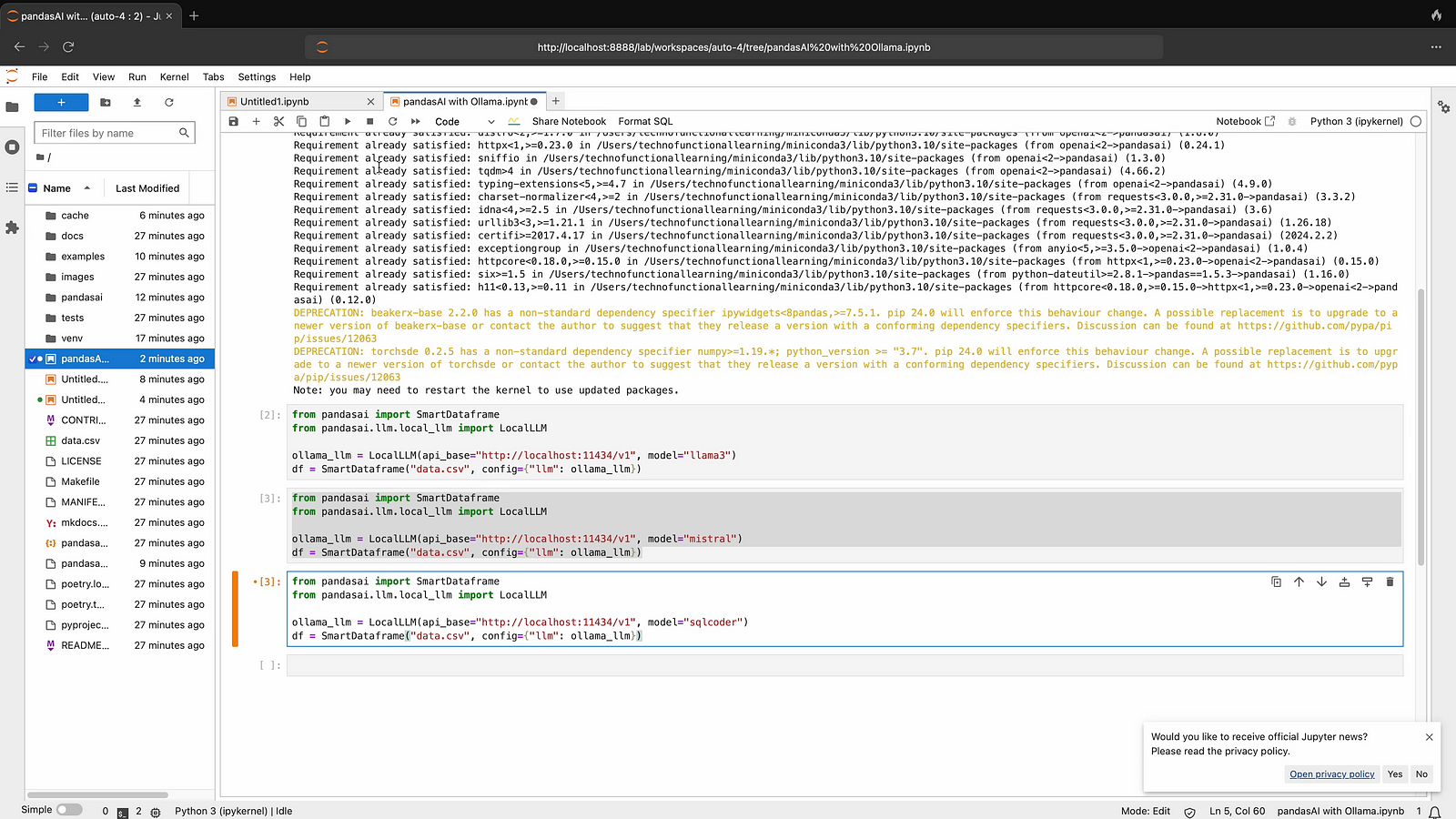
Here is youtube video for quick visual reference
 TechnoFunctionalLearning