learn to Install & Integrate Logseq (A privacy-first, open-source platform for knowledge management and collaboration) with Ollama (Large Language Model Runner)
https://github.com/logseq/logseq
A privacy-first, open-source platform for knowledge management and collaboration.
Logseq is a knowledge management and collaboration platform. It focuses on privacy, longevity, and user control. Logseq offers a range of powerful tools for knowledge management, collaboration, PDF annotation, and task management with support for multiple file formats, including Markdown and Org-mode, and various features for organizing and structuring your notes.
Logseq’s Whiteboard feature lets you organize your knowledge and ideas using a spatial canvas with shapes, drawings, website embeds, and connectors. You can visually group and link your notes and external media (such as videos and images), enabling visual thinkers to compose, remix, annotate, and connect content from their knowledge base and emerging thoughts in a new way.
In addition to its core features, Logseq has a growing ecosystem of plugins and themes that enable a wide range of workflows and customization options. Mobile apps are also available, providing access to most of the features of the desktop application. Whether you’re a student, a professional, or anyone who values a clear and organized approach to managing your ideas and notes, Logseq is an excellent choice for anyone looking to improve their productivity and streamline their workflow.
Logseq plugin to integerate with ollama
https://github.com/omagdy7/ollama-logseq
Features
The plugin currently has 6 commands
Ask Ai which is a prompt the AI freely without any context
Ask Ai with page context This is the same as Ask Ai but it gives the model the context of the current page
Ask Ai with block context This is the same as Ask Ai but it gives the model the context of the current block
Summarize Page
Summarize Block
Create a flash card
Divide a todo task into subtasks
Large Language Model Runner
https://github.com/ollama/ollama
https://hub.docker.com/r/ollama/ollama
https://github.com/ollama/ollama-python
https://github.com/ollama/ollama-js
Here is how to get started quickly
Step 01: Click on Download

Step 02: Double click on Installer
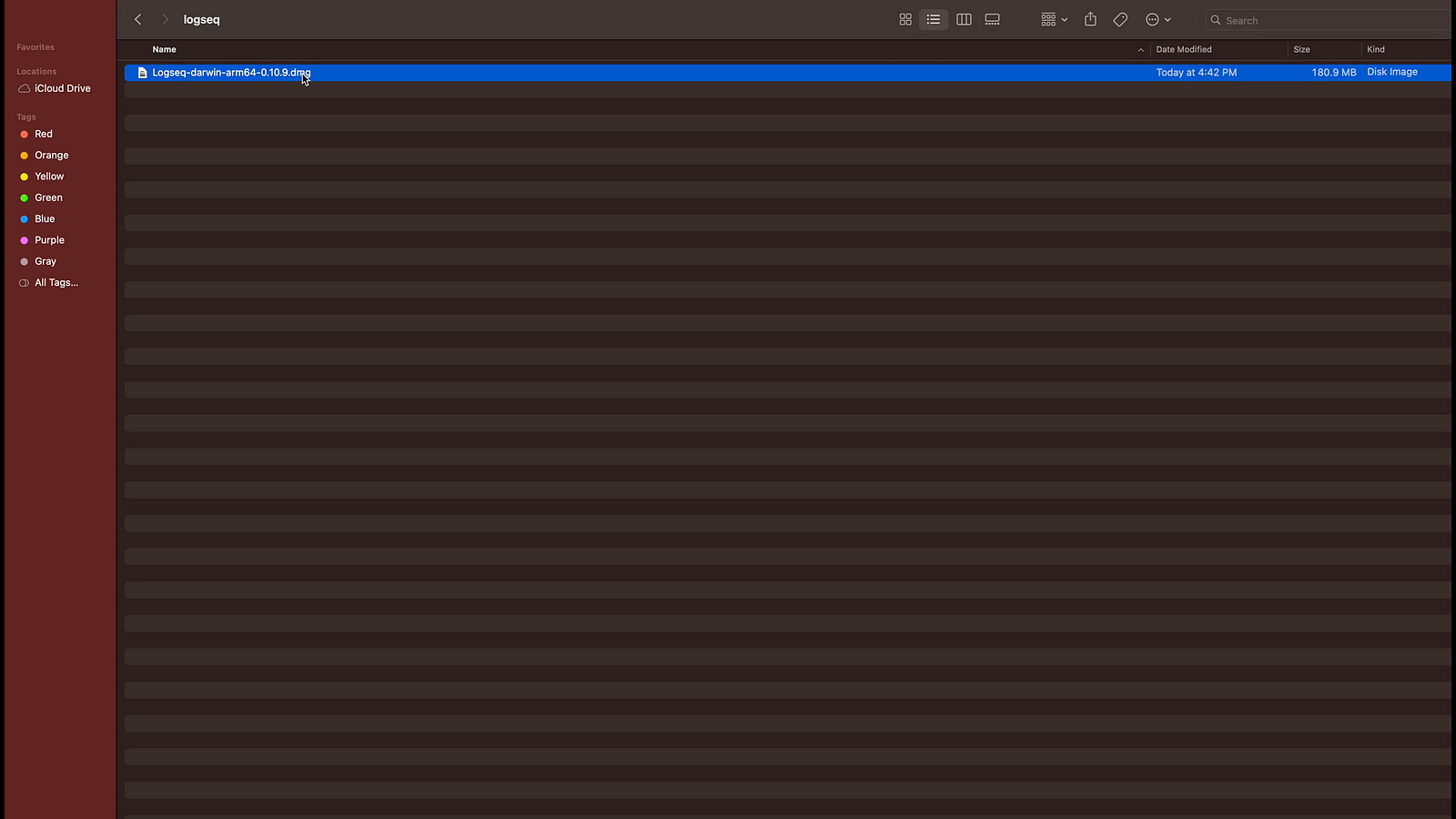
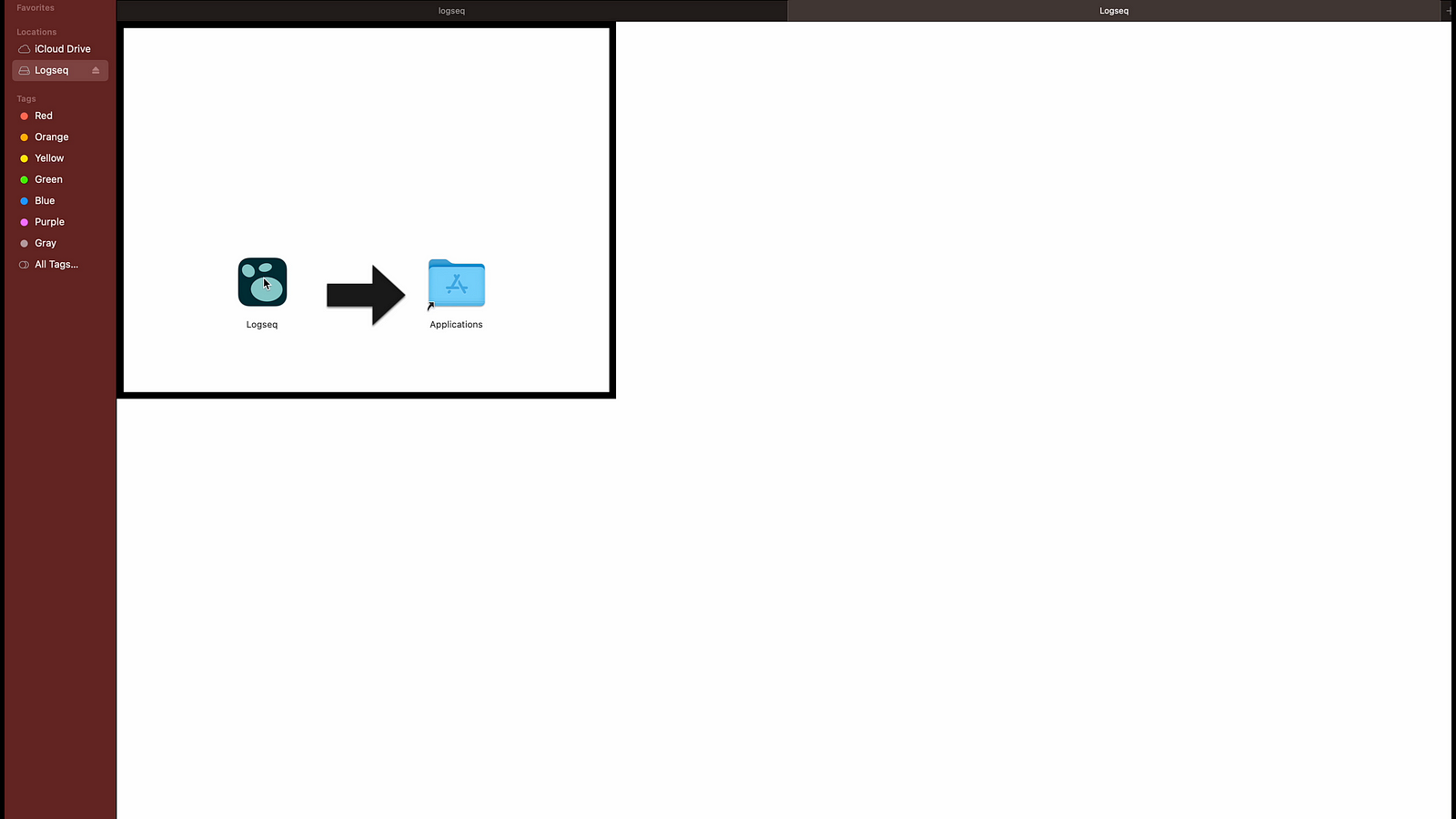
Step 03: Double click the installer, if you want to add in Applications then move to folder else just double click to test the program.
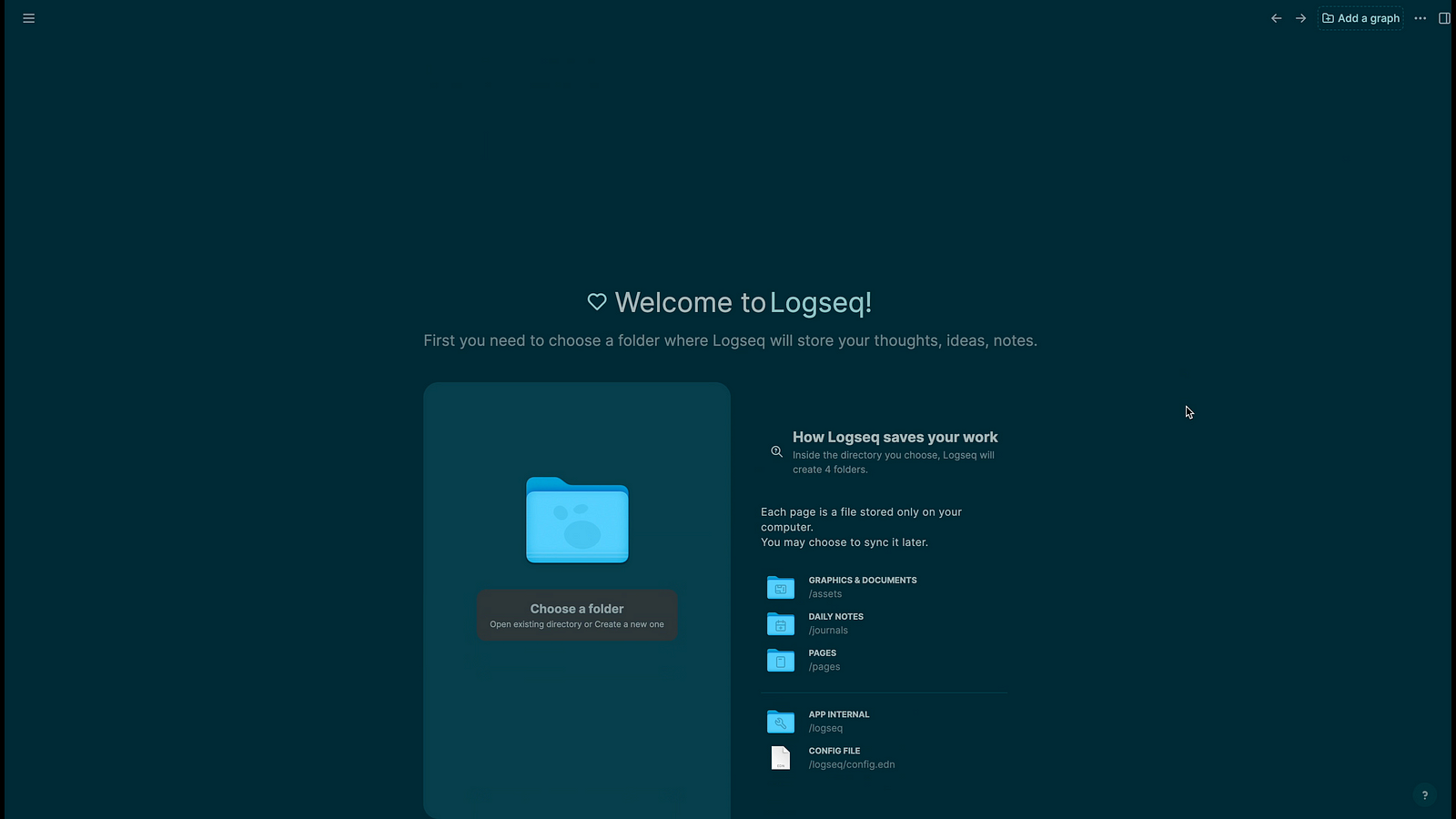
Step 04: You should add a folder where logseq will save file by clicking on folder icon.
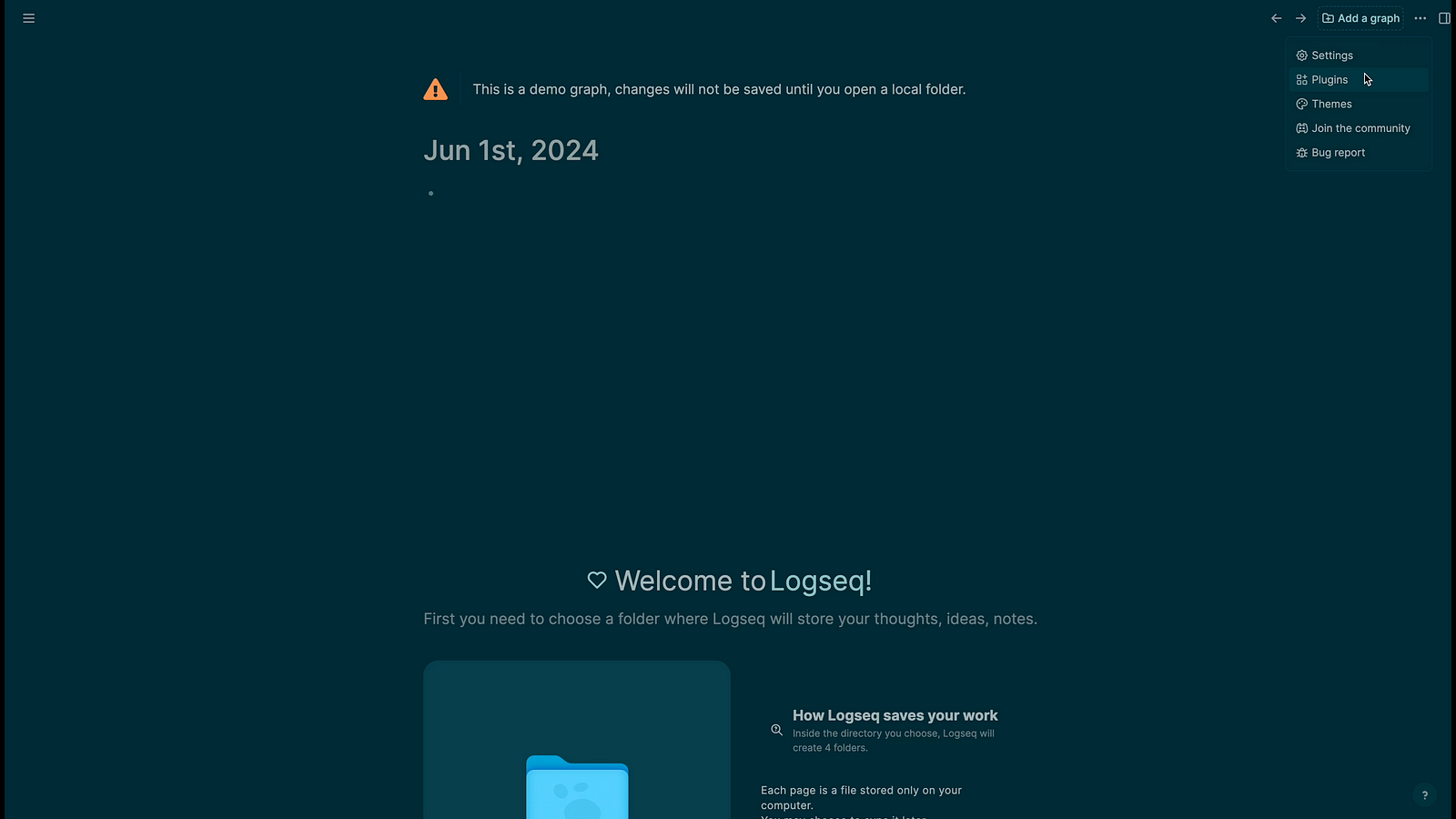
Step 05: Click on Plugins
Step 06: Click on Marketplace
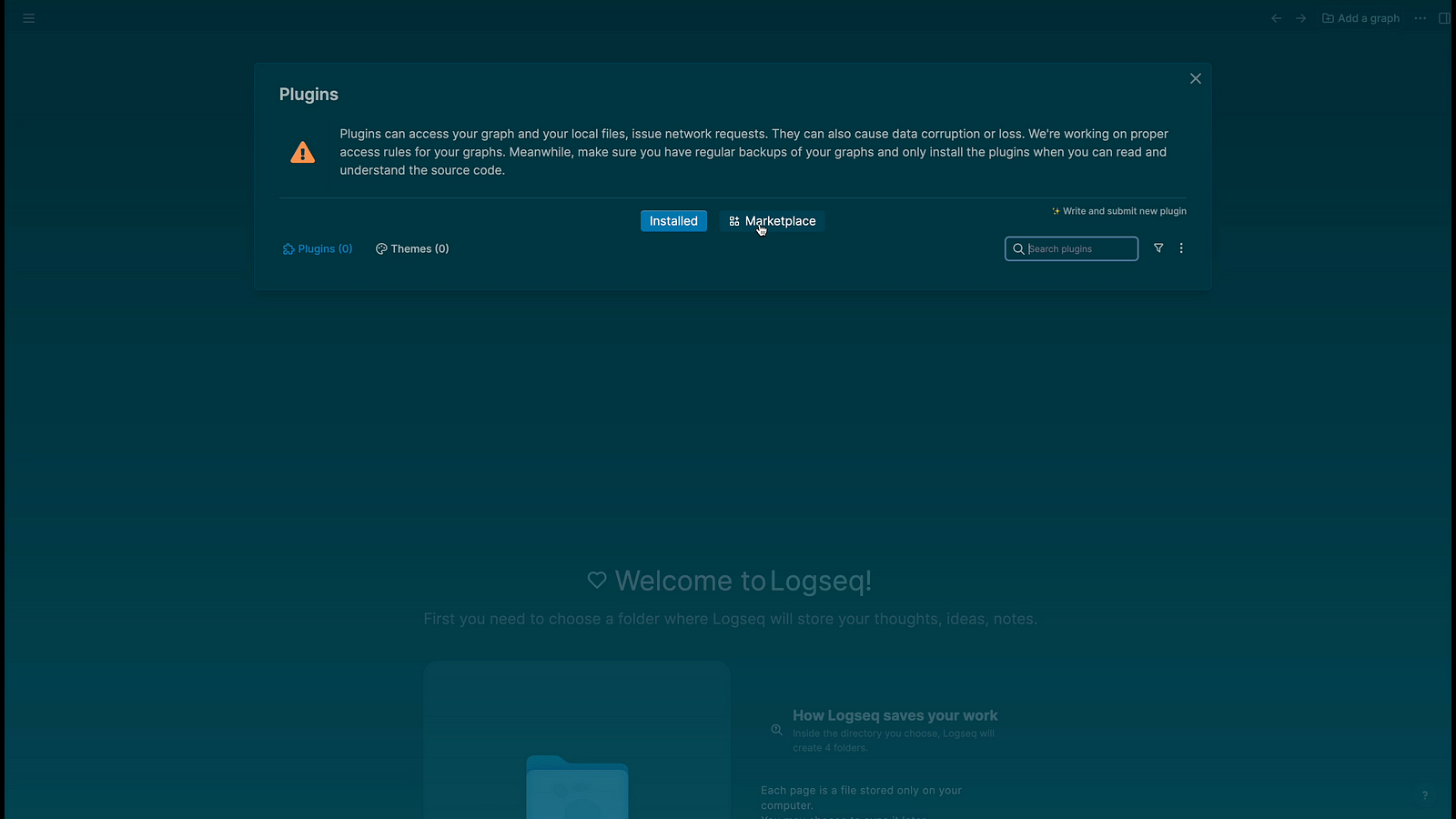
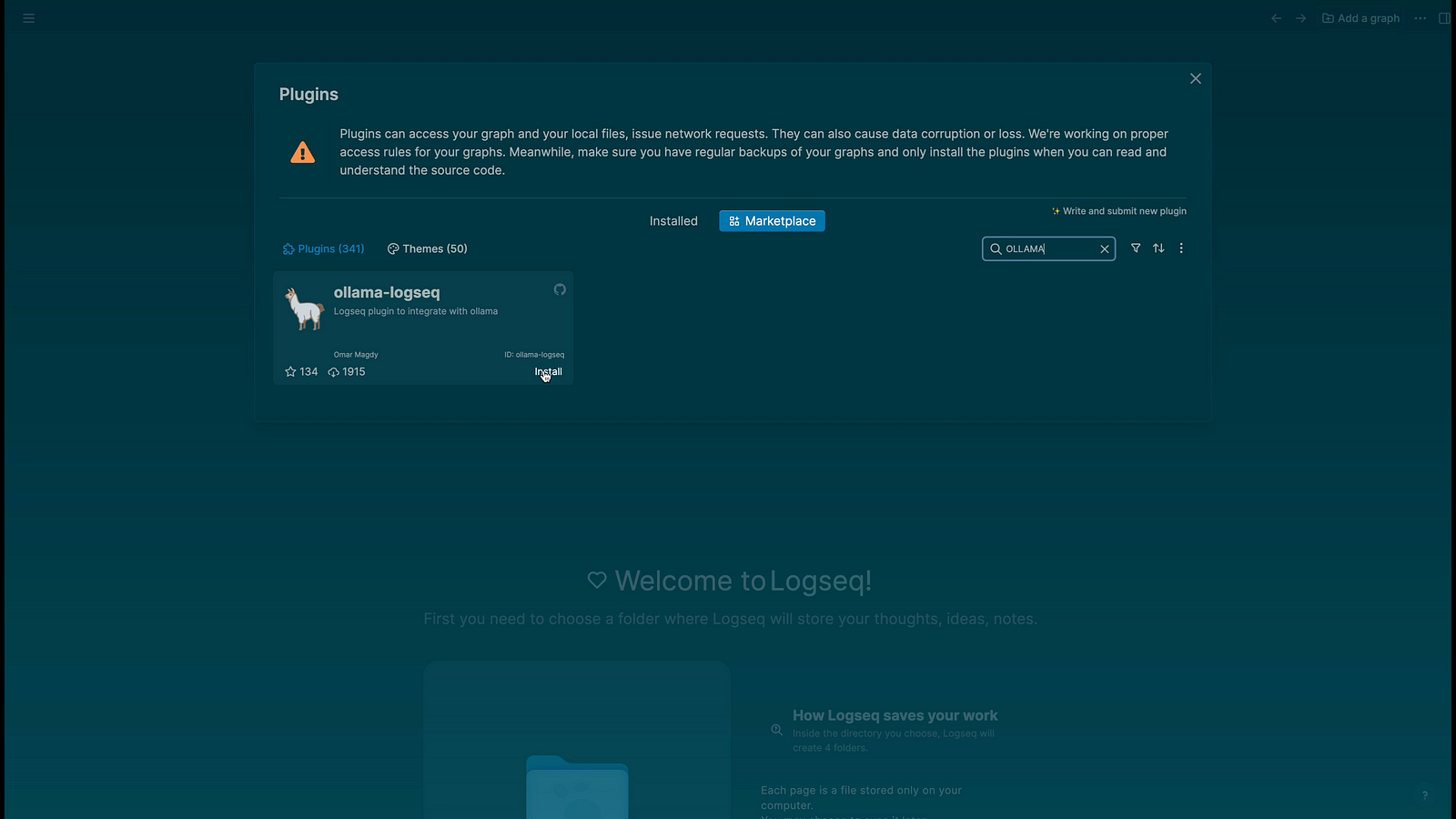
Step 07: Type ollama in search box and you will find plugin “Ollama-logseq”, Click on install plugin.
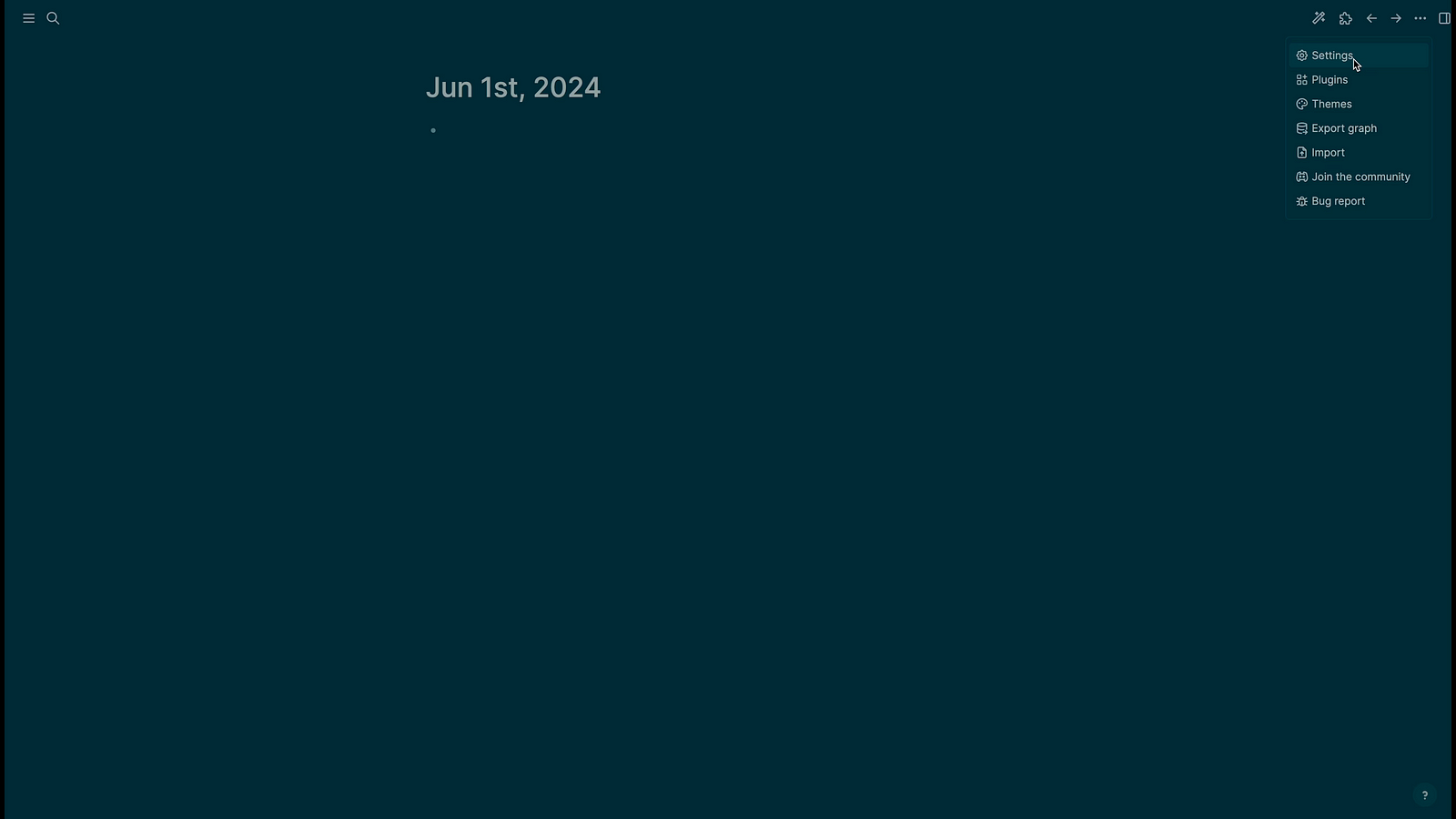
Step 08: Now click on settings
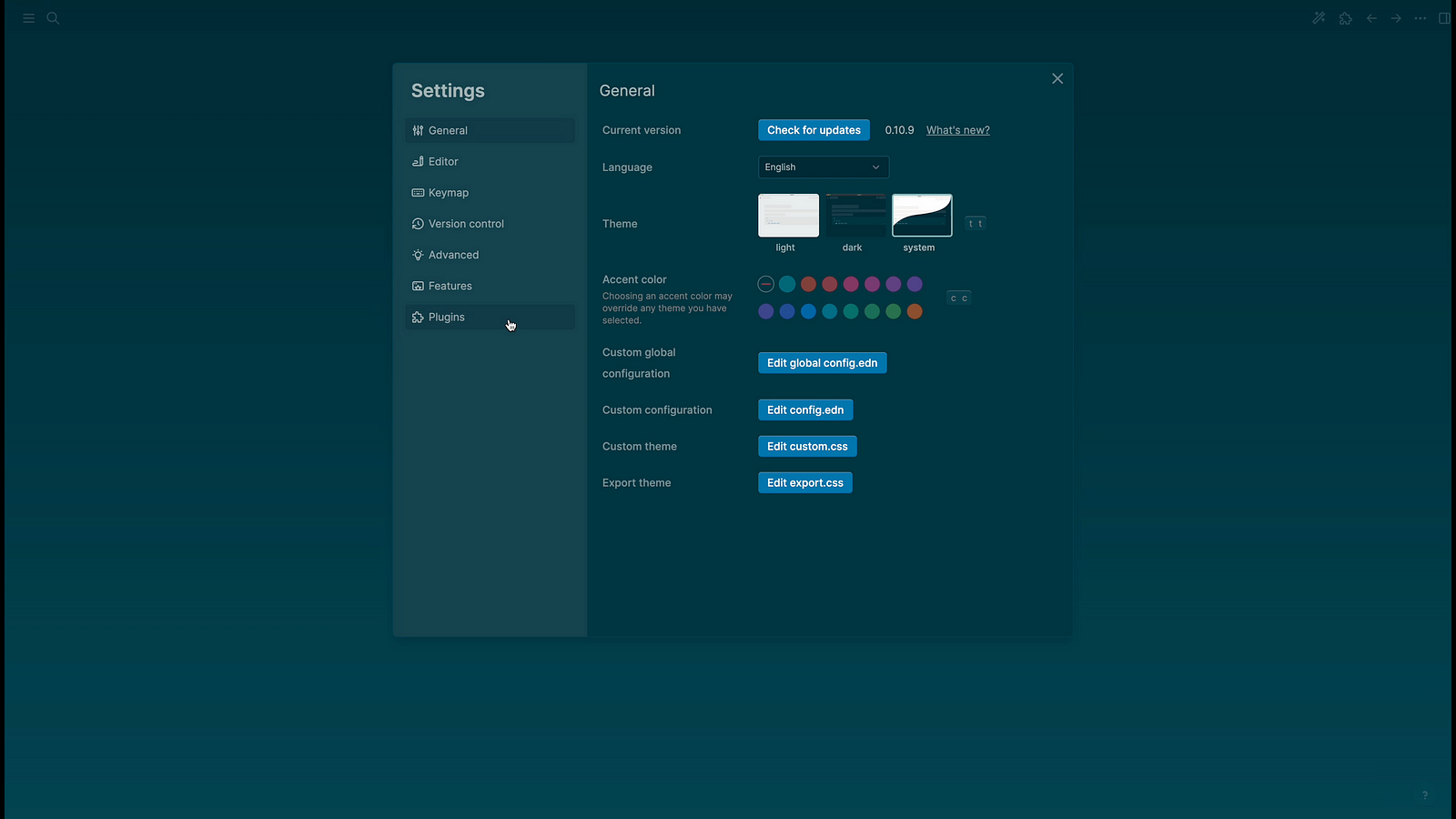
Step 9: Click on Plugin to see setting options
Step 10:Check API base URL and choose your model which you want to use.

Step 11: Now start asking your first question
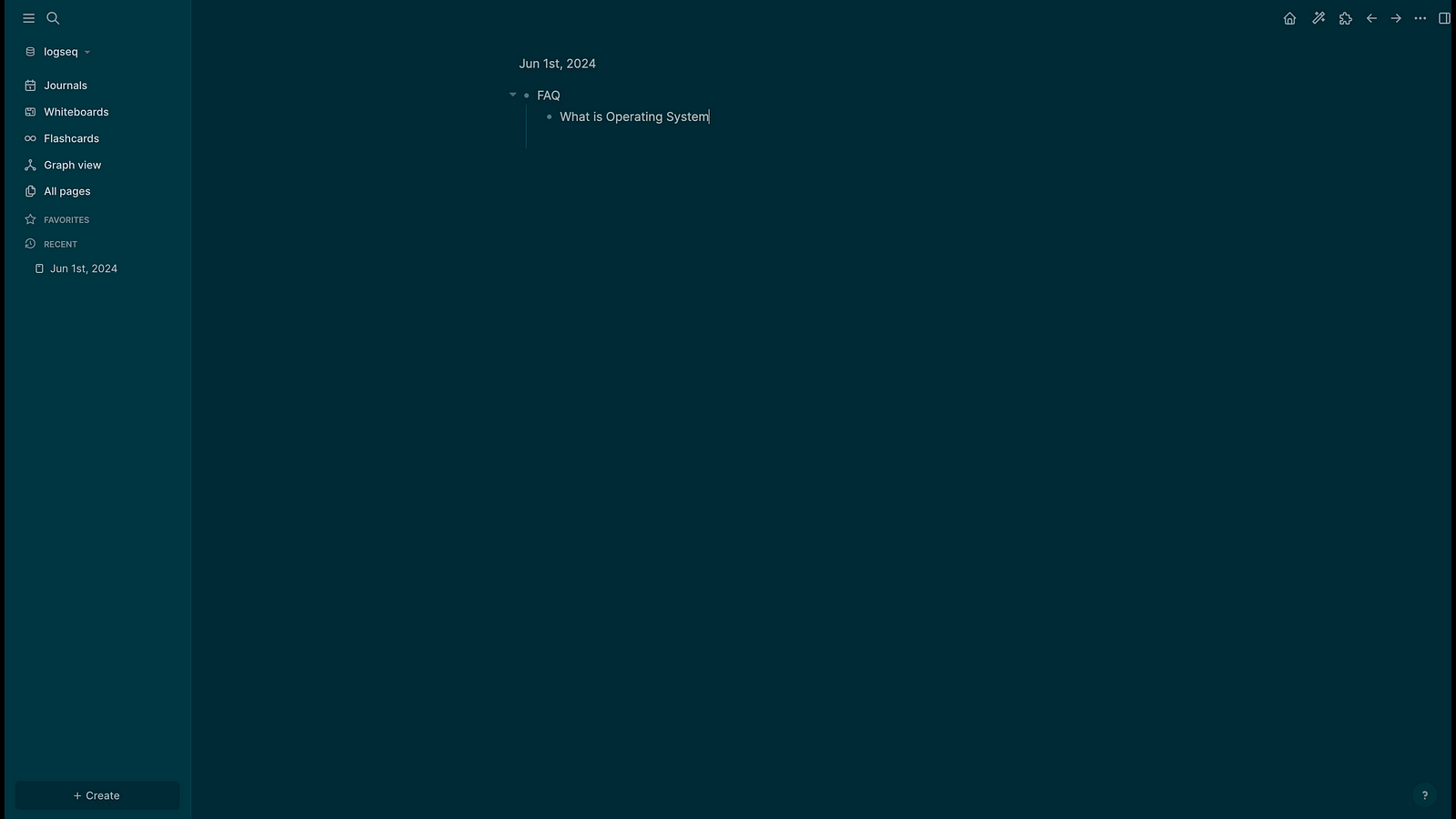
Step 12: Right click on dot before question and select option “prompt from block”, you can choose other options also available in the menu.

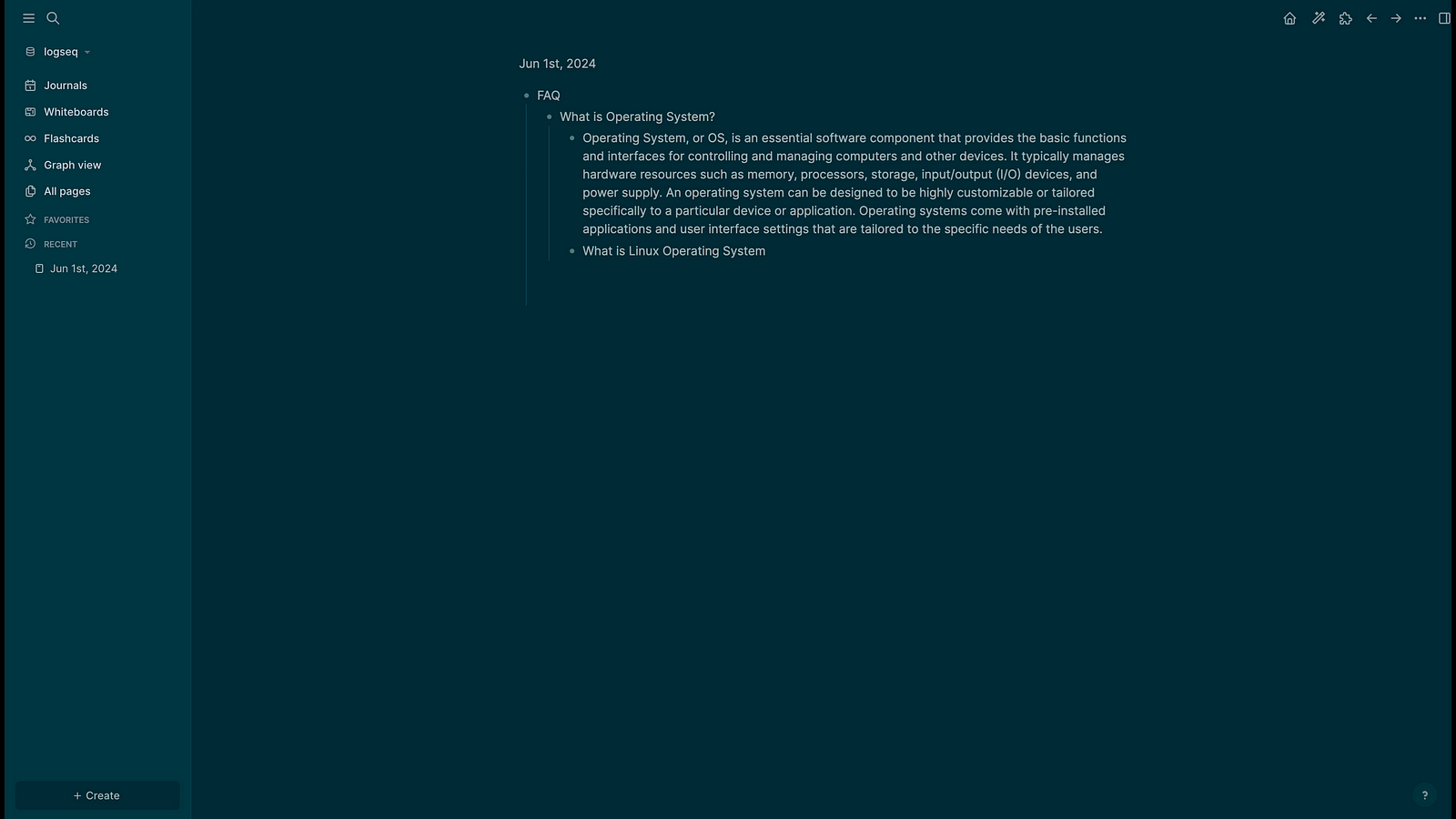
Step 13: Here is how answers will look.
Here is quick Youtube video for Visual Reference.
 TechnoFunctionalLearning