A free-to-use, locally running, privacy-aware chatbot. No GPU or internet required, open-source LLM chatbots that you can run anywhere.
https://github.com/nomic-ai/gpt4all
Python App can be downloaded from official links
https://github.com/nomic-ai/gpt4all/blob/main/gpt4all-bindings/cli/app.py
Here is How to get started quickly.
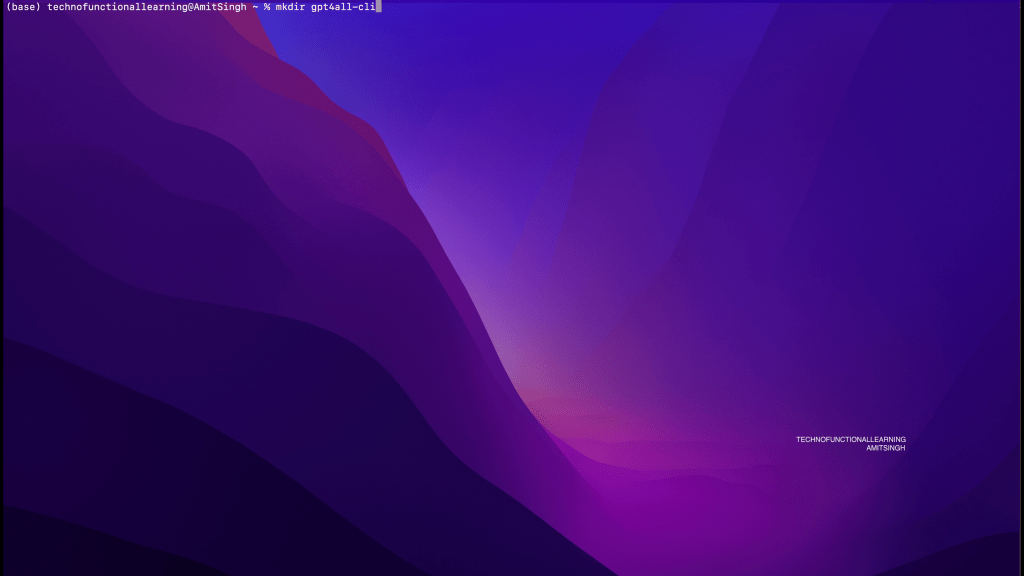
Step 01: Create New Directory for gpt4all command line.
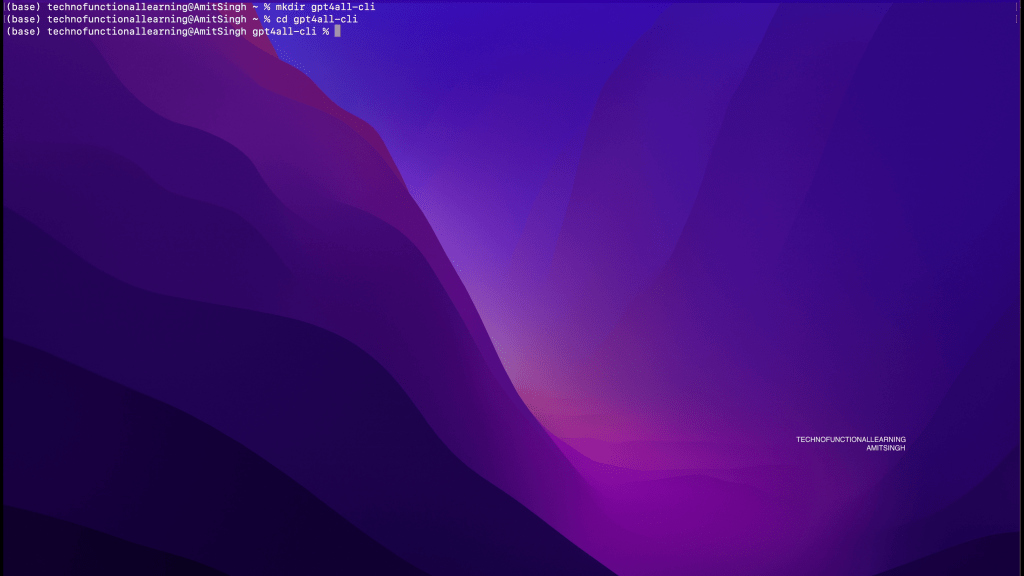
Step 02: Enter into newly created directory.
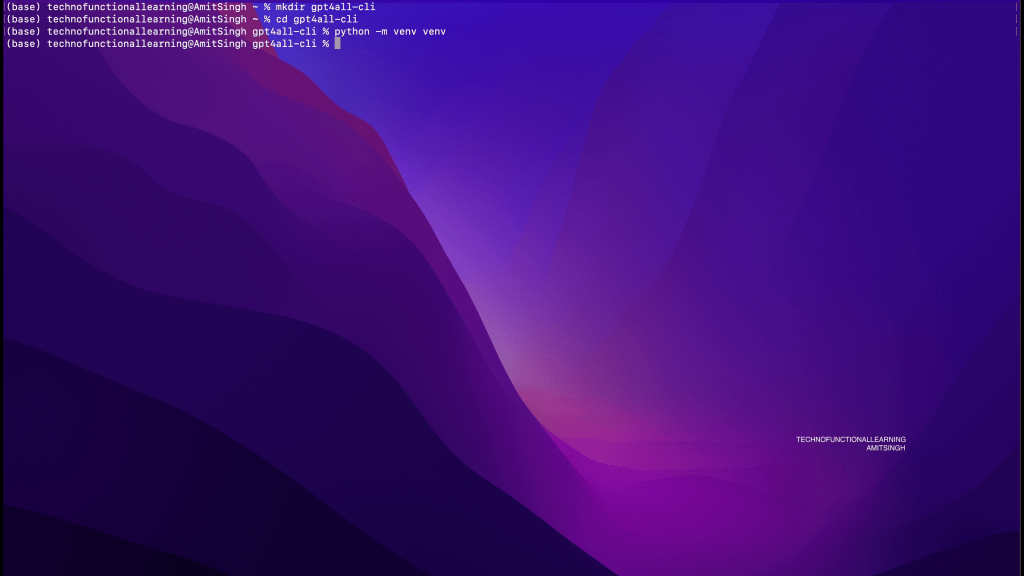
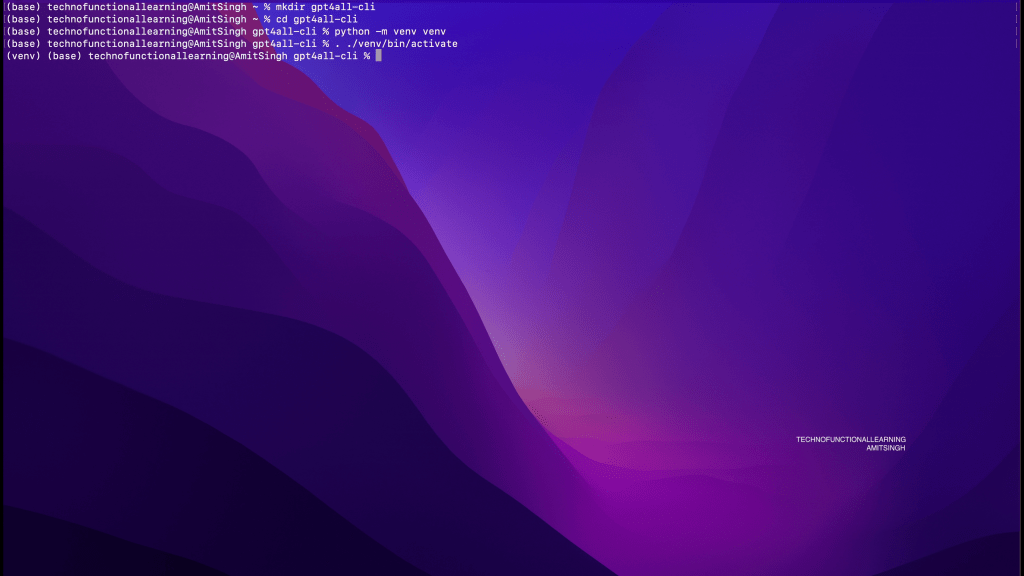
Step 03: Now create and activate python virtual environment by typing below command.
python -m venv venv
. ./venv/bin/activate
Step 04: Now install GPT4ALL command line with below command
pip install gpt4all typer
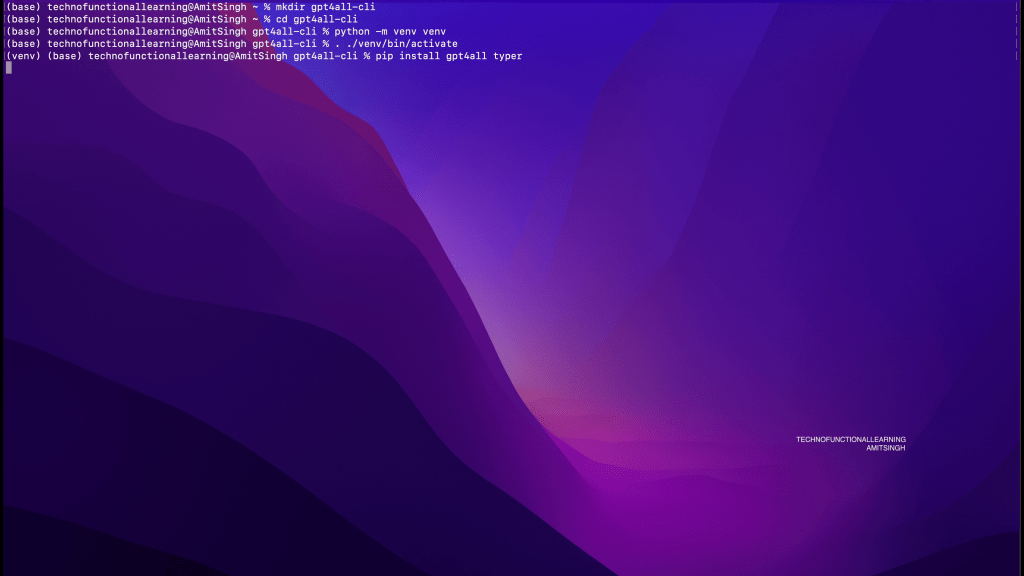
Step 05: Now copy GPT4All GGUF Models or other GGUF Models in this directory.
Step 06: Download Python App from GPT4ALL repository from below official link
https://github.com/nomic-ai/gpt4all/blob/main/gpt4all-bindings/cli/app.py
Step 07: Now once you have GGUF Models and Python App then type below command to run Models
python app.py repl -model /Users/technofunctionallearning/gpt4a11-cli/deepseek-coder-1.3b-instruct.Q8_0.gguf
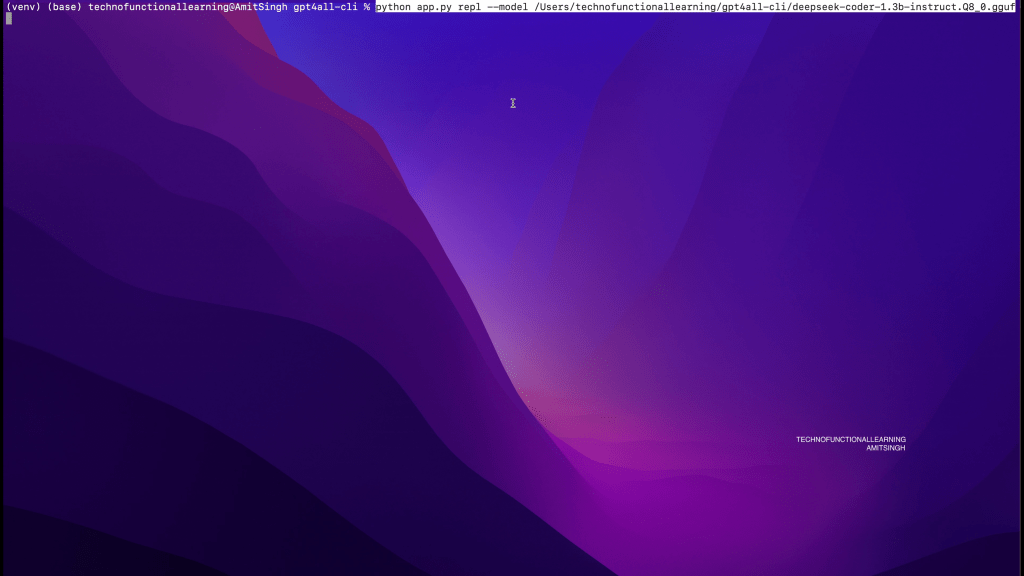
Step 08: Wait for Terminal prompt to start asking questions.

Step 09: Now start asking your questions and expect results like shown below.
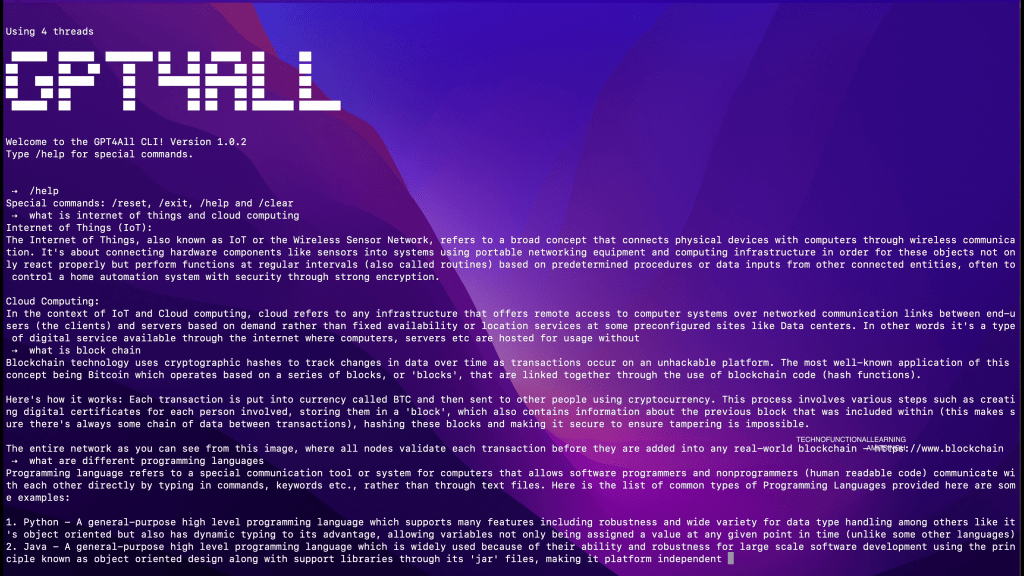
Here is quick YouTube Video for Visual reference.
 TechnoFunctionalLearning
You must be logged in to post a comment.