Lobe-chat:an open-source, modern-design LLMs/AI chat framework. Supports Multi AI Providers( OpenAI / Claude 3 / Gemini / Ollama / Bedrock / Azure / Mistral / Perplexity ), Multi-Modals (Vision/TTS) and plugin system. One-click FREE deployment of your private ChatGPT chat application.
https://github.com/lobehub/lobe-chat
https://chat-preview.lobehub.com/welcome
Ollama:Large Language Models Runner
https://github.com/ollama/ollama
https://hub.docker.com/r/ollama/ollama
https://github.com/ollama/ollama-python
https://github.com/ollama/ollama-js
How to Build lobe-chat from source.
*Please note that you need to have nodejs installed in your system before proceeding further.*
Step 01: Clone github repository with below command
git clone https://github.com/lobehub/lobe-chat.git

Step 02: Enter into lobe-chat directory

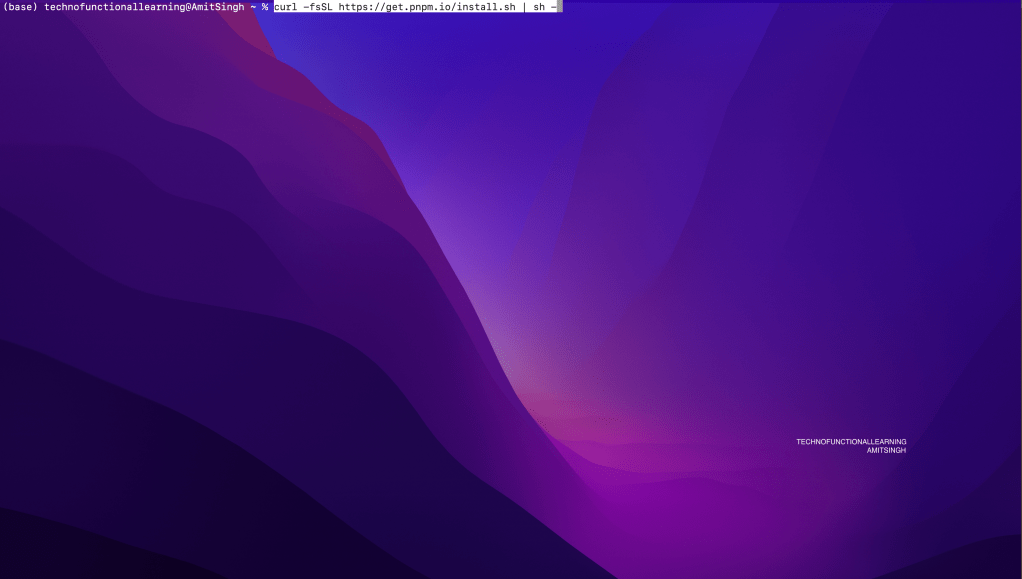
Step 03: Install PNPM with below command
curl -fsSL https://get.pnpm.io/install.sh | sh –
Step 04: Install lobe-chat with below command
pnpm install

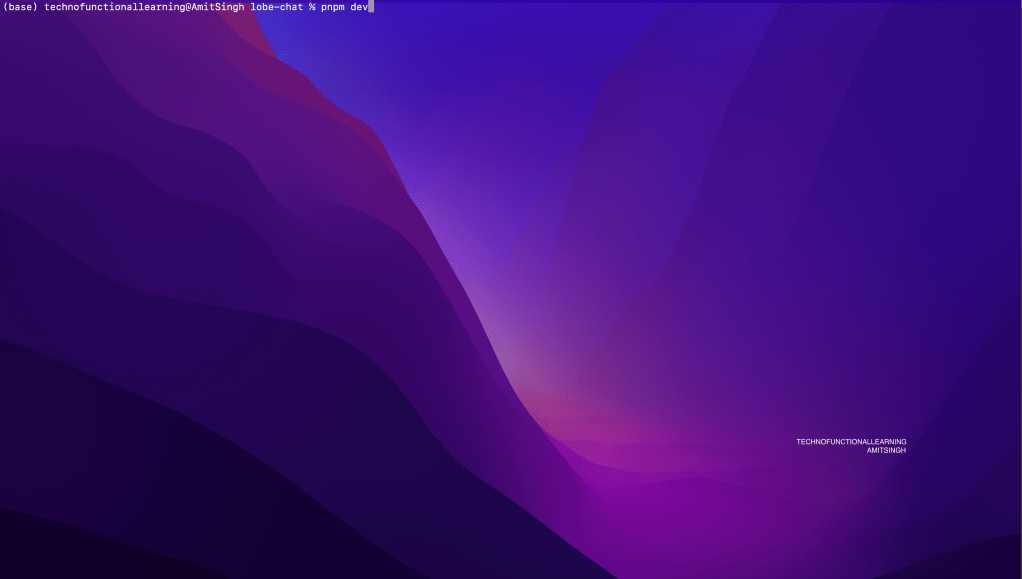
Step 05: Run lobe-chat with below command and once it is up the you can view lobe-chat at http://localhost:3010
pnpm dev
Step 06: Click on settings

Step 07: Click on App settings

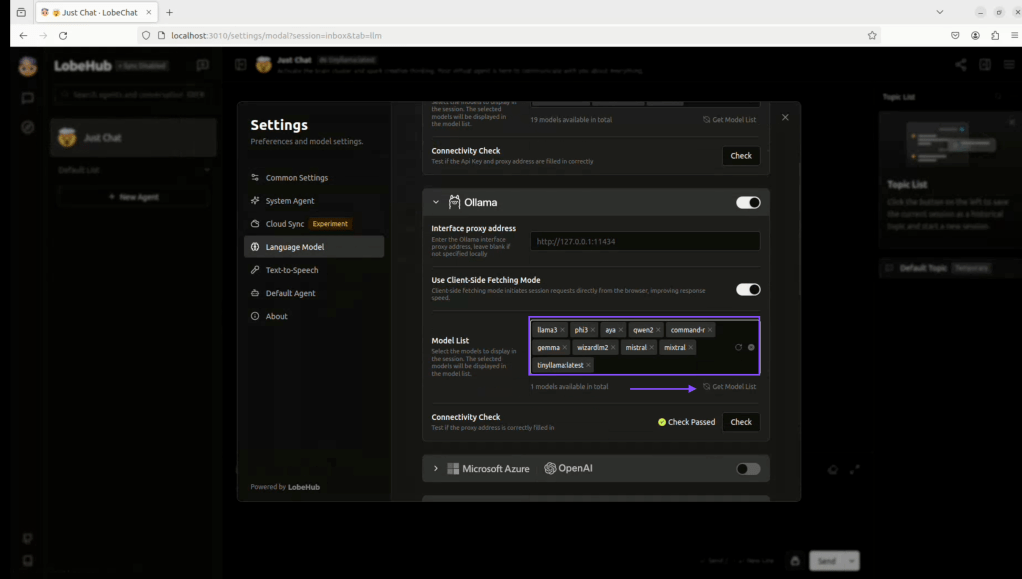
Step 08: Click on Language model

Step 09: Click on already added Ollama models and then click on get list
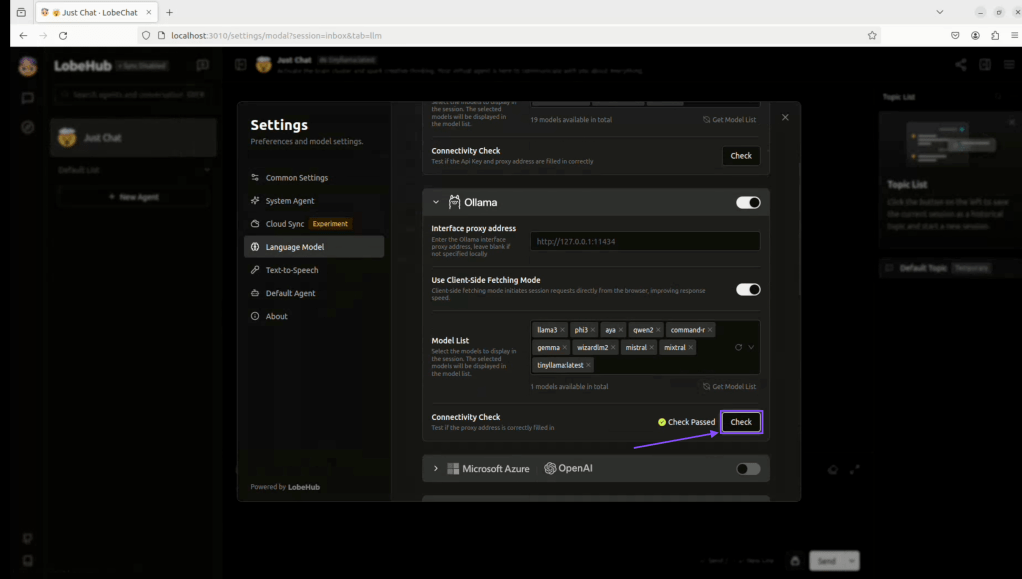
Step 10: Click on check to check connectivity
Step 11: Add new model from updated list
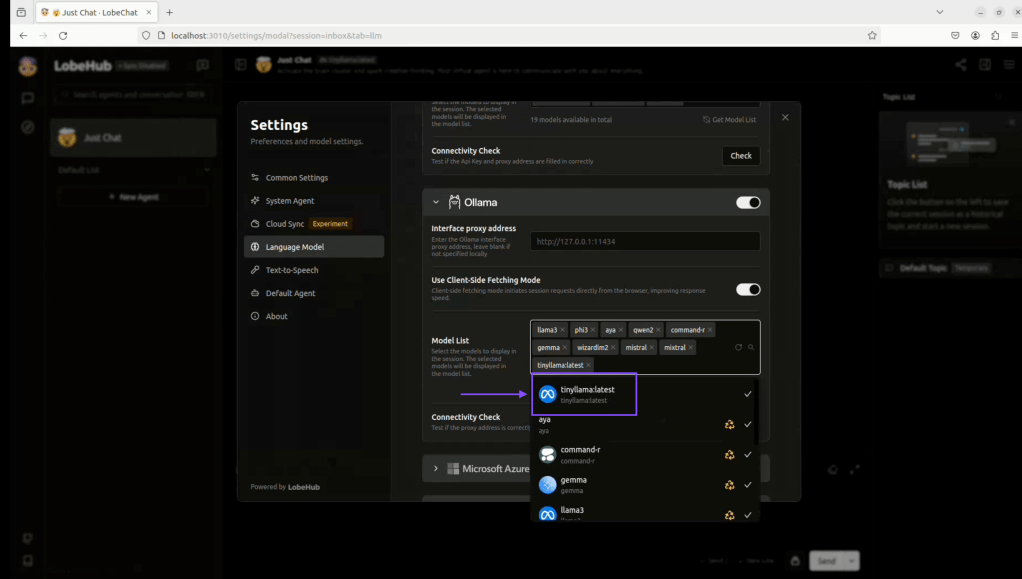
Step 12: Now click to select the model for conversation.

Step 13: Write your question
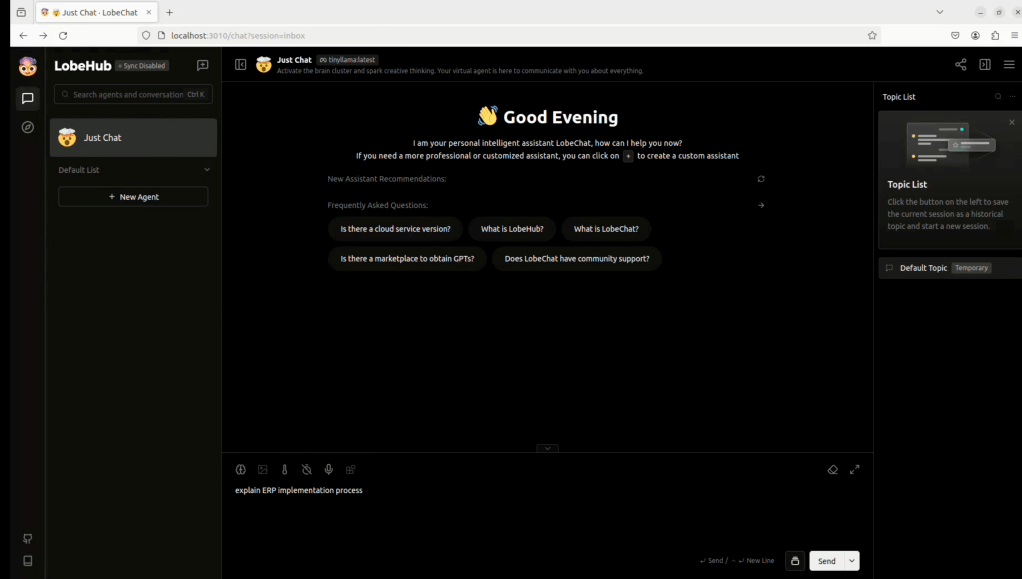
Step 14: Get your answer.
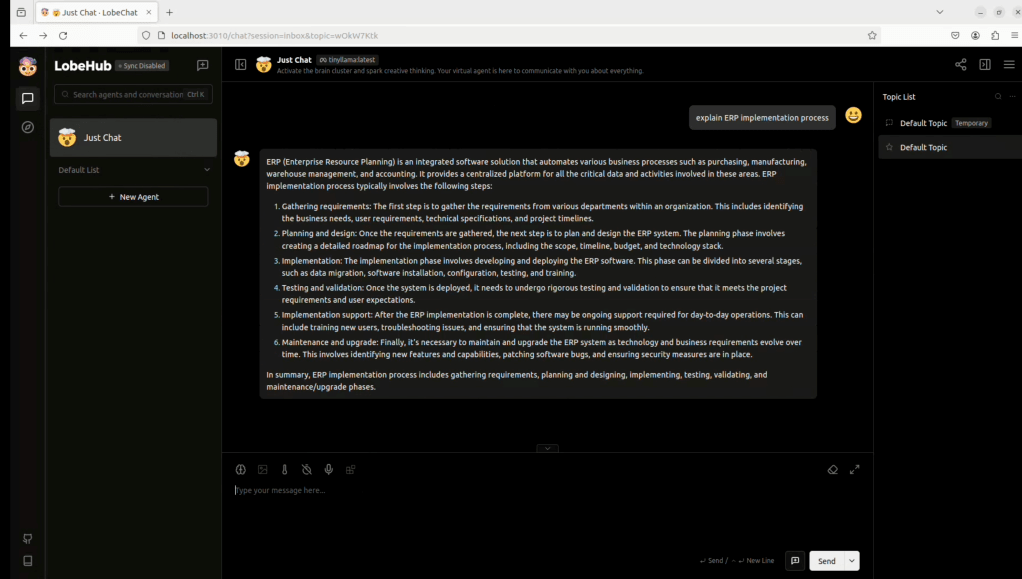
Here is Youtube Video for Visual reference (Only for adding Ollama Models in Lobe-chat GUI, Building Lobe-chat video is not included).
 TechnoFunctionalLearning
You must be logged in to post a comment.