Simple demo on How to Create Sales Quotation/Sales Order/Material Delivery/Sales Invoice(GST)/Sales Receipt/RFQ/Purchase Order/Purchase receipt/Supplier invoice(GST)/Supplier Payment in Odoo ERP
Odoo. Open Source Apps To Grow Your Business
The main Odoo Apps include an Open Source CRM, Website Builder, eCommerce, Warehouse Management, Project Management, Billing & Accounting, Point of Sale, Human Resources, Marketing, Manufacturing & Much more.
How can I quickly Install and Run Odoo ERP
Part 01 of this article.
Let’s start step by step business process.
Kindly note that this Article do not include Configuration, Master data localization for GST/TDS/TCS, It will only give you Quick Overview of how Business Process Works in Odoo ERP from End User side. There are various options to process data in Odoo ERP and I will try to Include various step by step tutorials in upcoming articles.
Step 01: Click on Quotation from list of Quotations (on Android & PC)
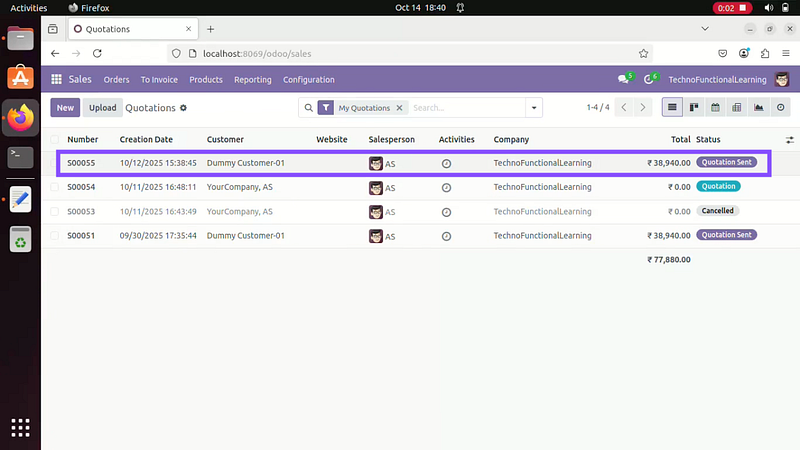

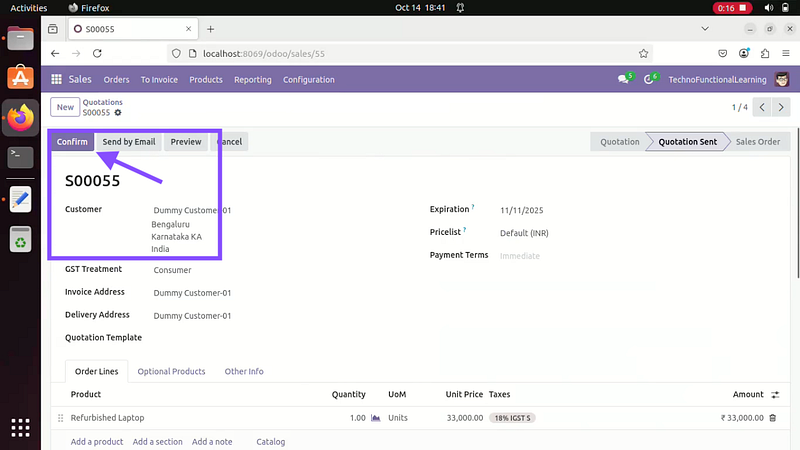
Step 02: Click on confirm to create Sales order from Quotation.
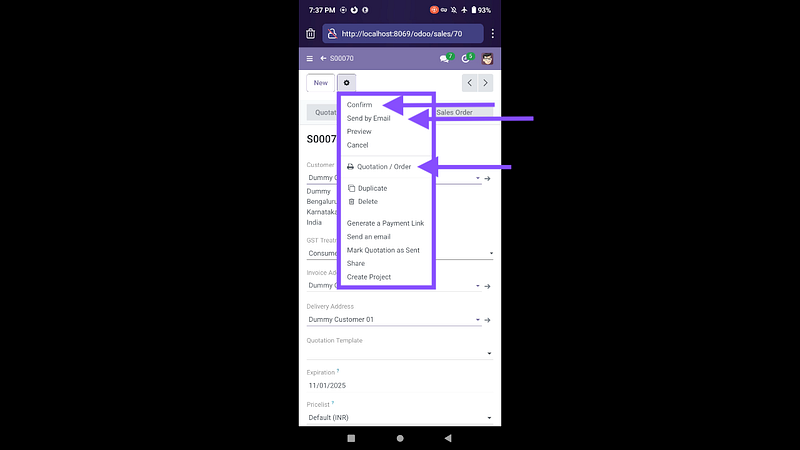
Step 03: Now Click on Print to generate PDF Print in Android Mobile and PC.
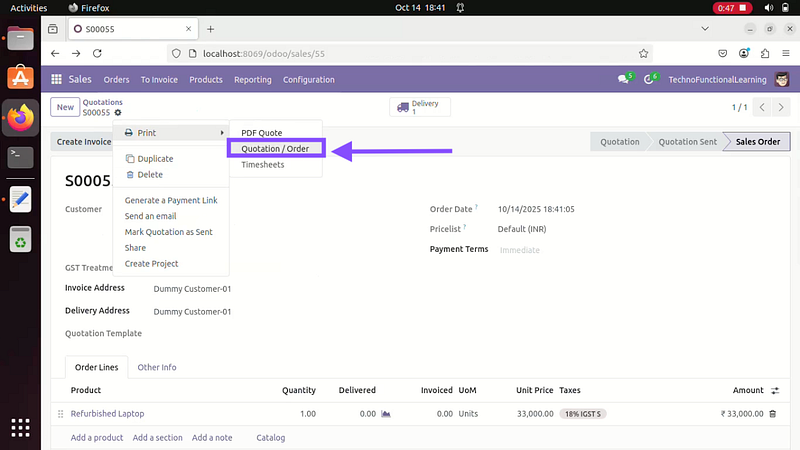
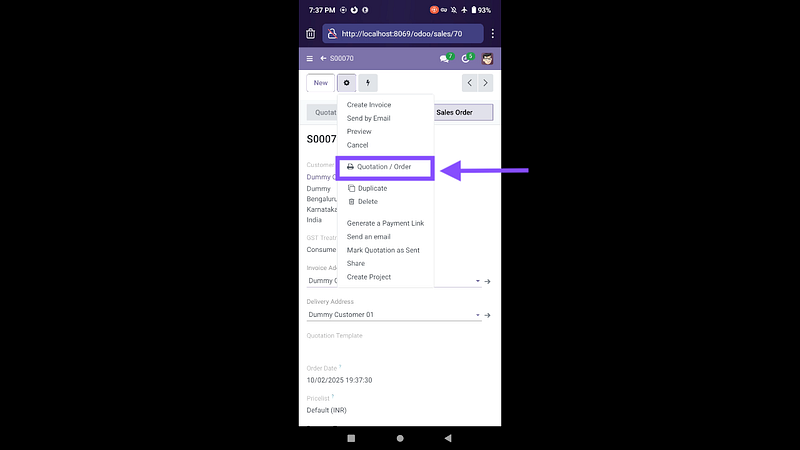
Step 04: This is How default Sales Order Print will appear on Mobile and PC
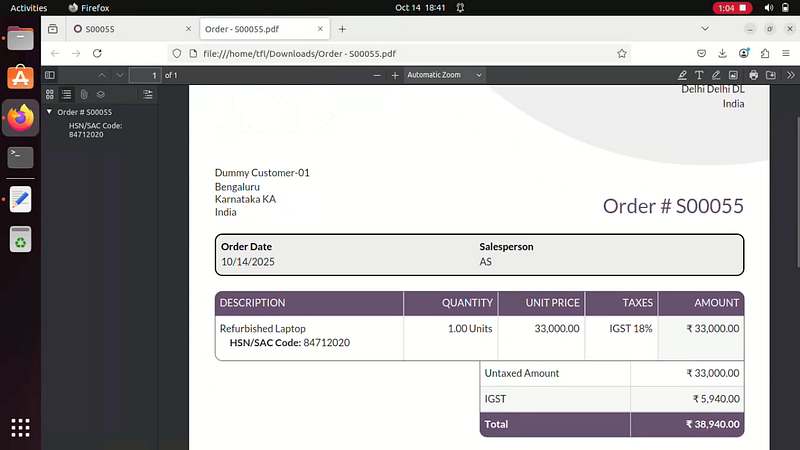
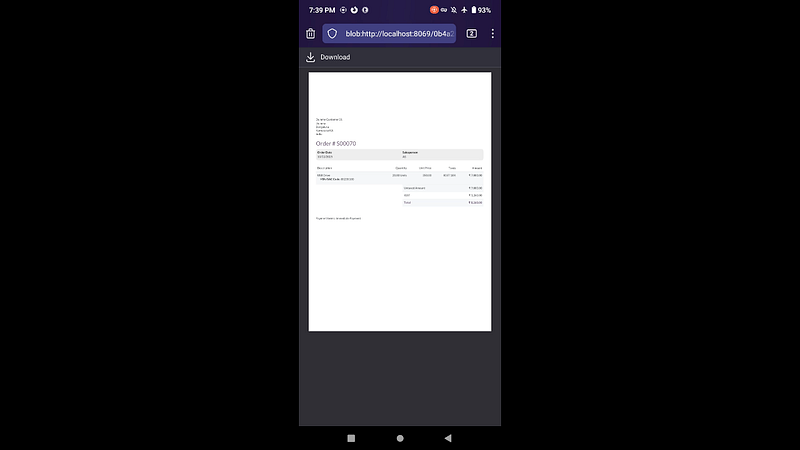
Here is screencast on How to create Sales Quotation in Odoo ERP.
 TechnoFunctionalLearning