Author: CA Amit Singh
CA Amit Singh-Qualified Chartered Accountant with 24+ years of Industry Experience specializing in the area of SAP Training's, SAP Pre and Post Implementation Reviews, SAP Roll out, SAP Support, SAP Taxation, SAP Pre-Sales, SAP Project Management, SAP Data Analytics, SAP Testing, Open Source Operating System (Linux), Virtualization, Learning Management systems, Multi-Databases, Data Visualization/Analytics, Generative AI (Text to Text, Text to Image, Text to Video, Image to Text, Video to text, Large language Models etc)
Certified in SAP ISU/PPM/PS/SD/MM/PM/PP/FI/CO/TERP10/SRM/BI/BW/Business One from SAP AG
Trained in Oracle Big Data Overview & Fundamental/BI Publisher/BI for EBS/Essbase from Oracle India/SAP S4HANA Analytics/Simple Finance/Dashboard/Lumira/Predictive Analytics/Logistics Innovation Training's from SAP through Learning Hub/Other Big Data Training's from Cognitive Class.AI.
https://www.linkedin.com/in/ca-amit-singh-07babb
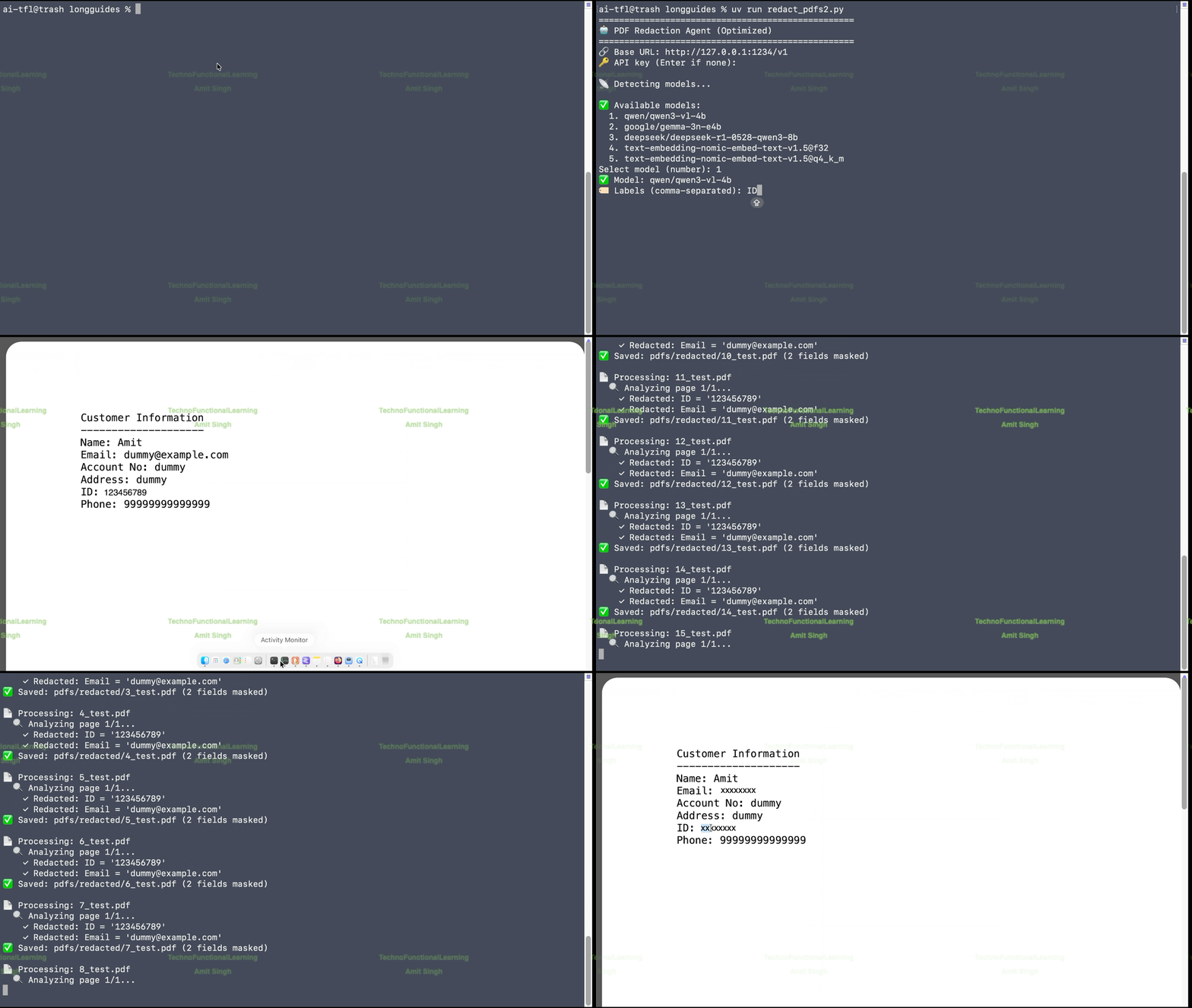
Demo:Offline & Local AI Visual Agent for Massive PDF (Redact) Data Protection(Masking) (Any information within PDF i.e Email, Bank Accounts, ID Information, Address, Card Numbers etc).
How to Assign Local & Offline AI as Agents in Android Studio
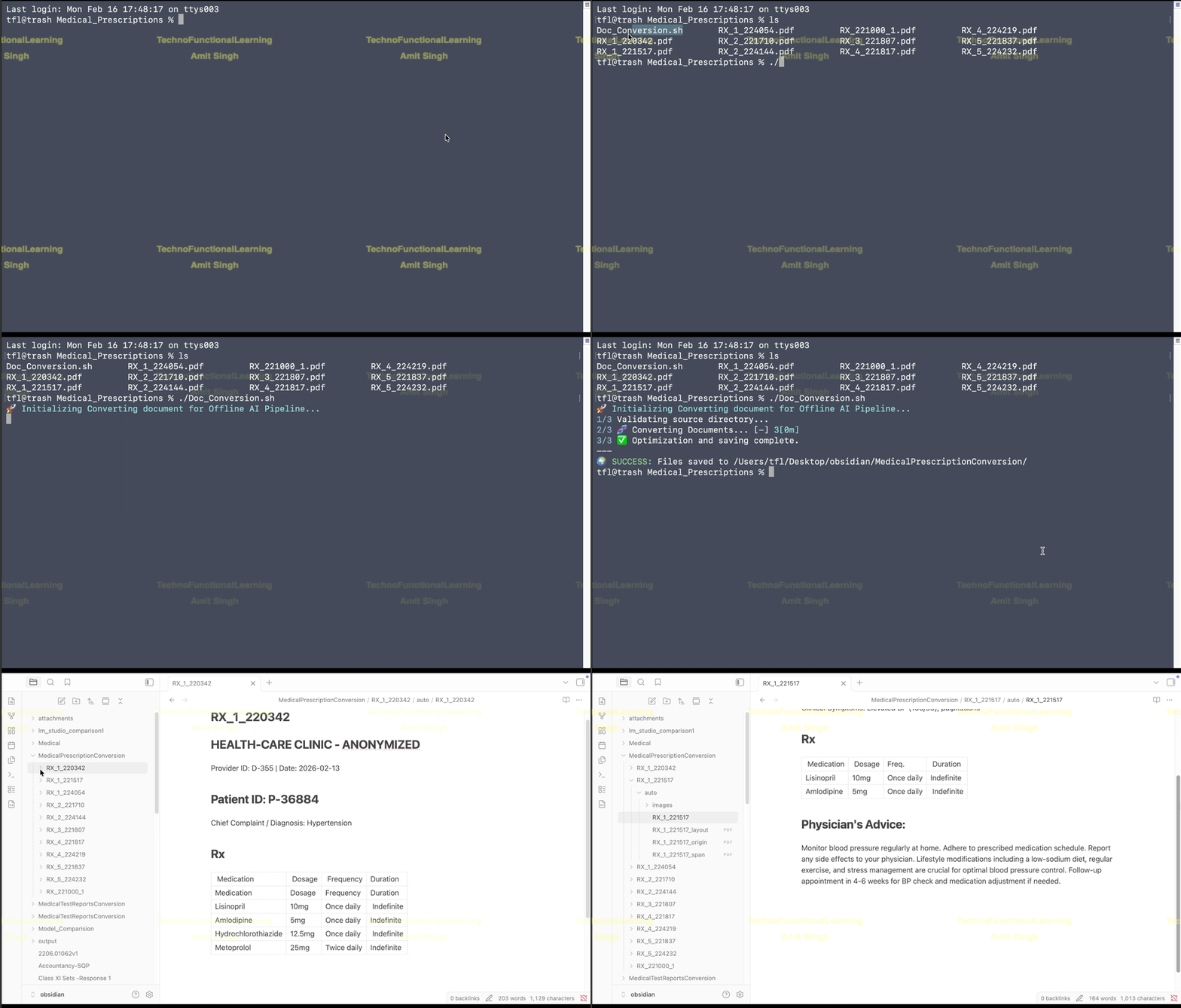
Demo 2-Step 6 Convert Existing Medical Prescripton for offline AI Pipeline
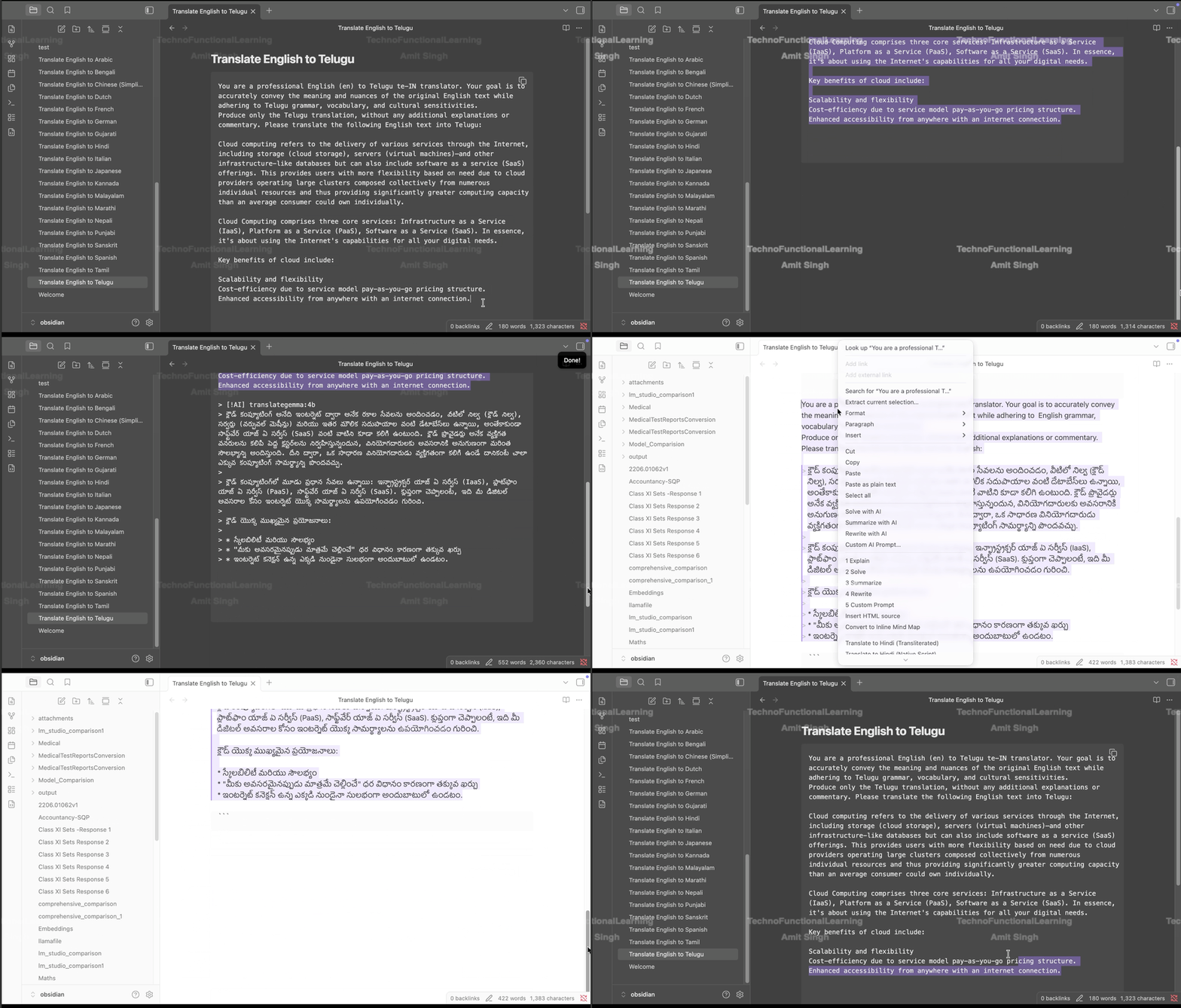
AI Powered Translation:Translate English to Telugu & Telugu to English TranslateGemma template for Document Translation

ERPNext Purchasing(Open Source):Data Import from Excel & CSV-Part 08-How to Import Request for Quotation from CSV & Excel File in ERPNext

ERPNext (Open Source): Quick Demo-Procure to Pay & Lead to Cash-Part 08-Create Lead in ERPNext CRM

ERPNext Accounting(Open Source):Data Import from Excel & CSV-Part 07-How to Import GL Accounts from CSV & Excel File in ERPNext

ERPNext(Open Source): Quick Demo-Procure to Pay & Quote to Cash-Part 07-Create Supplier Payment in ERPNext Purchasing

ERPNext(Open Source): Quick Demo-Procure to Pay & Quote to Cash-Part 06-Create Purchase Invoice from Purchase Order in ERPNext Purchasing

ERPNext Projects(Open Source):Data Import from Excel & CSV-Part 06-How to Import Project Tasks from CSV & Excel File in ERPNext

 TechnoFunctionalLearning
You must be logged in to post a comment.